Purpose-built for ophthalmology
The ophthalmology EMR that keeps up with your clinic
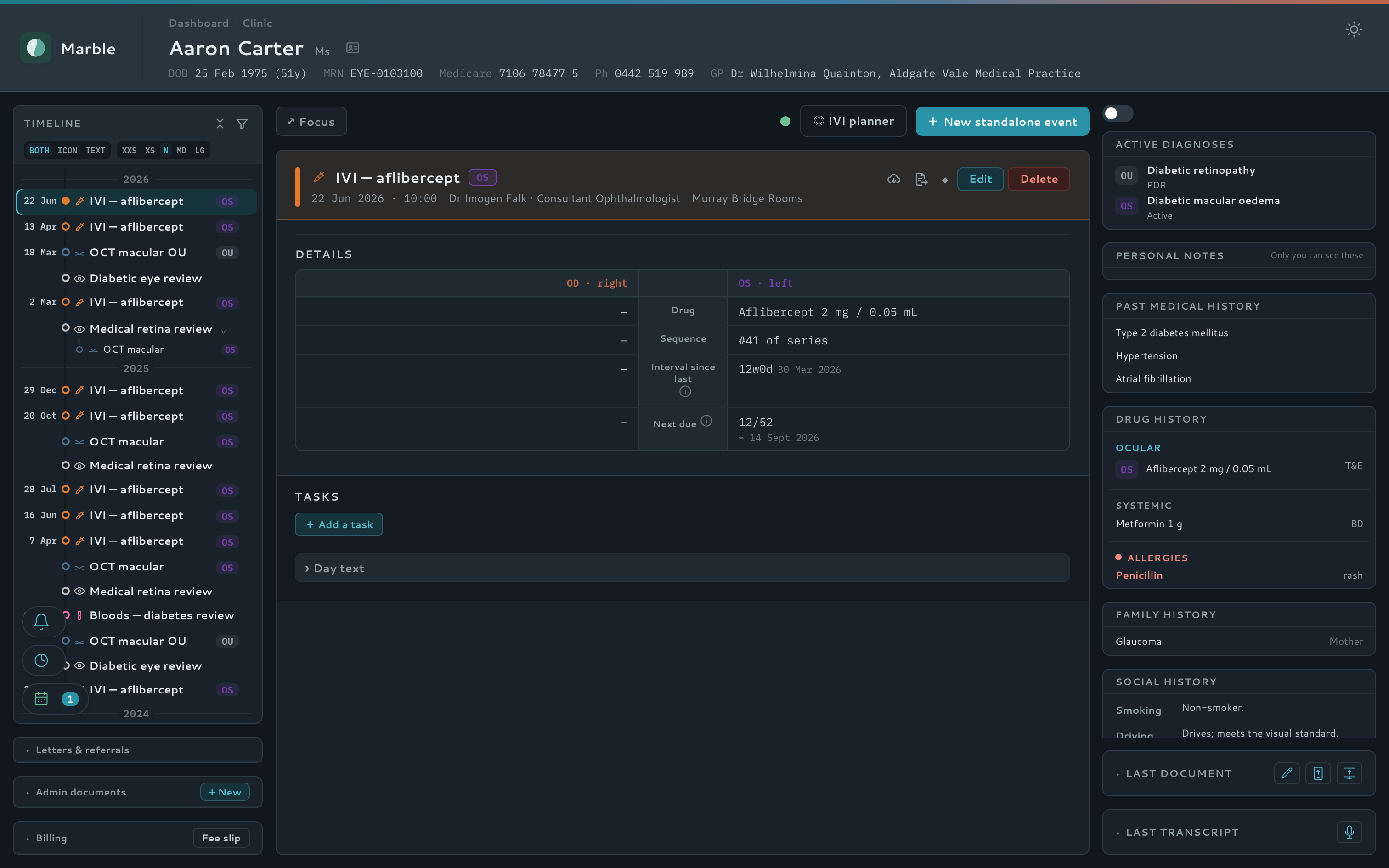
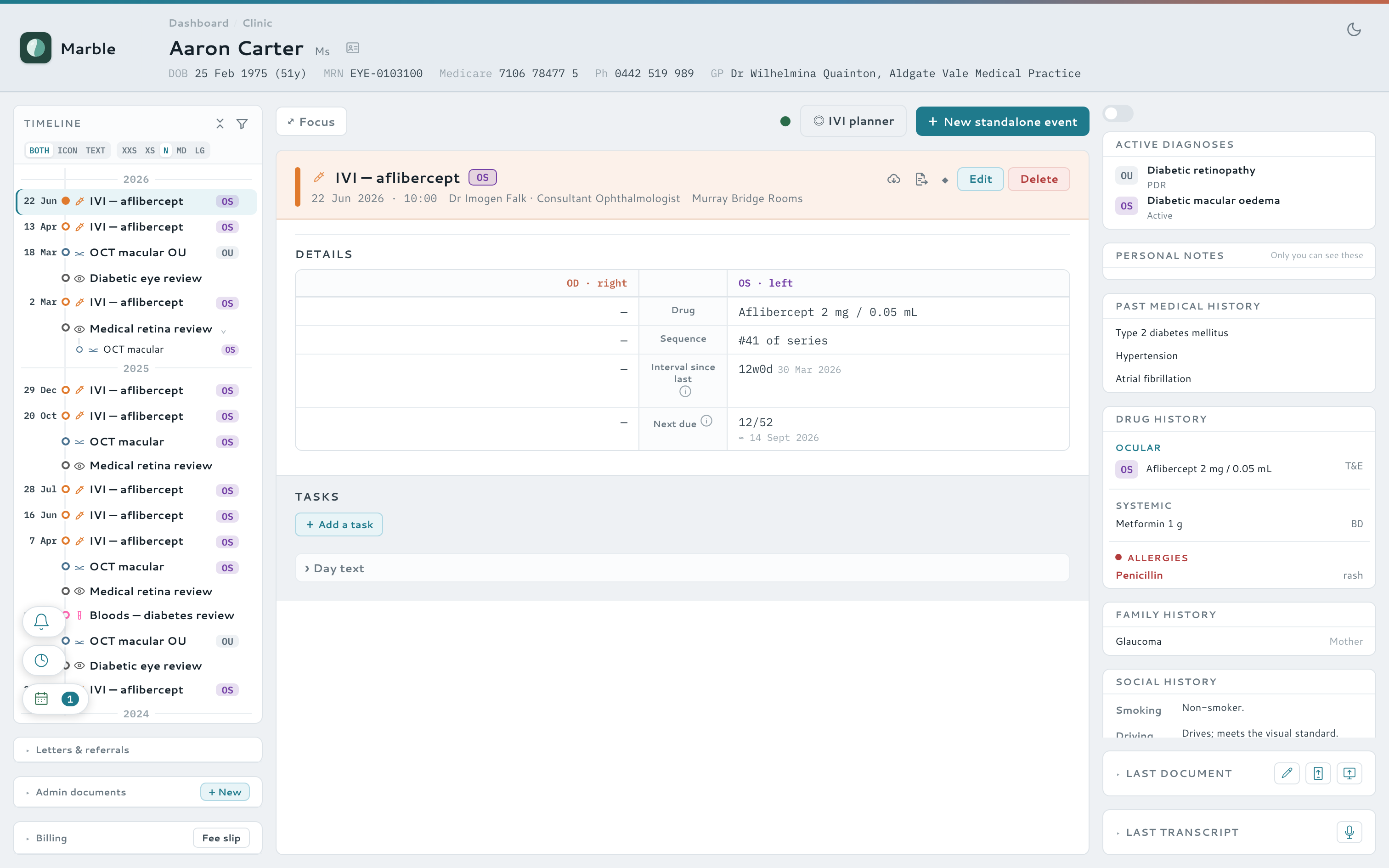
Marble puts the whole patient in one live view — clinical timeline, encounter detail, and context at a glance — with AI-assisted notes and letters and live tablet pre-consult, all built to a jurisdiction-aware compliance baseline that keeps your patients' data in-region.
A guided look
See where everything lives
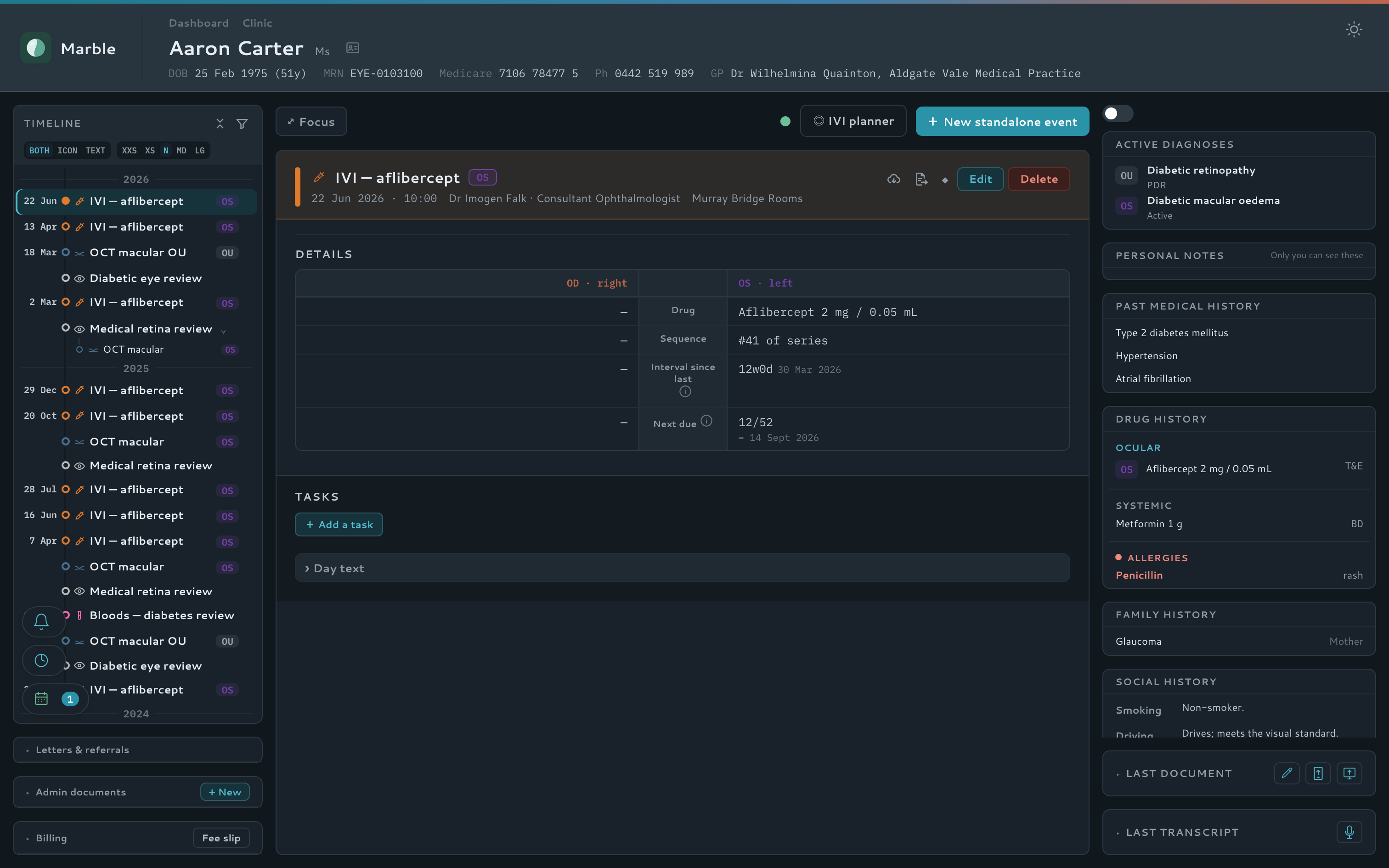
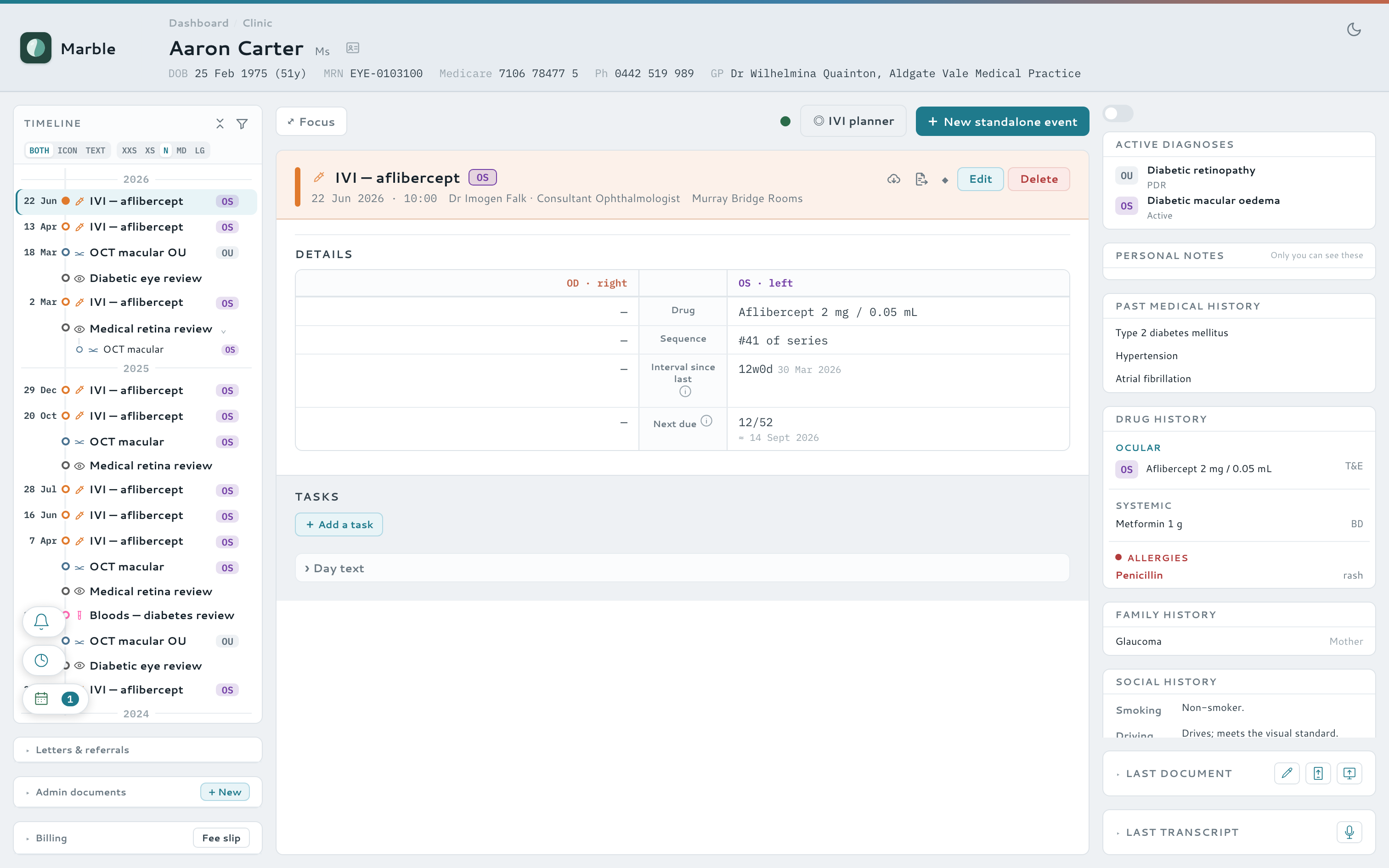
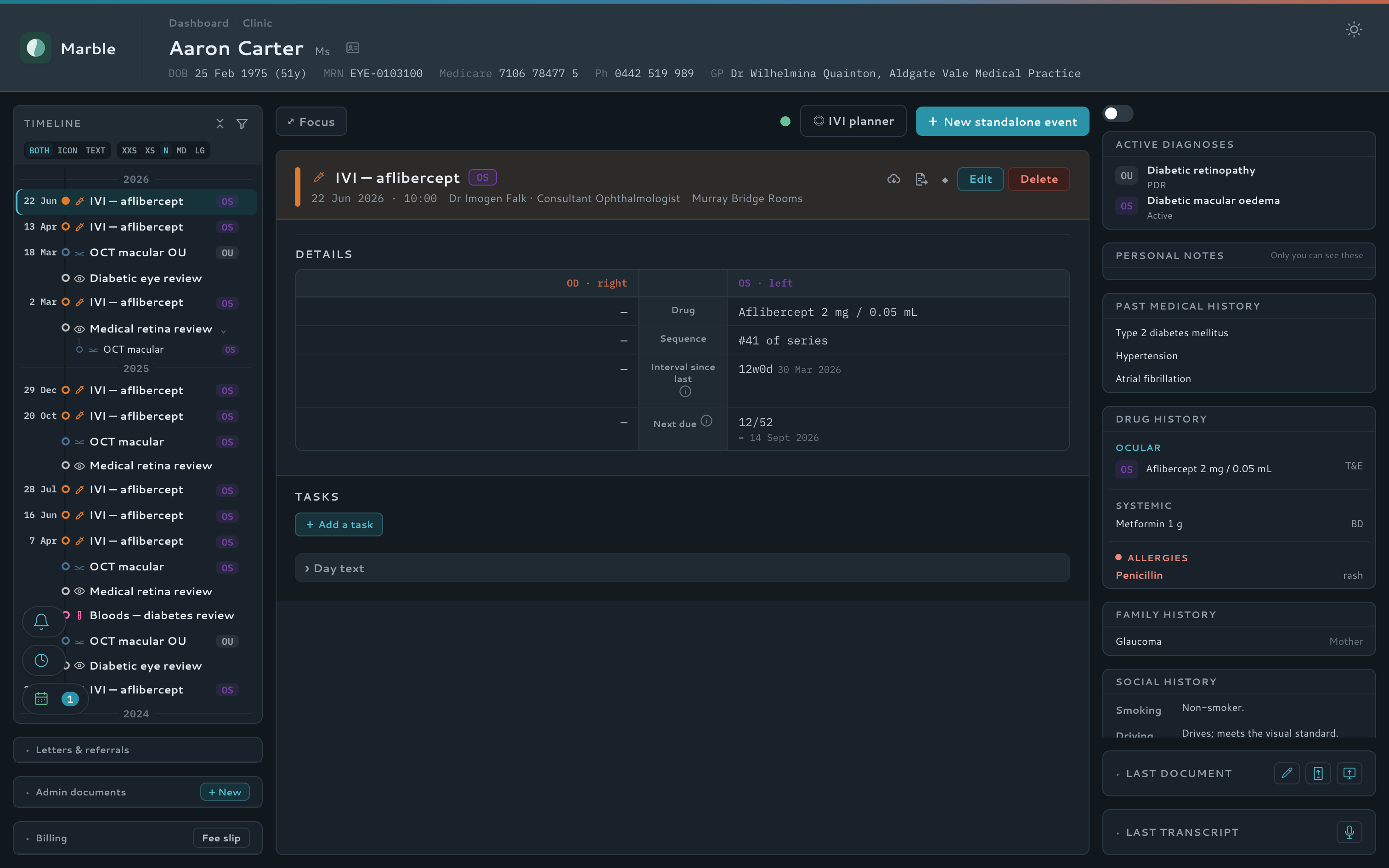
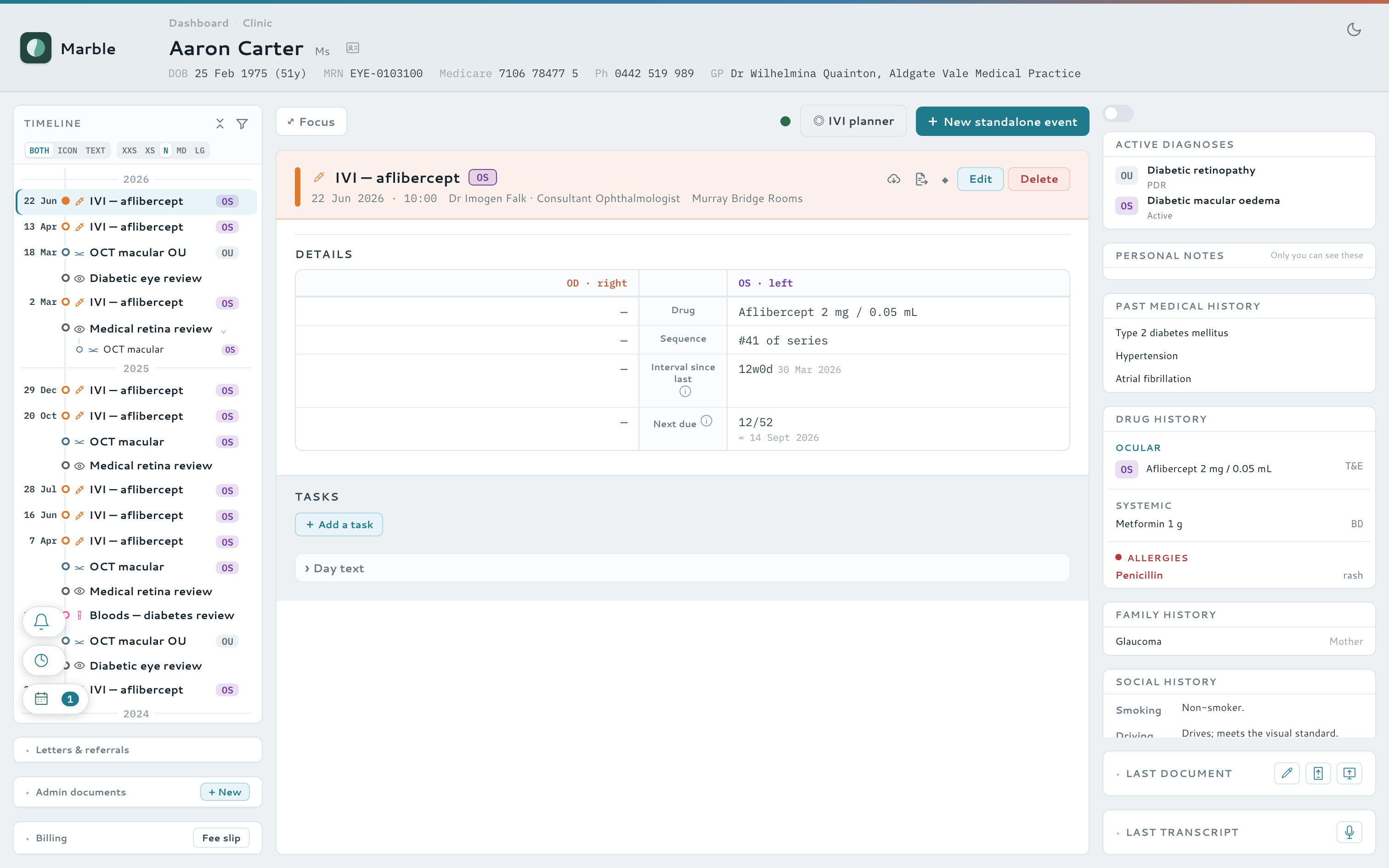
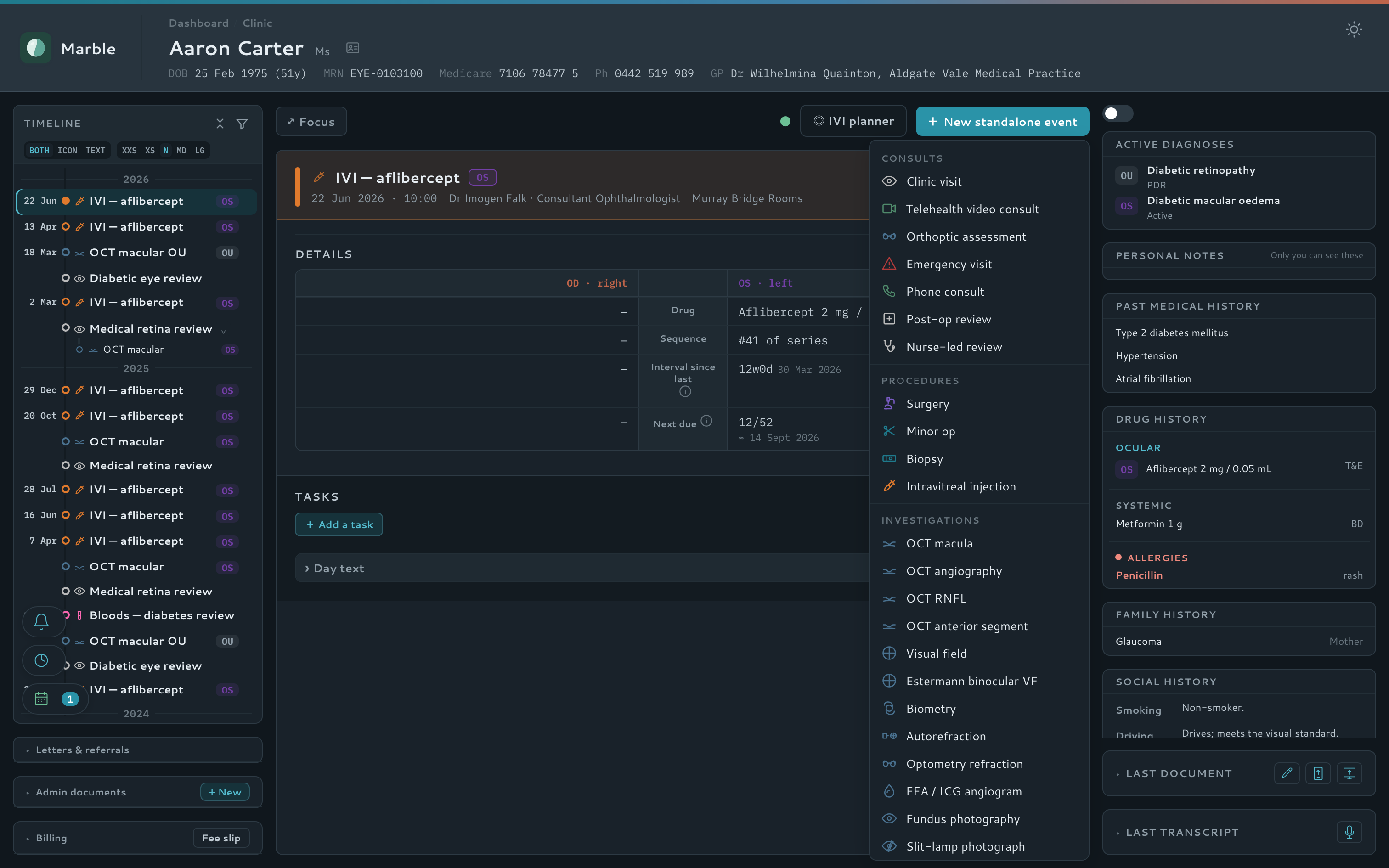
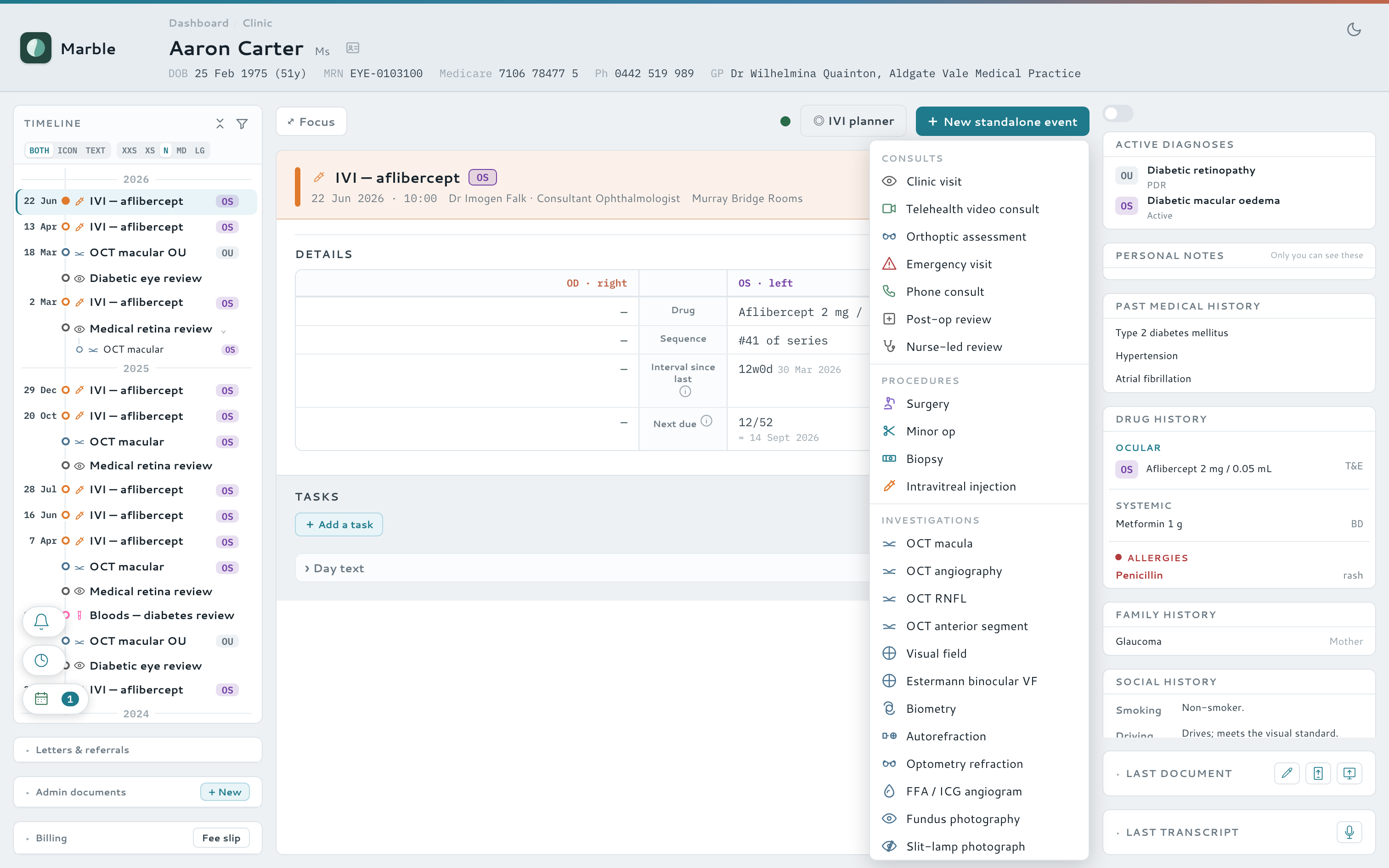
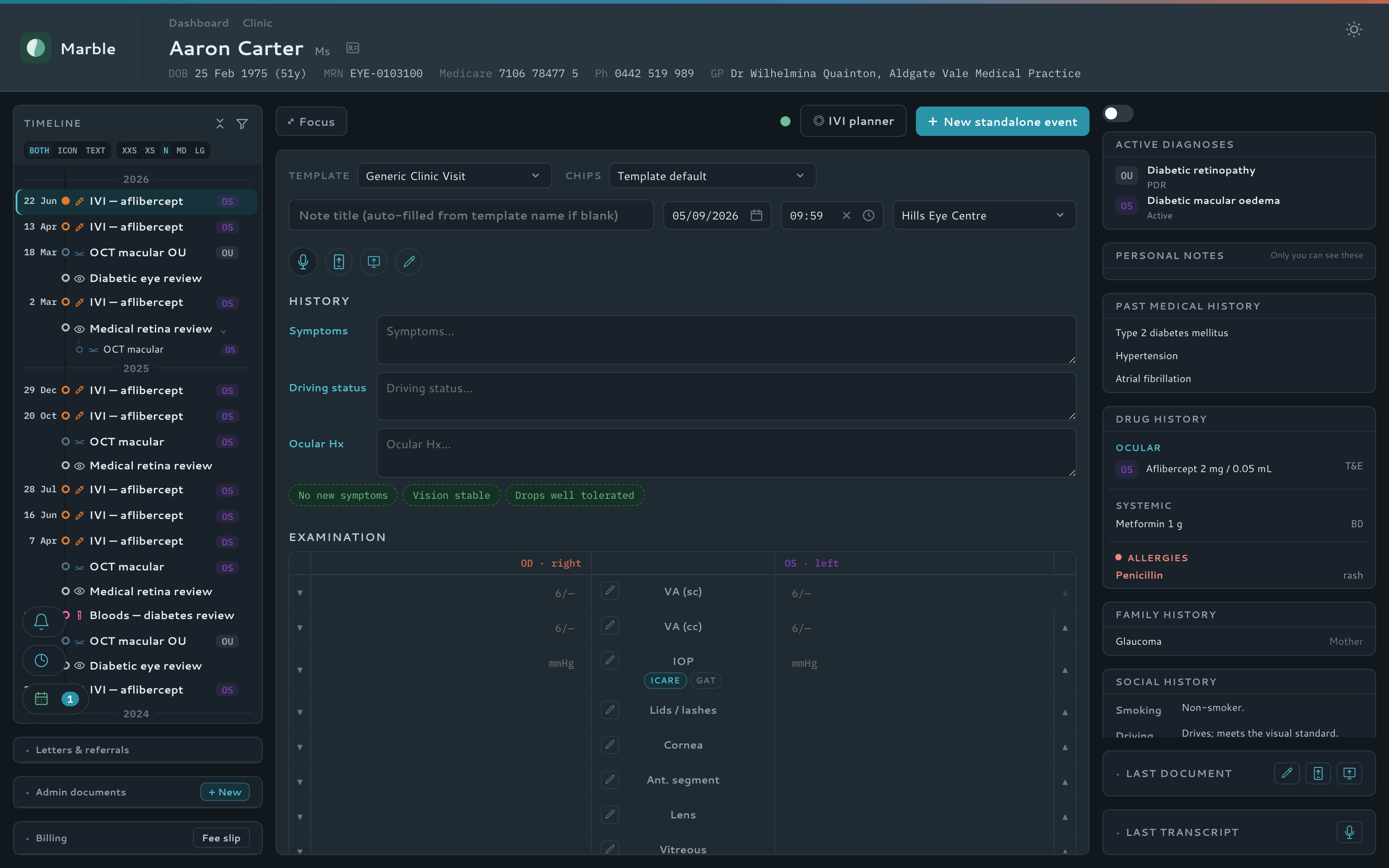
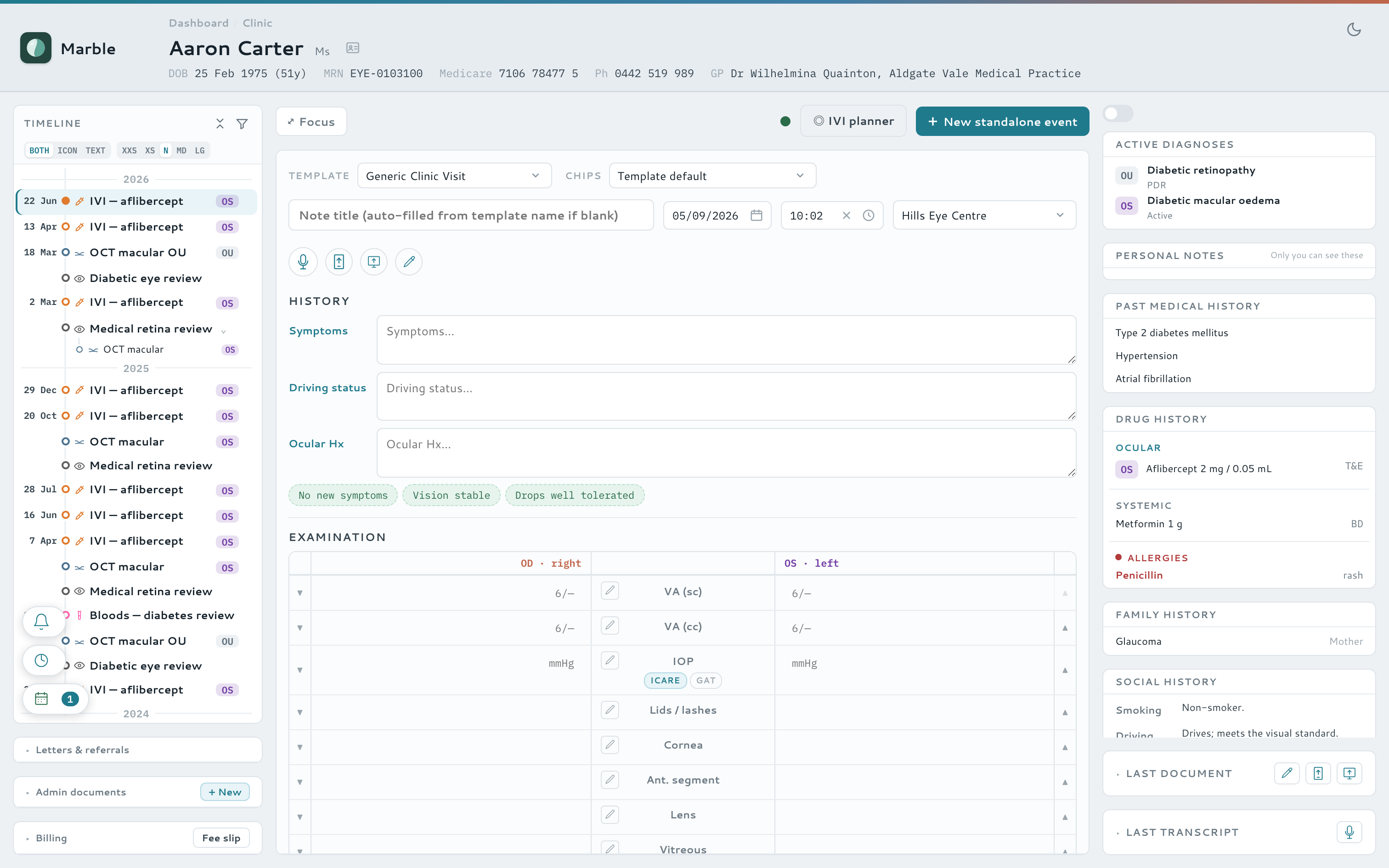
The two screens you'll spend the day in. Hover — or tap — a note to light up the part of the screen it describes.
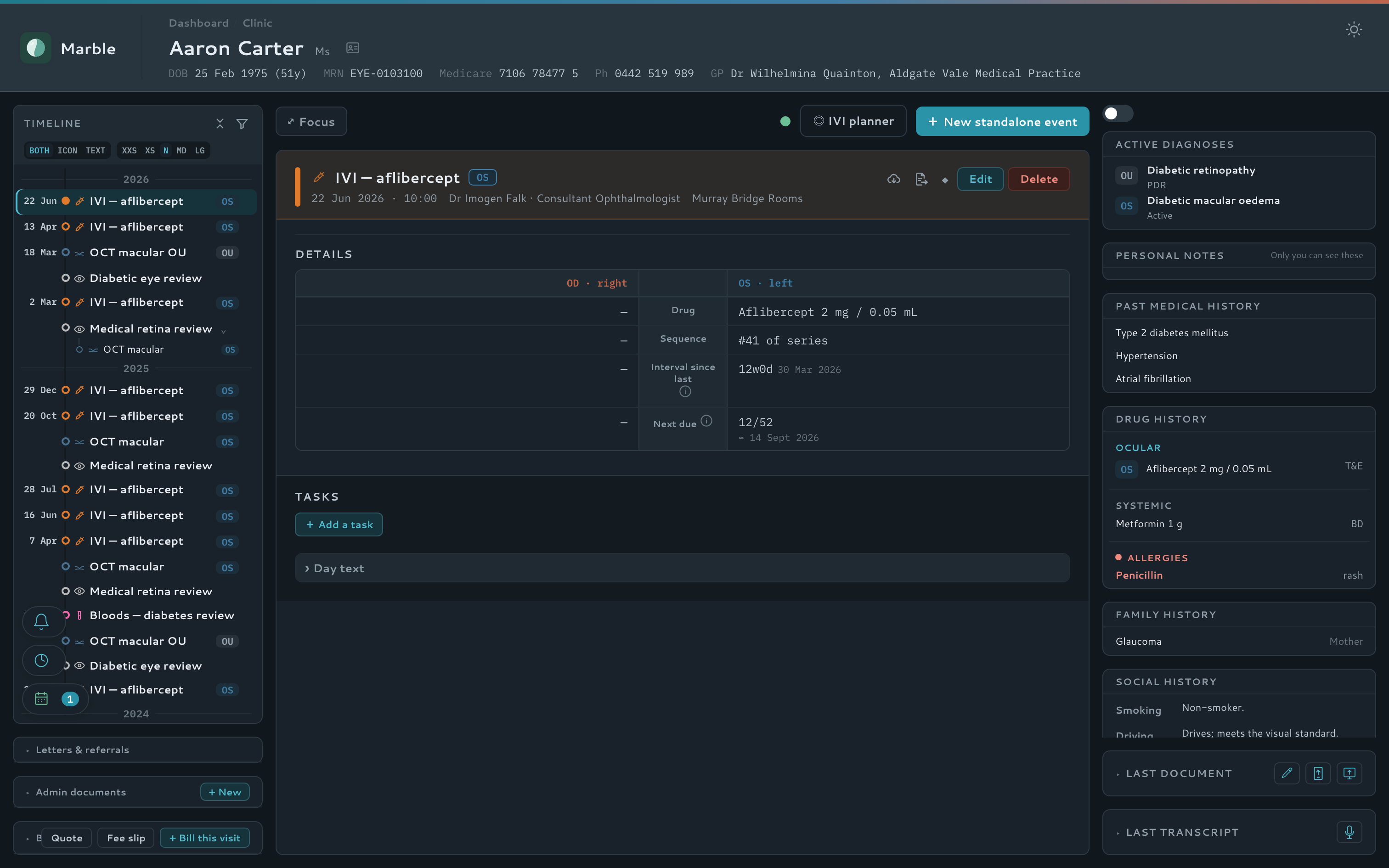
Patient dashboard
Home
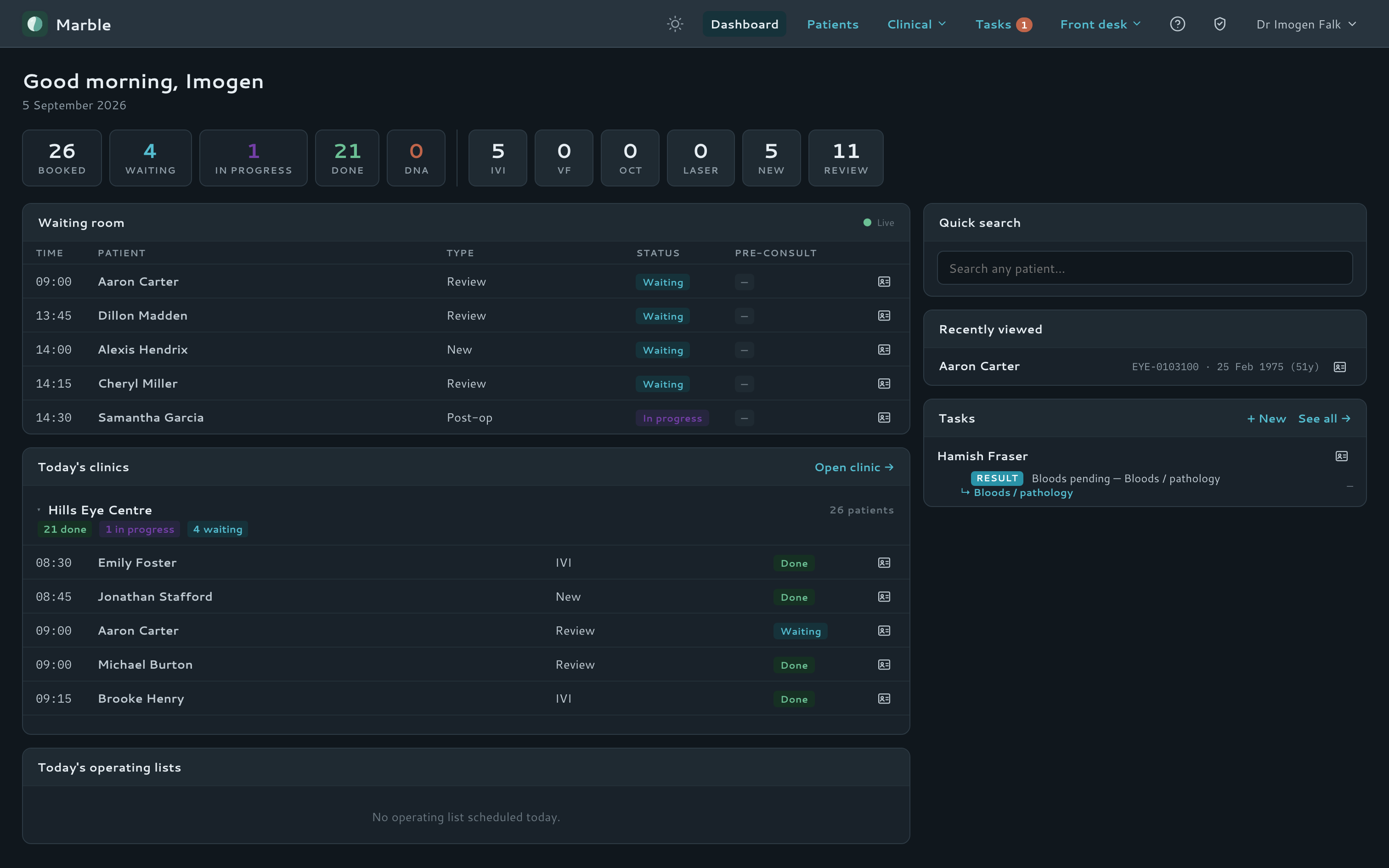
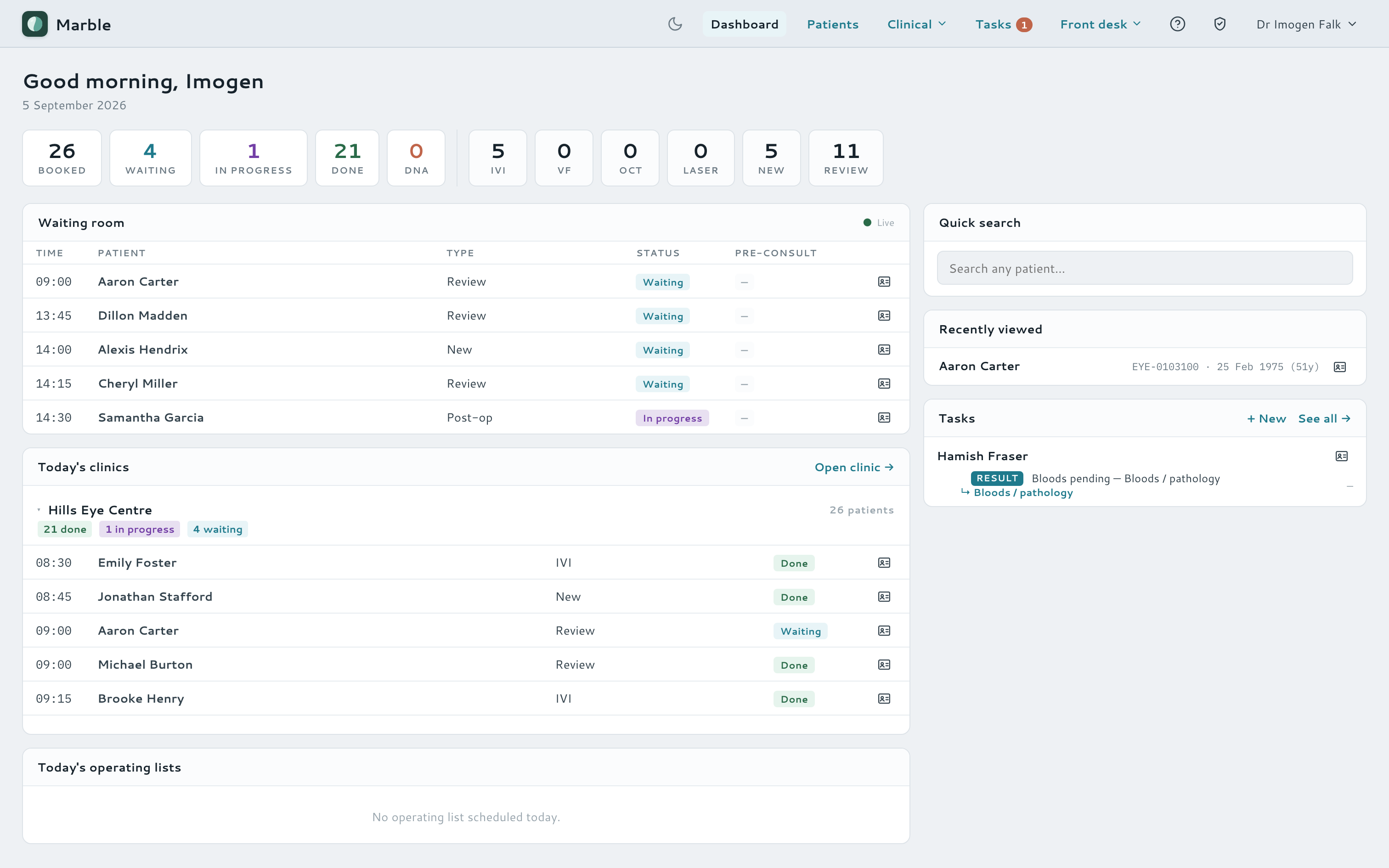
Everything a clinic day needs, in one place
Marble is built for eye clinics from the ground up — not a general-practice record with an eye module bolted on. Every screen is shaped around the real flow of an ophthalmology clinic, from the moment a patient sits down at the tablet to the invoice that closes the visit.
Ophthalmology-first charting
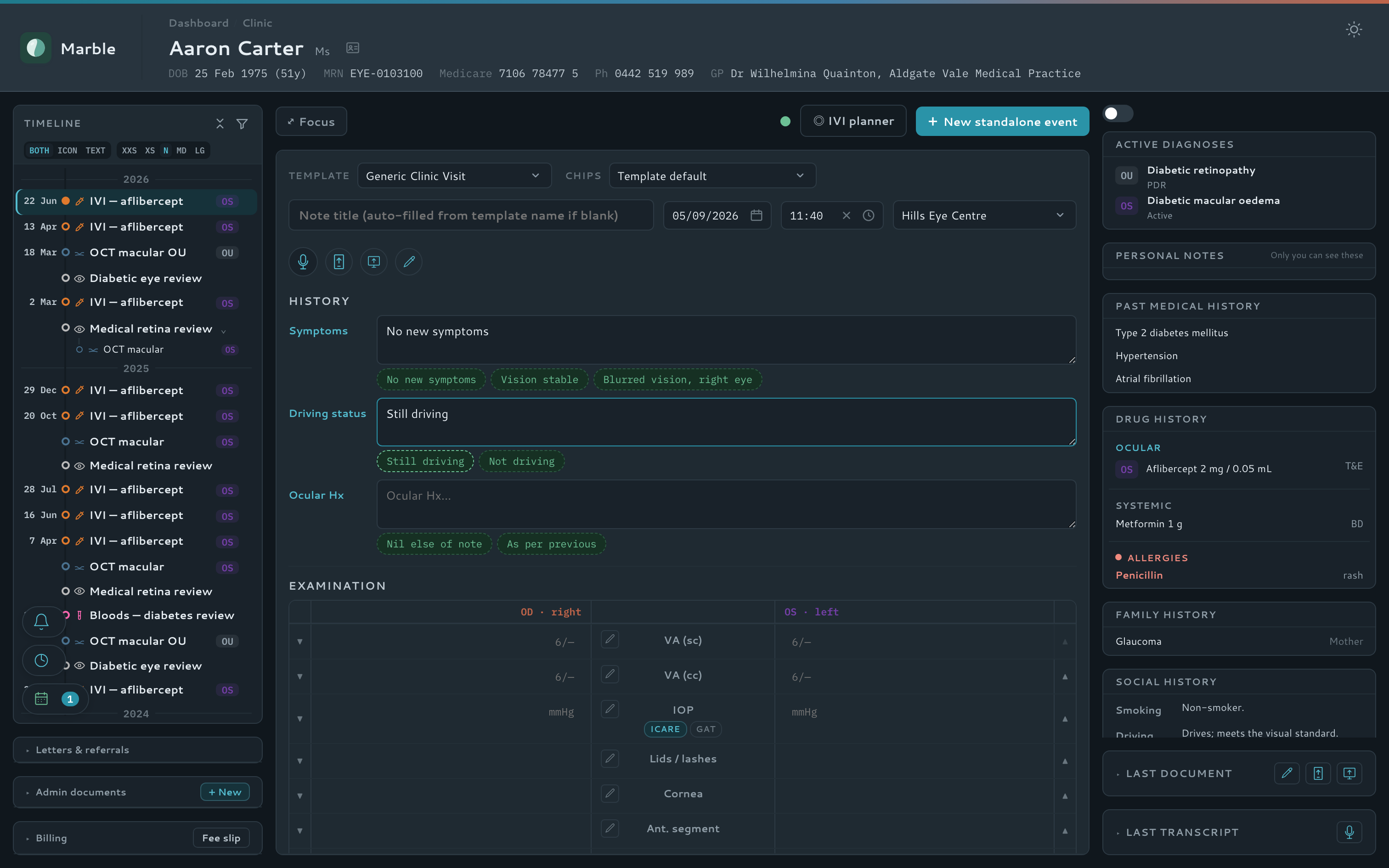
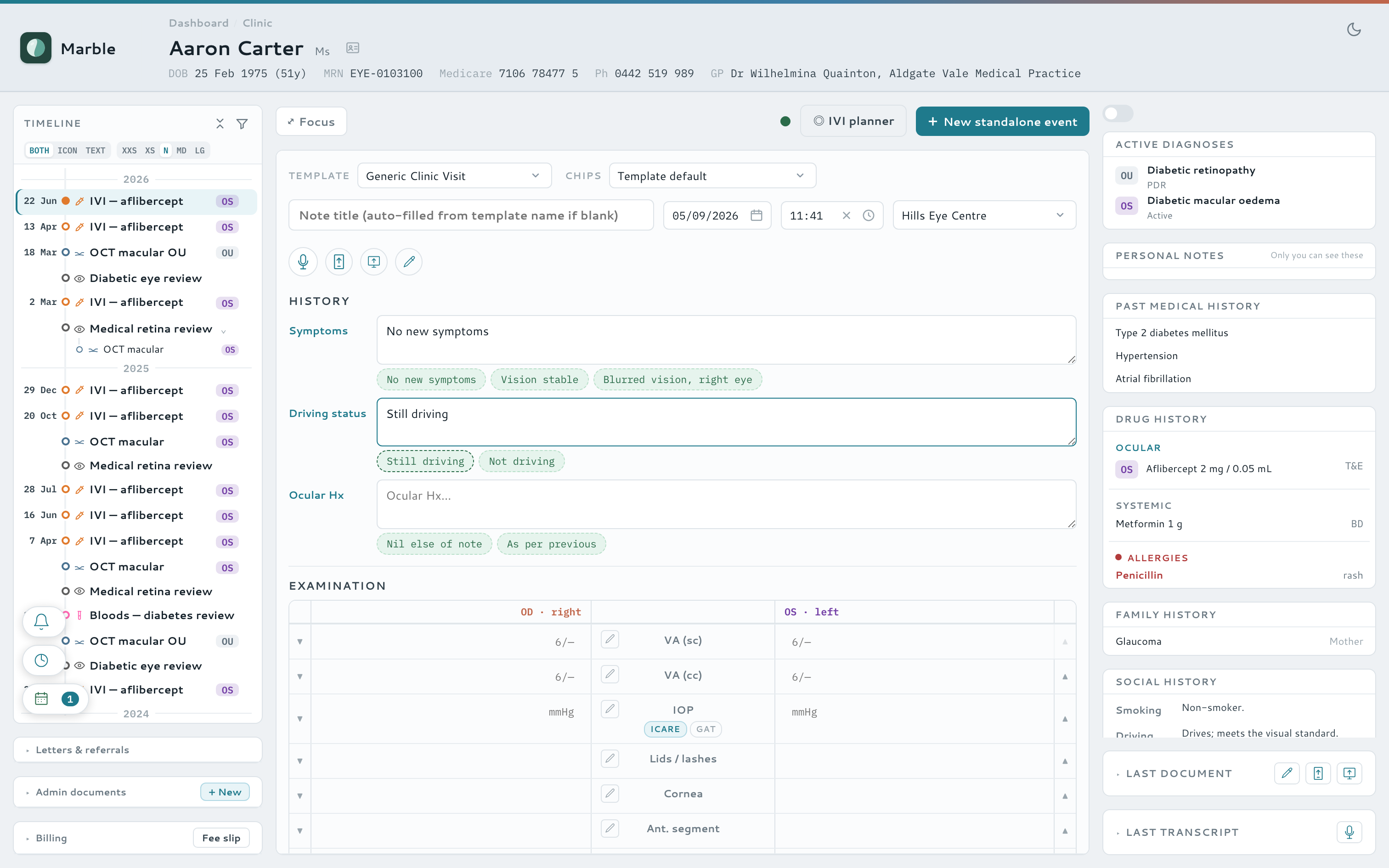
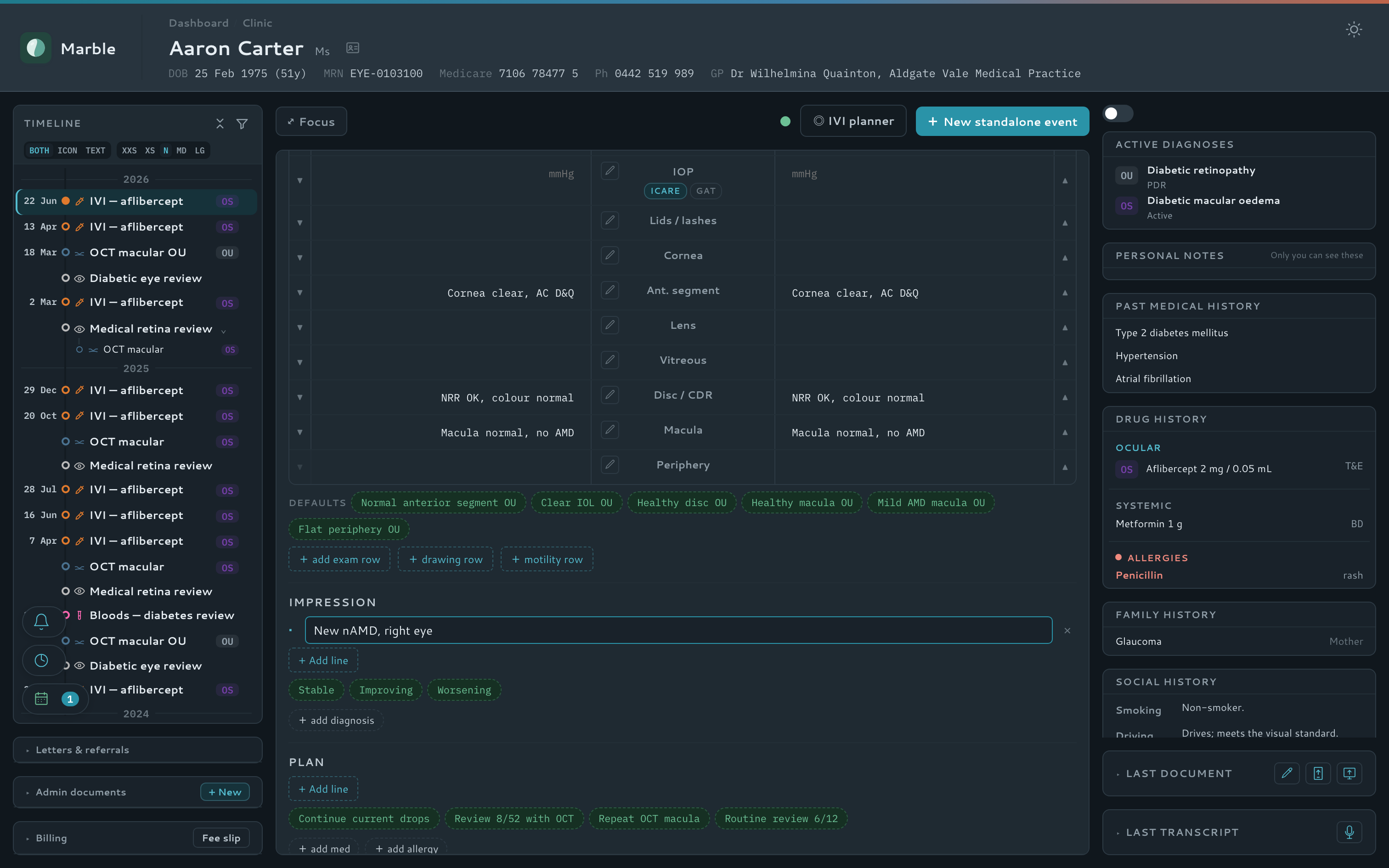
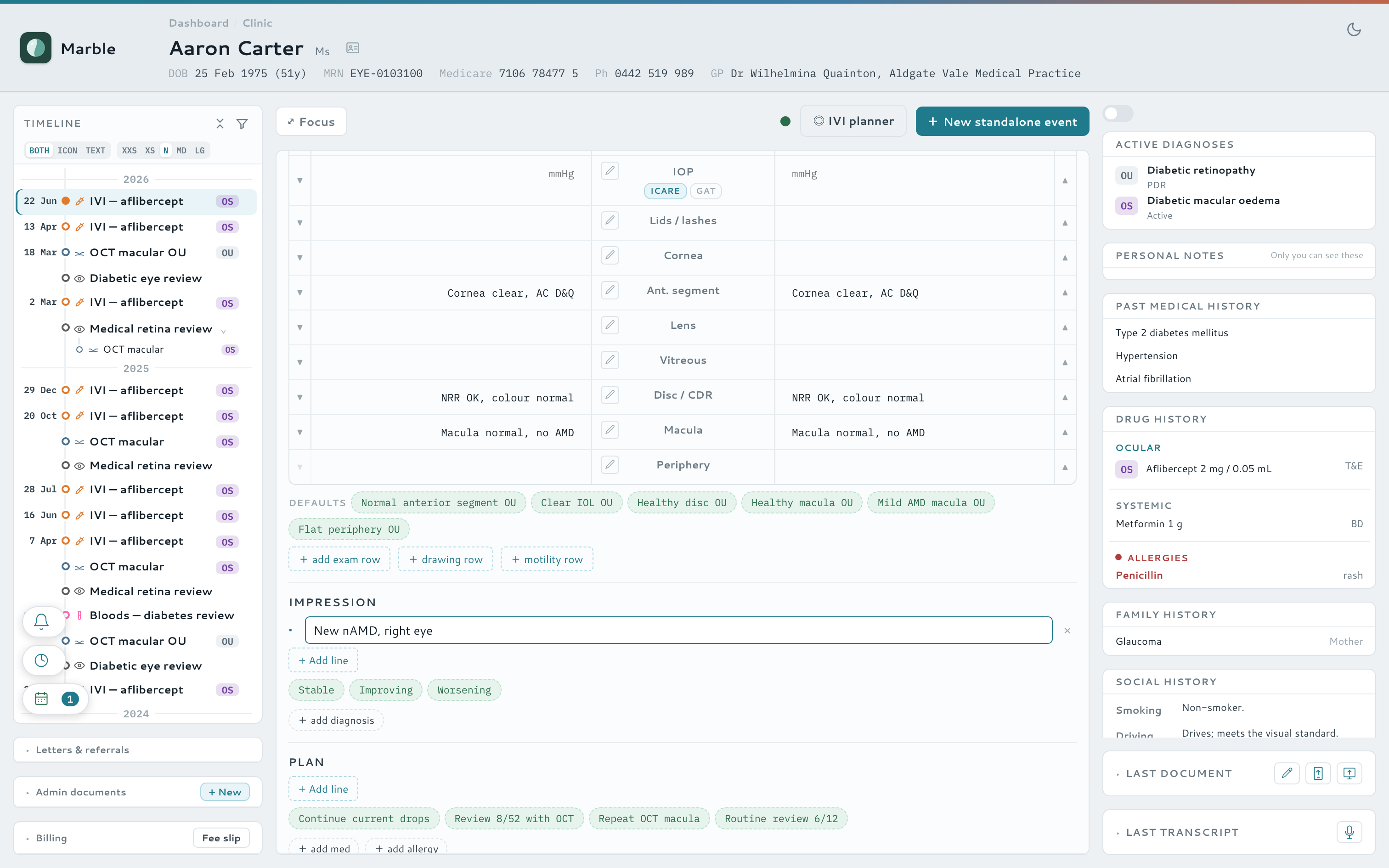
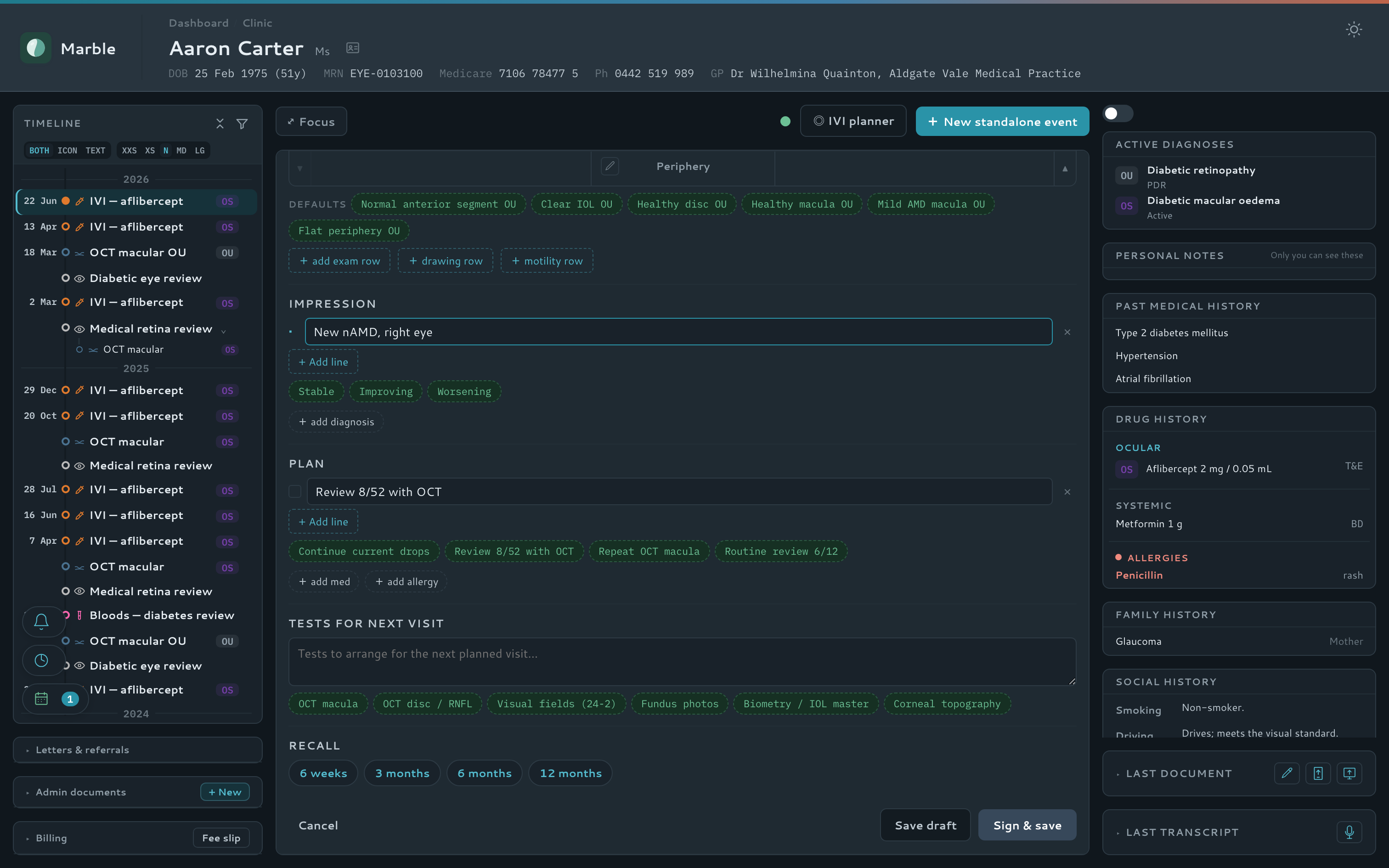
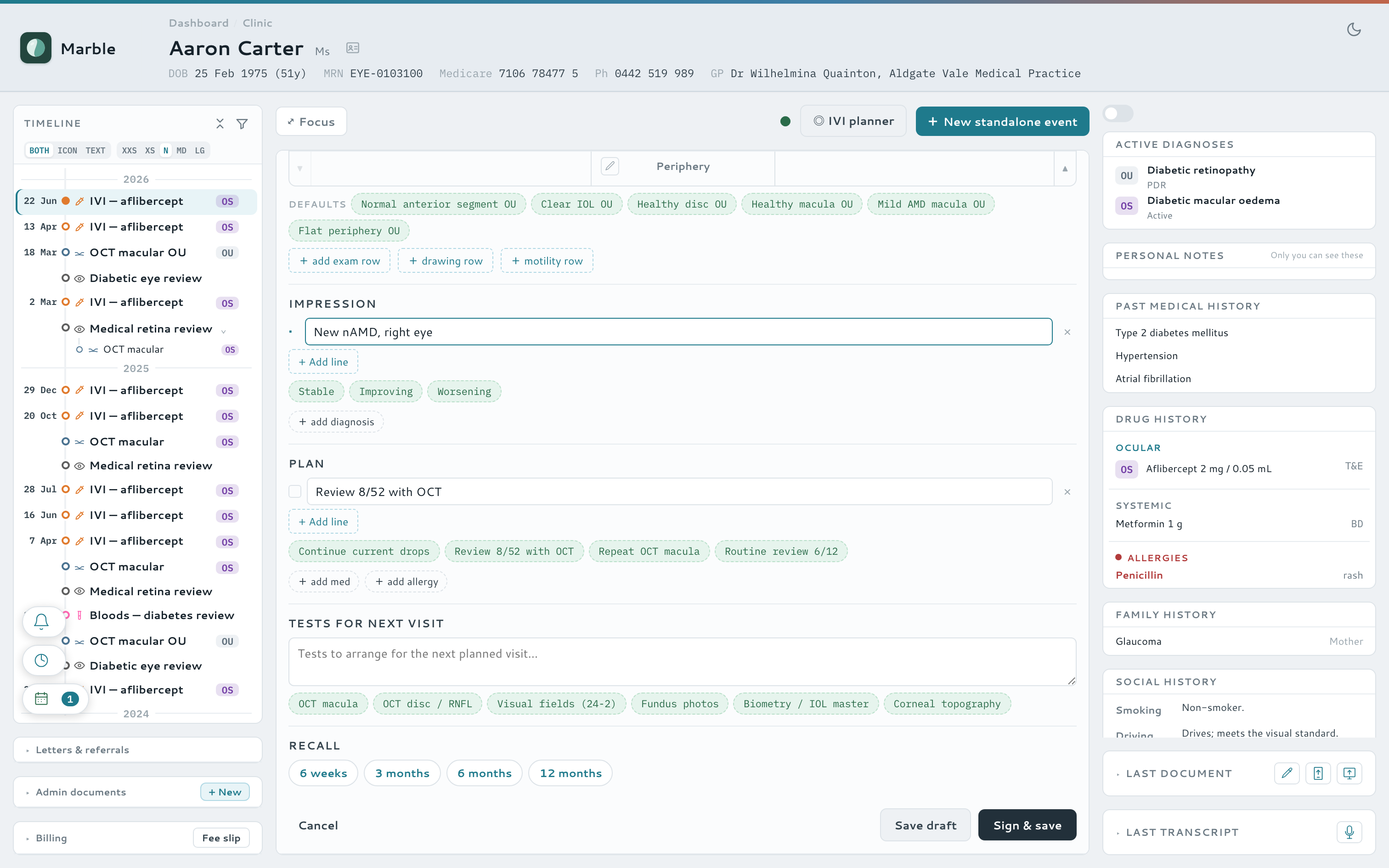
Chart a full eye exam in seconds
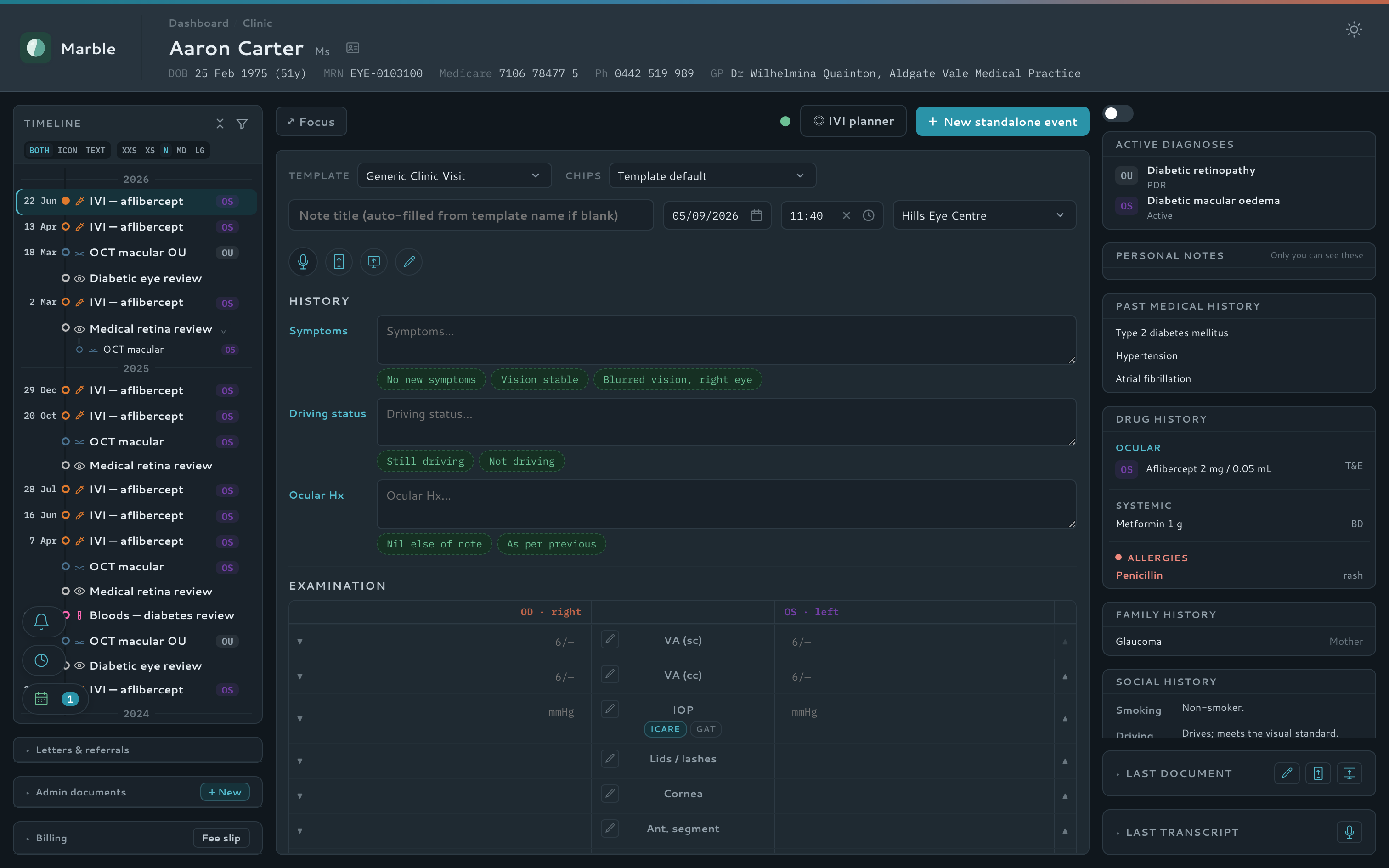
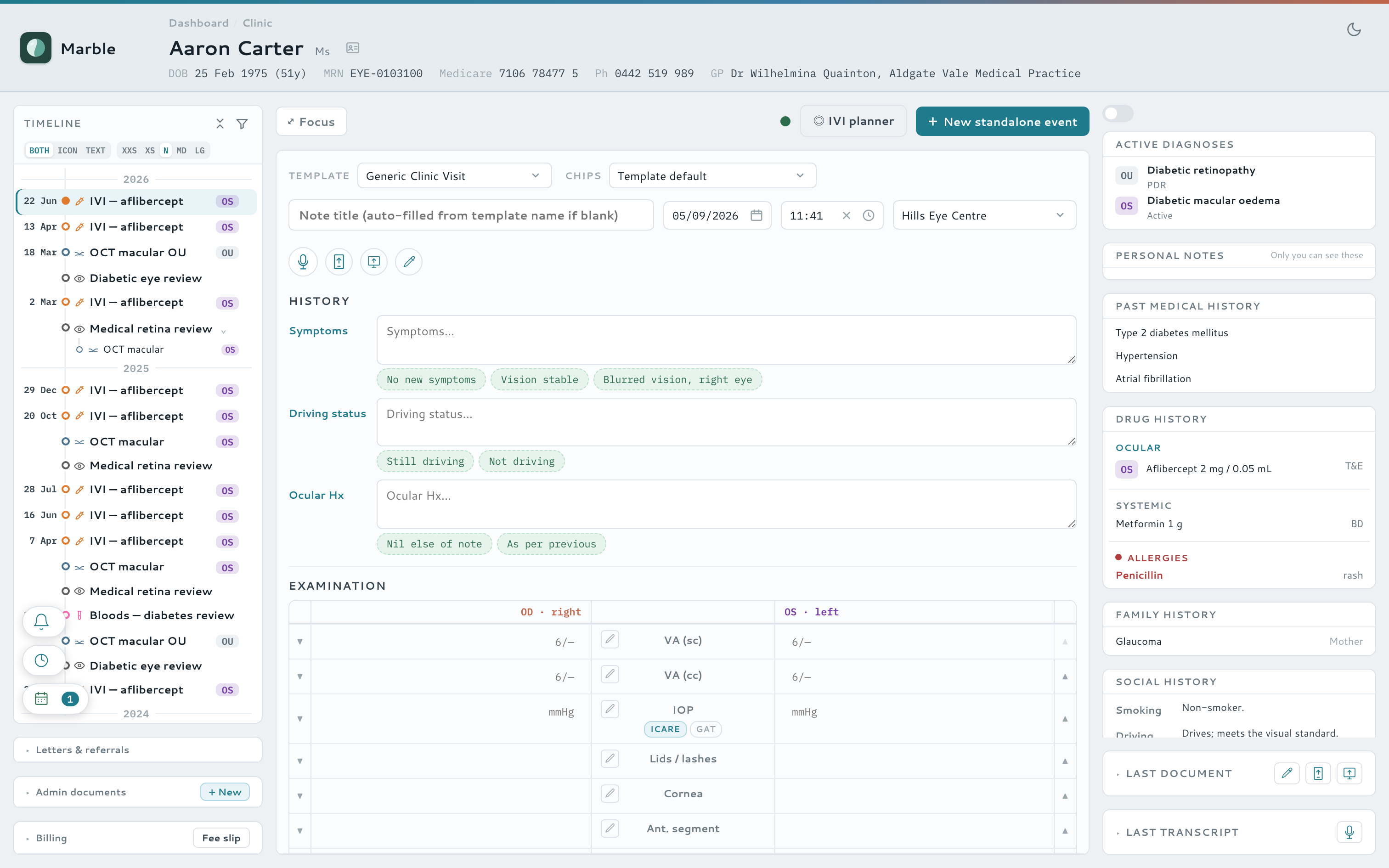
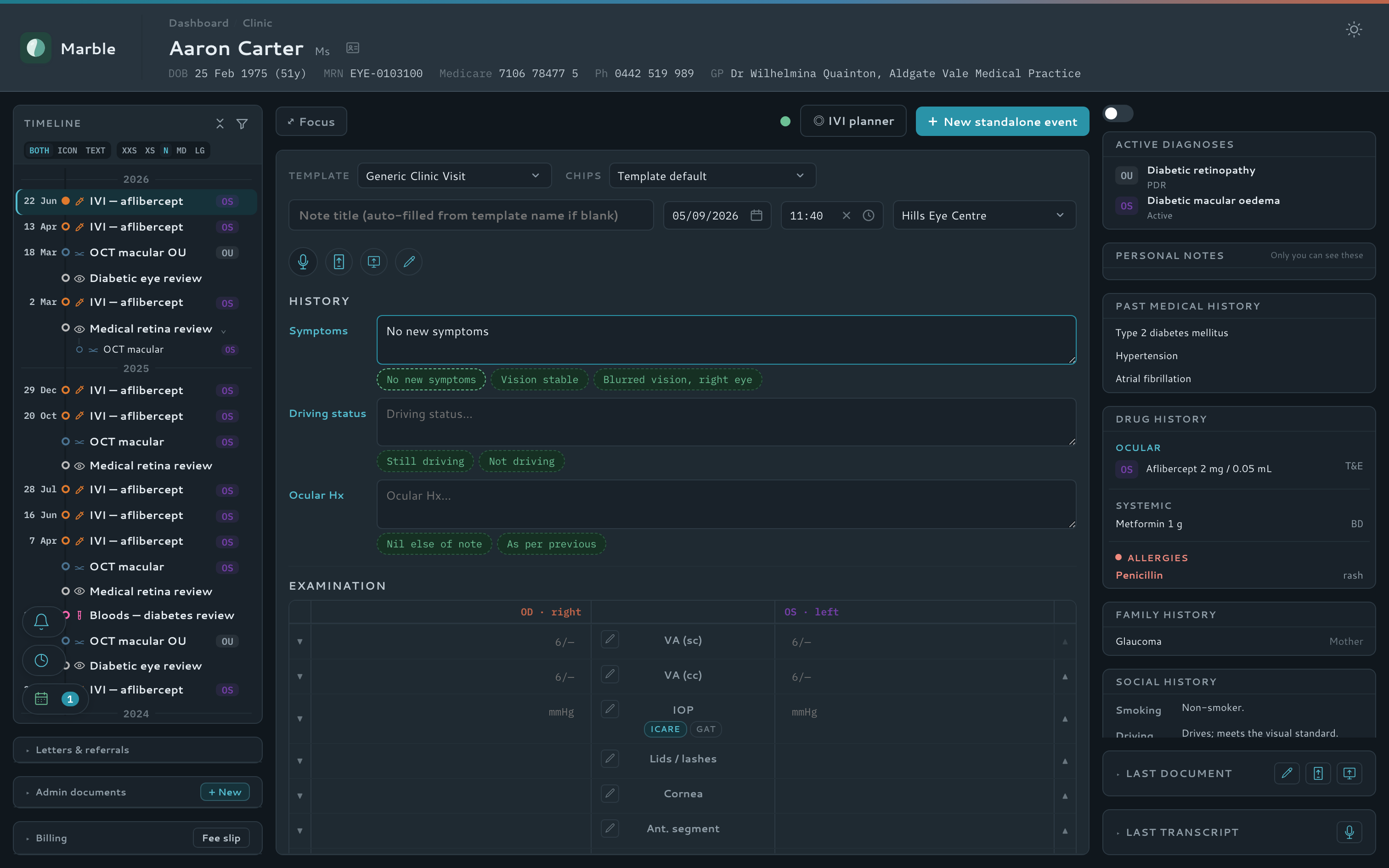
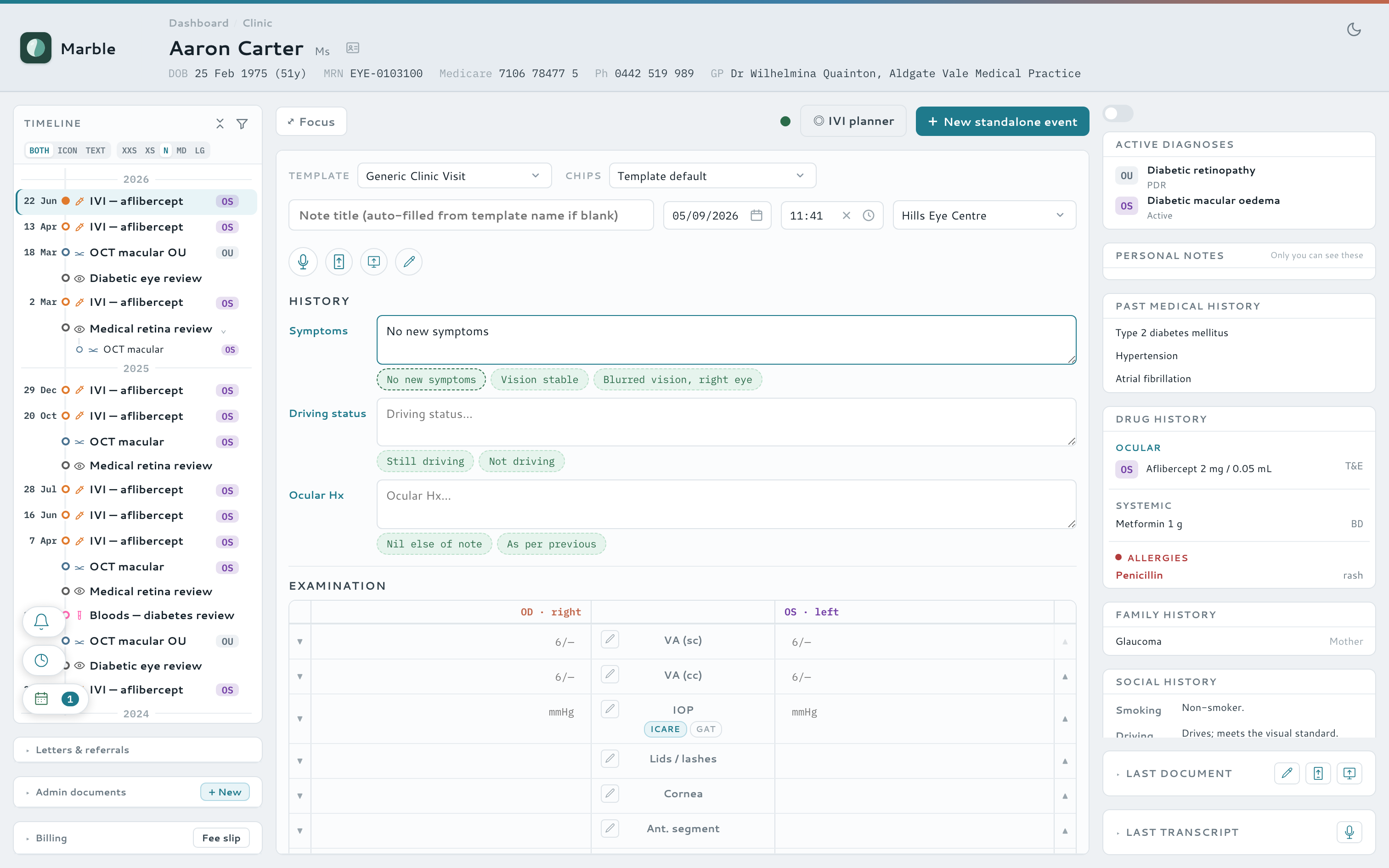
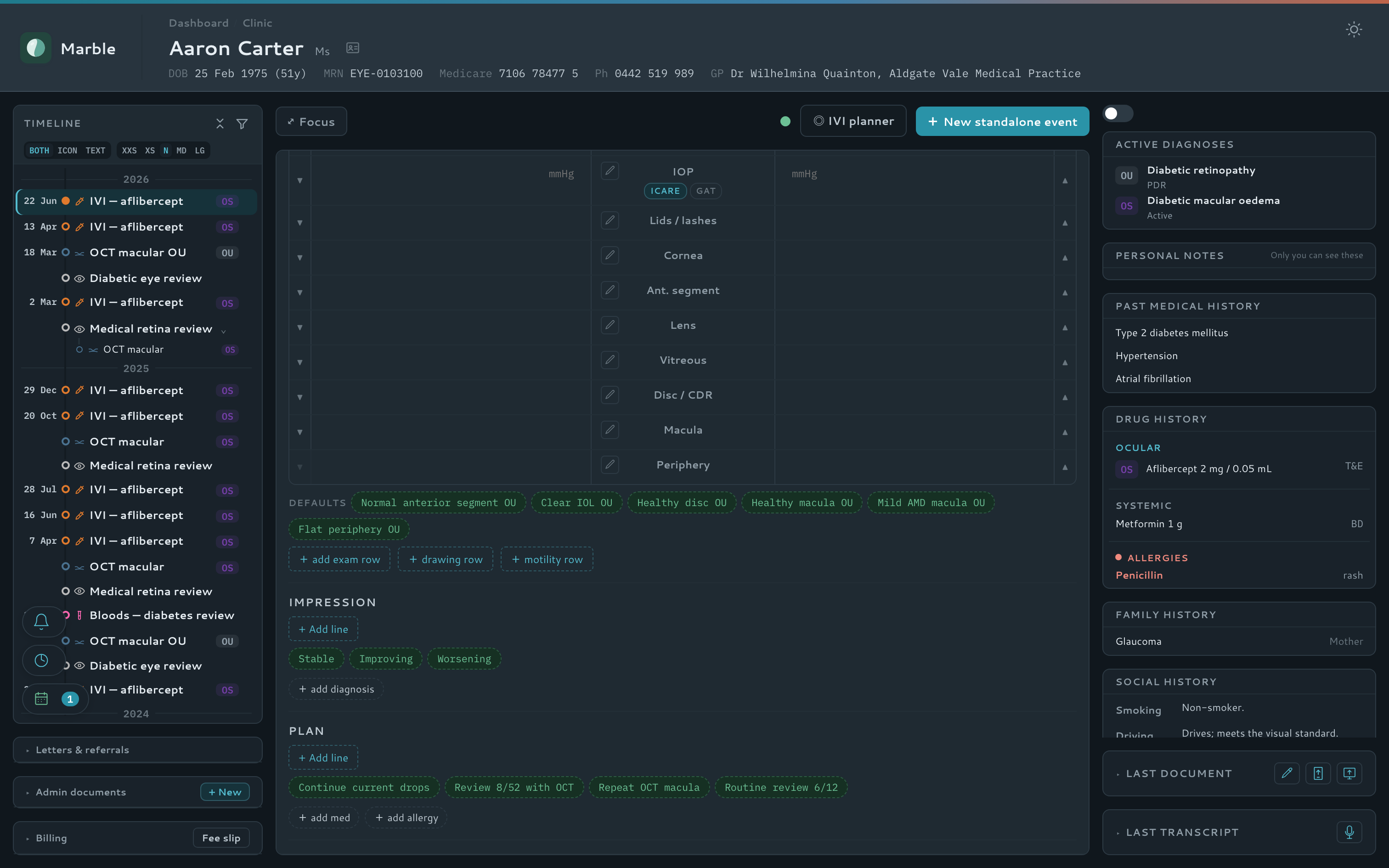
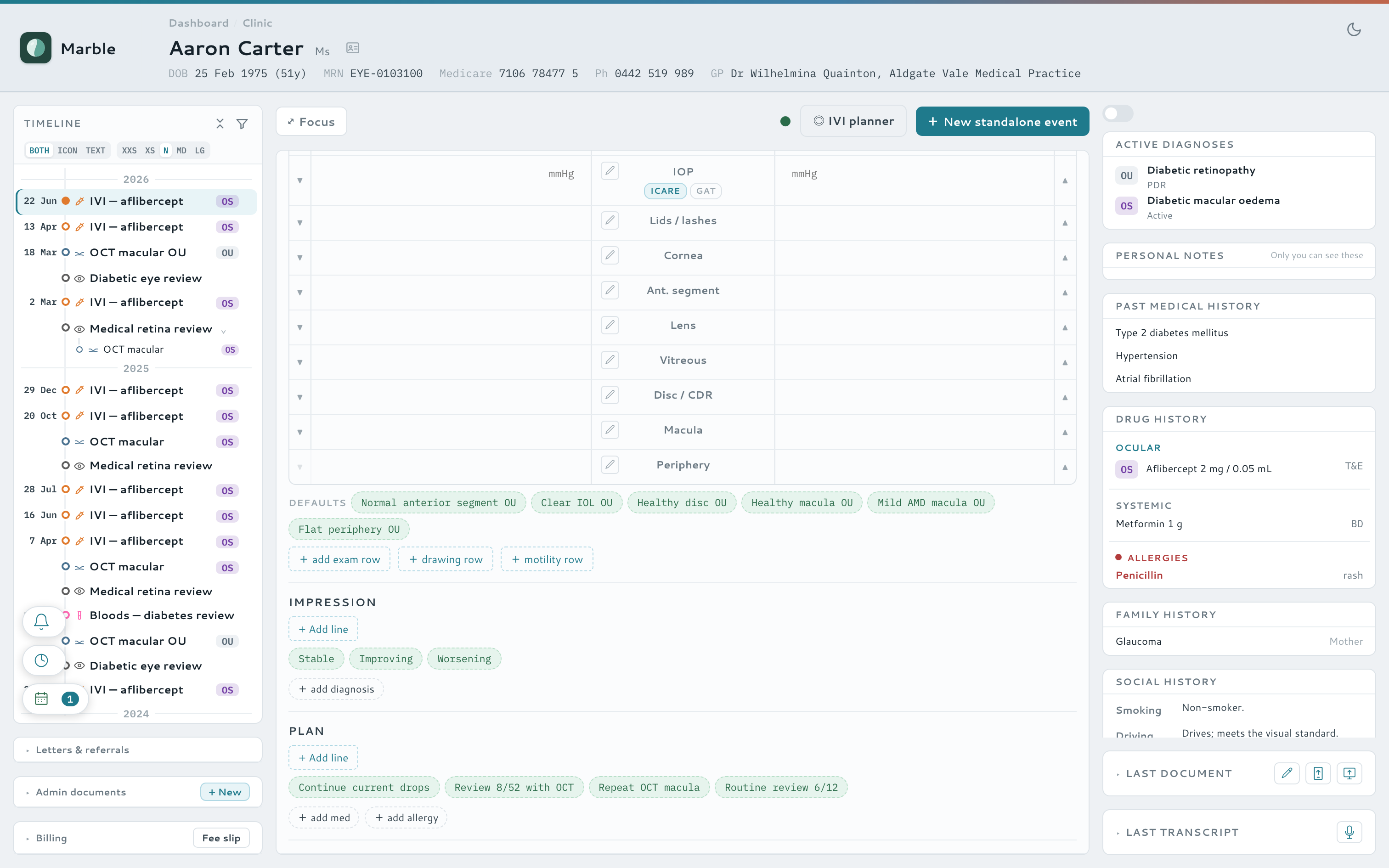
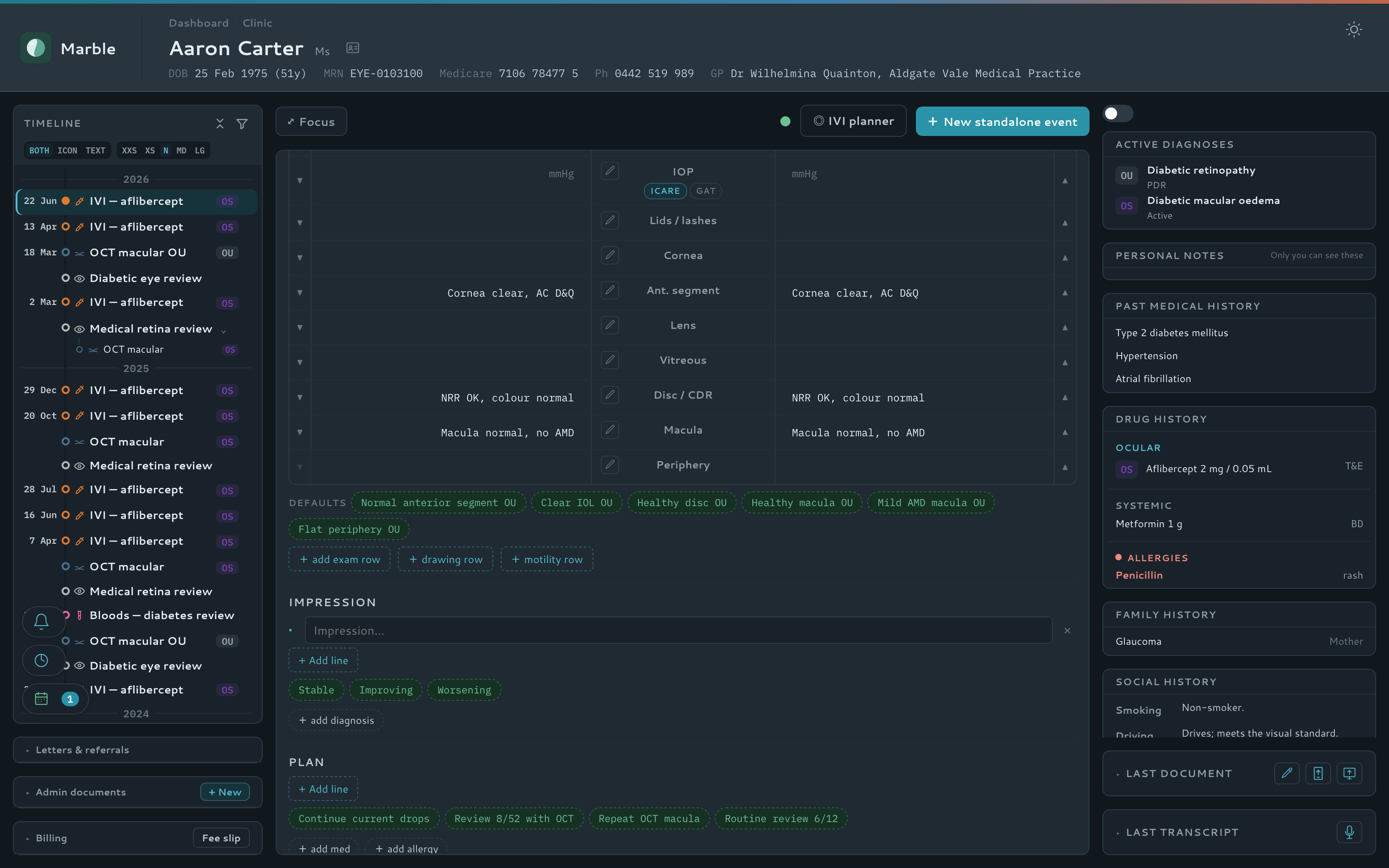
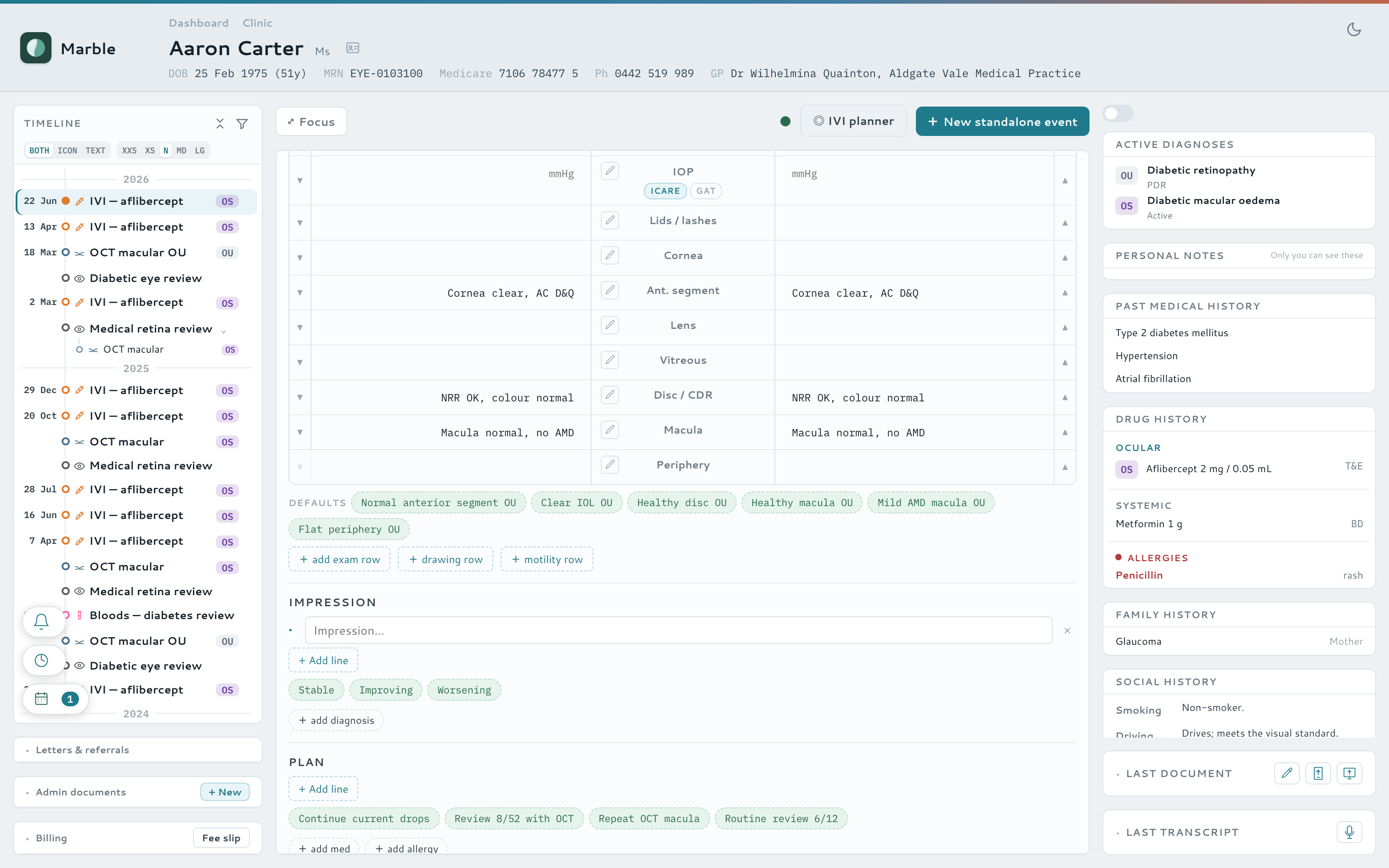
Every note assumes two eyes and real clinical measurements, so the common path is almost frictionless. Snellen dropdowns, normal presets and per-eye exam grids turn an examination into a few clicks rather than a paragraph of typing — with a focused form for each kind of visit.
- Snellen VA dropdown (6/5 → 3/60, plus CF / HM / PL / NPL), free text still accepted
- One-click normal presets and snippet chips fill a row for both eyes
- Copy-from-last-visit and mirror-to-other-eye on any exam row
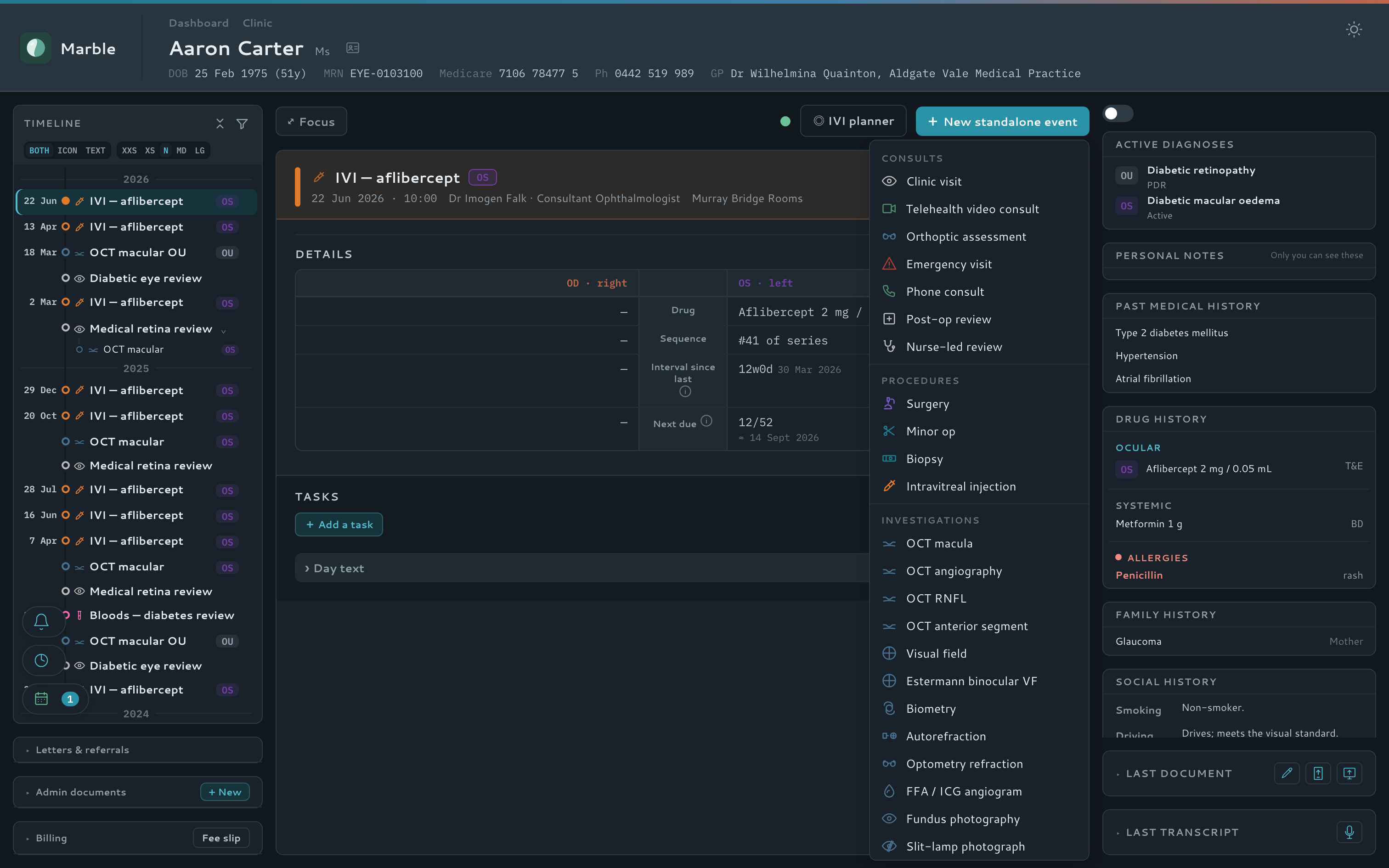
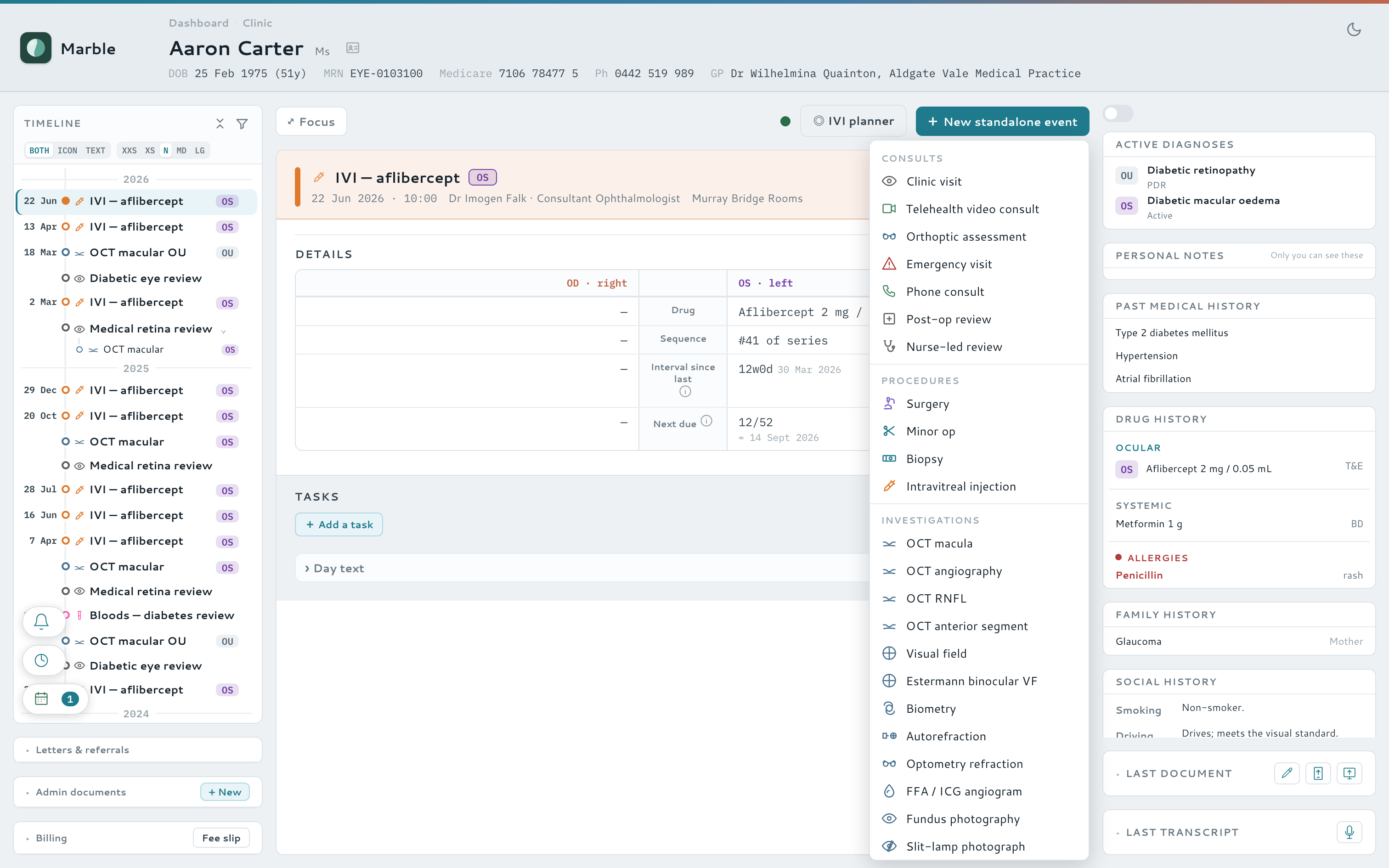
- Focused forms for every visit type — clinic, phone, surgery, injection, laser, scan, letter or DNA
- An ocular-motility widget, OCT-A and other structured exam widgets beyond the basics
- Personal and practice-wide templates shape every form
Watch it — a whole clinic visit, almost entirely in chips
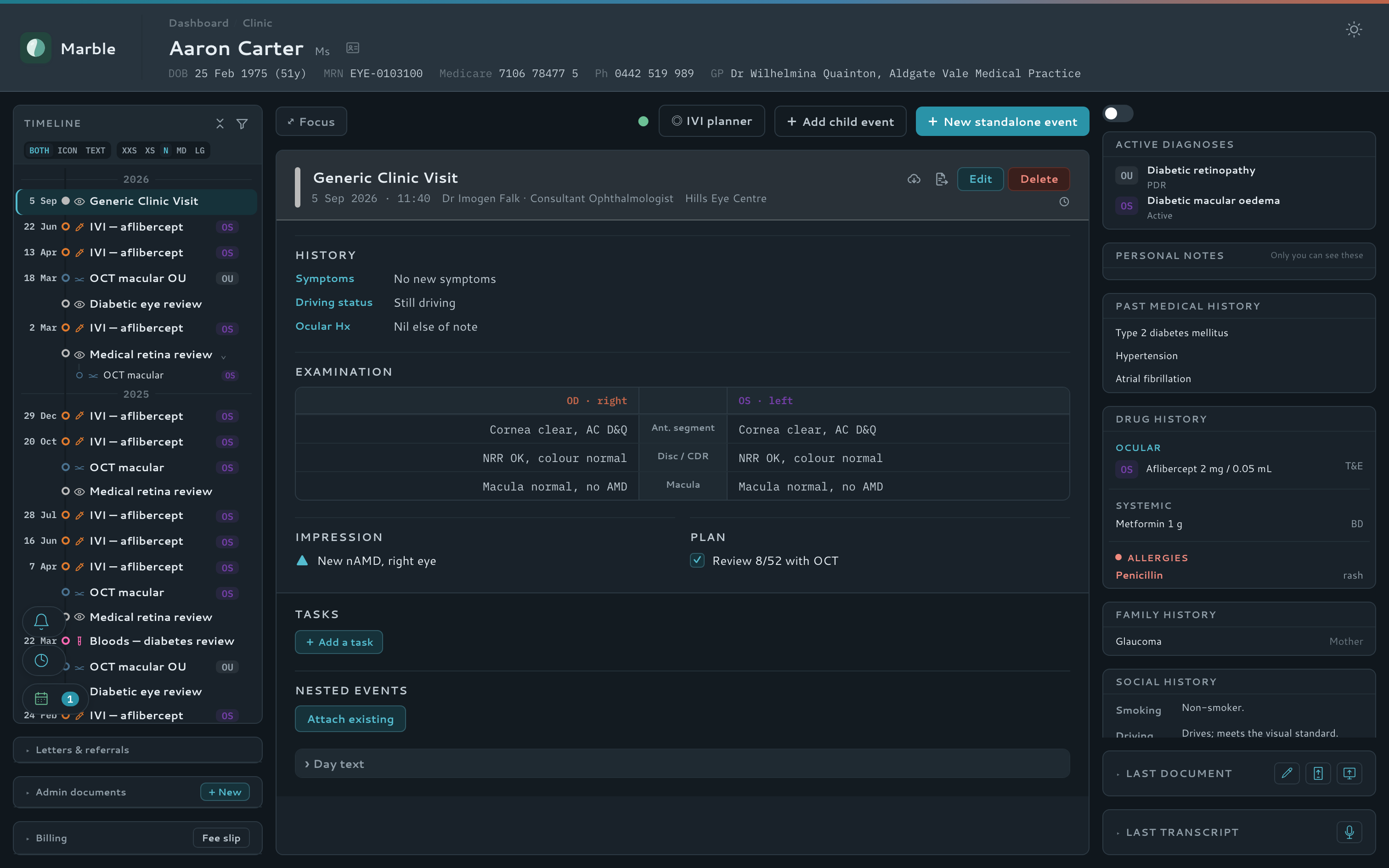
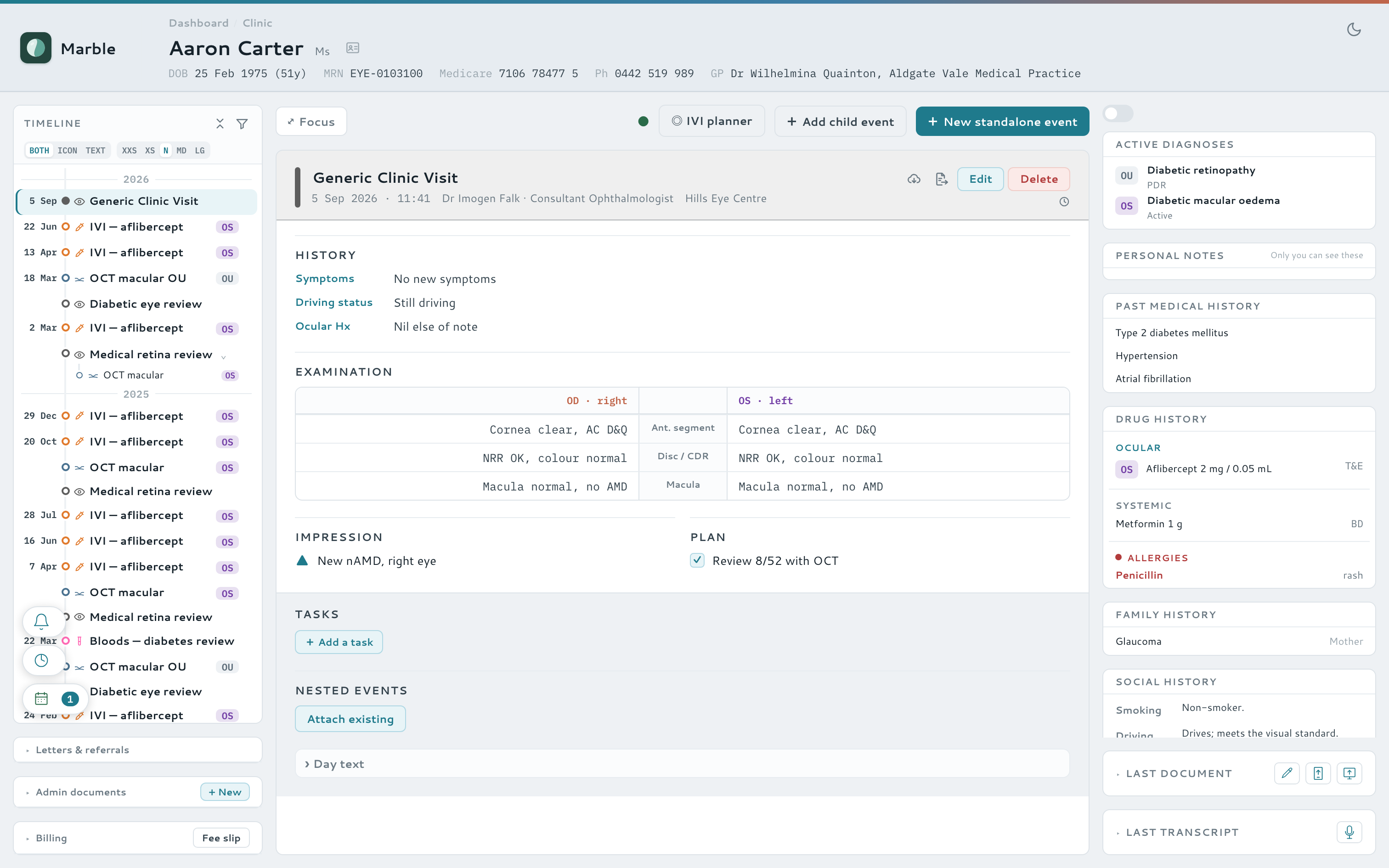
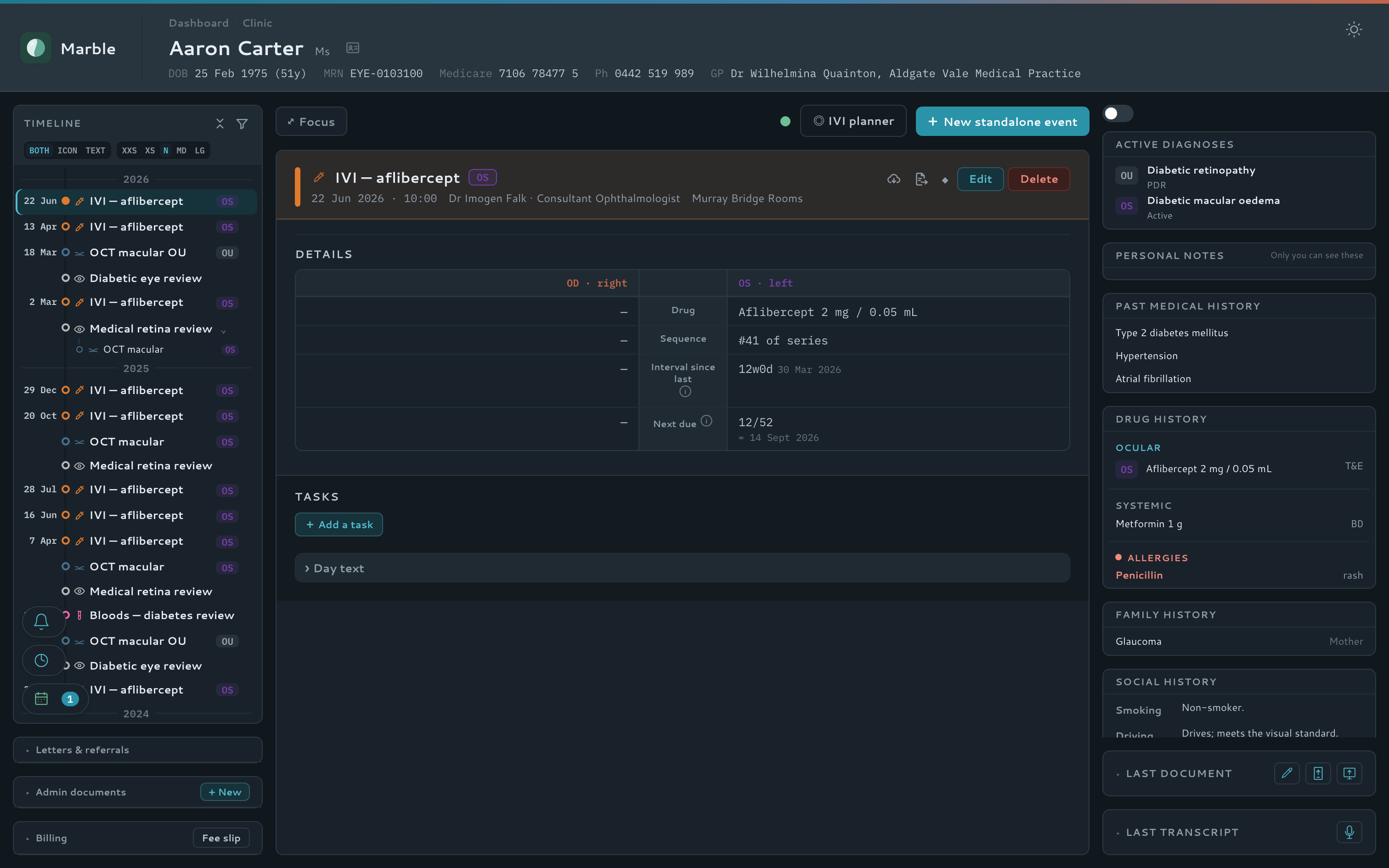
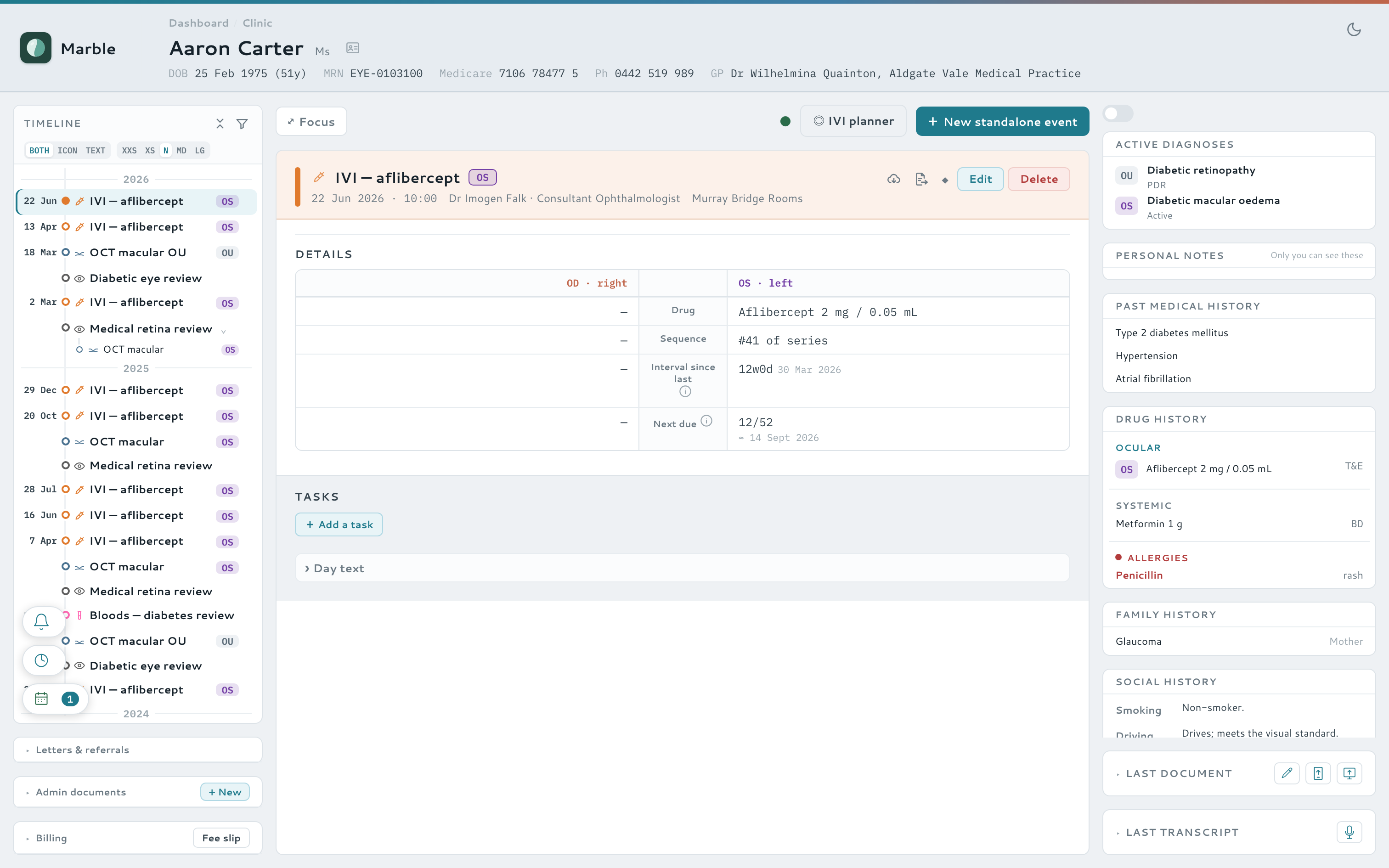
The whole patient, one screen
Every visit, scan, letter and diagnosis — no digging
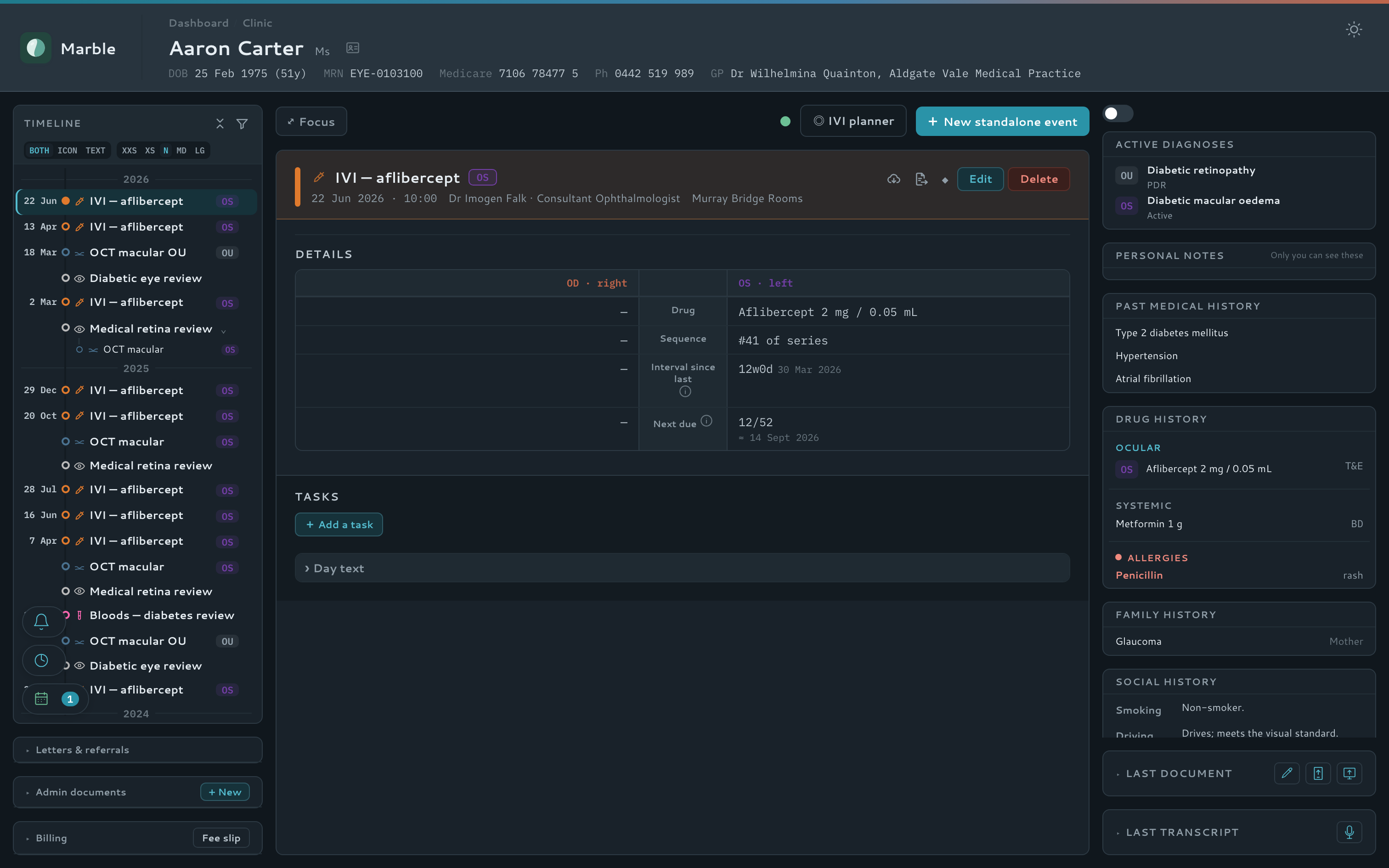
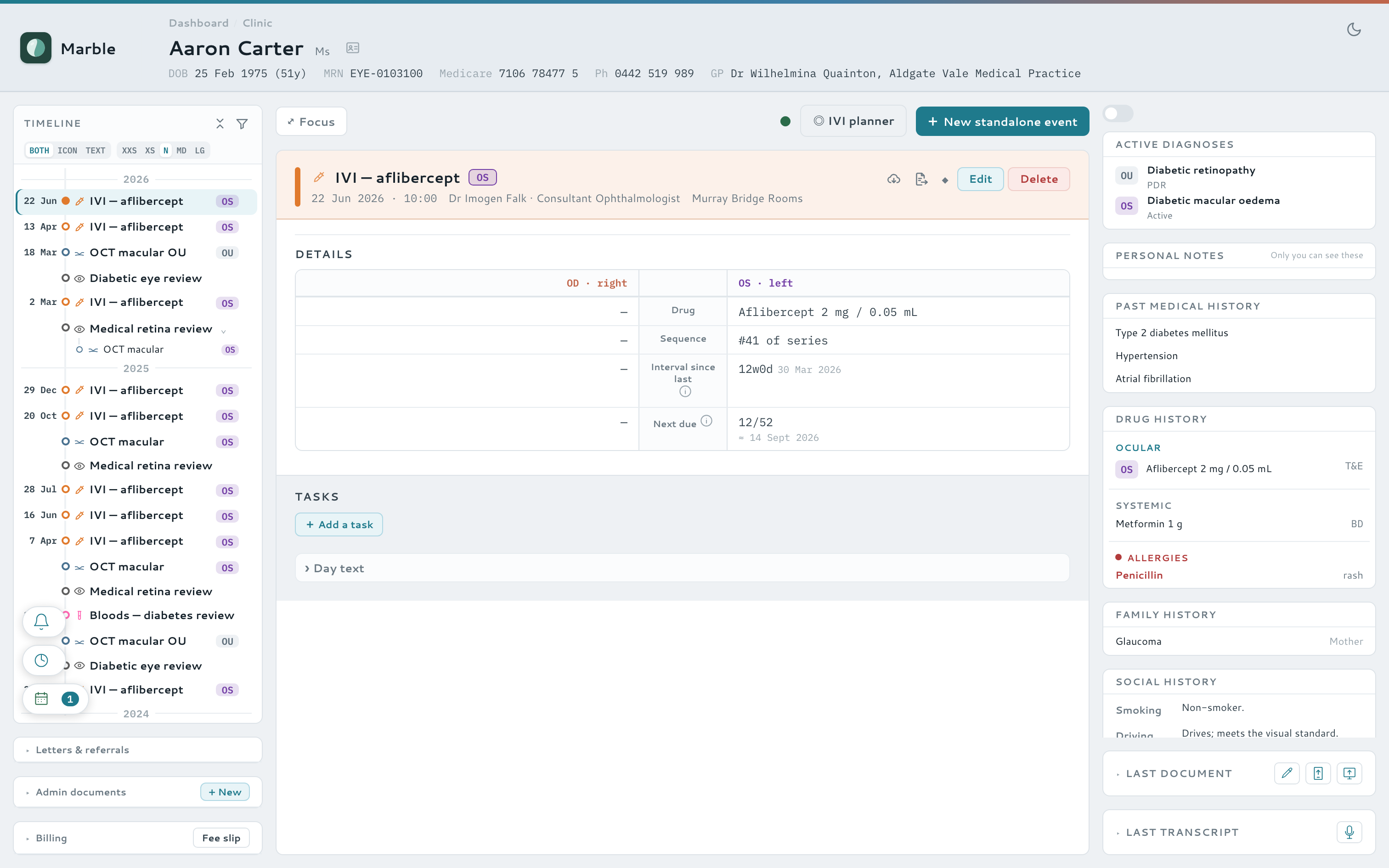
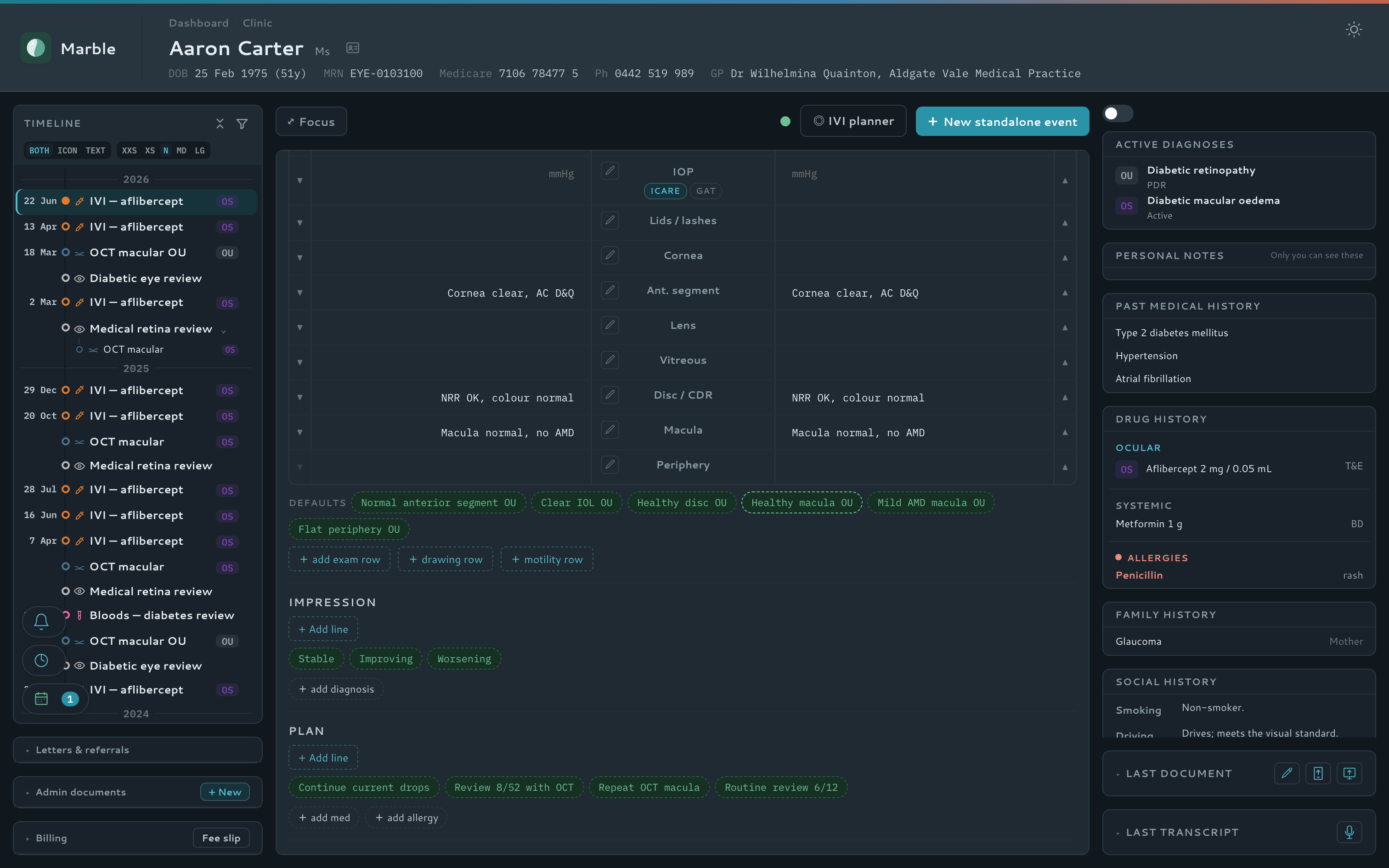
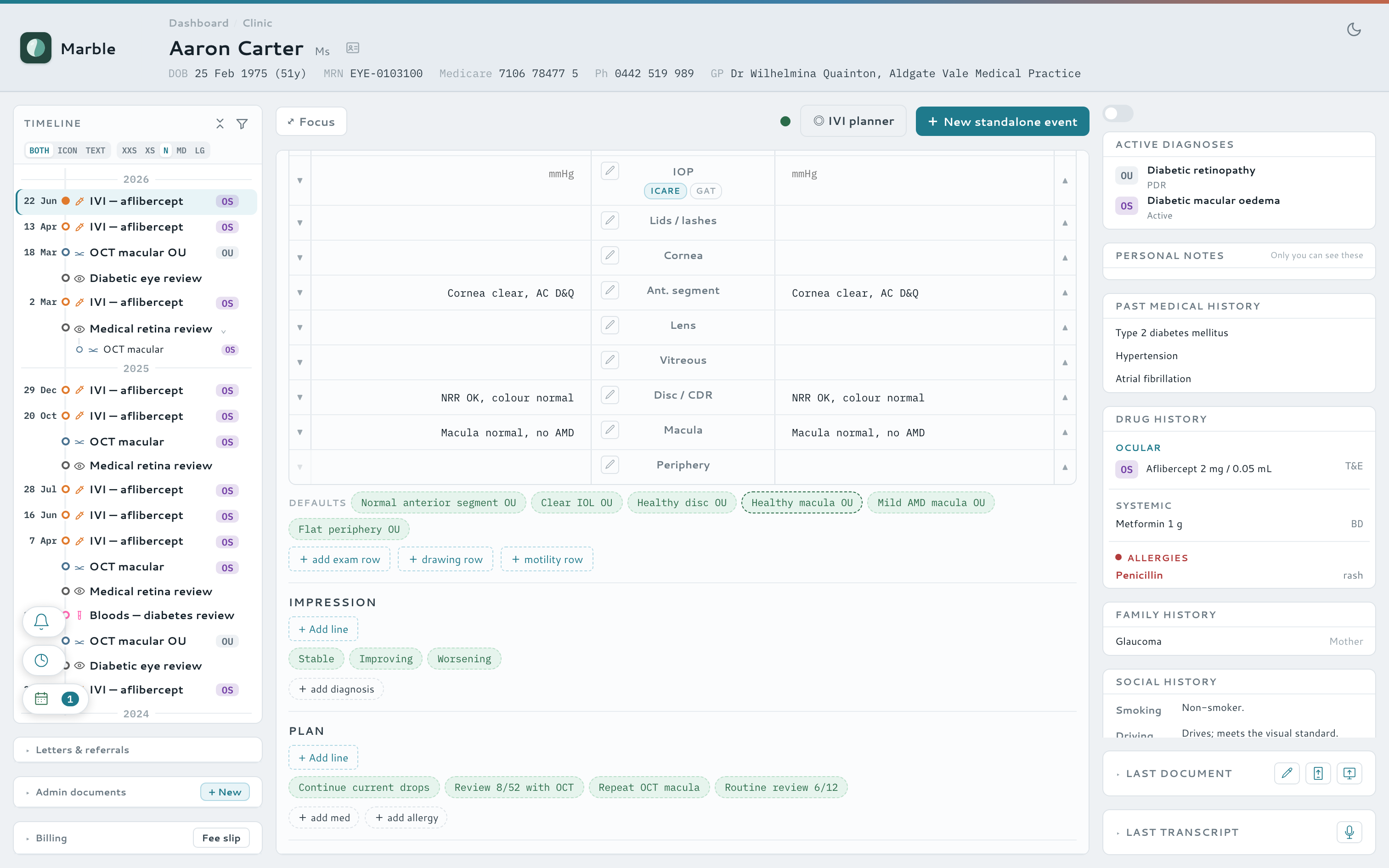
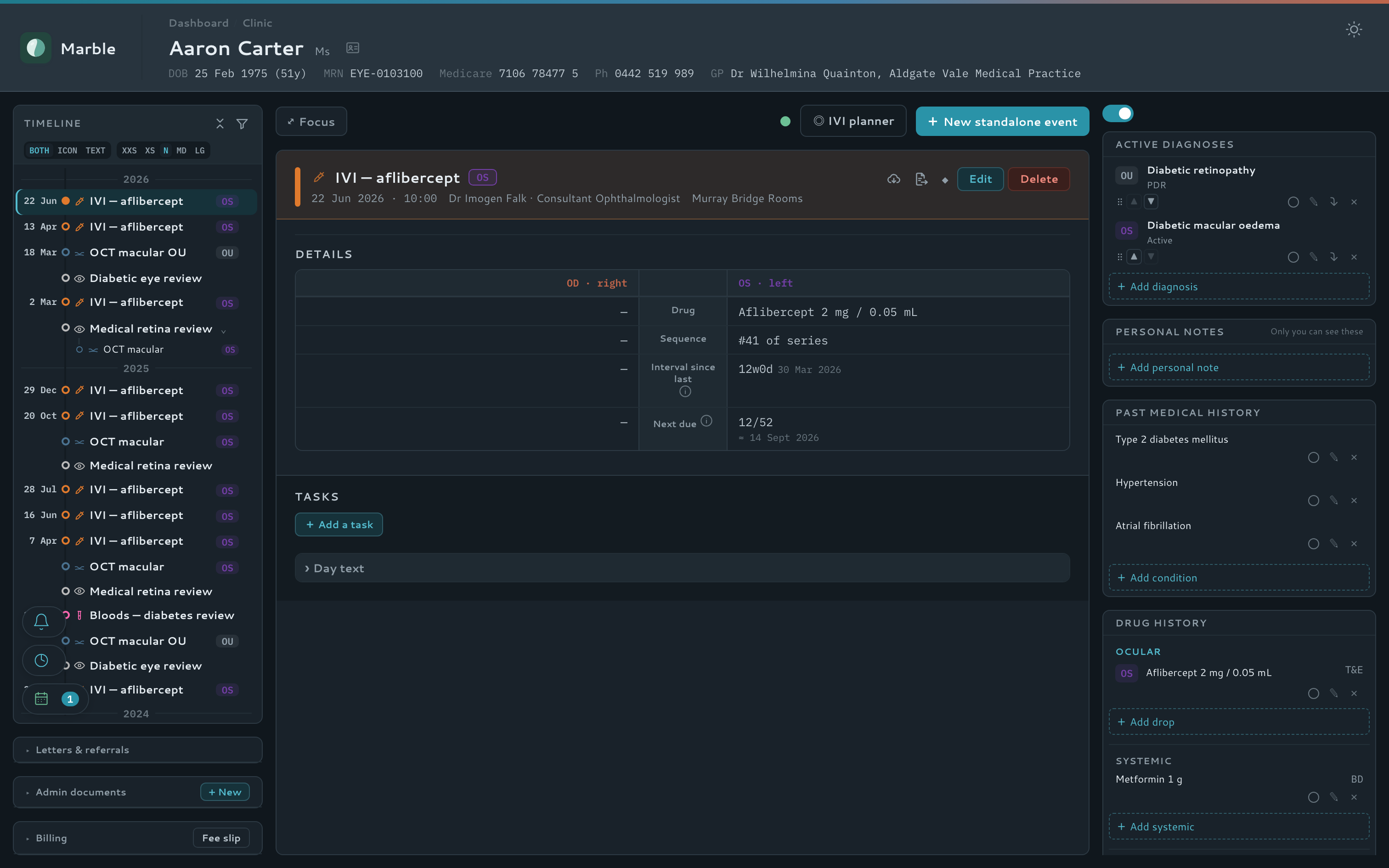
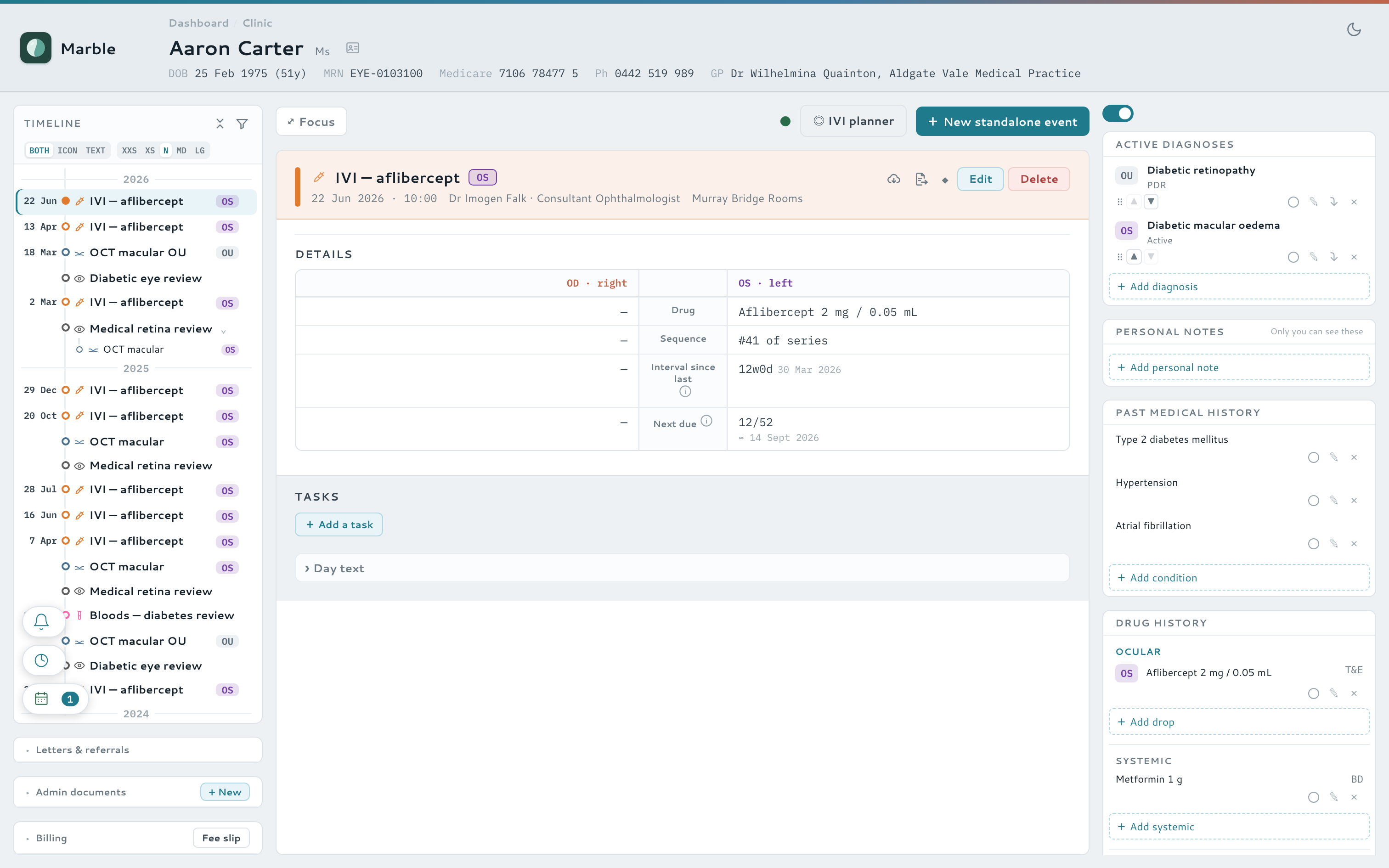
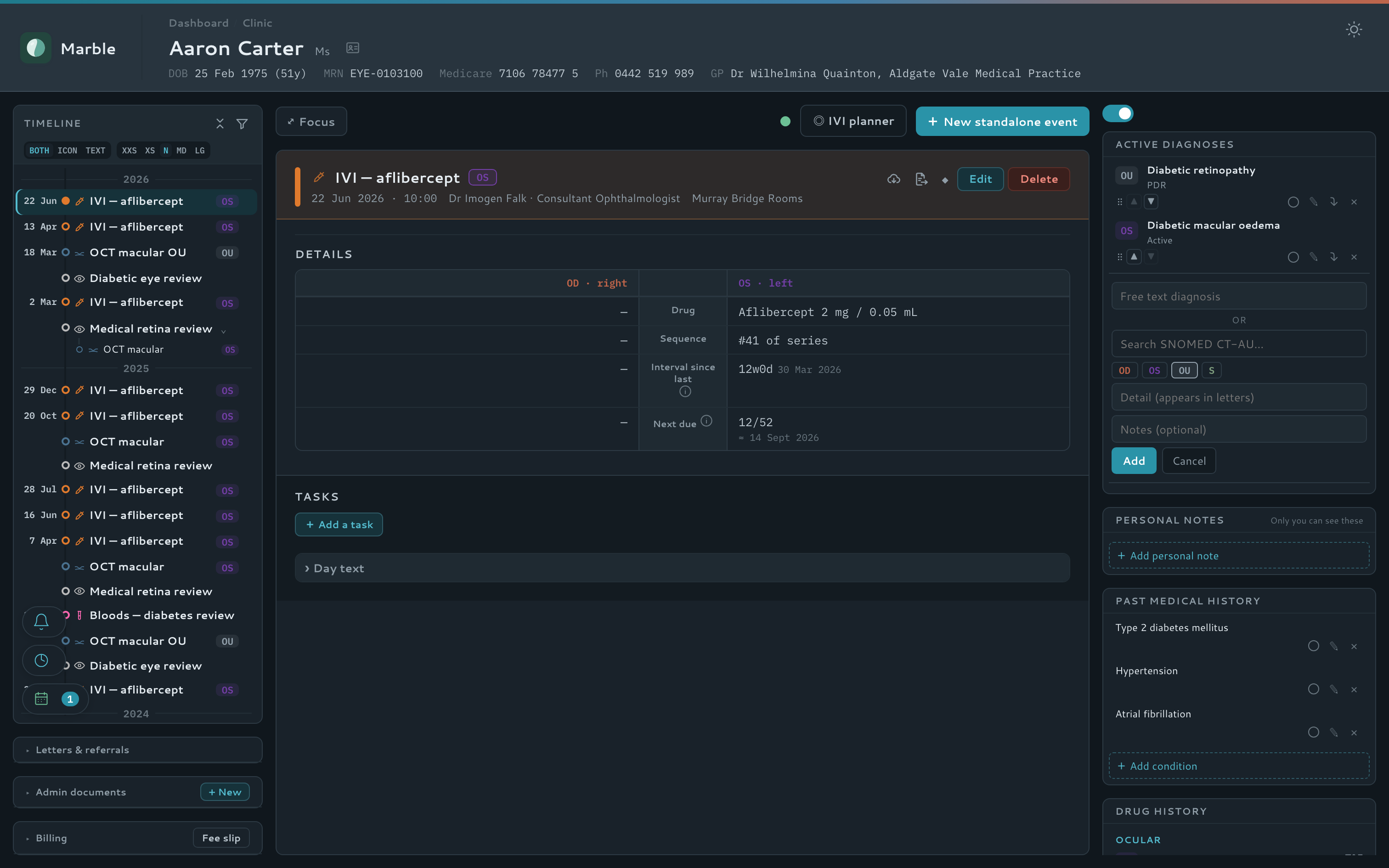
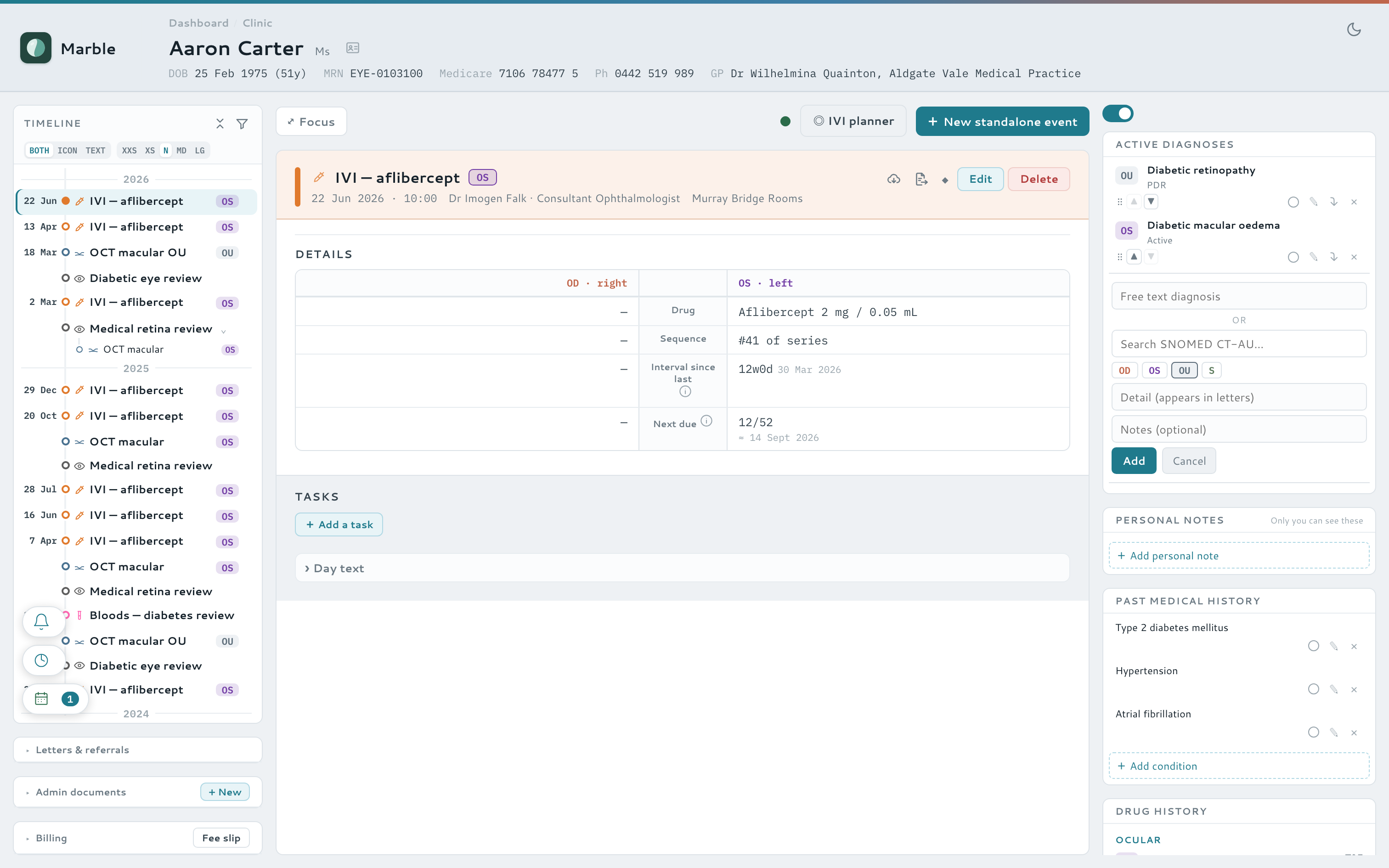
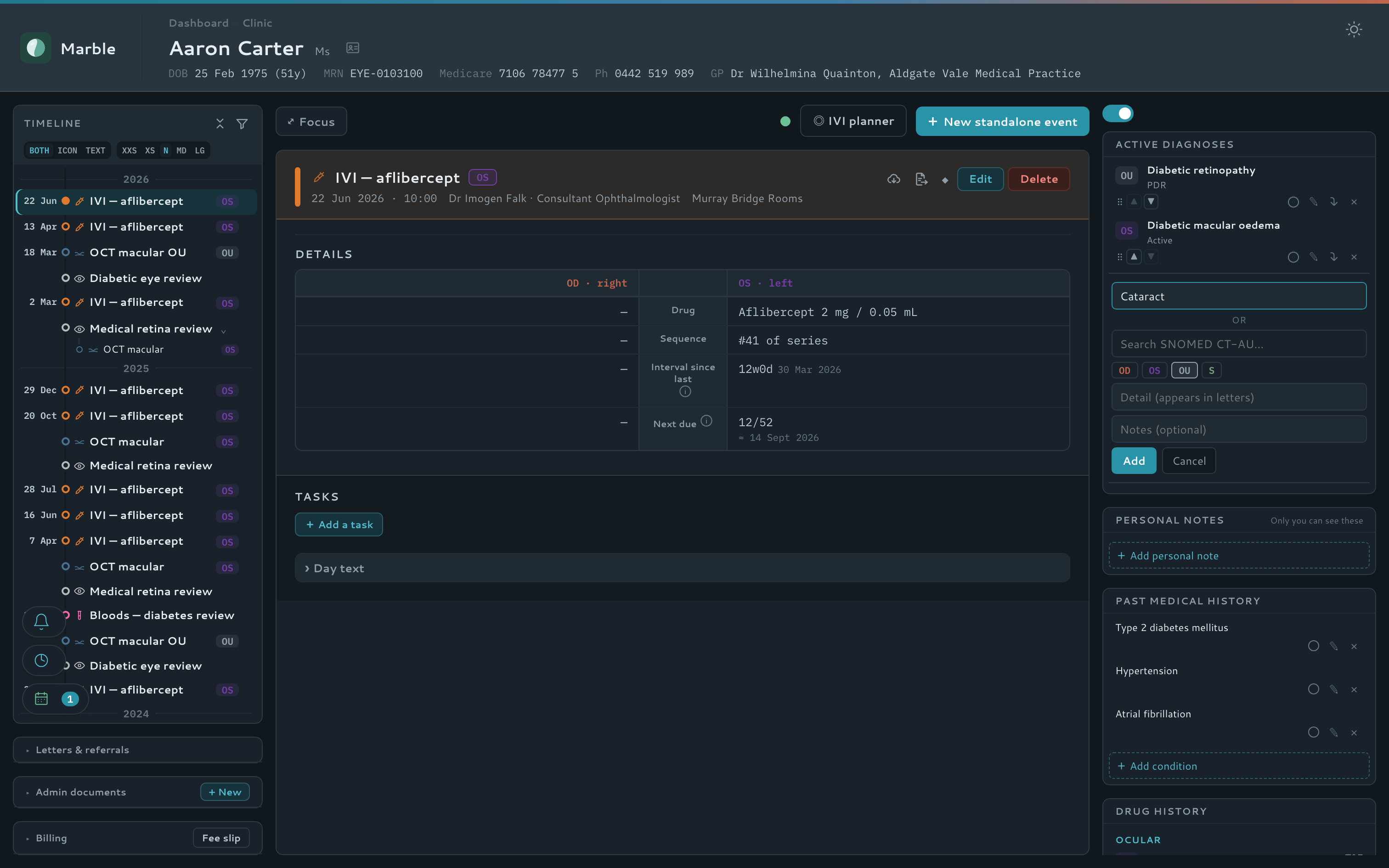
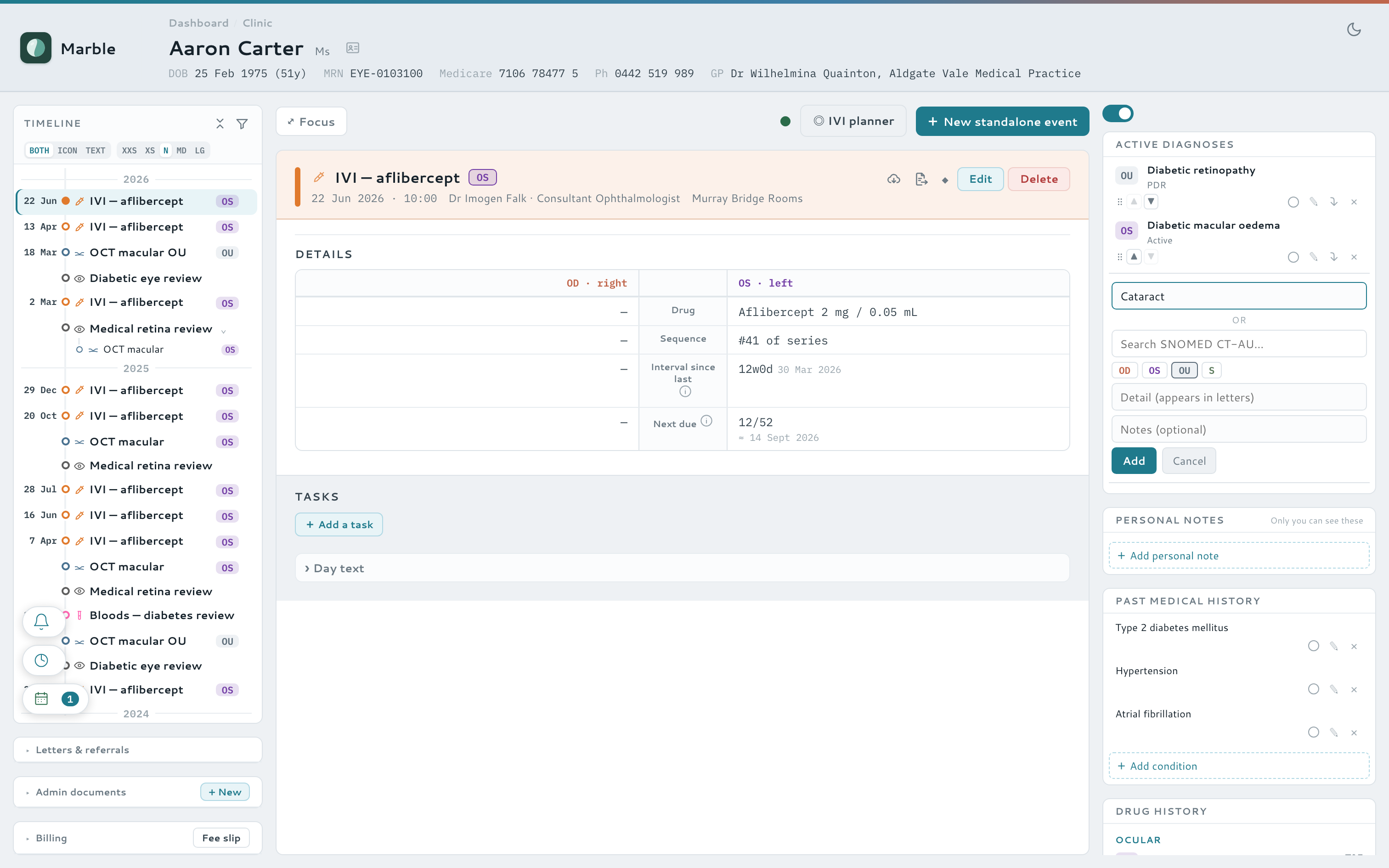
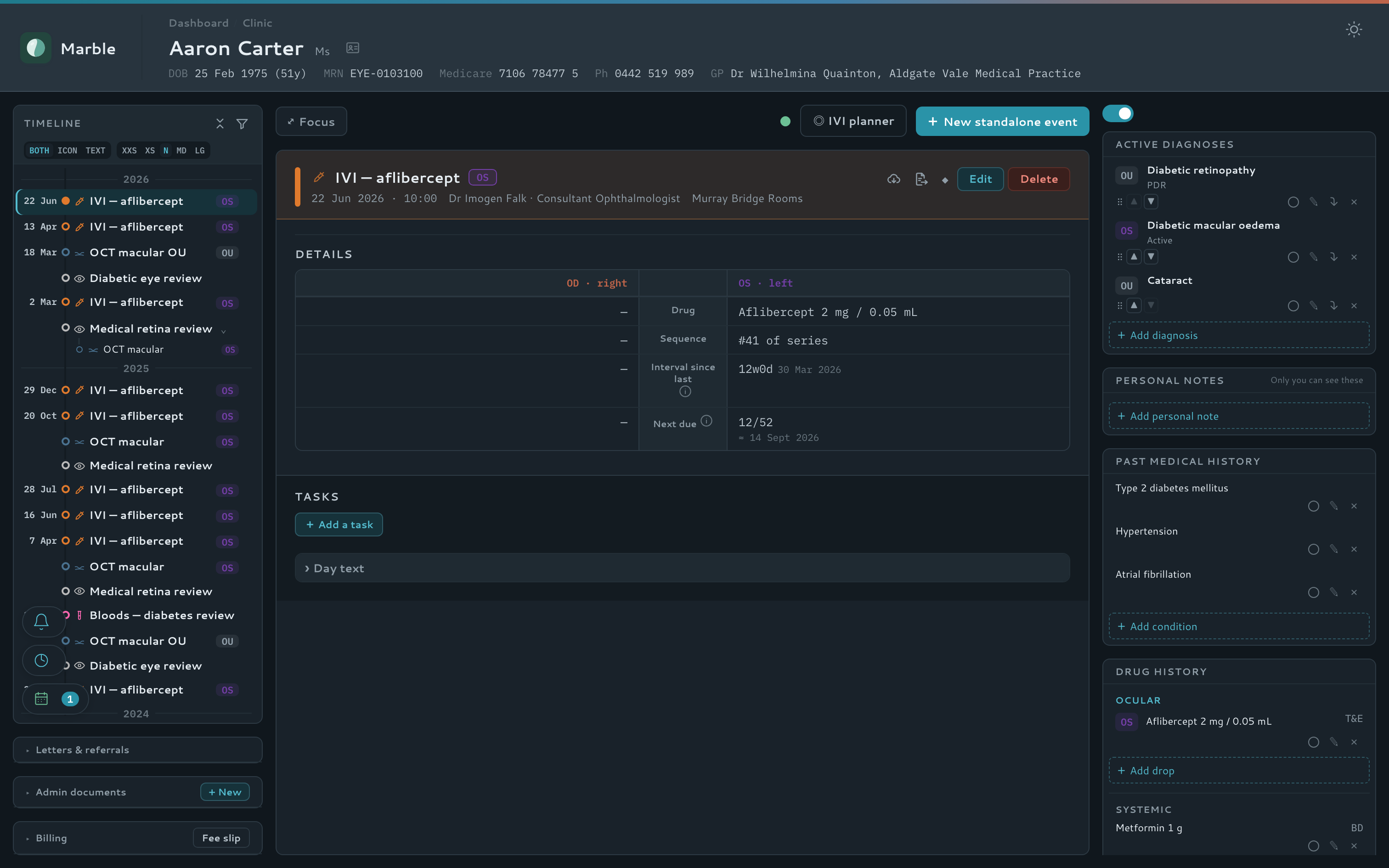
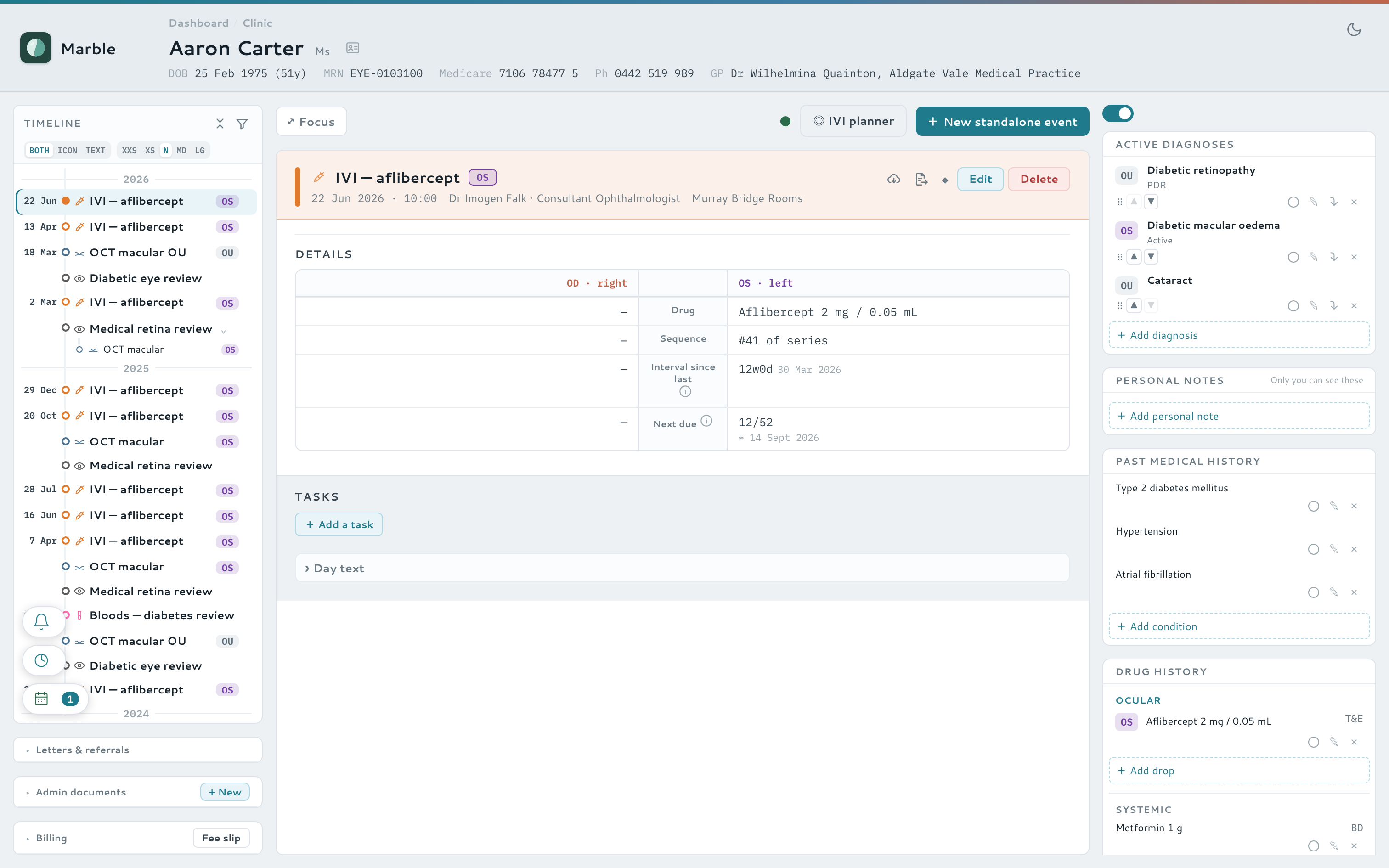
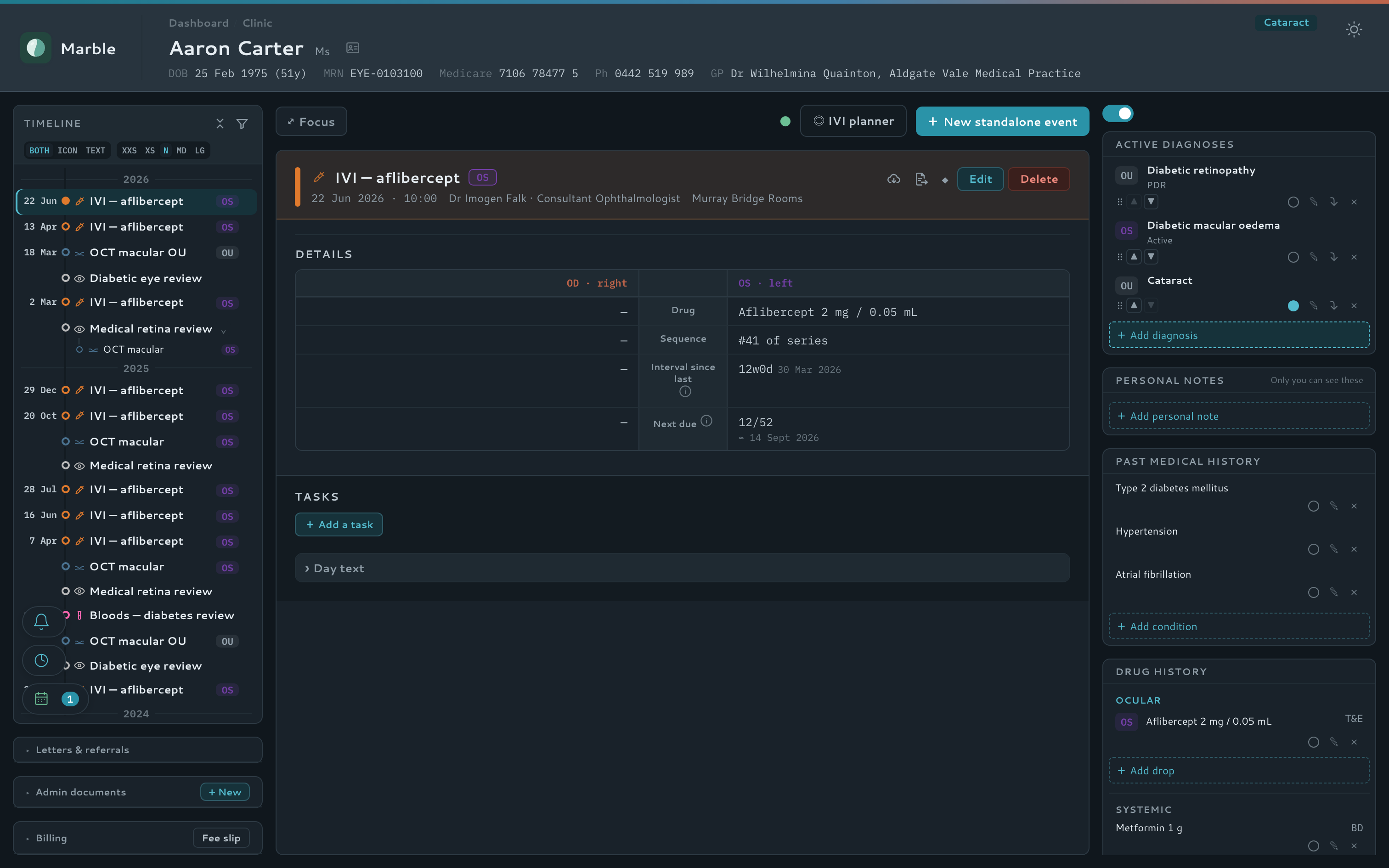
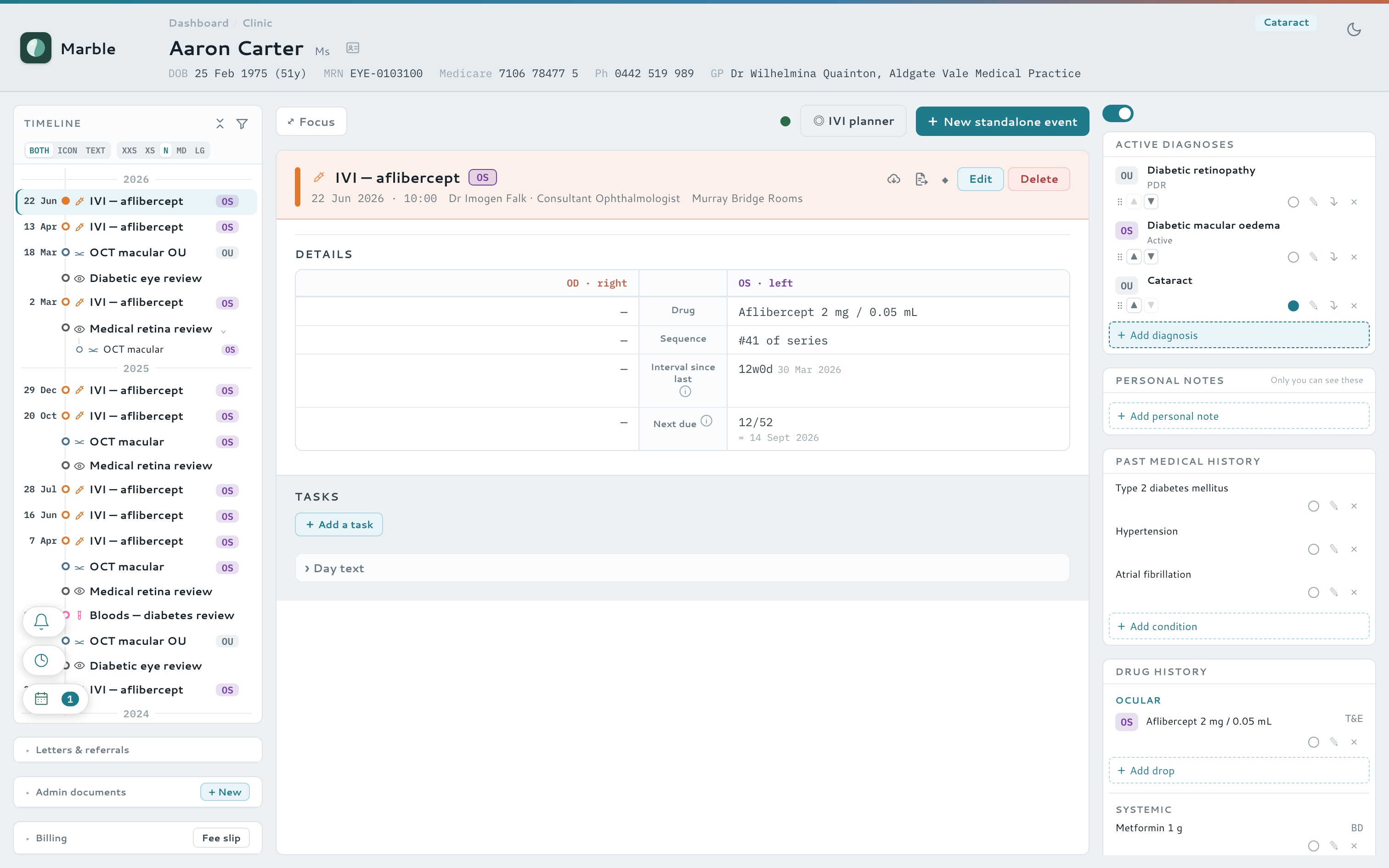
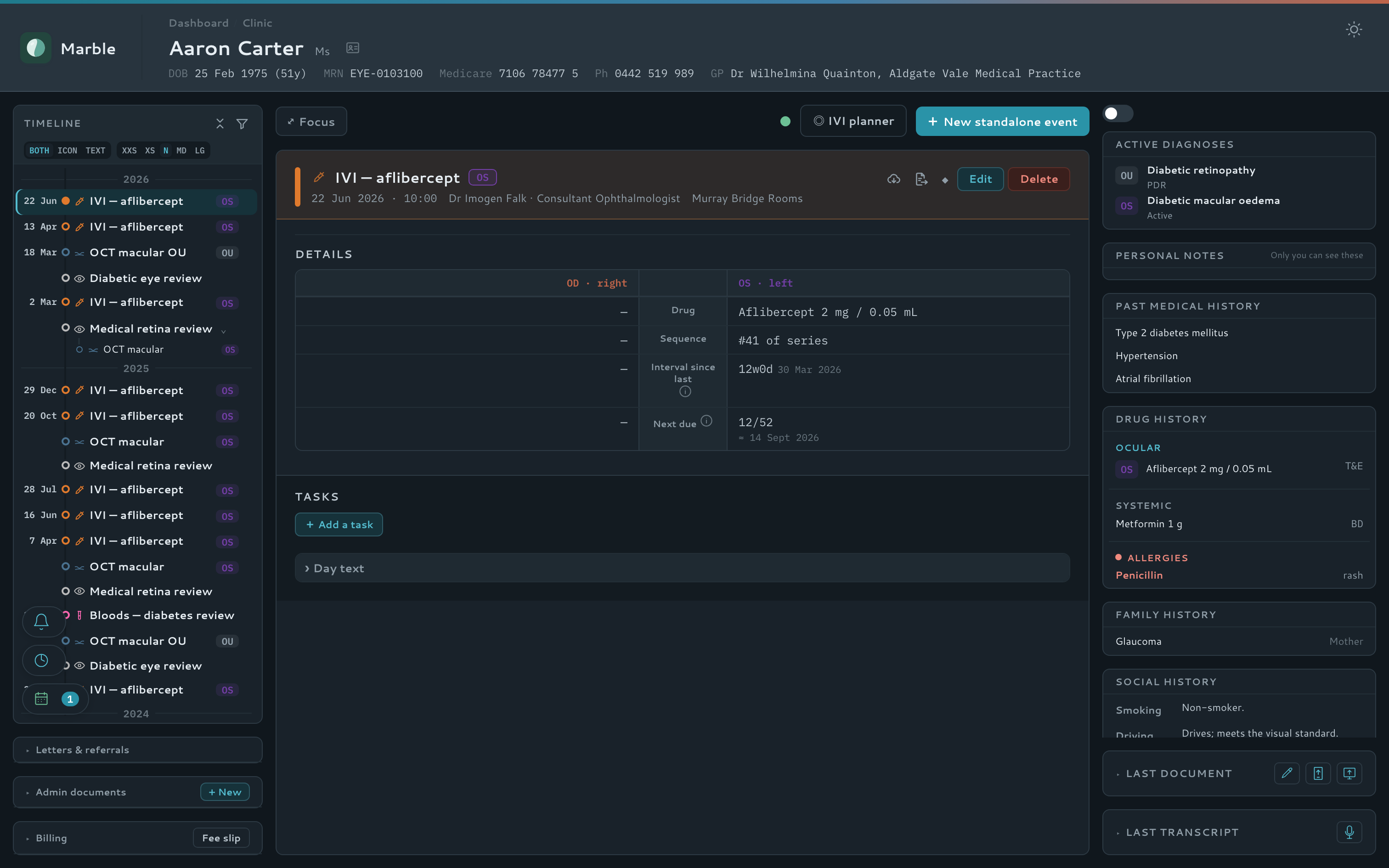
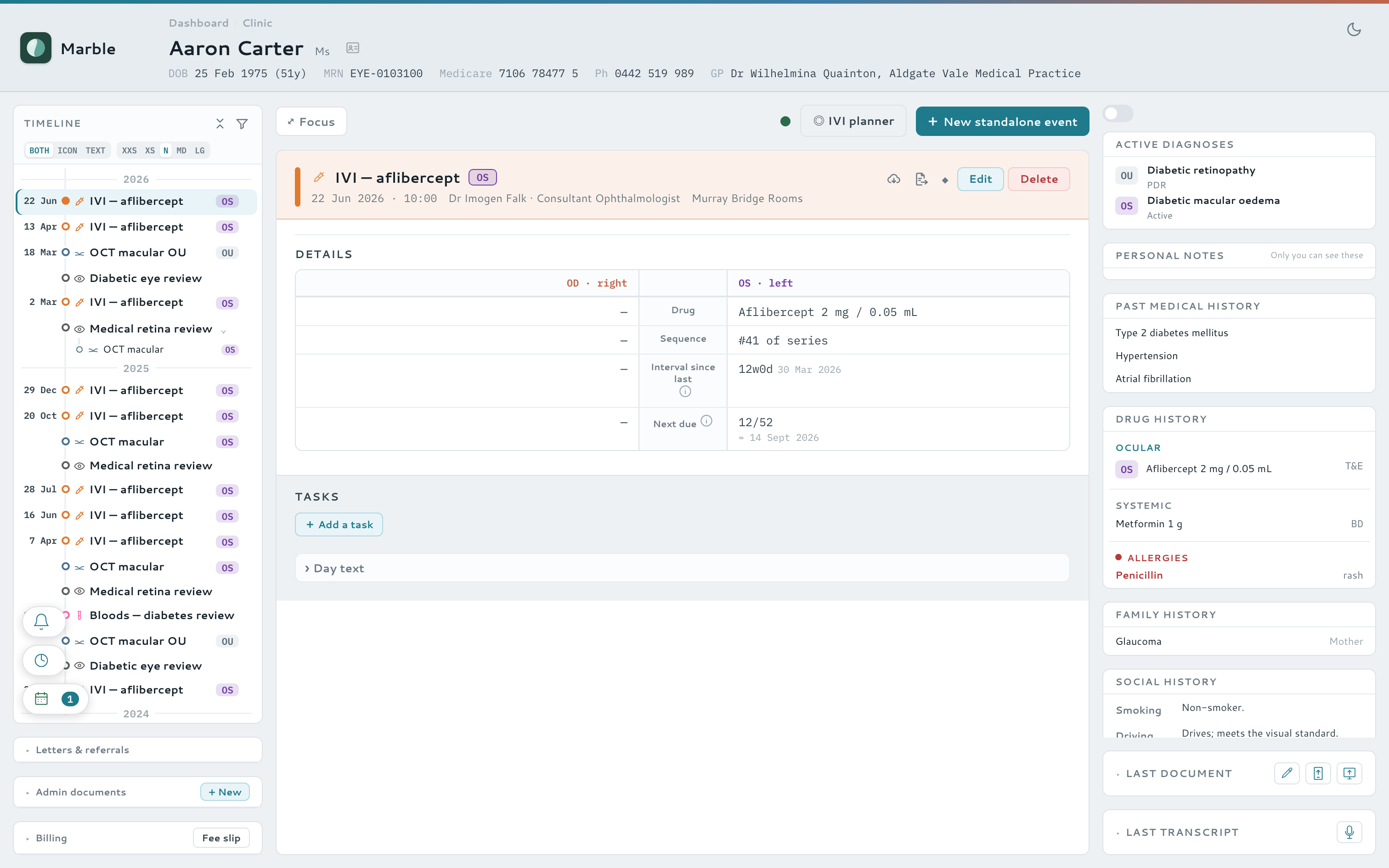
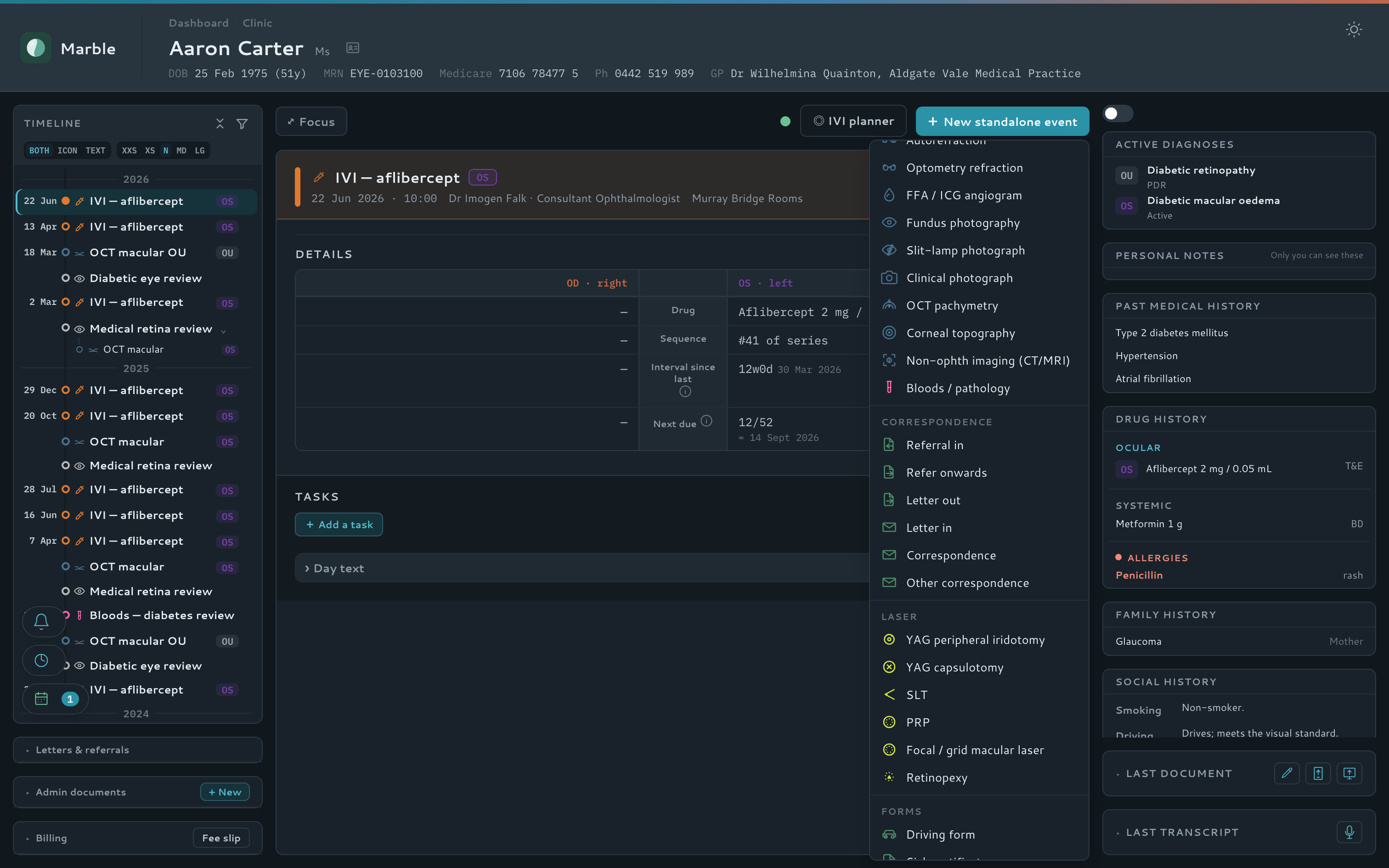
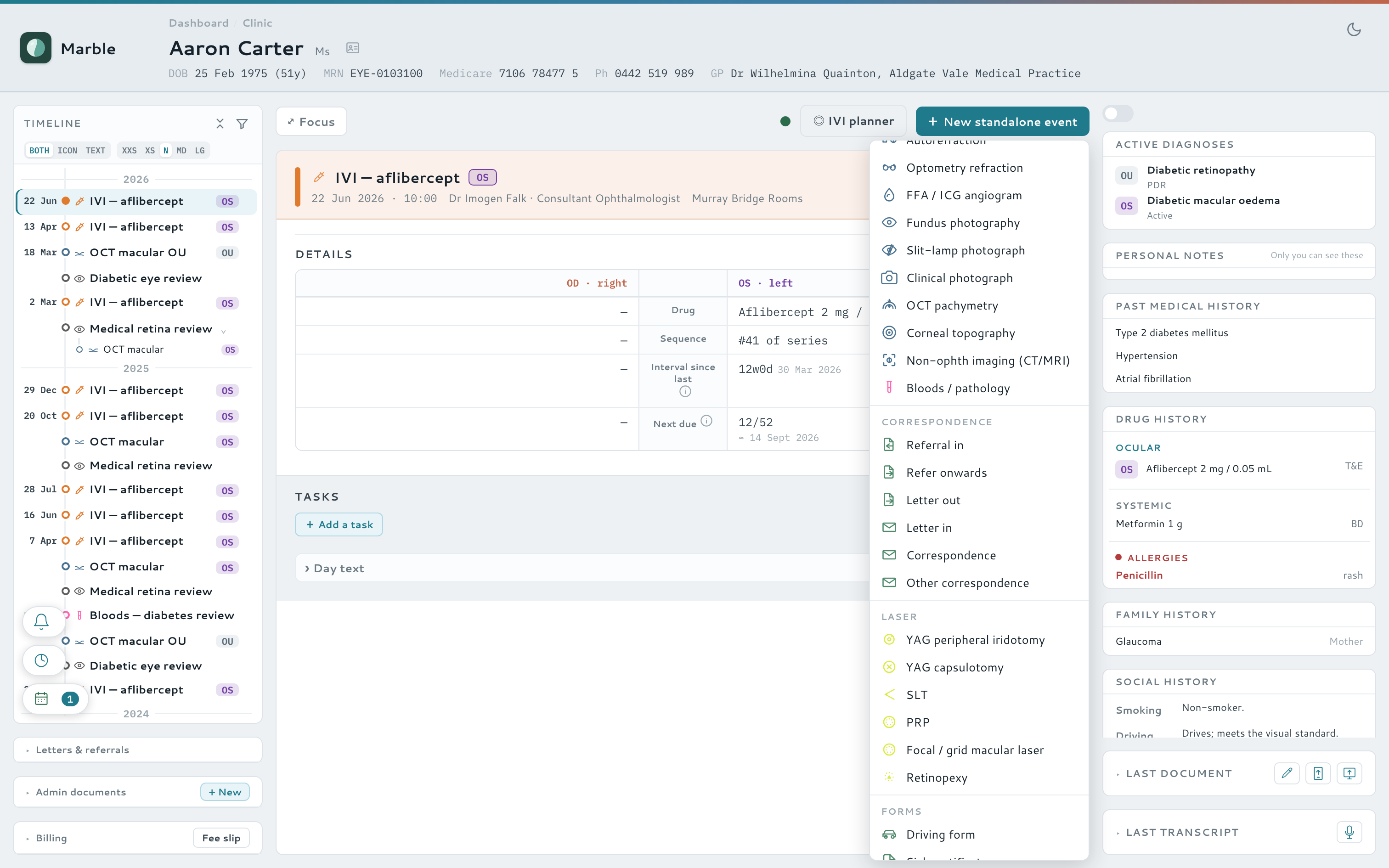
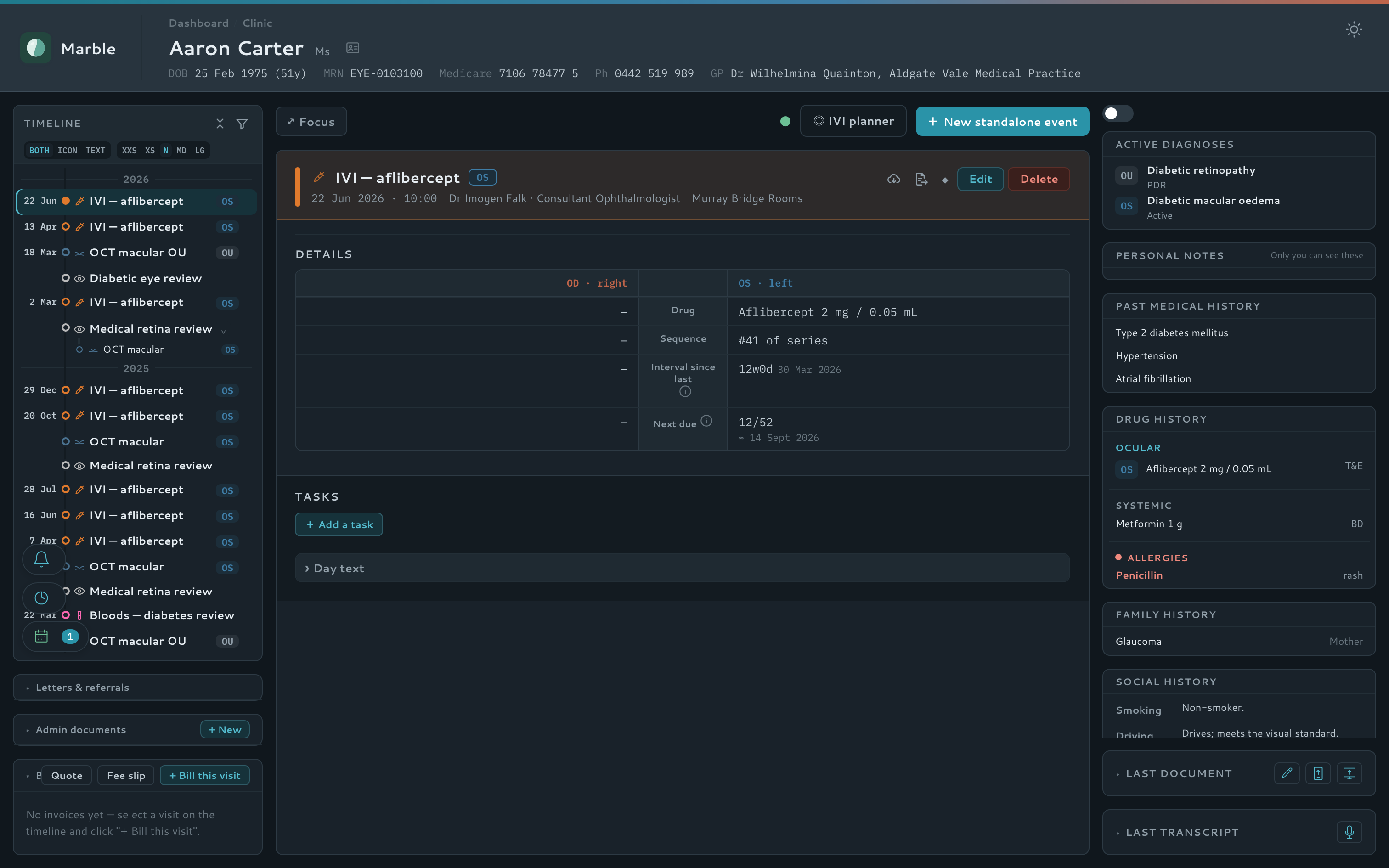
A three-column dashboard puts the patient banner, a scrollable clinical timeline, and a context sidebar — diagnoses, drug history, allergies, family and social history — side by side. Pin the facts that matter to the banner so they are always in view. No tab-hunting.
- Chronological encounter timeline with fast filtering
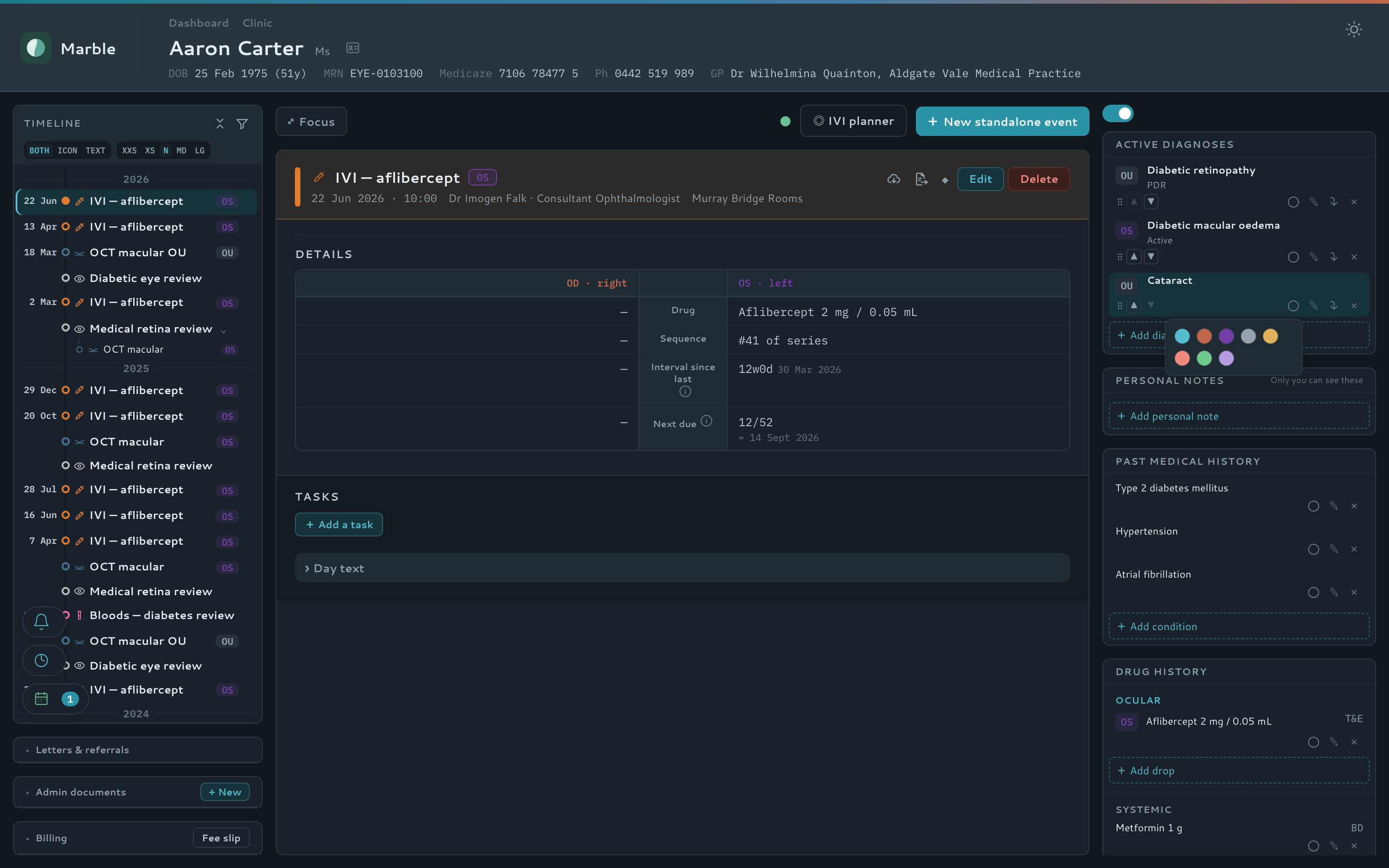
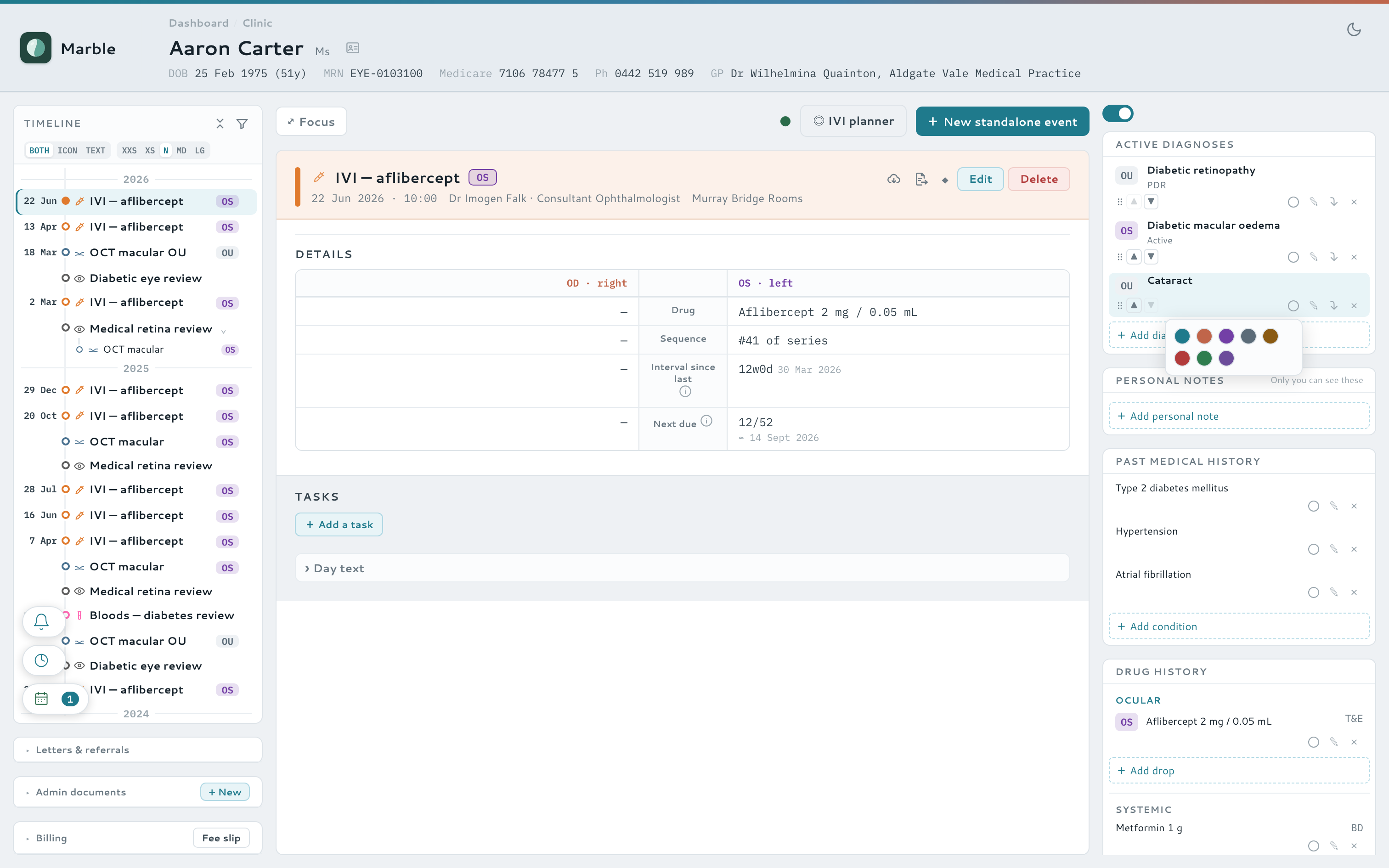
- Pin any diagnosis, drug or allergy to the patient banner, in one of eight colours
- Curated diagnosis and drug vocabularies, with optional SNOMED CT-AU coding, keep the record consistent
- One task list for the whole practice — results, reminders, to-dos and calls
- Real-time updates — readings sent from a tablet appear instantly
Watch it — add a diagnosis, then pin it to the banner
AI documentation
Let the AI do the typing — you check and sign
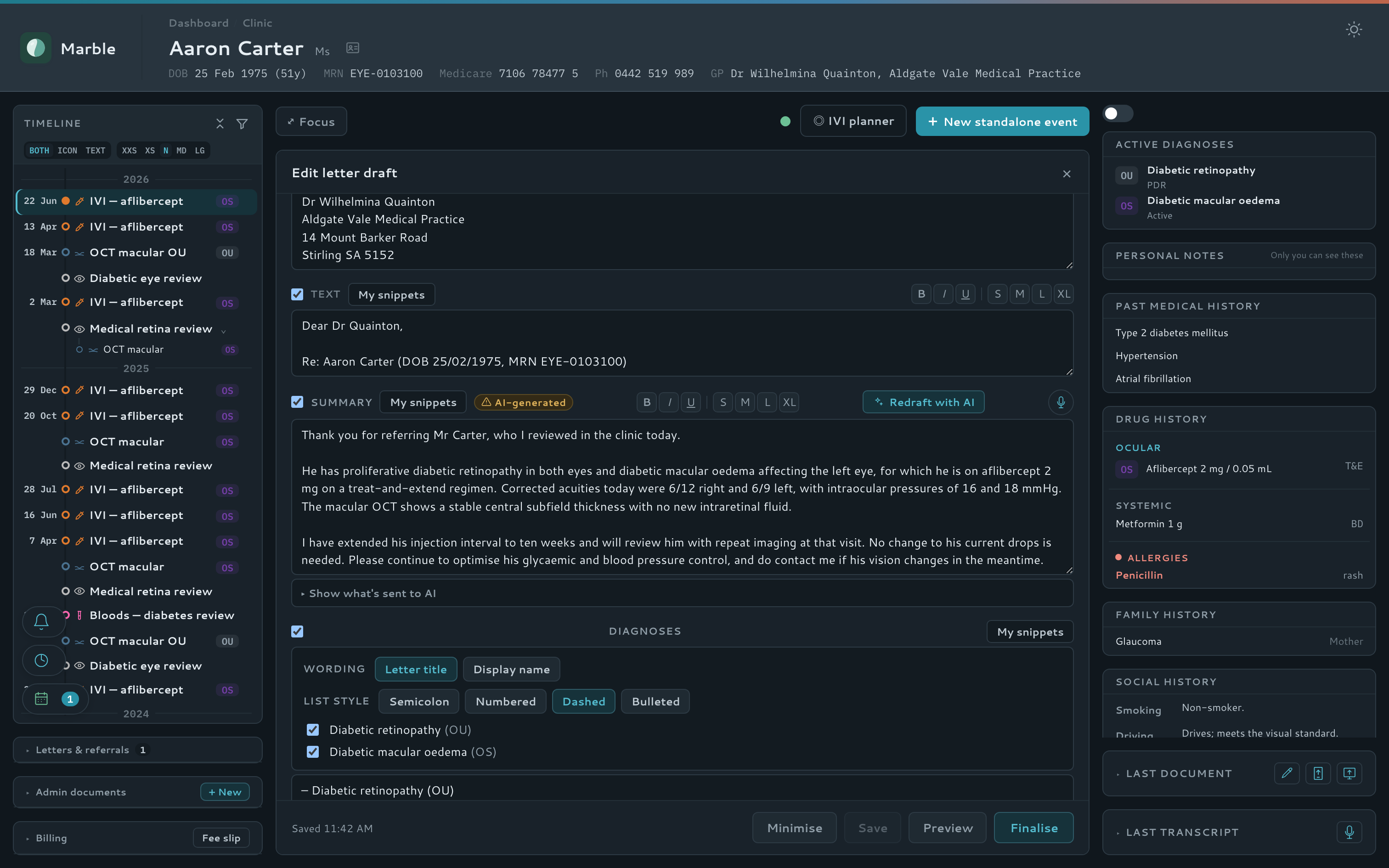
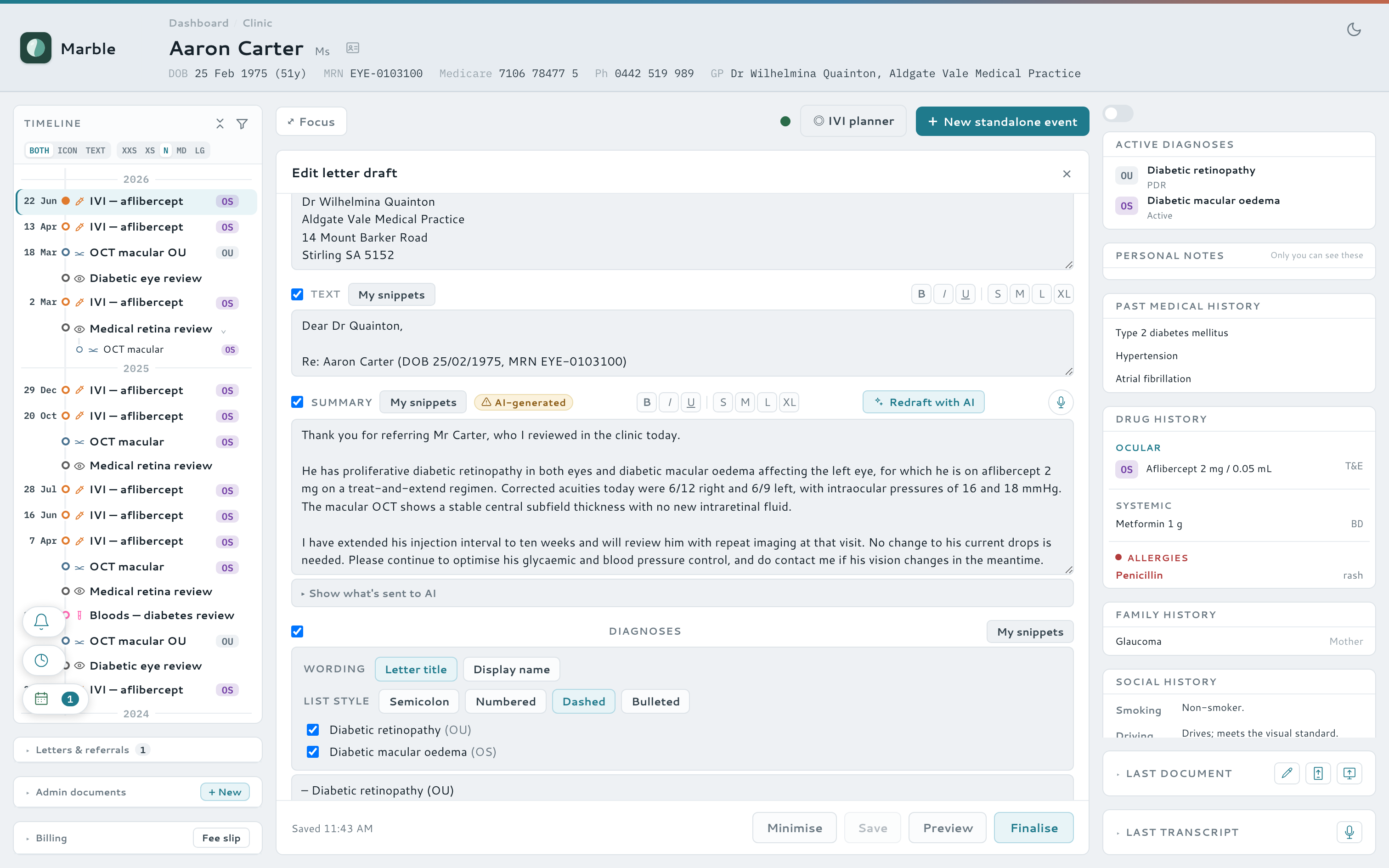
Dictate at the point of care and let Marble turn speech into structured notes, reusable templates, and ready-to-send clinic letters — in a doctor's own voice, with you always in control of the final word.
- Point-of-care dictation → structured clinical notes
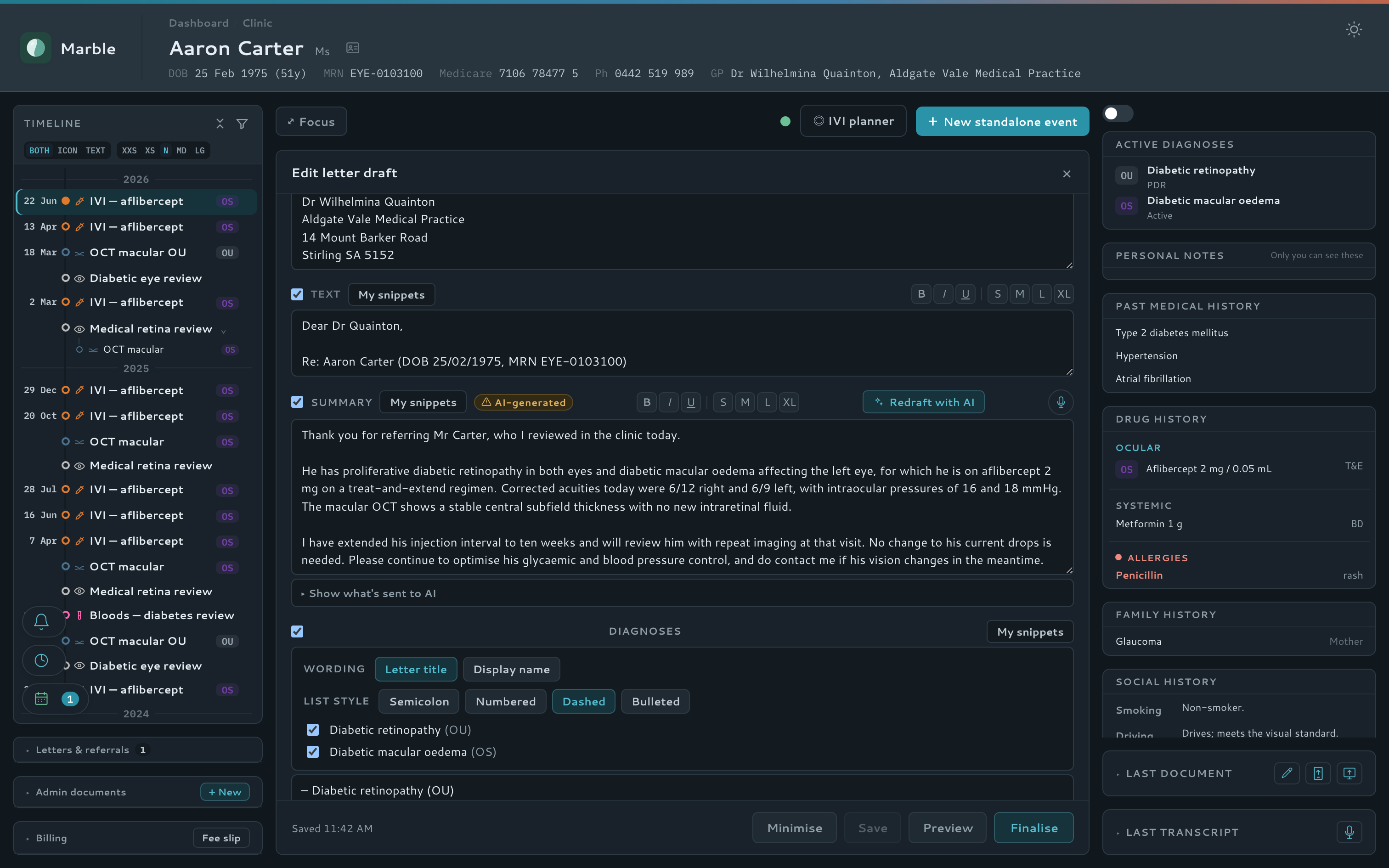
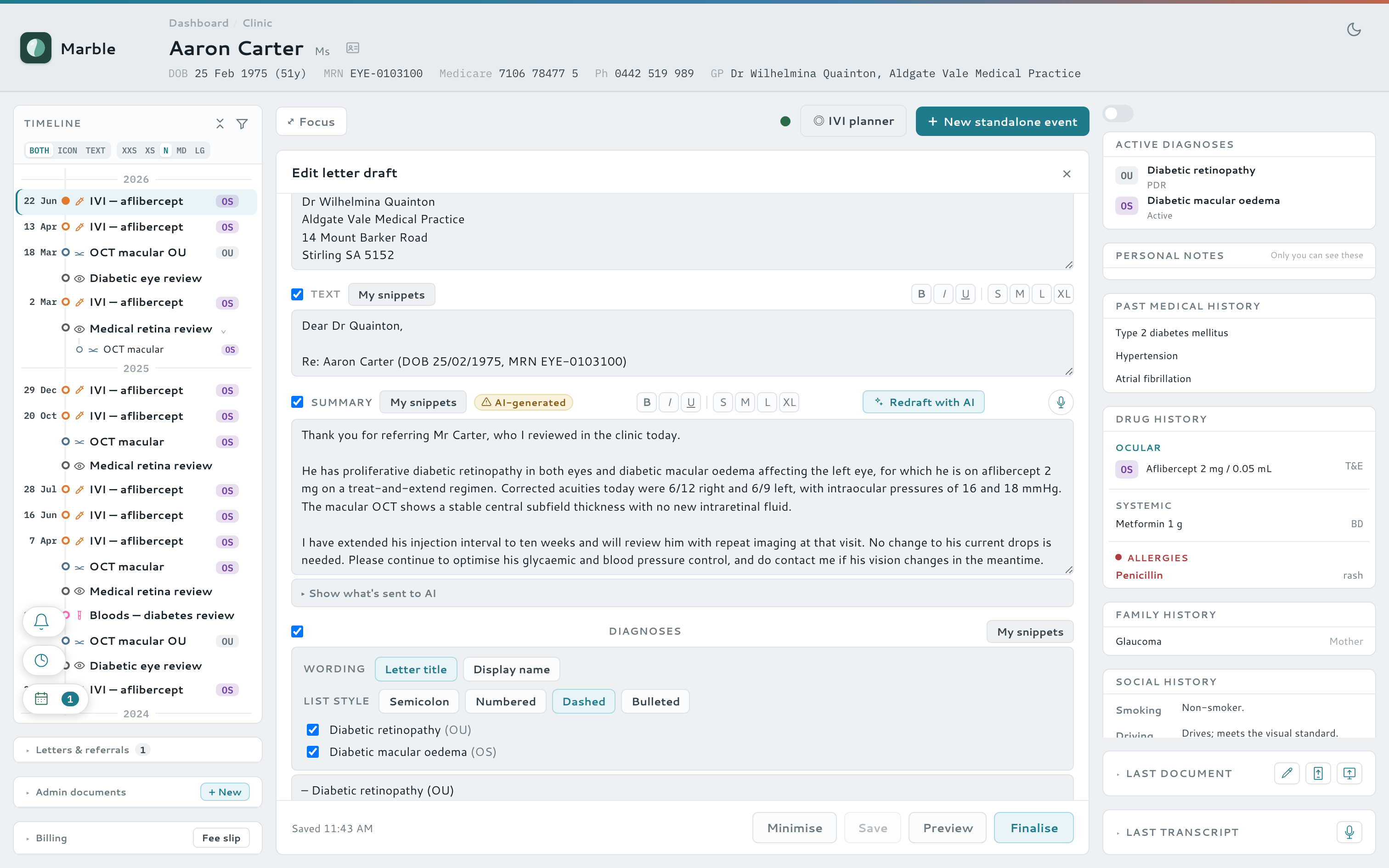
- AI-drafted GP letters, learned from a doctor's own past letters (few-shot style samples)
- Incoming referrals parsed into structured patient data
- Interpret an uploaded scan or field to extract key values — and spawn a pre-filled visit
- A grounded in-app help assistant — no patient data sent
Letters & correspondence
Letters, certificates and signatures, sorted
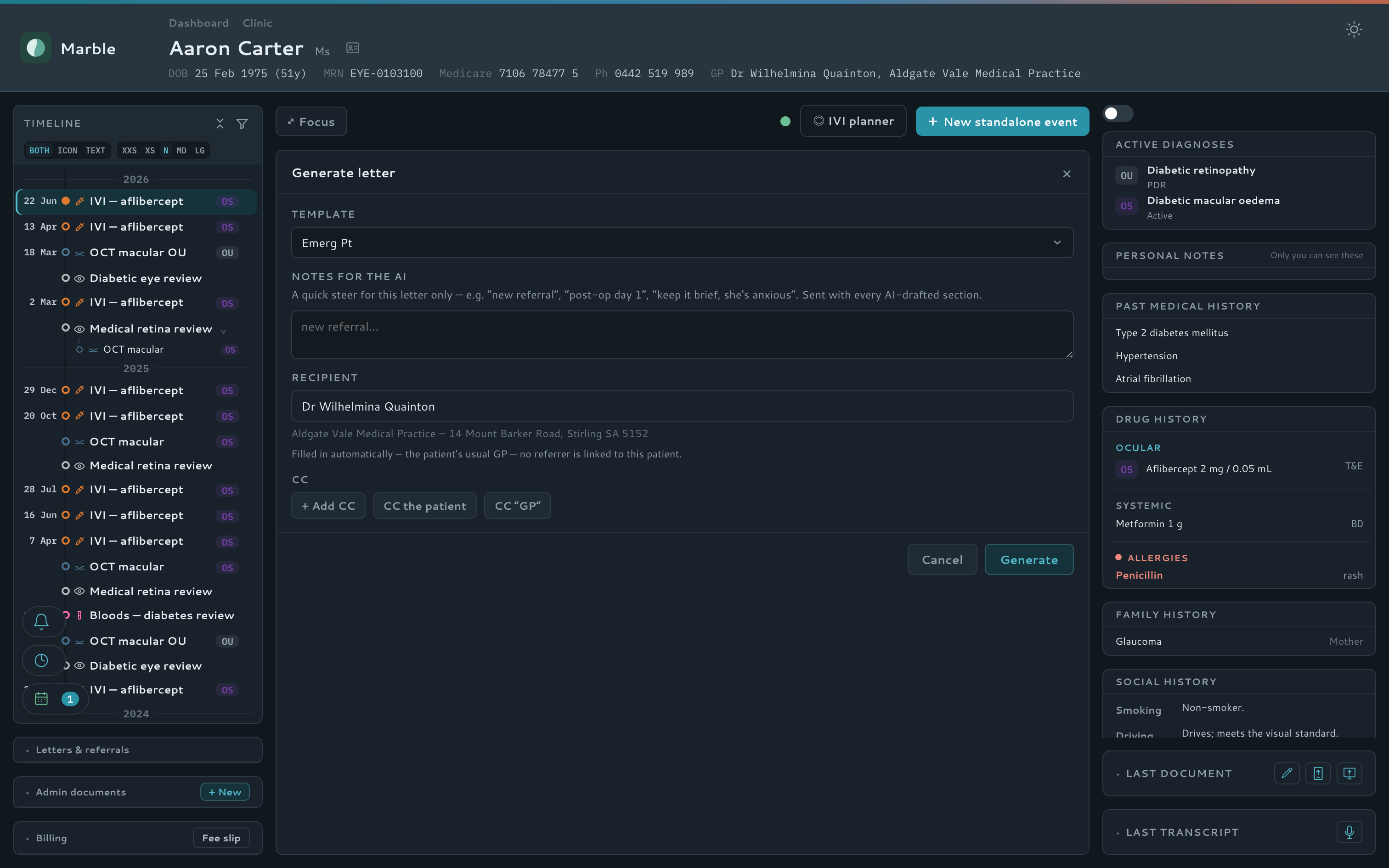
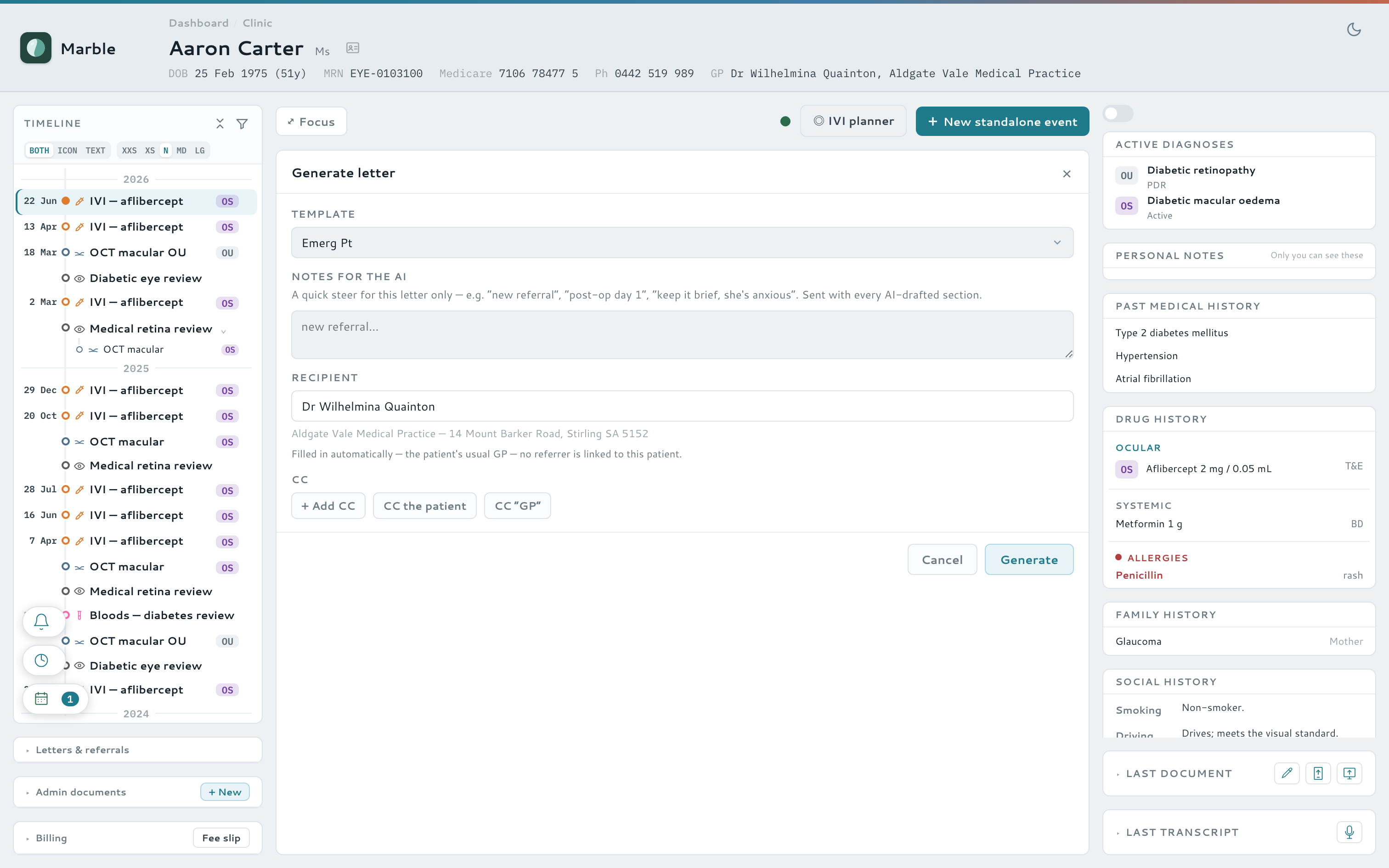
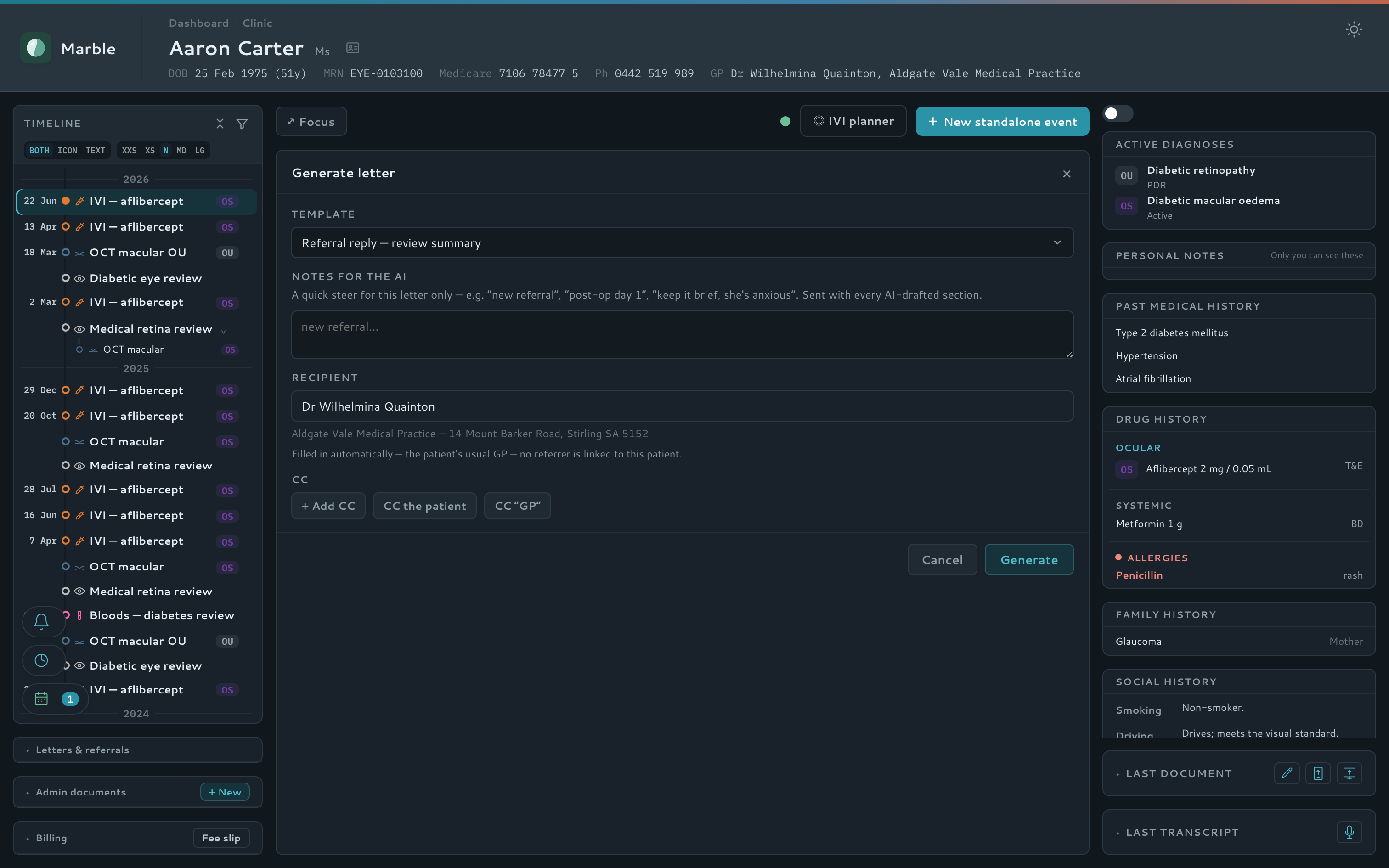
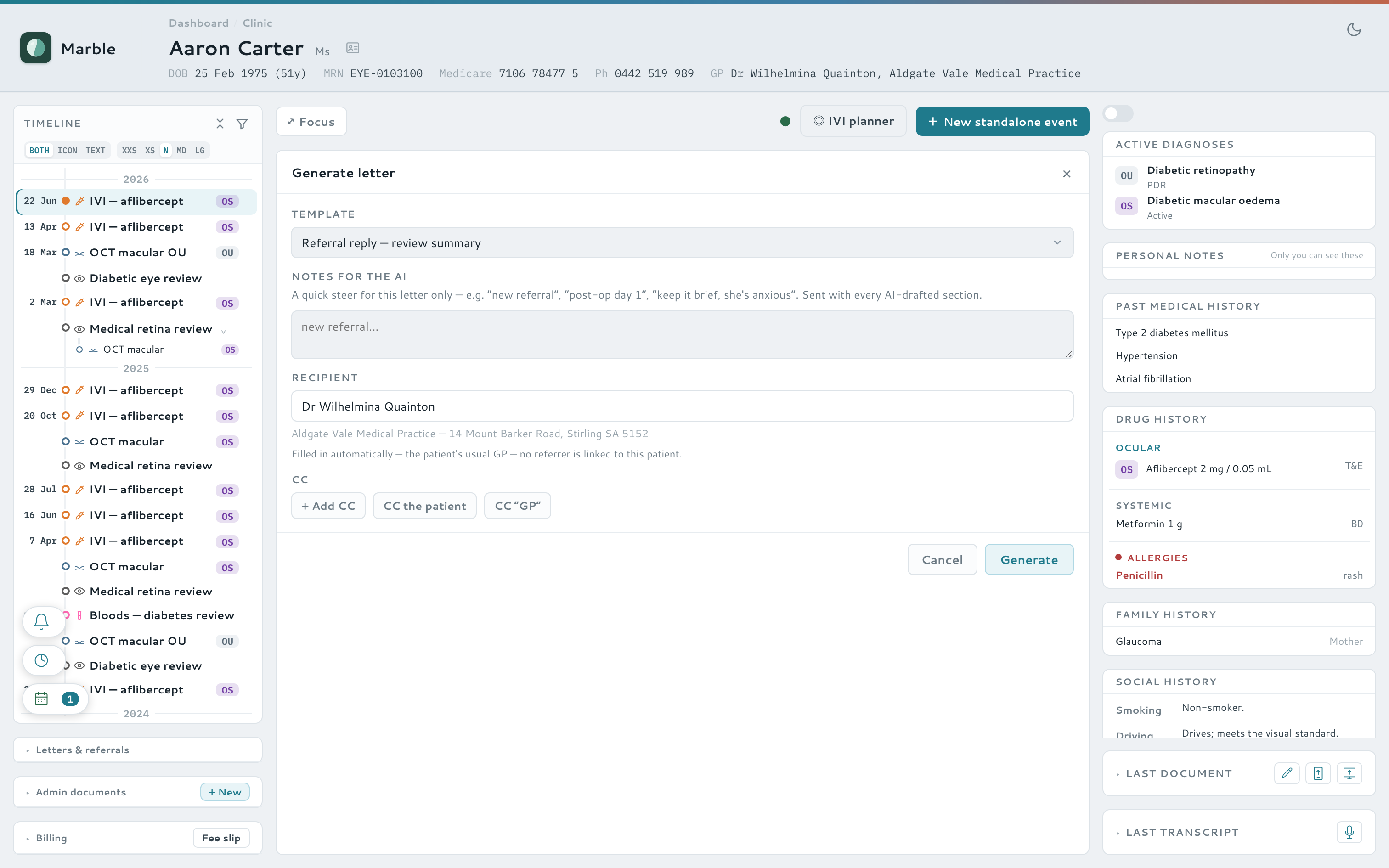
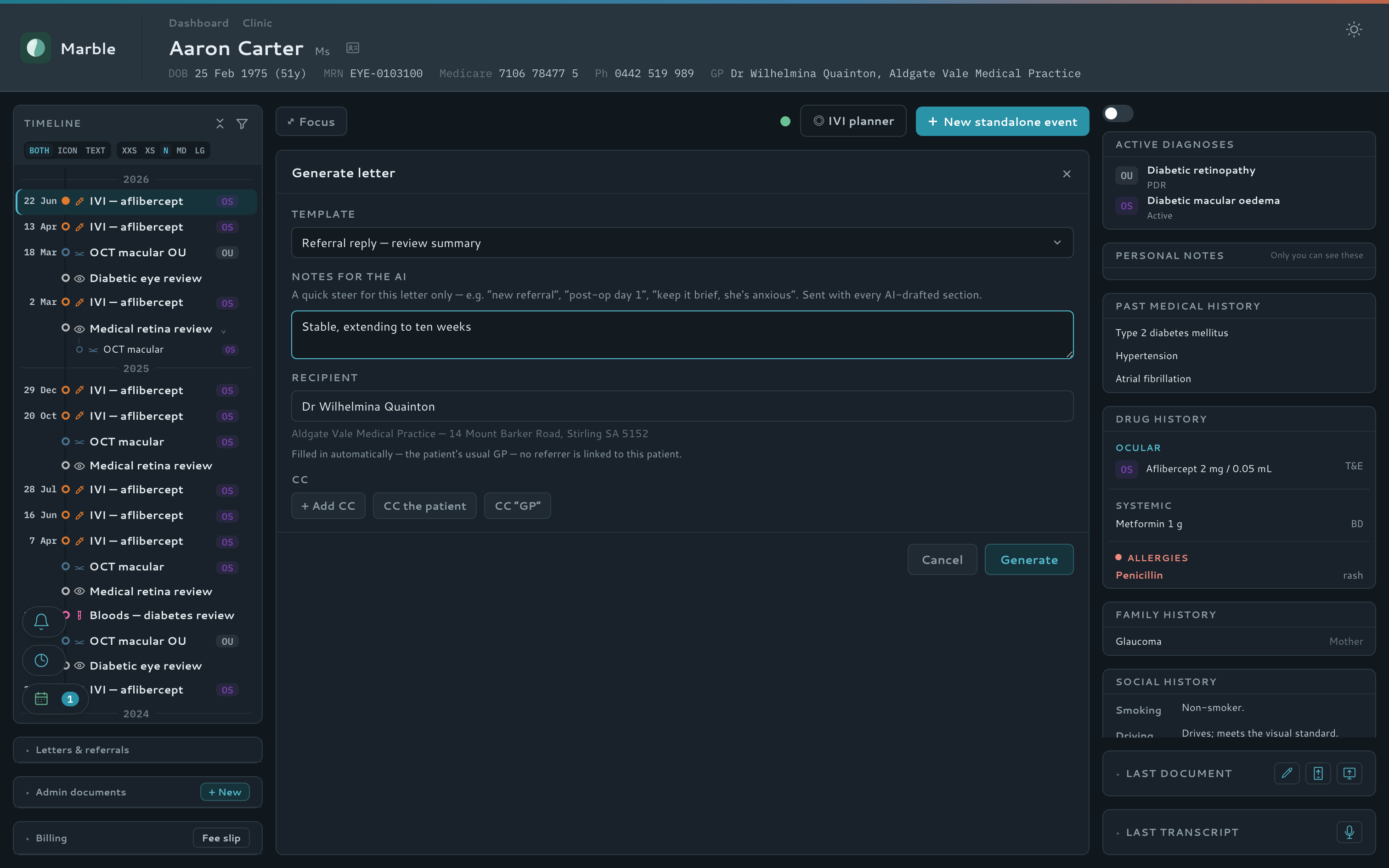
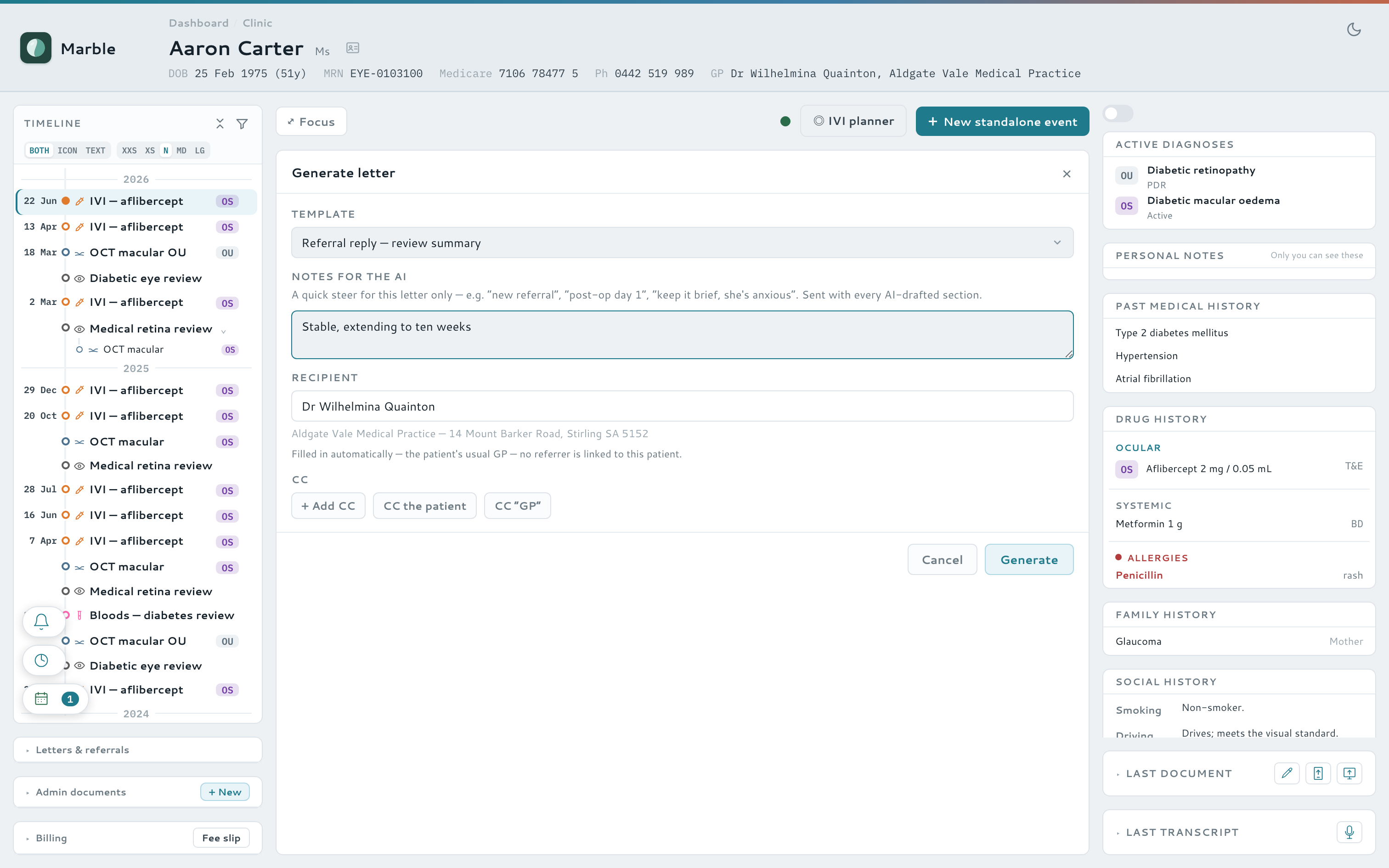
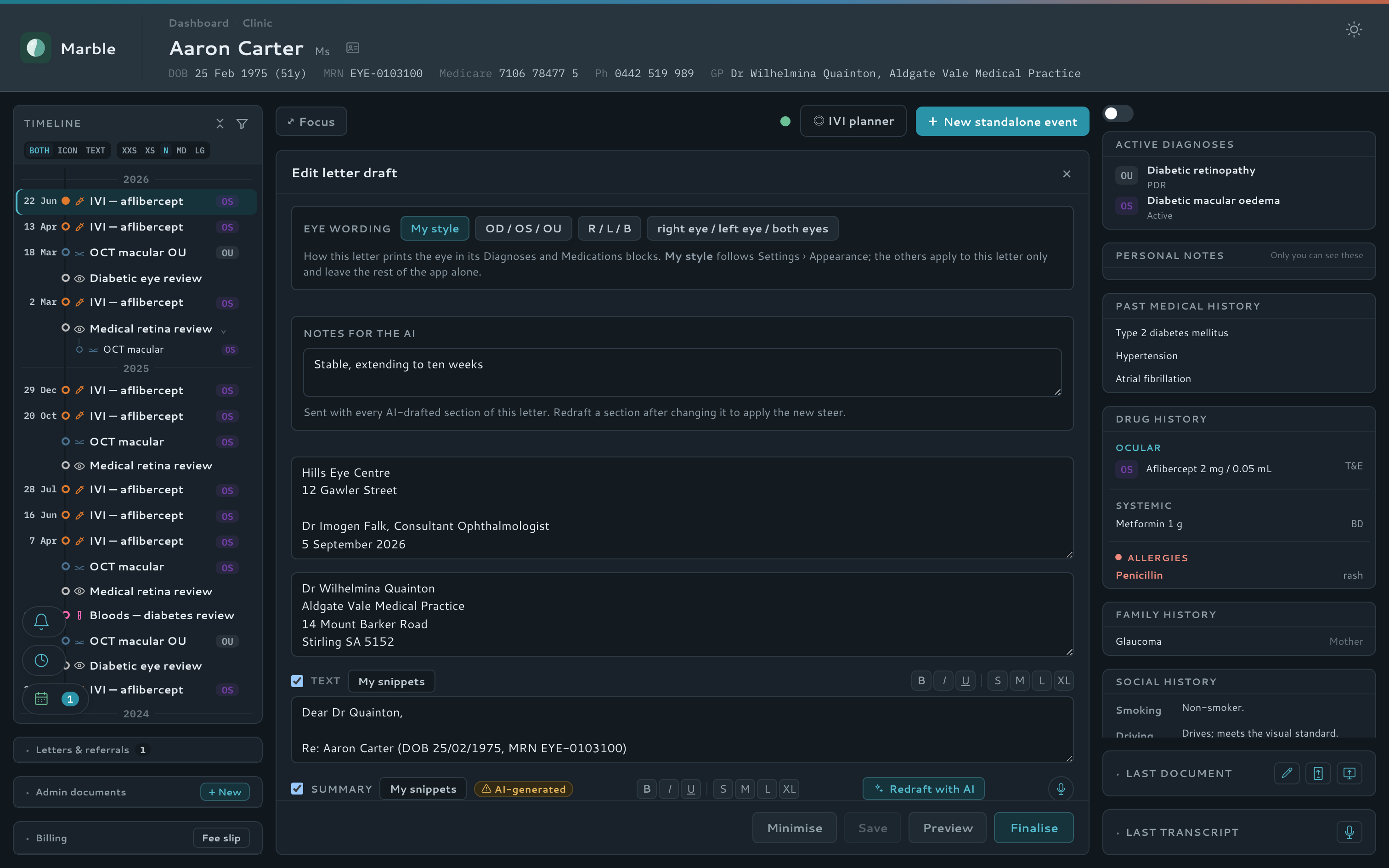
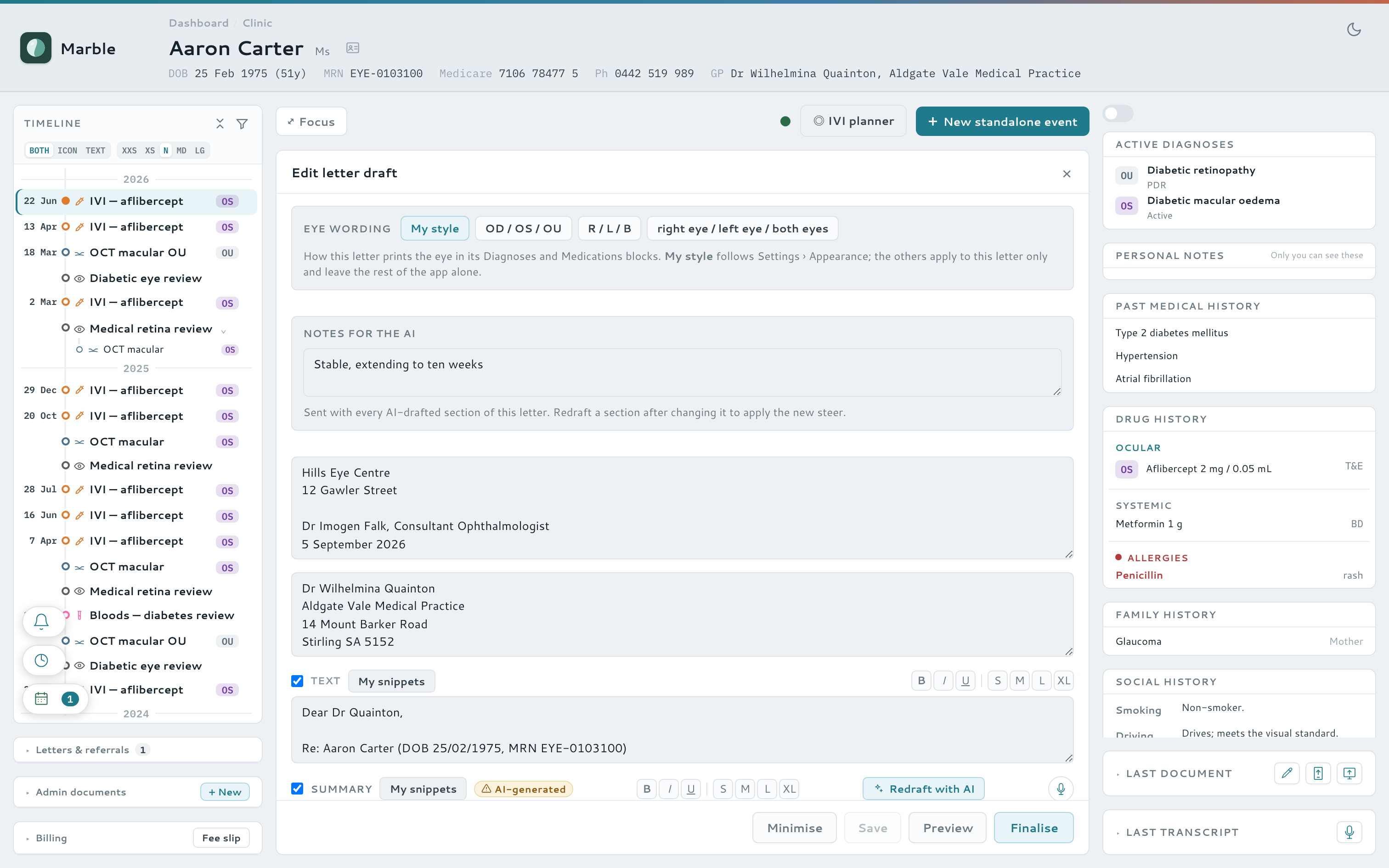
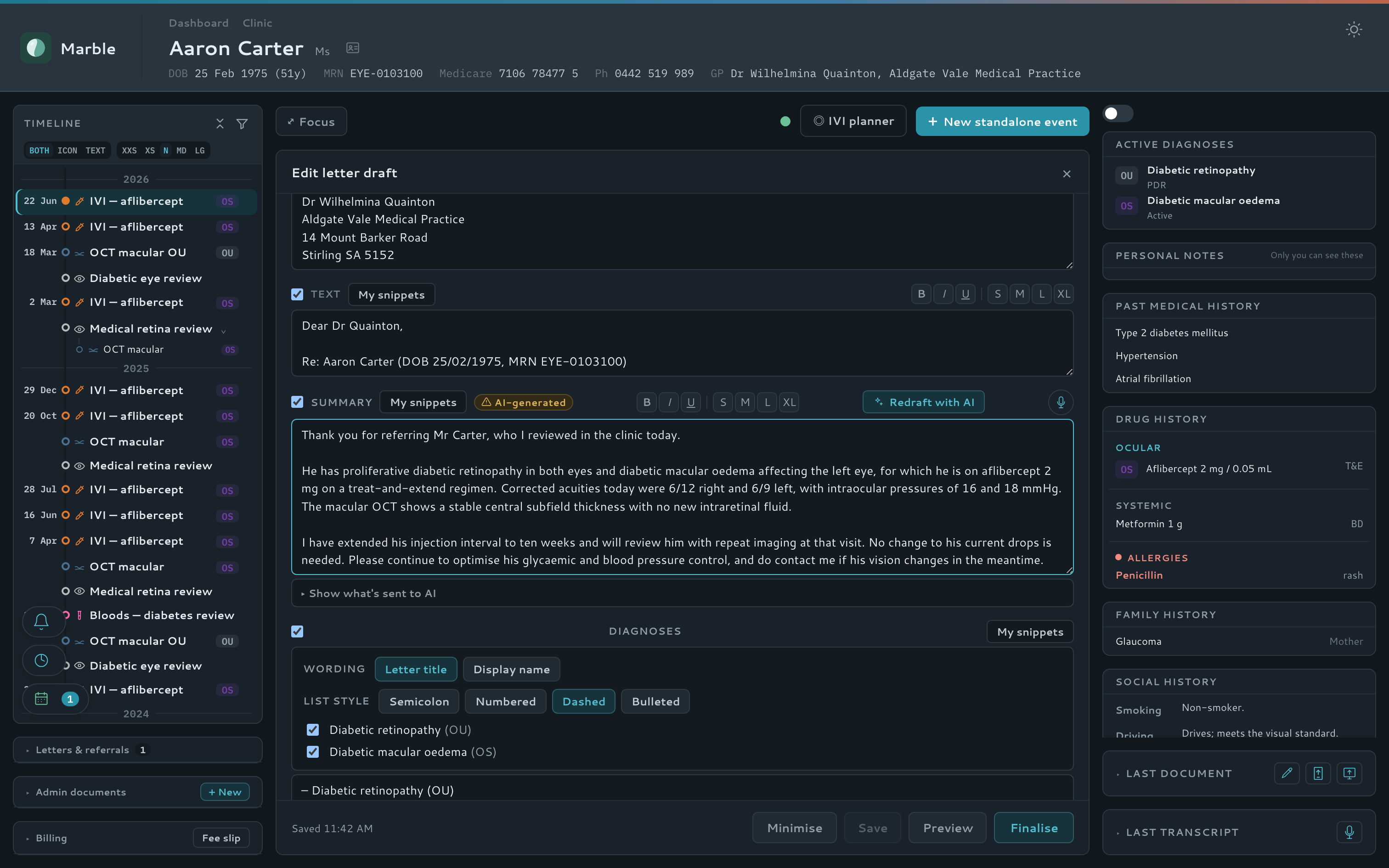
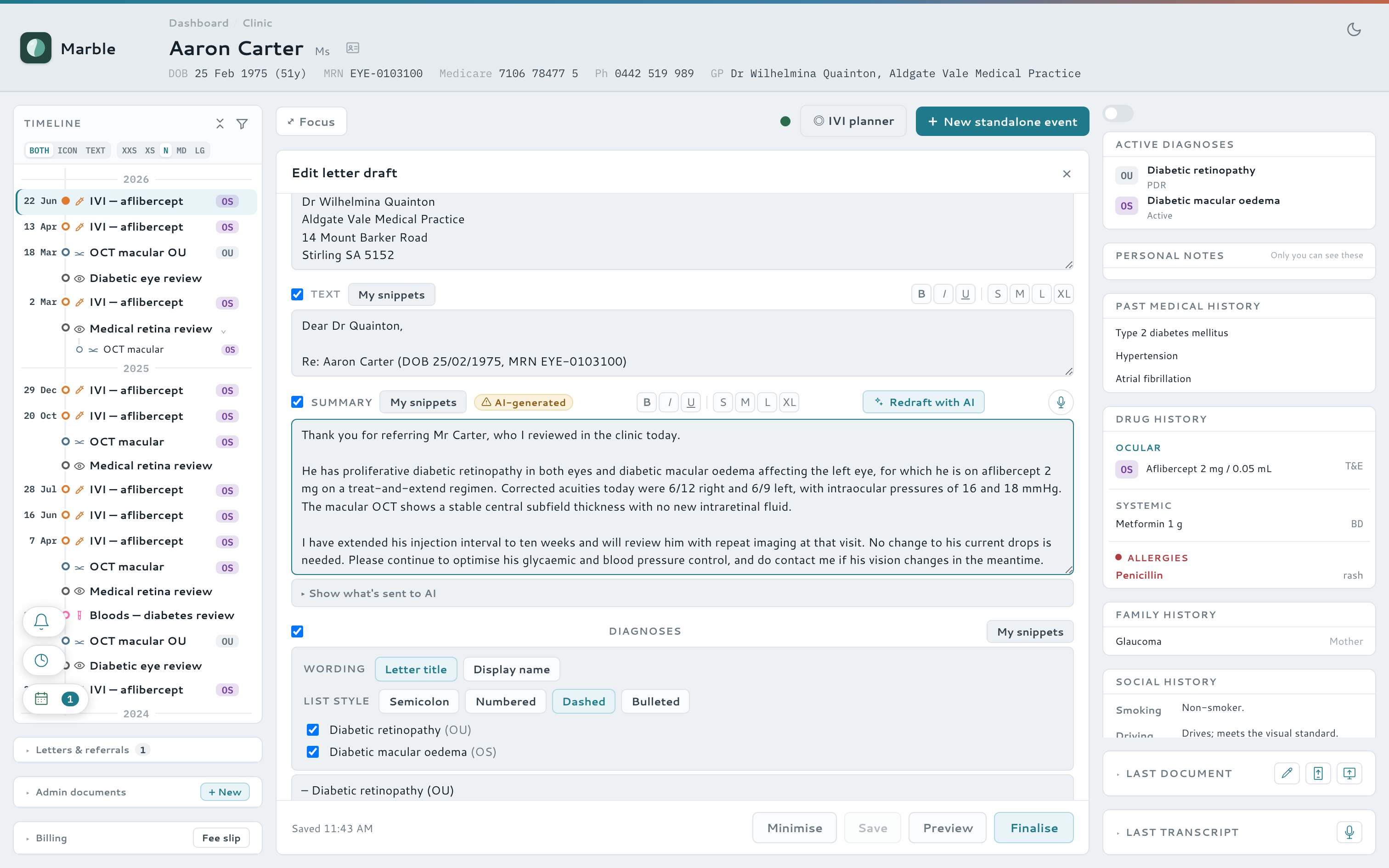
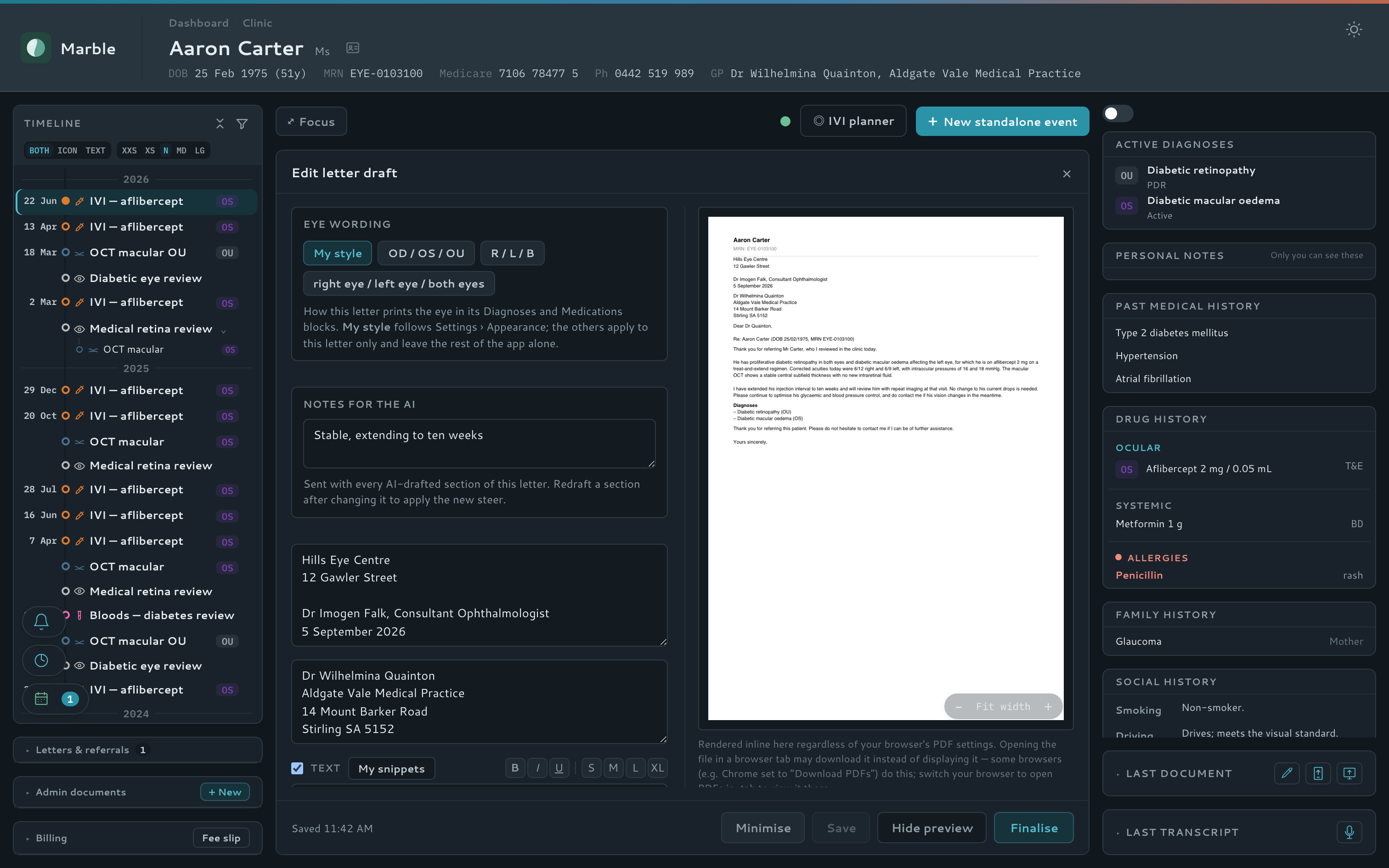
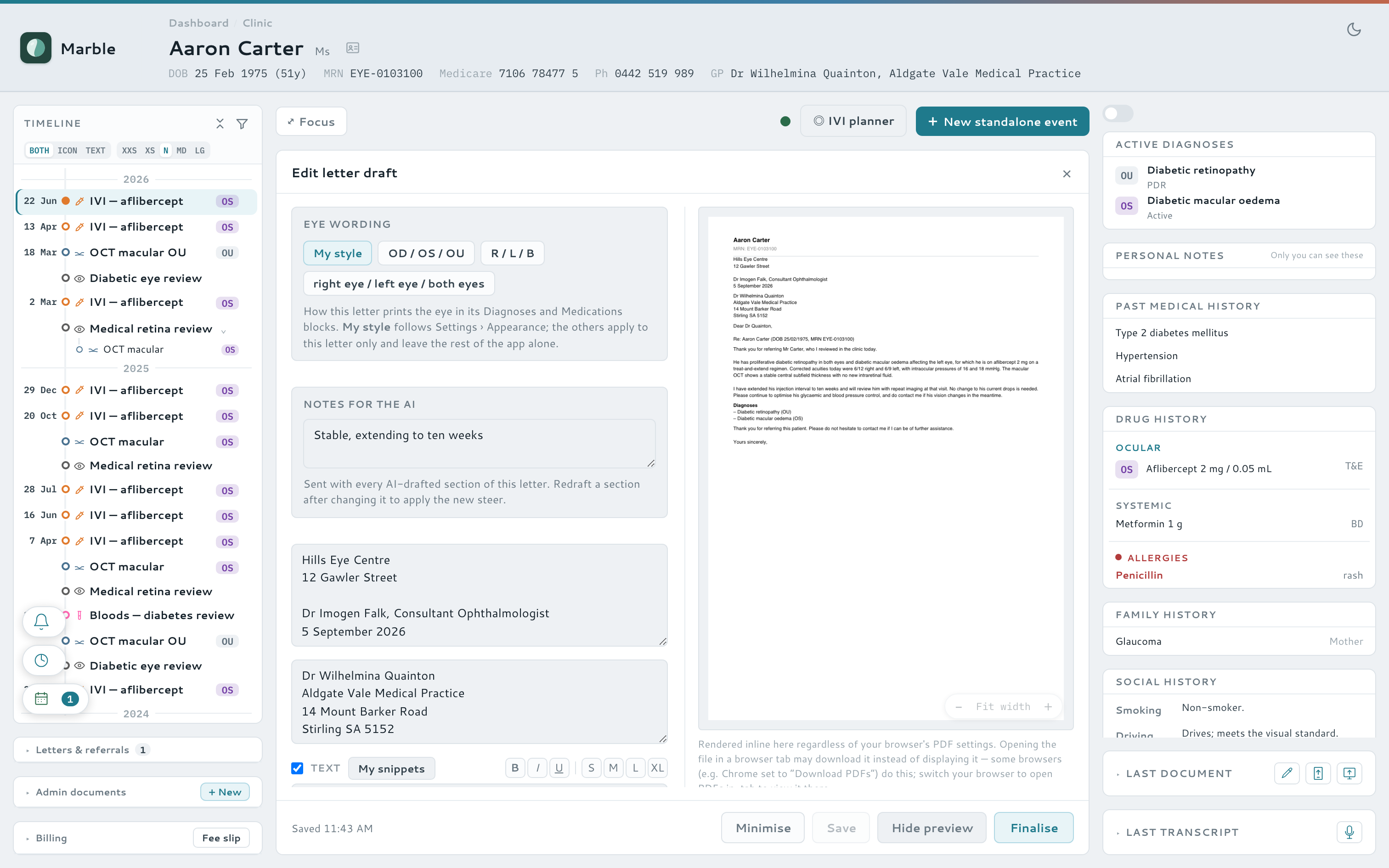
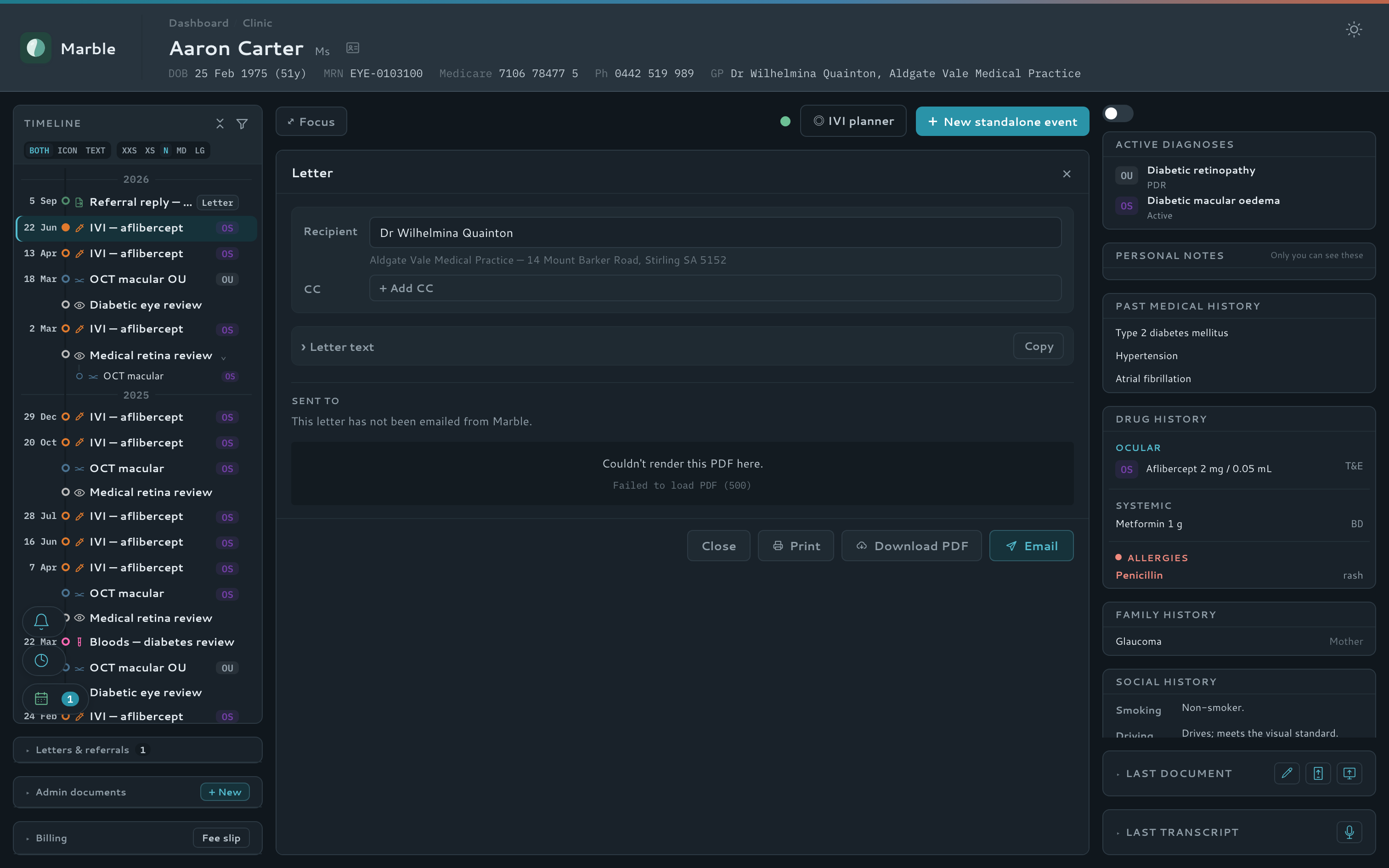
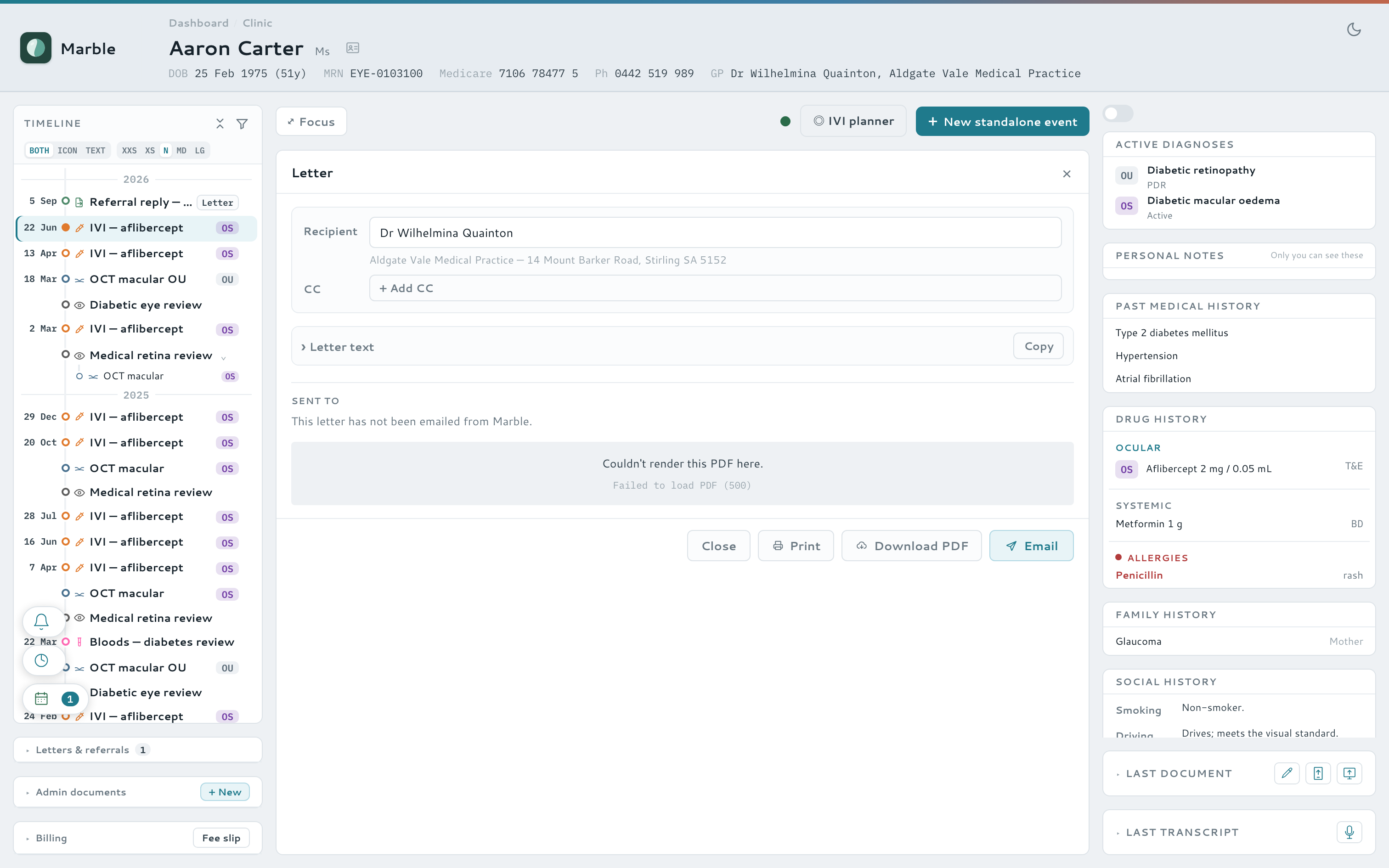
Marble drafts the whole correspondence loop — GP letters, referral replies and standalone letters — with the clinical facts filled in automatically, previewed live as you type. Add your letterhead and signature once, and every letter comes out ready to send.
- Letter composer with templates, auto-recipient and copy-to, live preview, PDF and email
- Auto-generated printable A5 sick and carers certificates
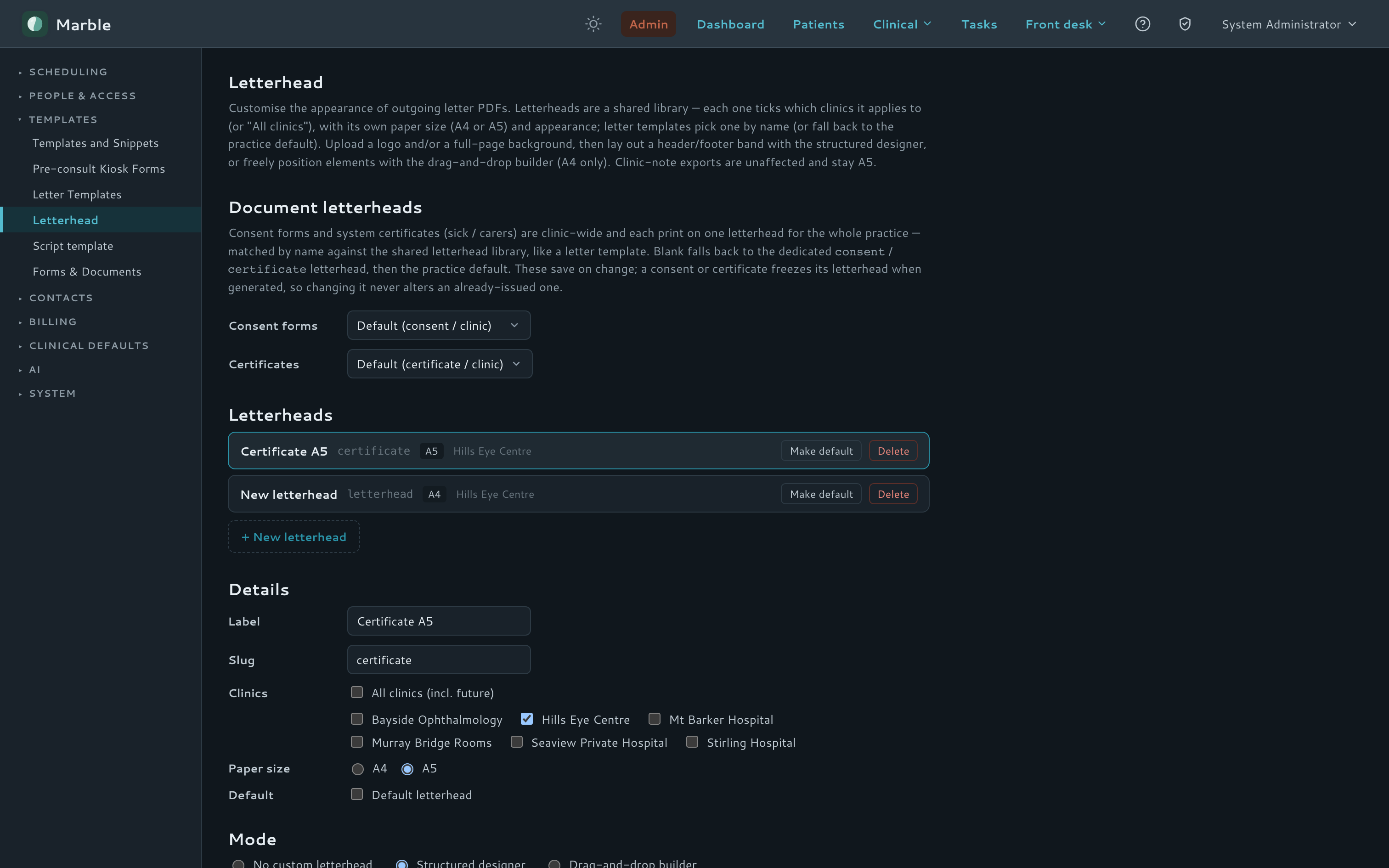
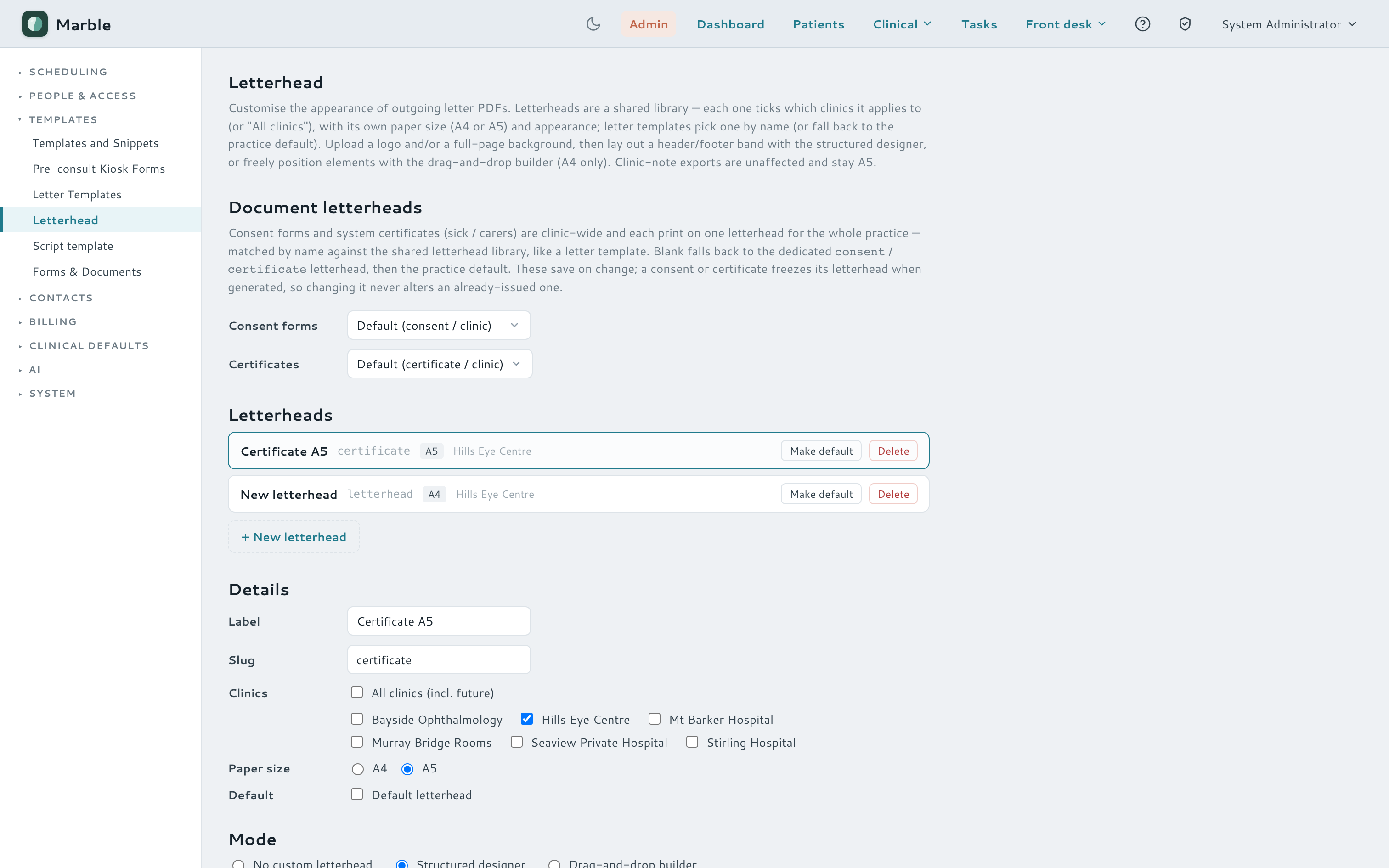
- Per-doctor signatures, shared letterheads across clinics, optional digital PDF signing
- Batch send — a period's letters, consents and notes gathered into one email, zipped
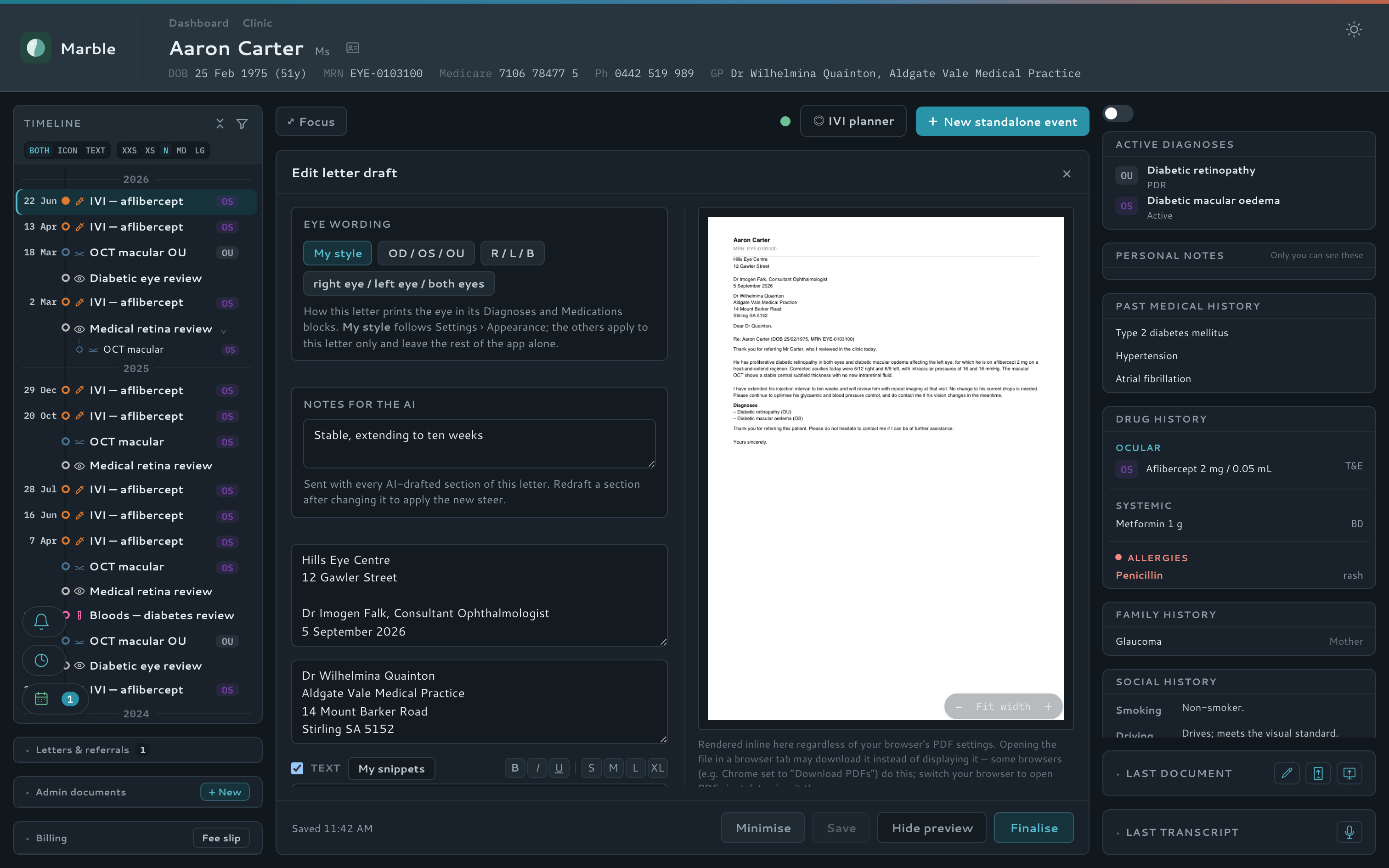
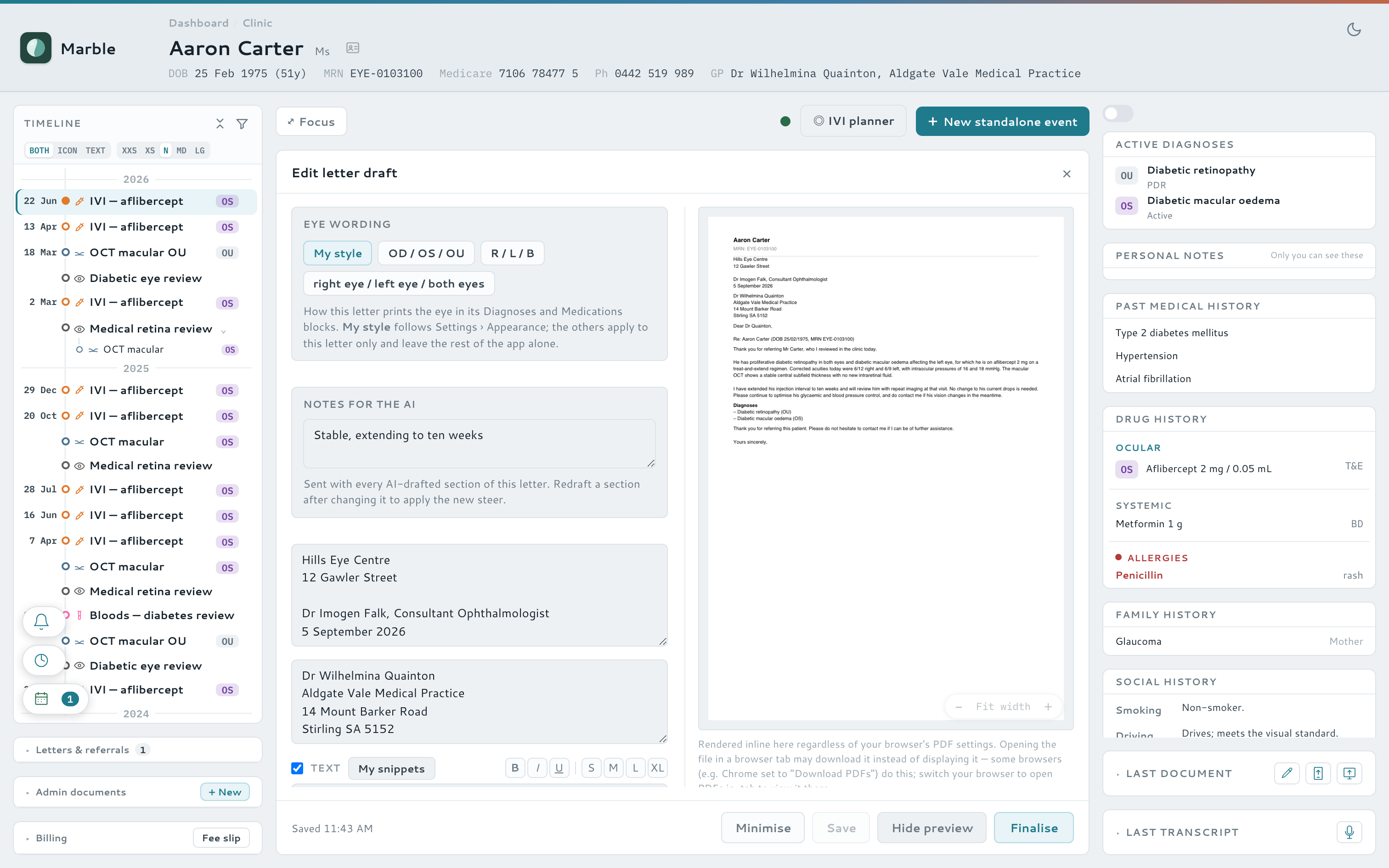
Watch it — compose, draft with AI, preview, finalise
Letterhead library
The tablet companion
A second screen you carry around the clinic
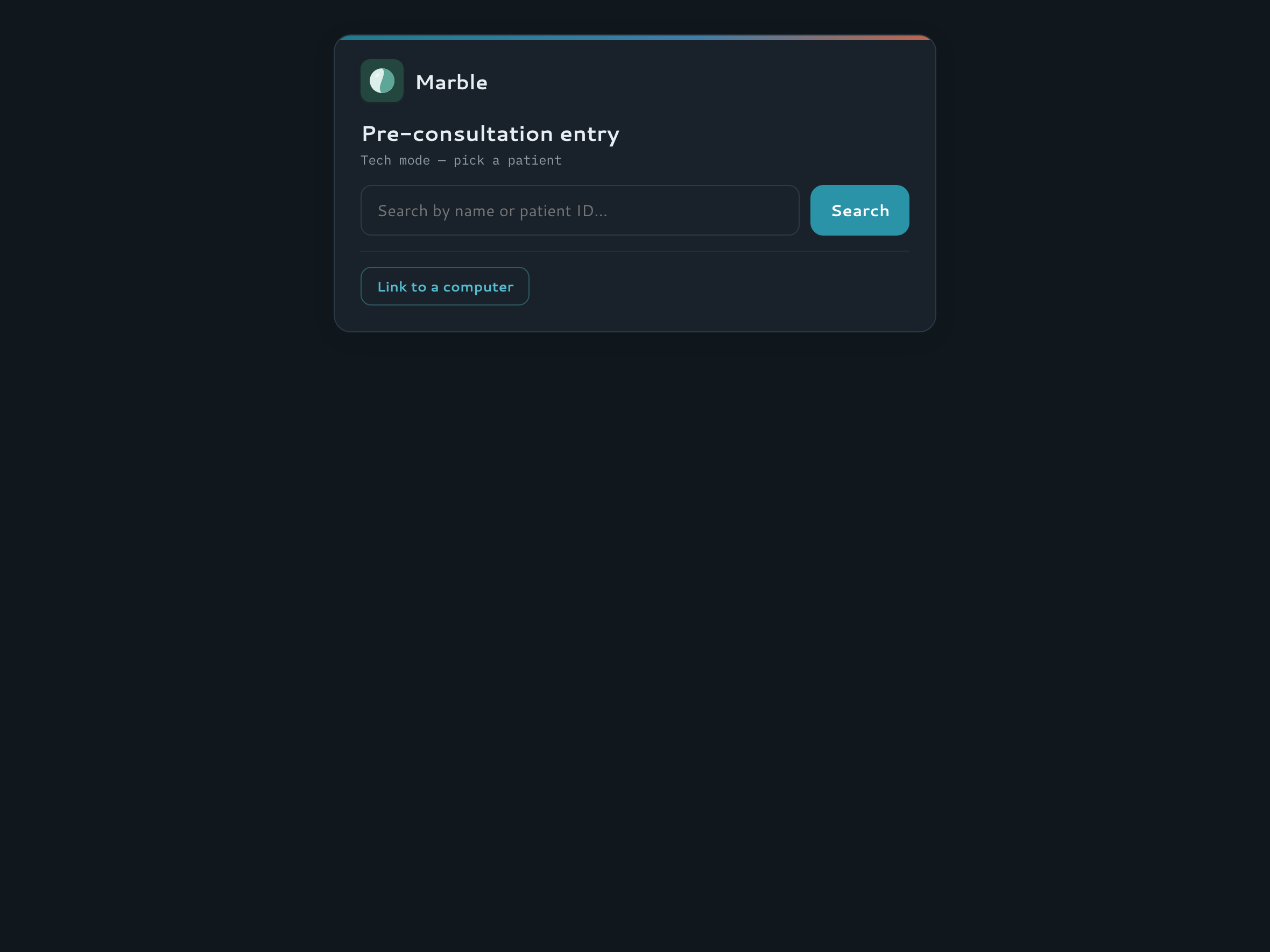
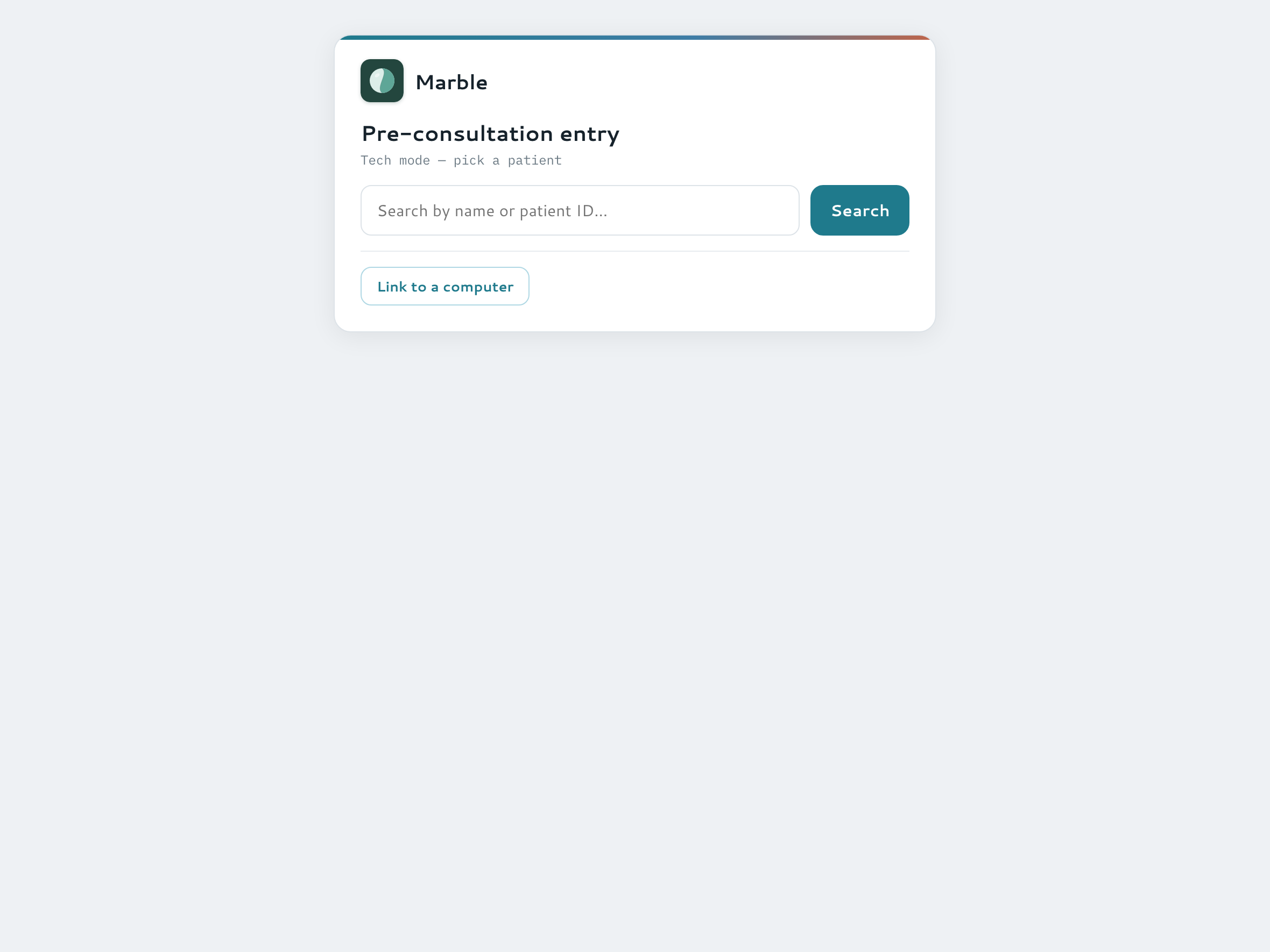
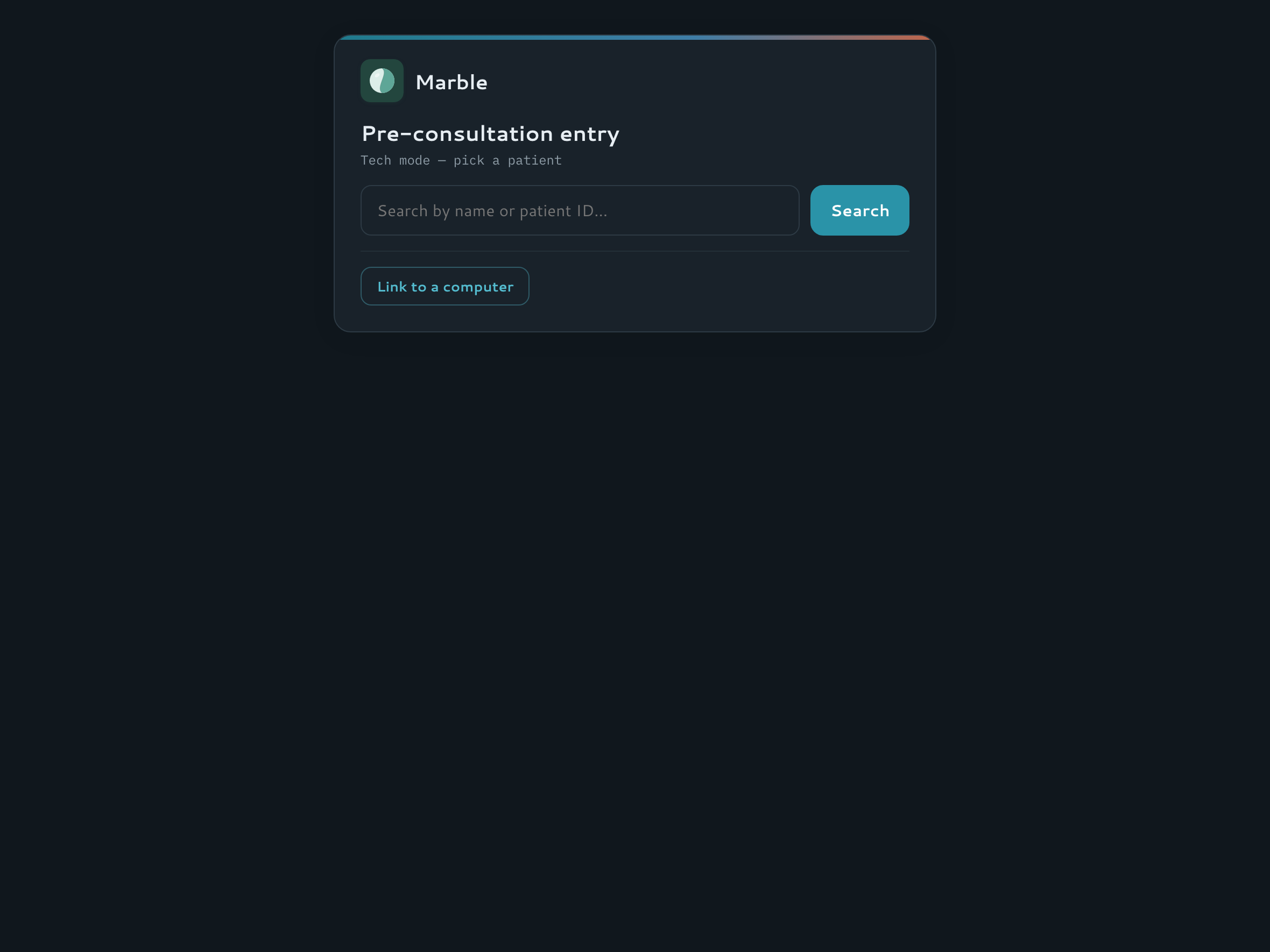
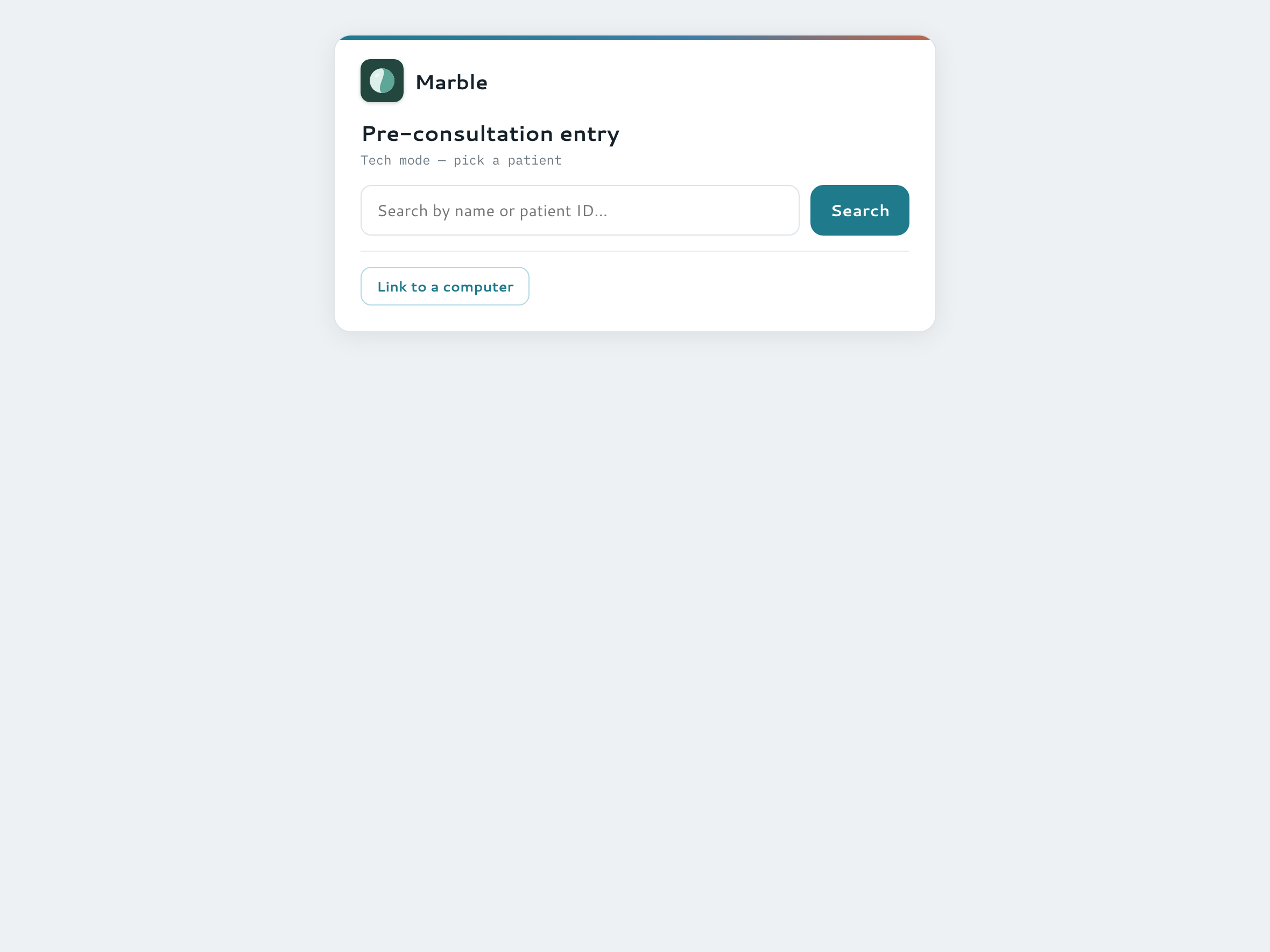
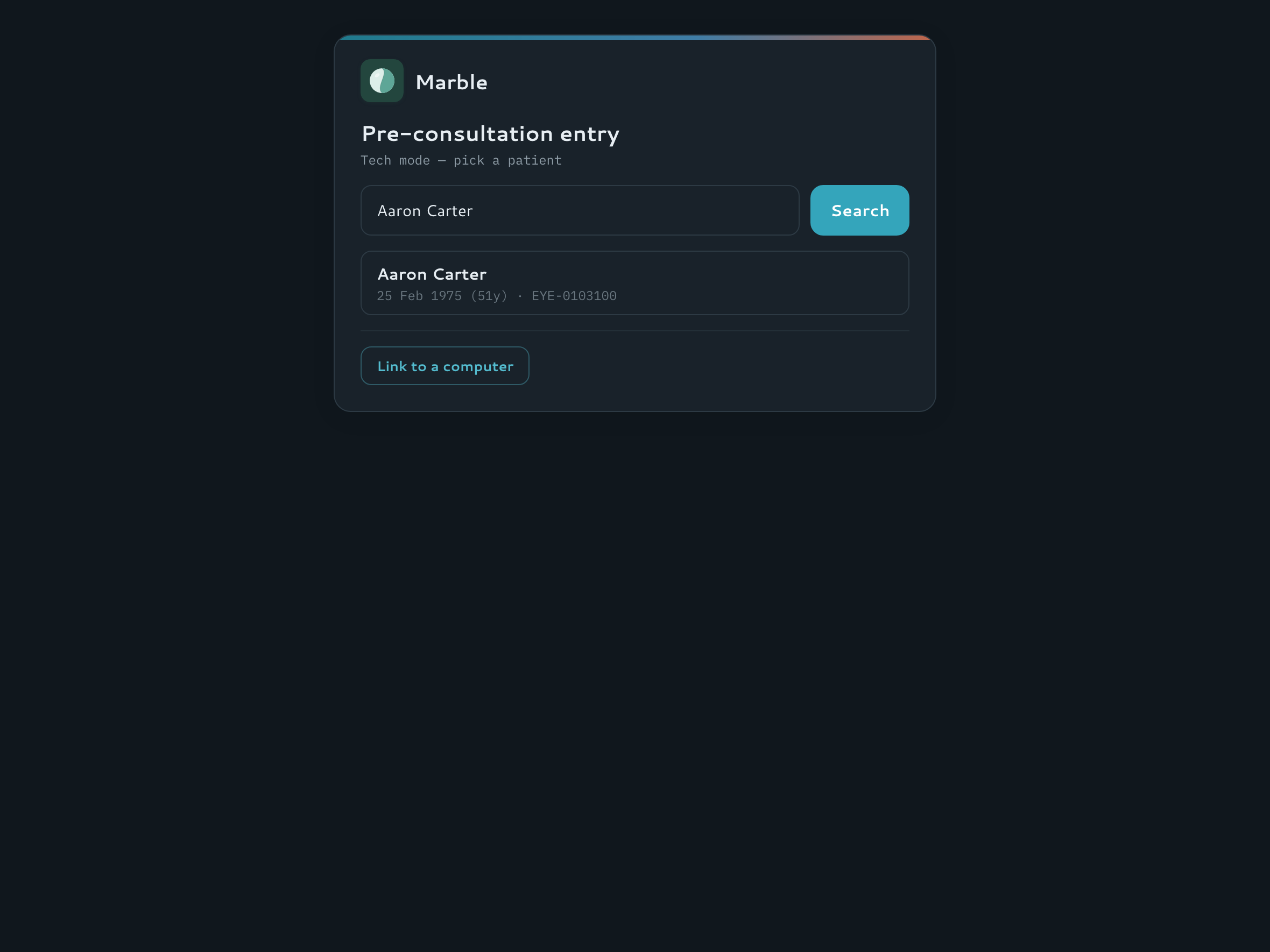
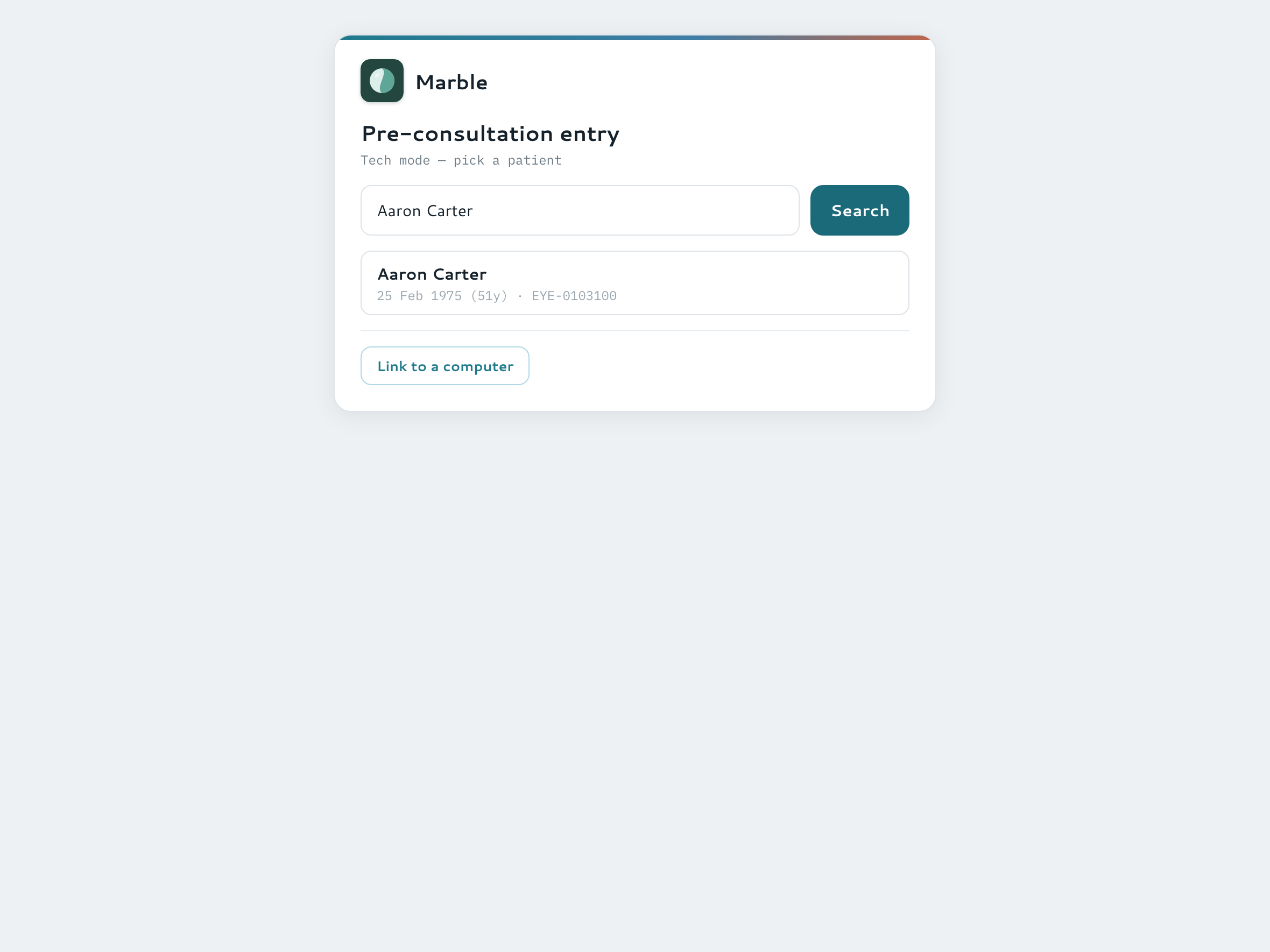
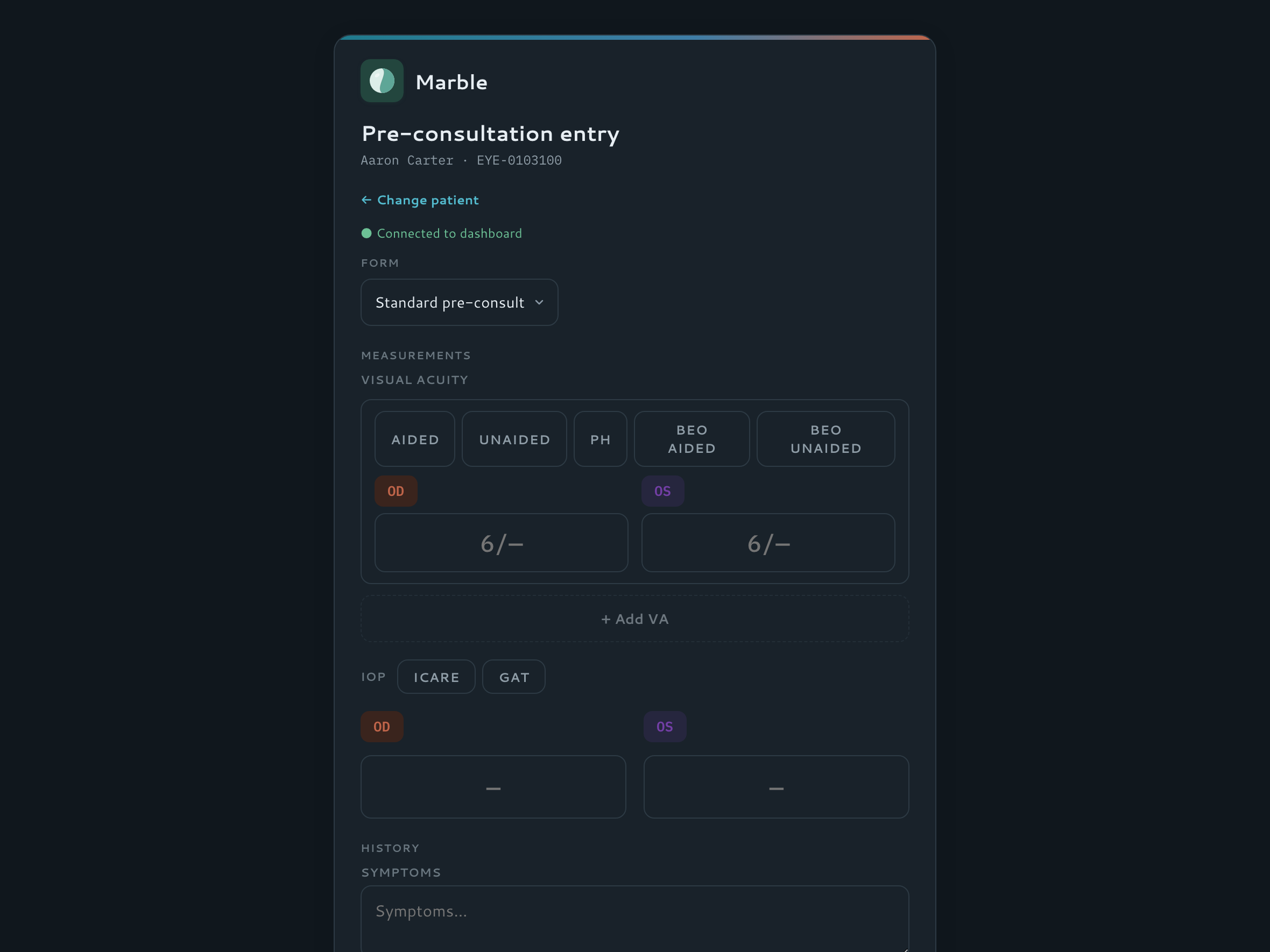
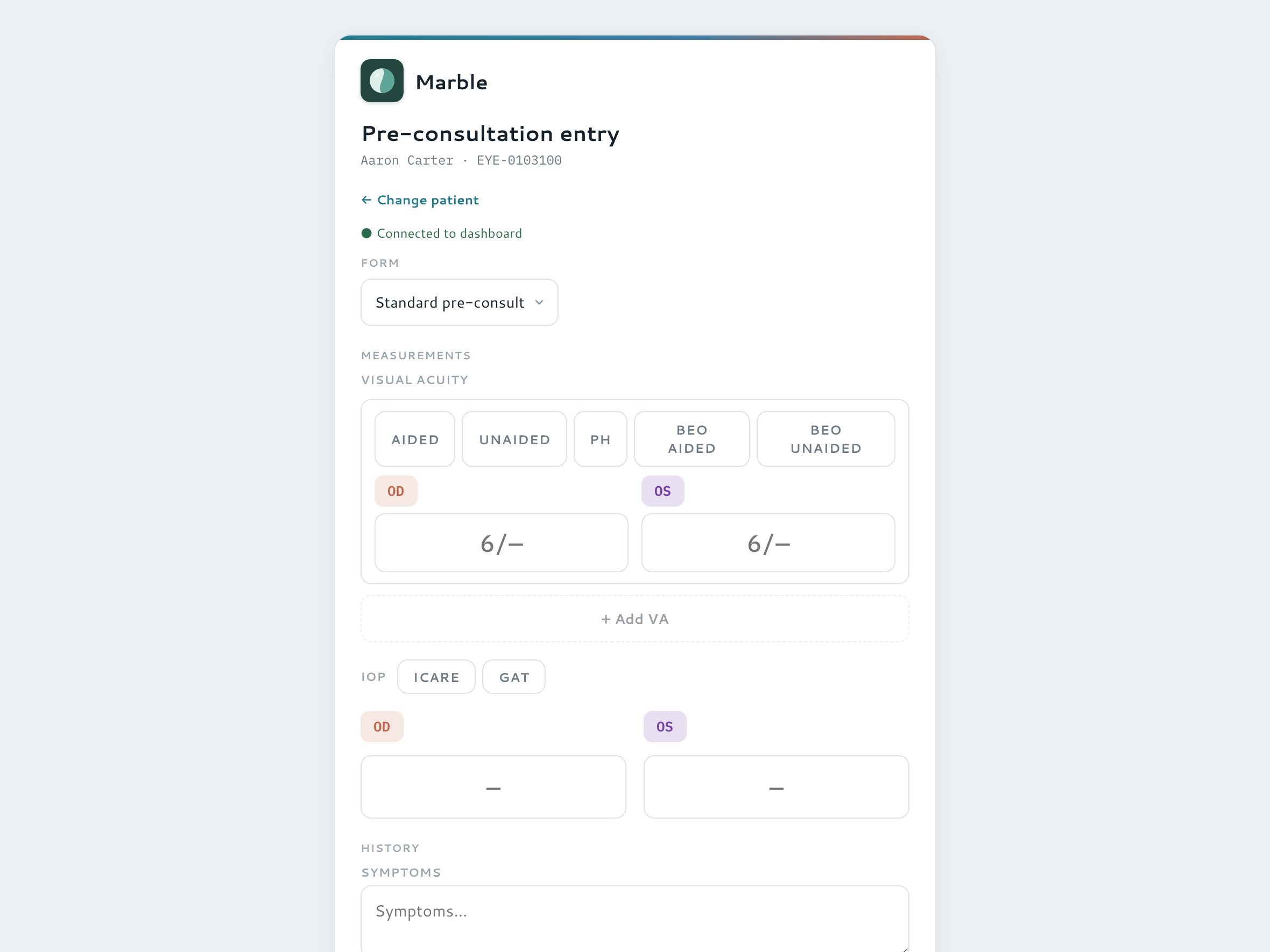
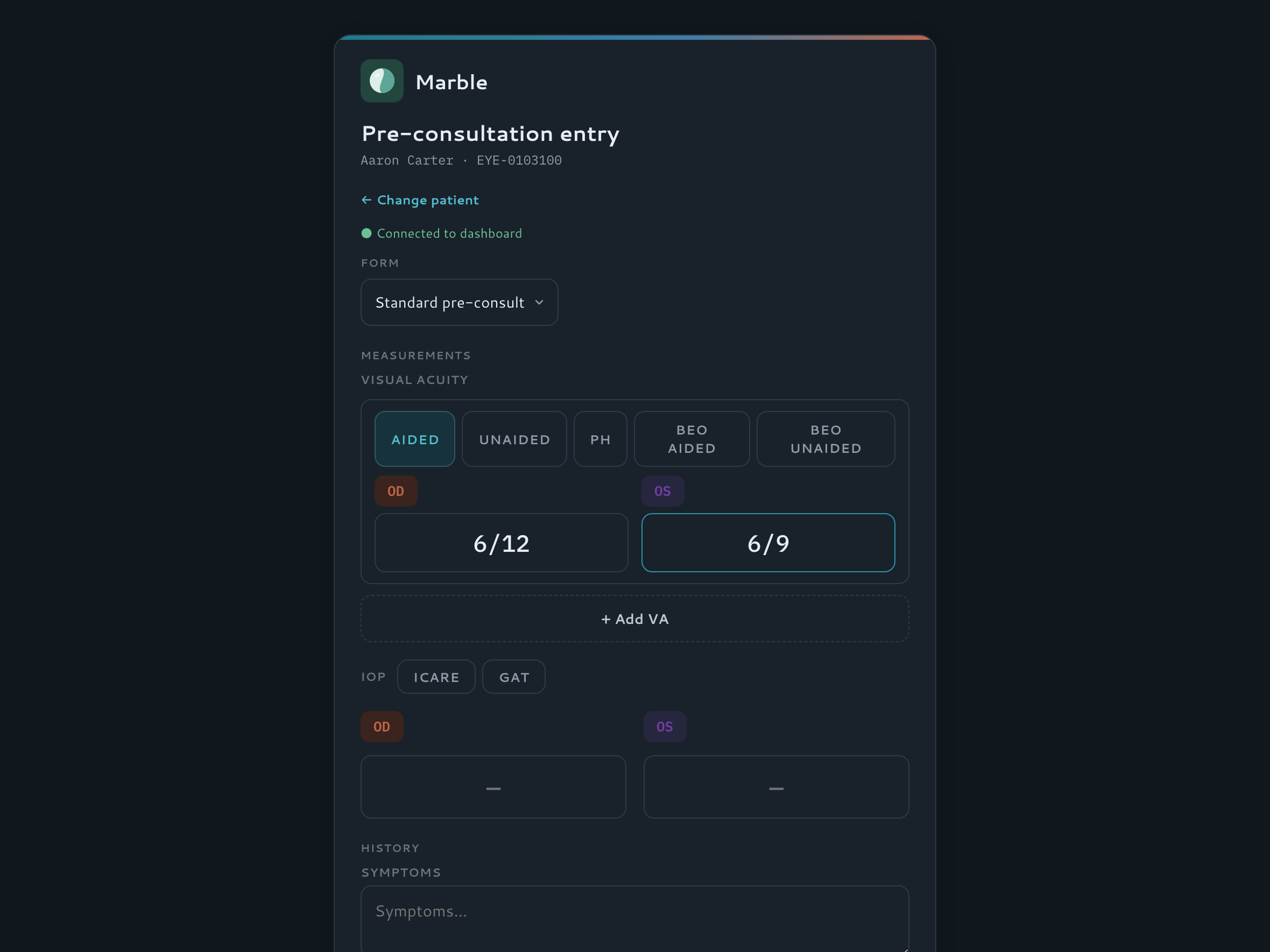
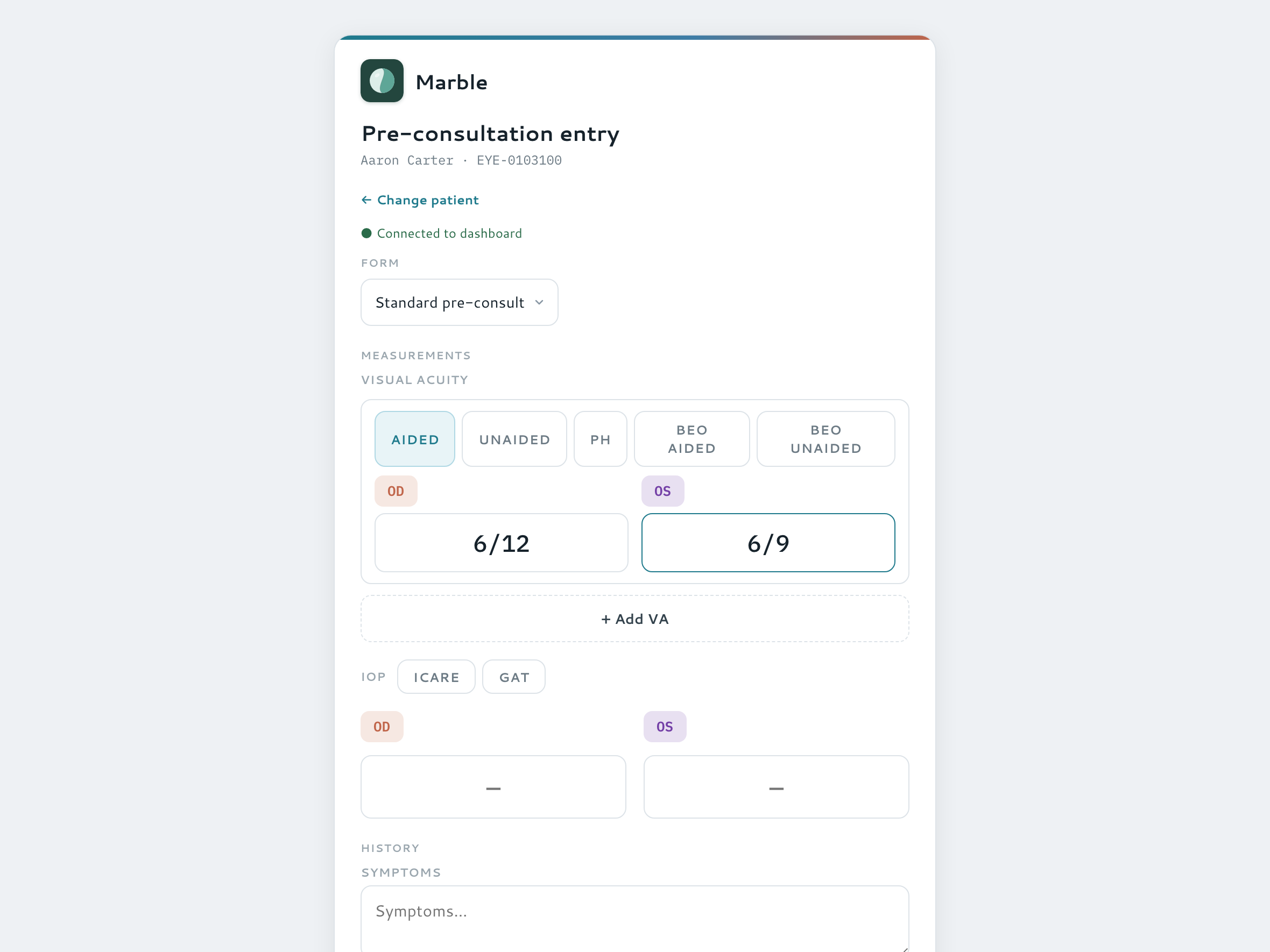
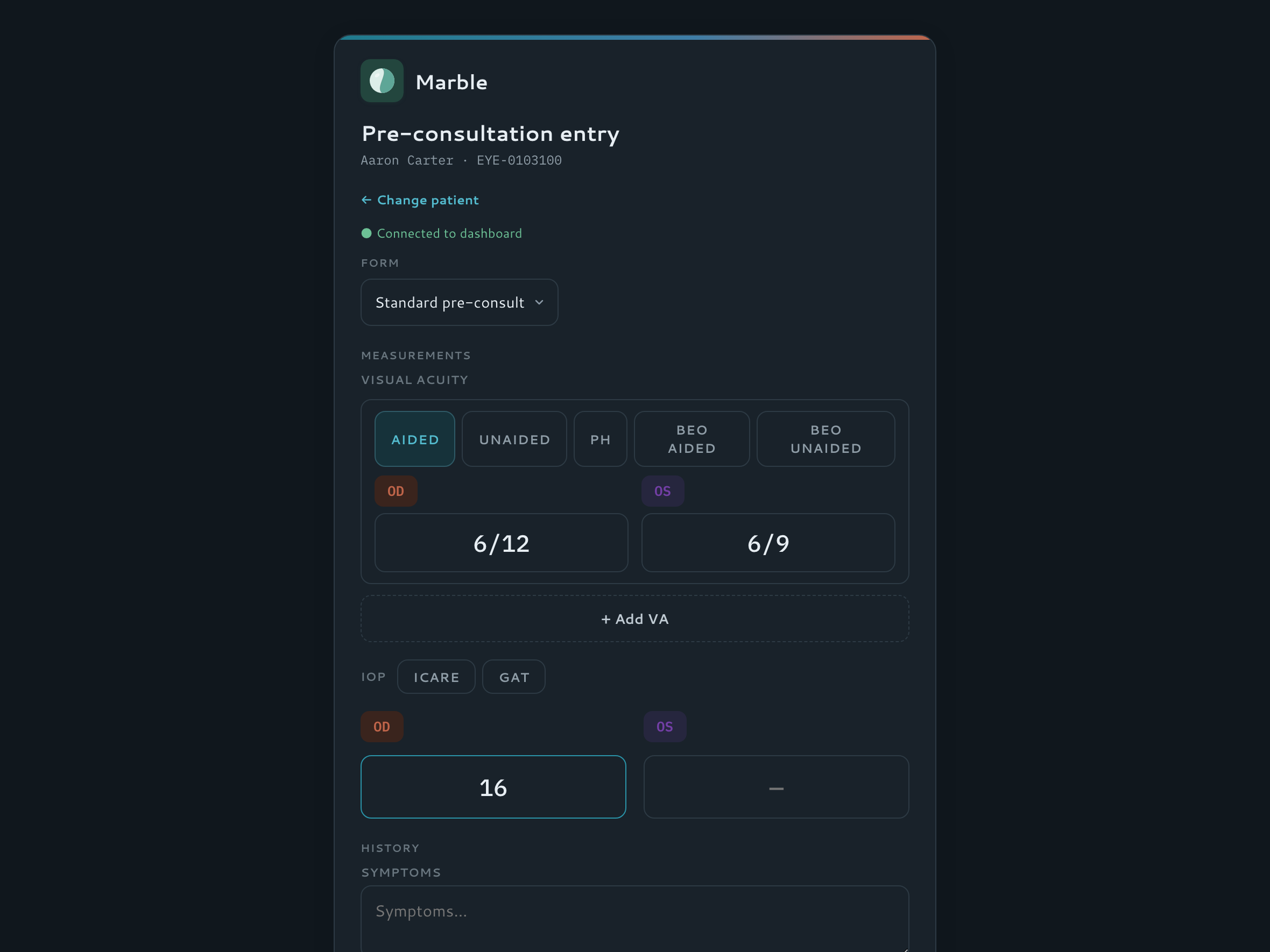
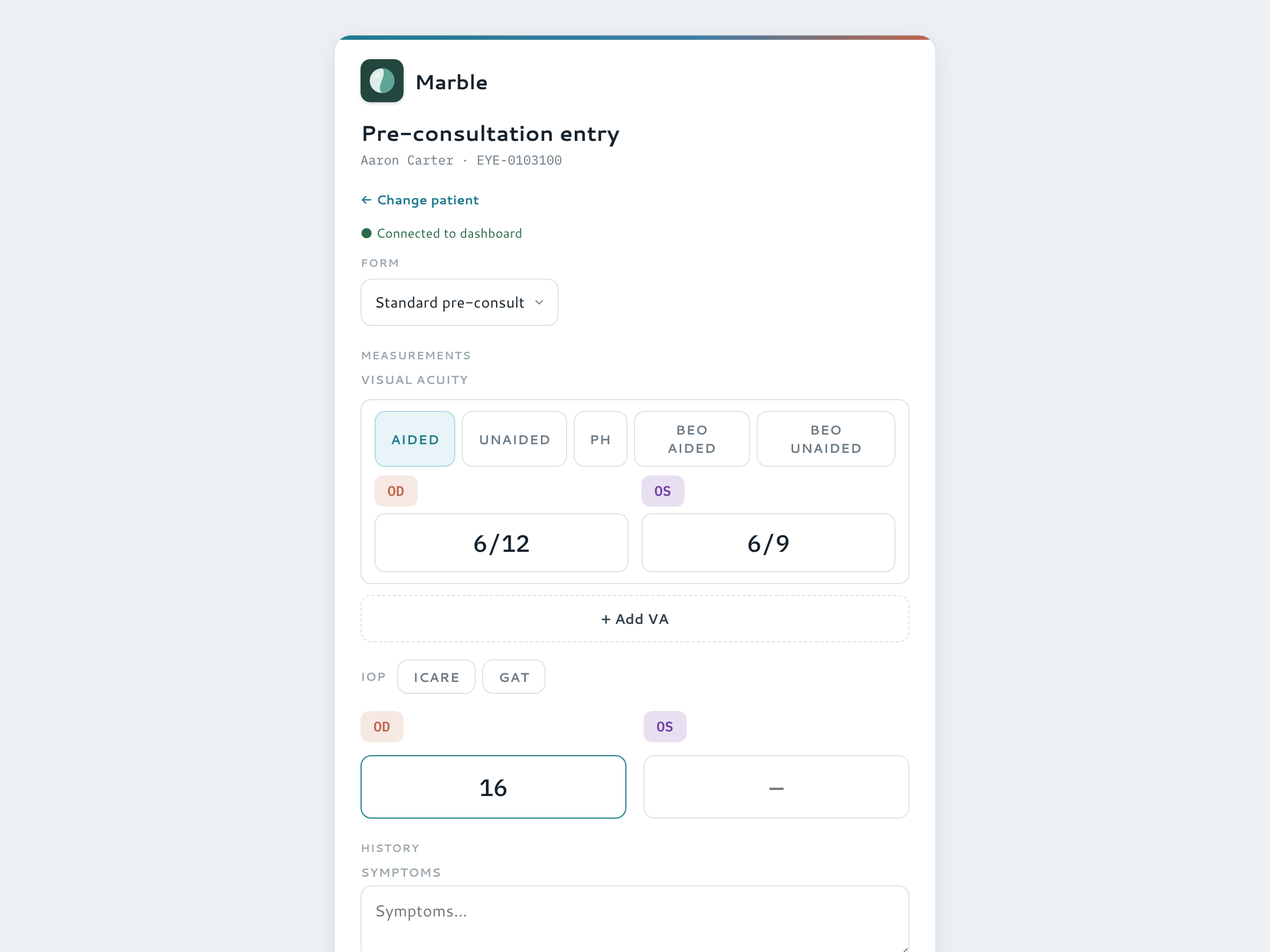
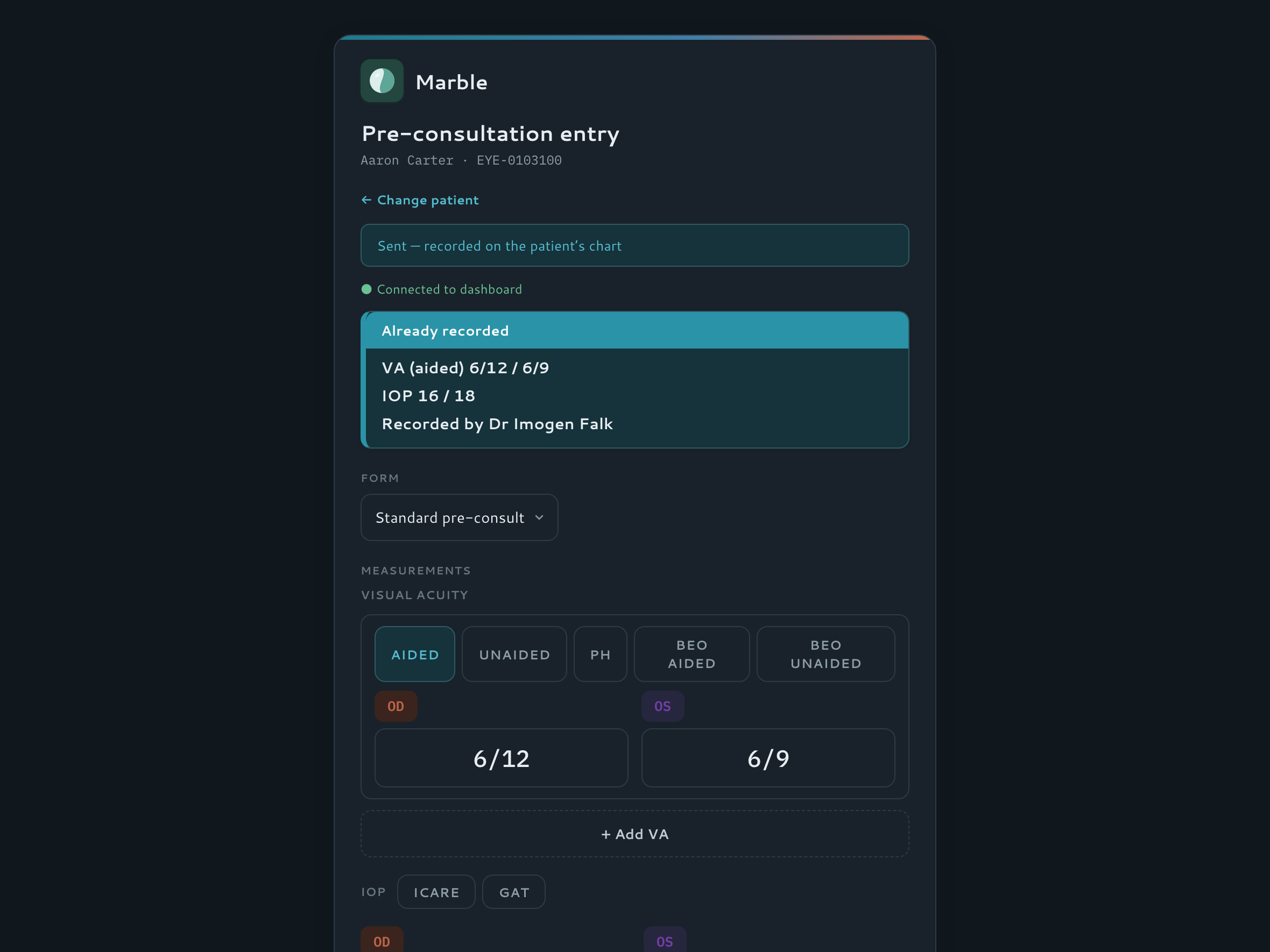
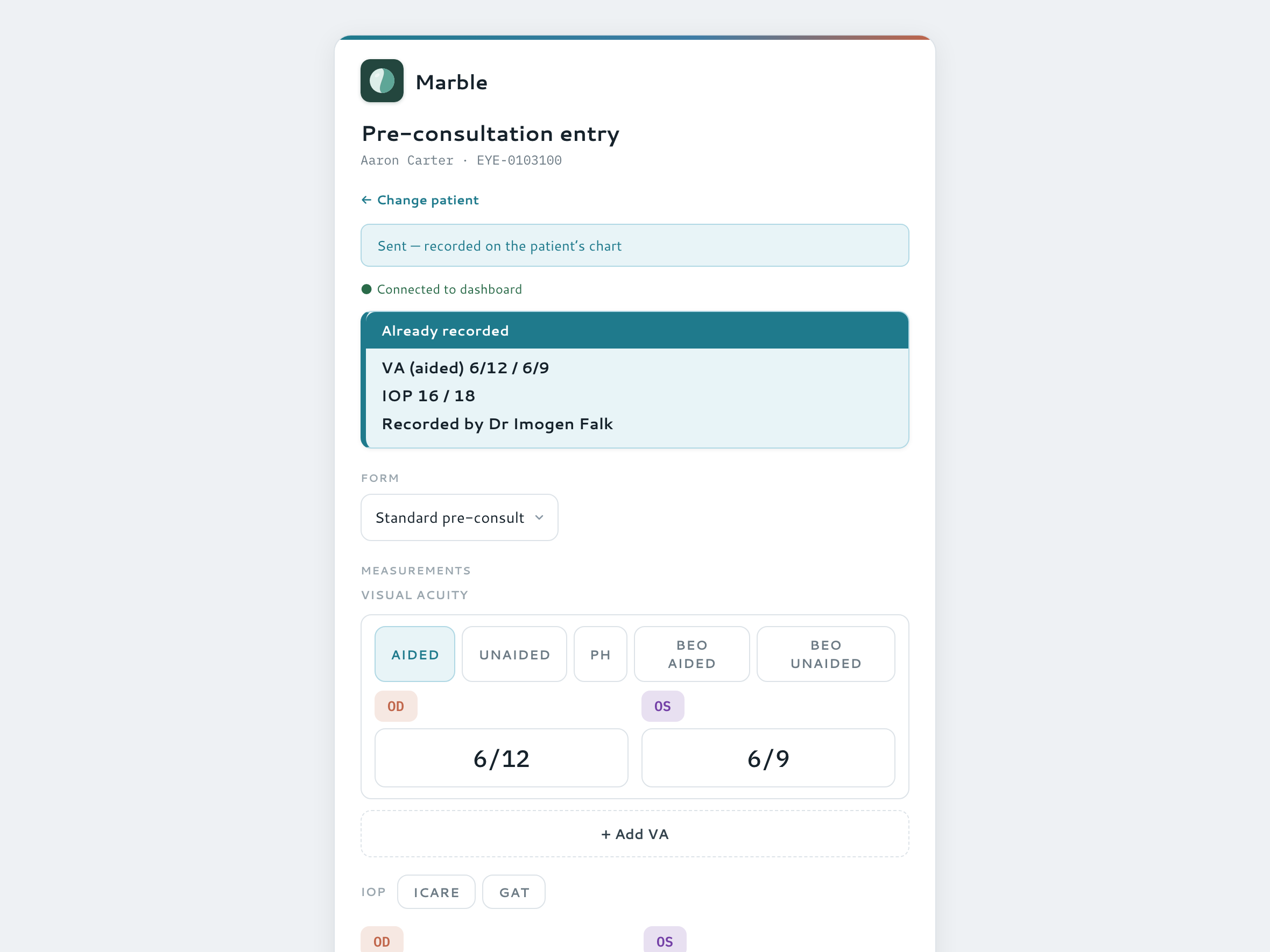
No doctor needs to be signed in, so anyone can pick a tablet up and start working — everything it captures flows to the dashboard in real time. Pick a patient, type vision and eye-pressure readings, and send them straight to the desk.
- Tech-mode patient picker — no login needed to enter readings
- Snellen dropdown, IOP and other measurements, sent live to the dashboard
- Link a tablet to a computer for a live slit-lamp mirror mode
- A QR code lets any phone send a photo straight into the record
Watch it — send readings from the tablet
Drawing & annotation
Draw, annotate and capture from any device
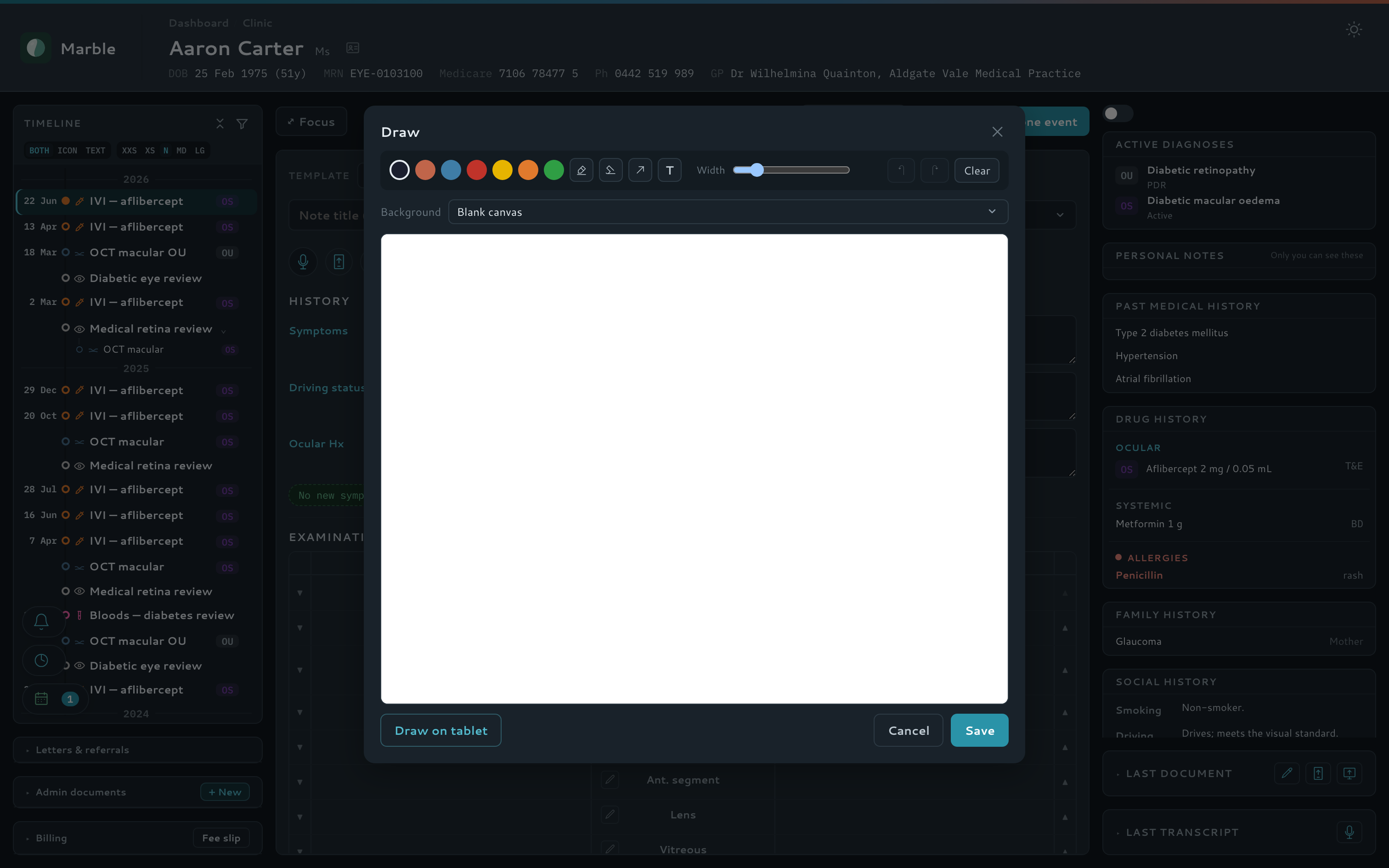
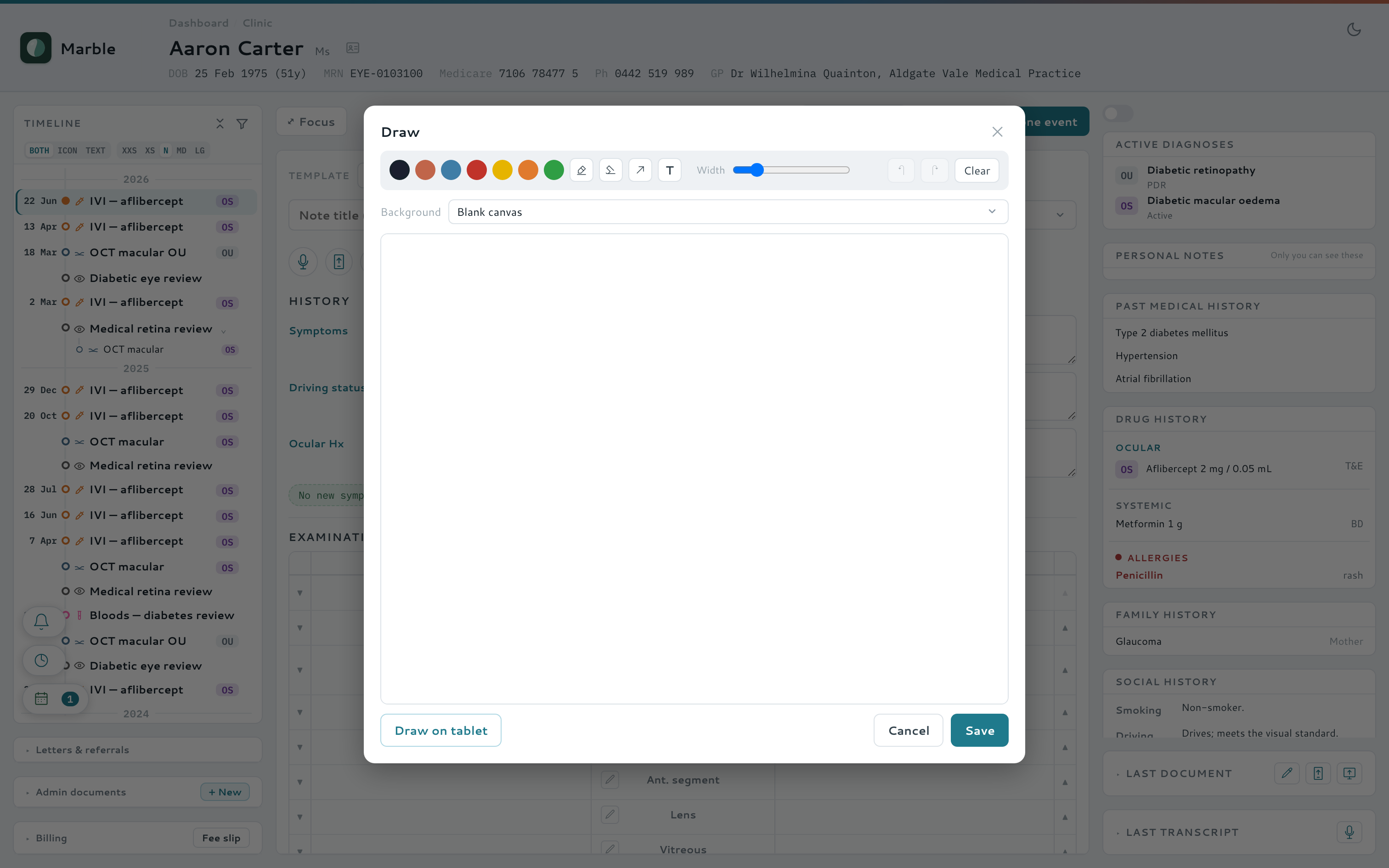
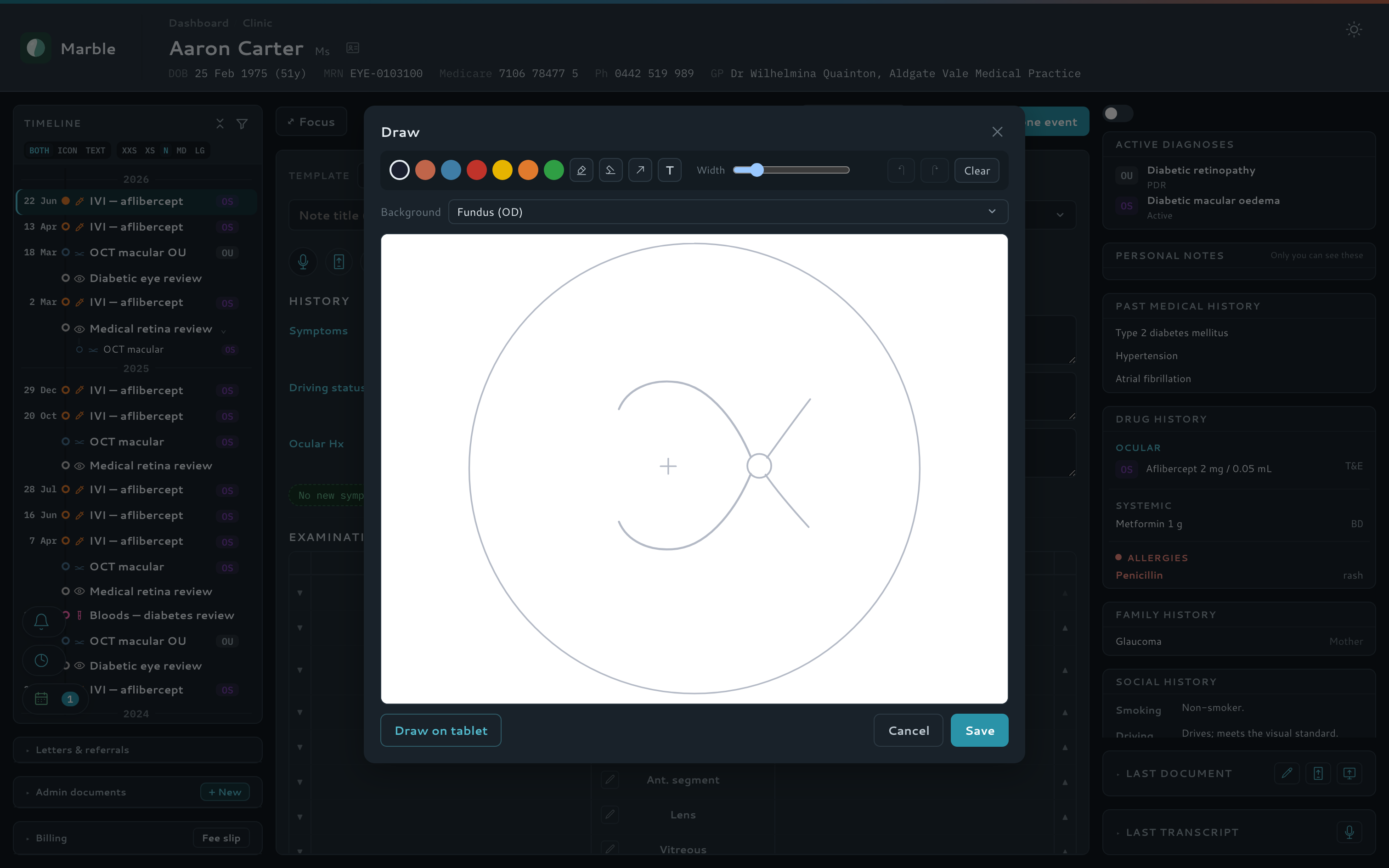
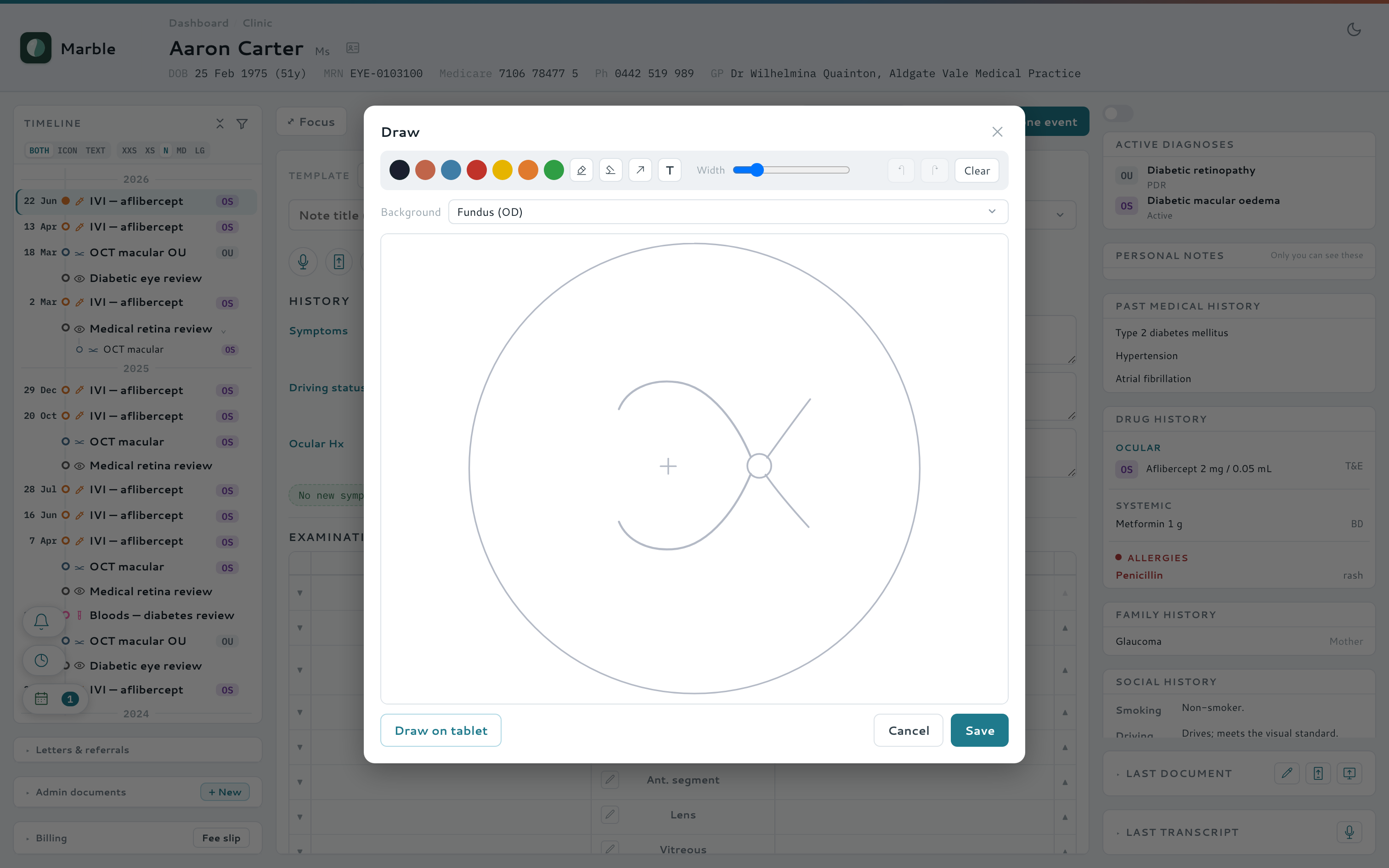
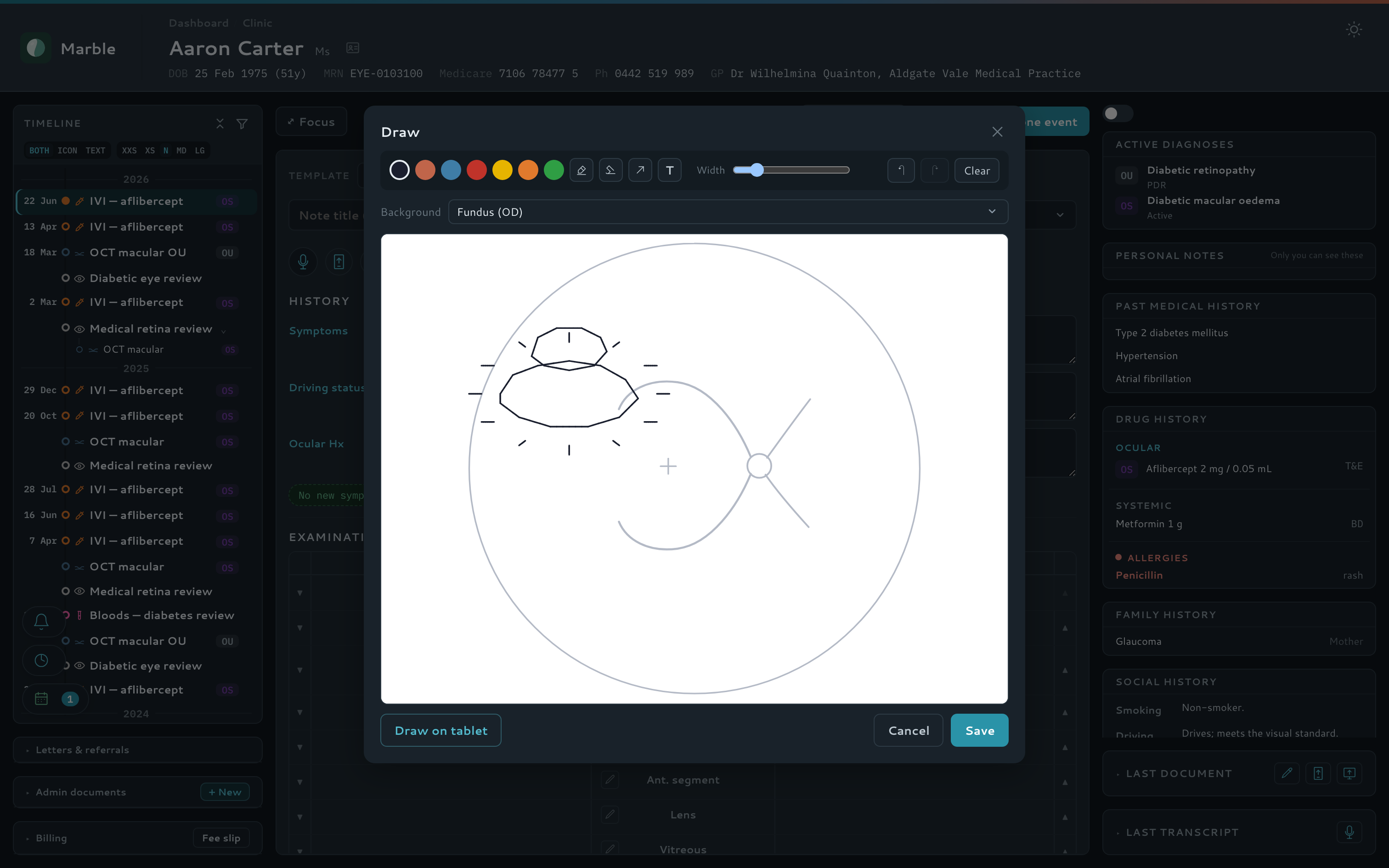
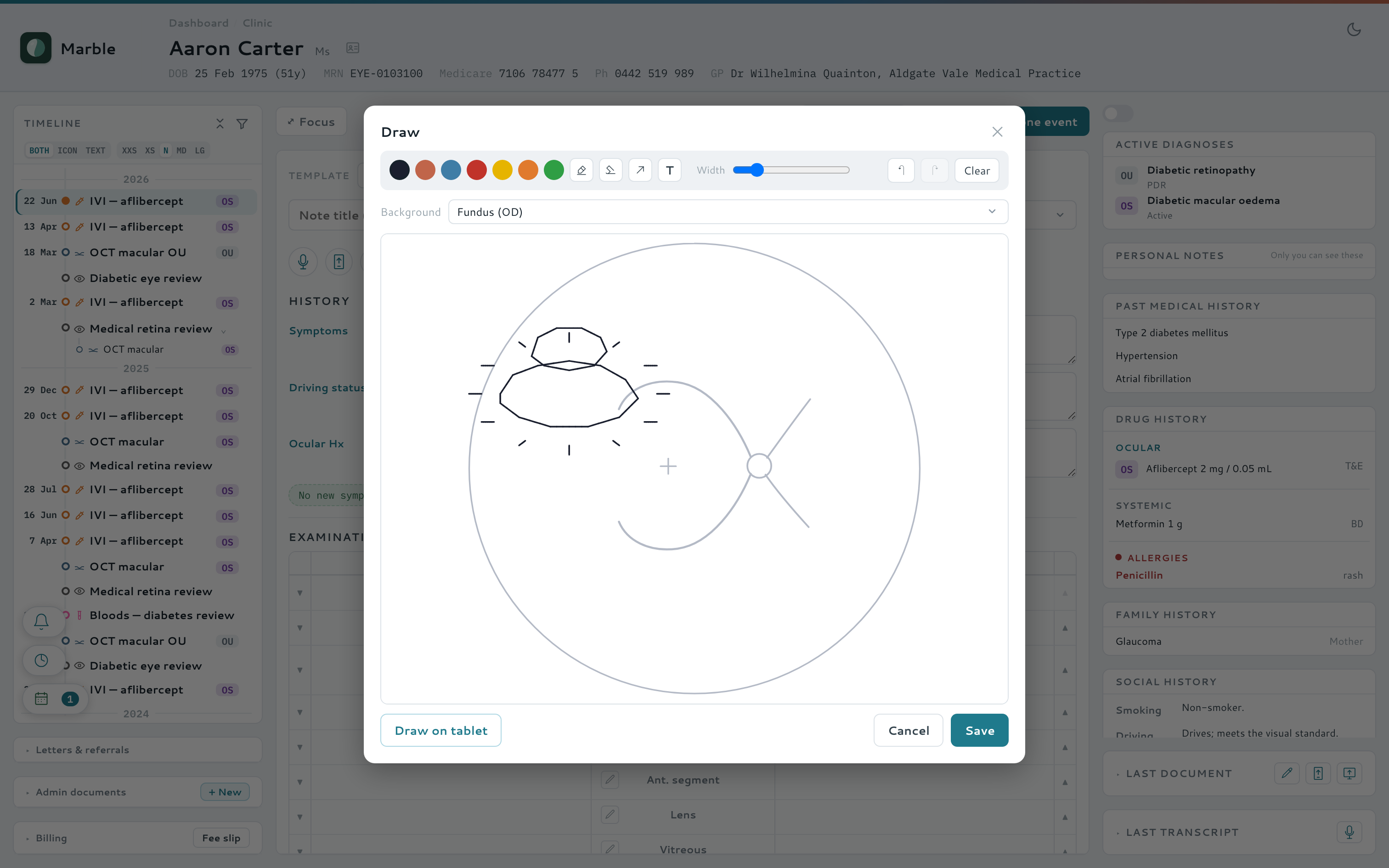
Sketch findings straight onto eye diagrams from a tablet or phone, hand a drawing off by QR code, and snap a photo into the record from any phone — no app, no login. Drawing an eye with a pen is far quicker and truer than any mouse.
- Freehand drawing / annotation canvas on clinical diagrams
- Desktop → tablet hand-off by QR code or live link
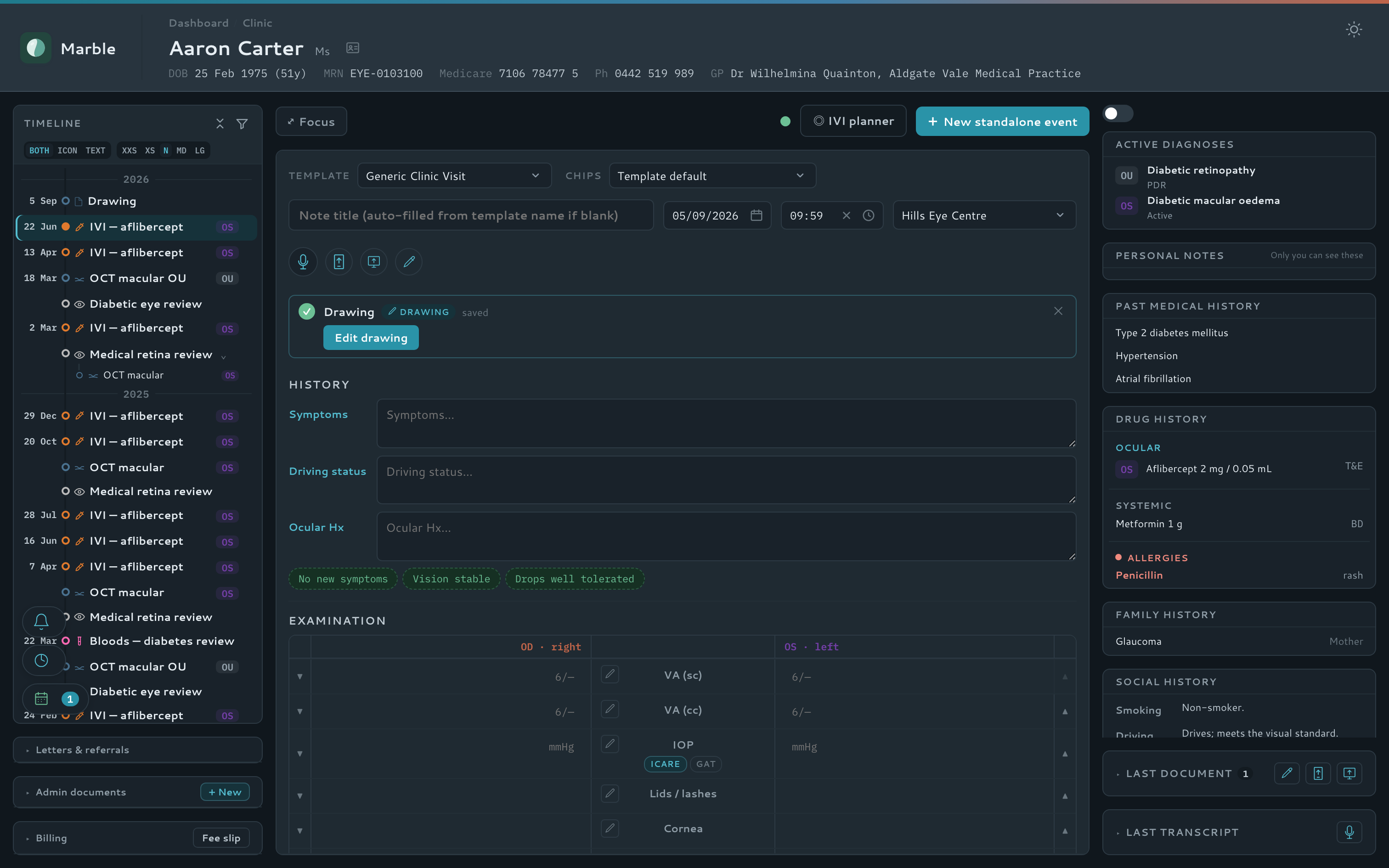
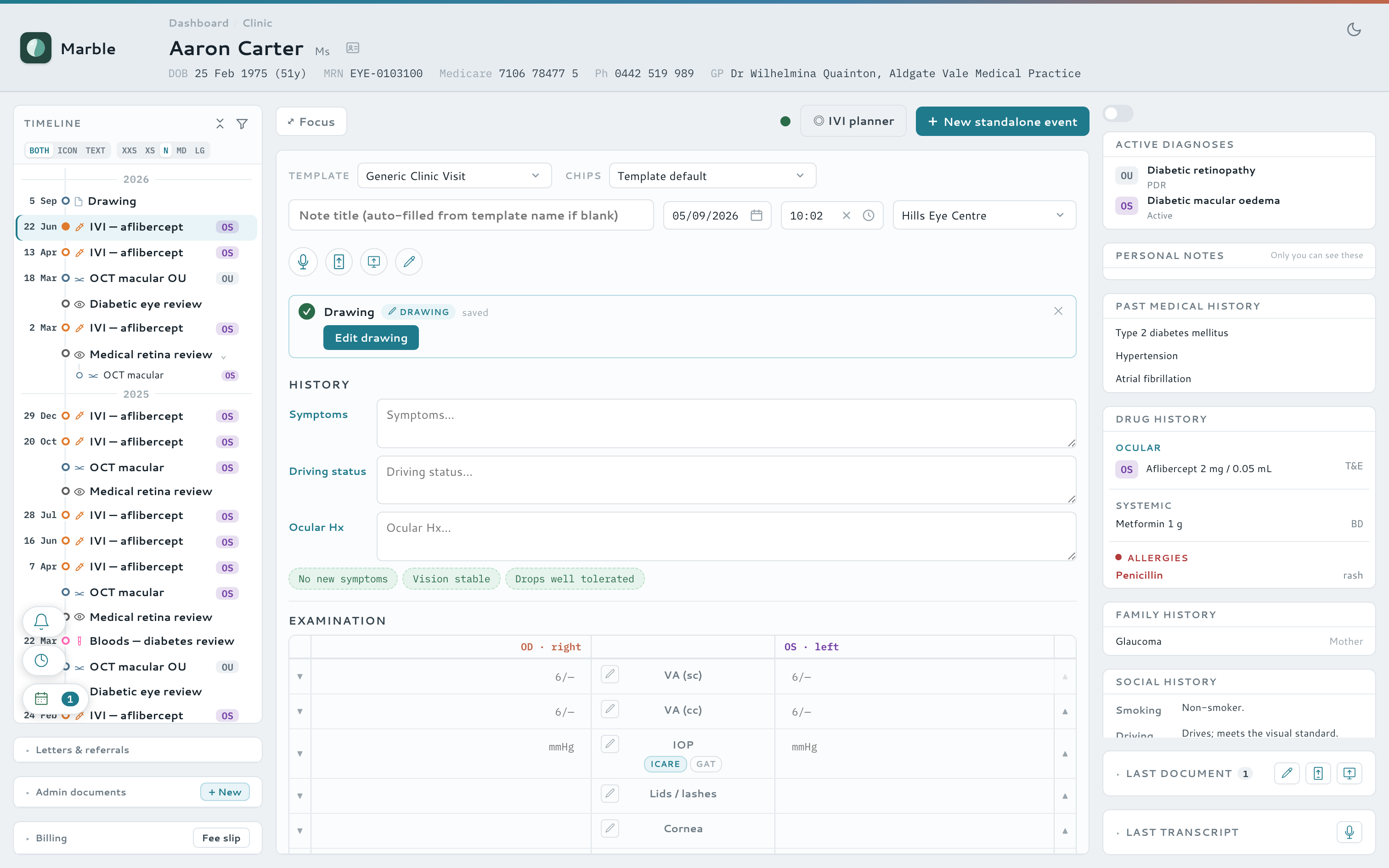
- Reopen any saved drawing to amend it
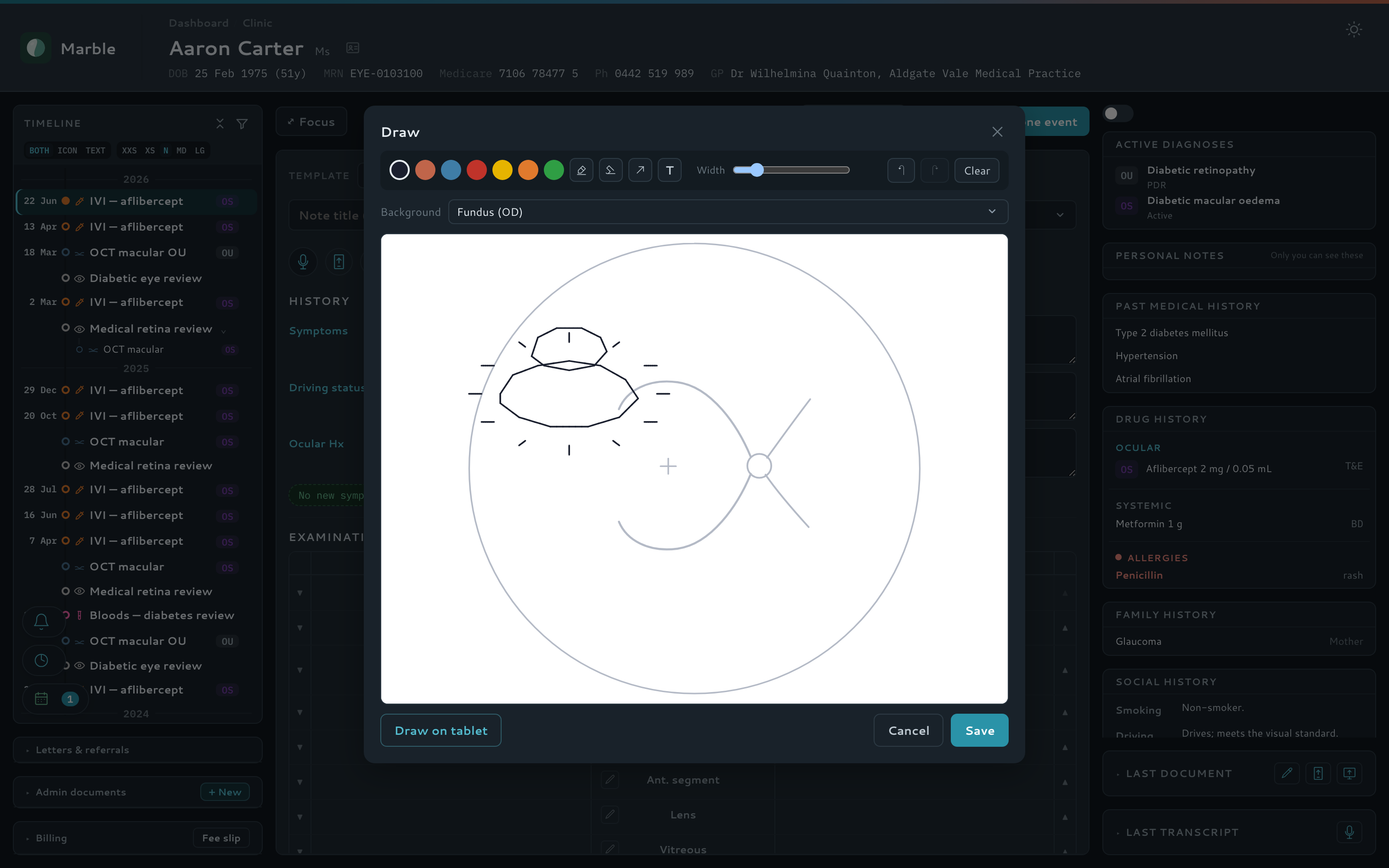
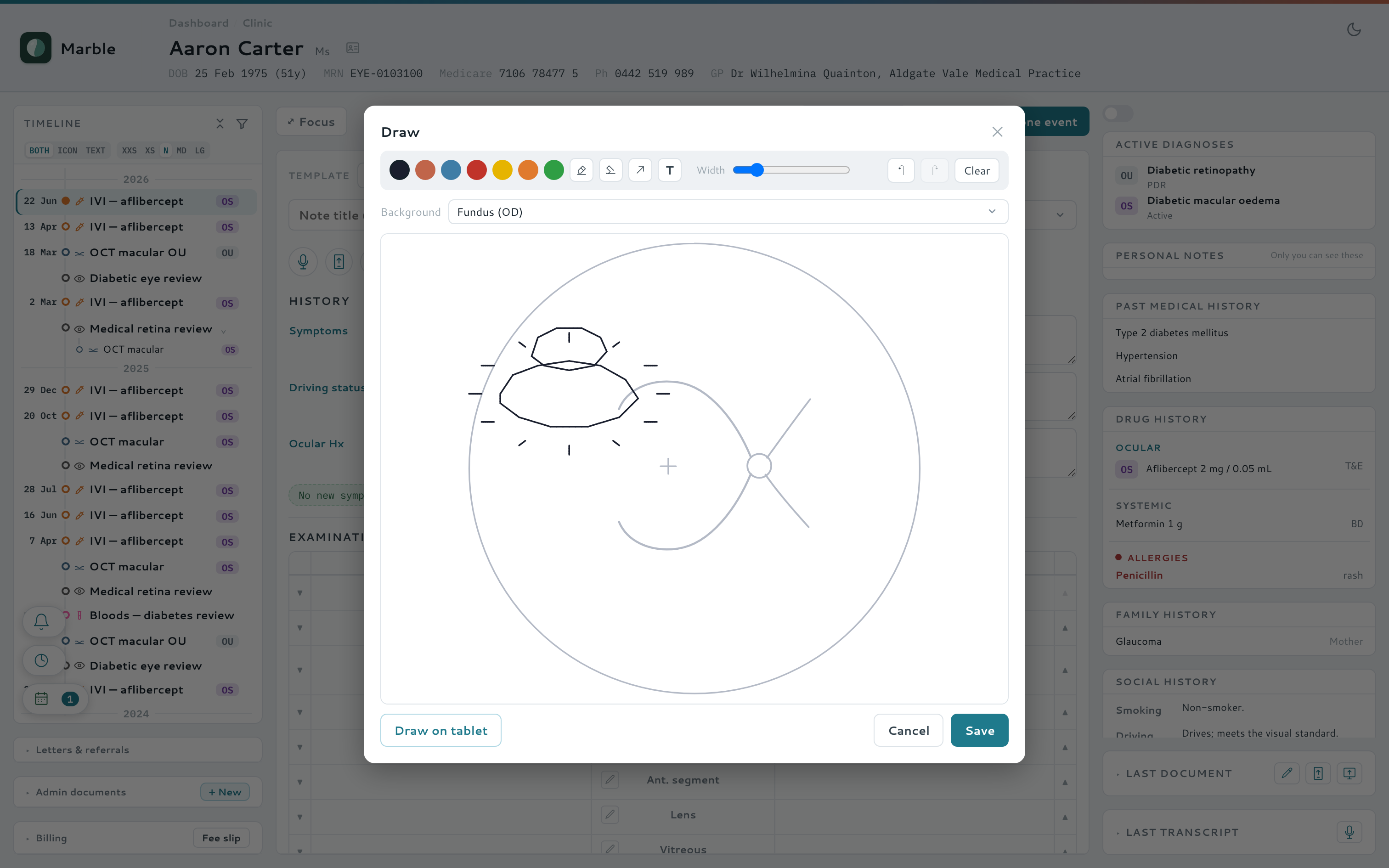
Watch it — draw a finding straight onto the eye
Pre-consult kiosk
The waiting room does half the visit
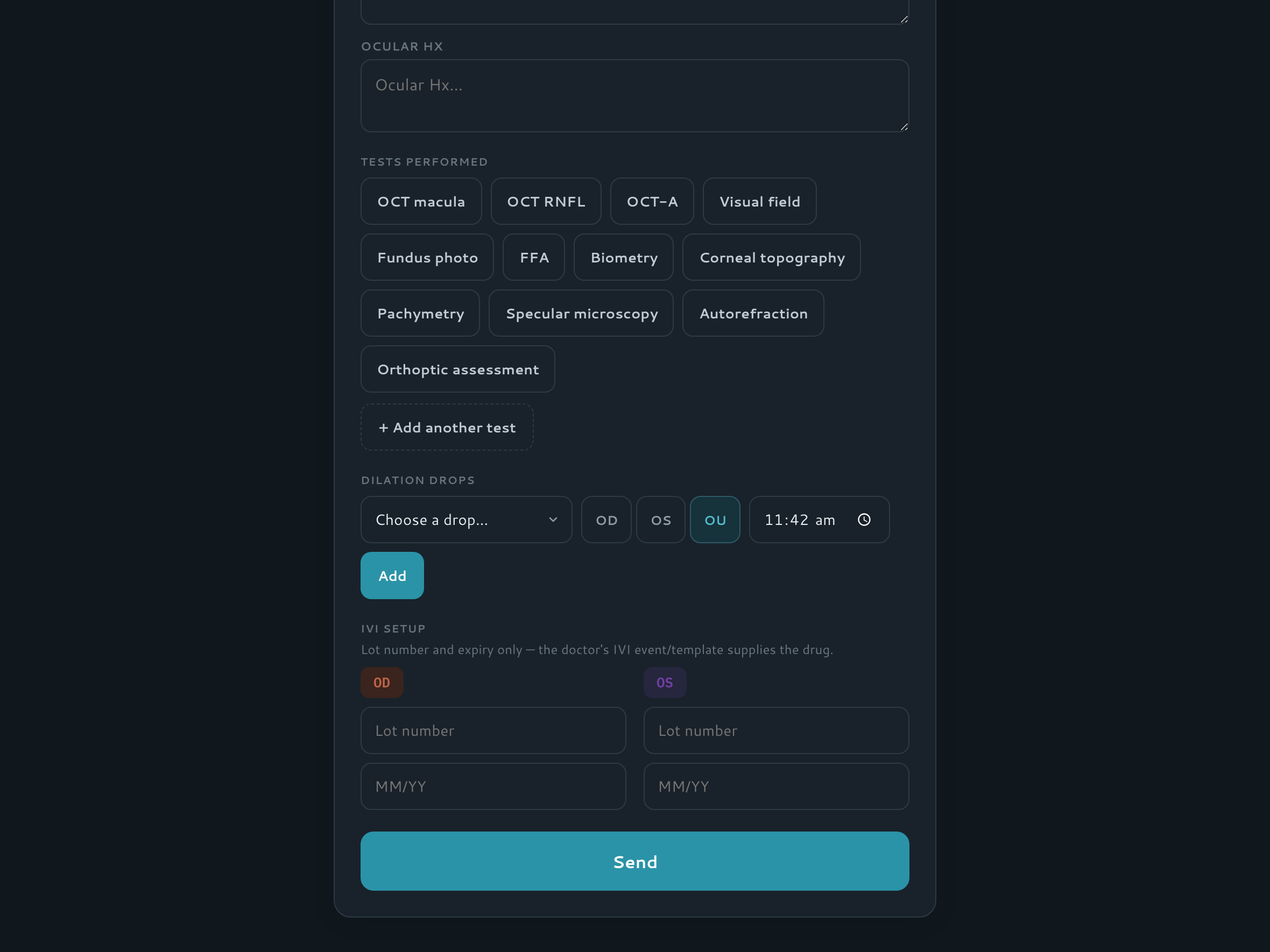
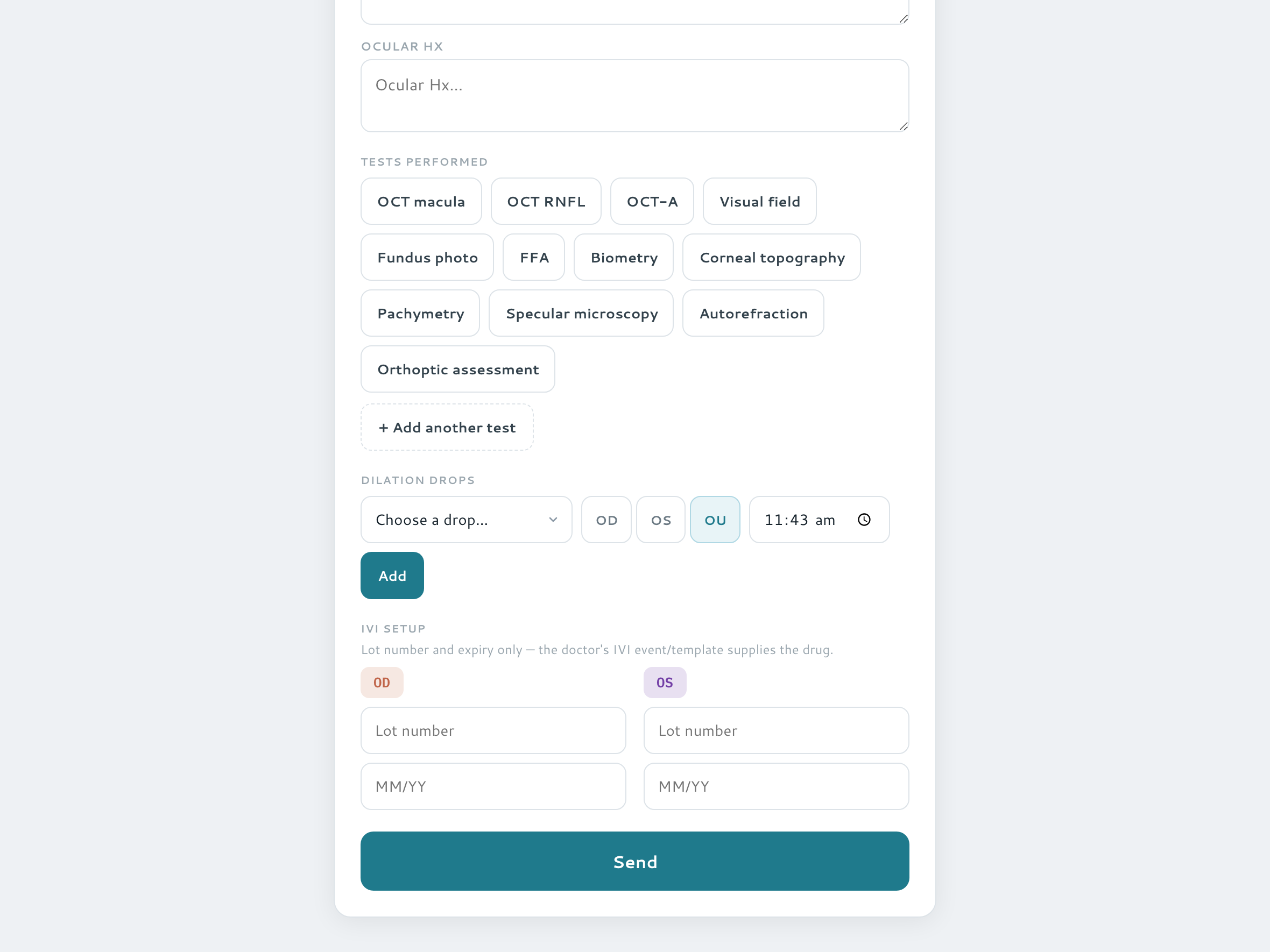
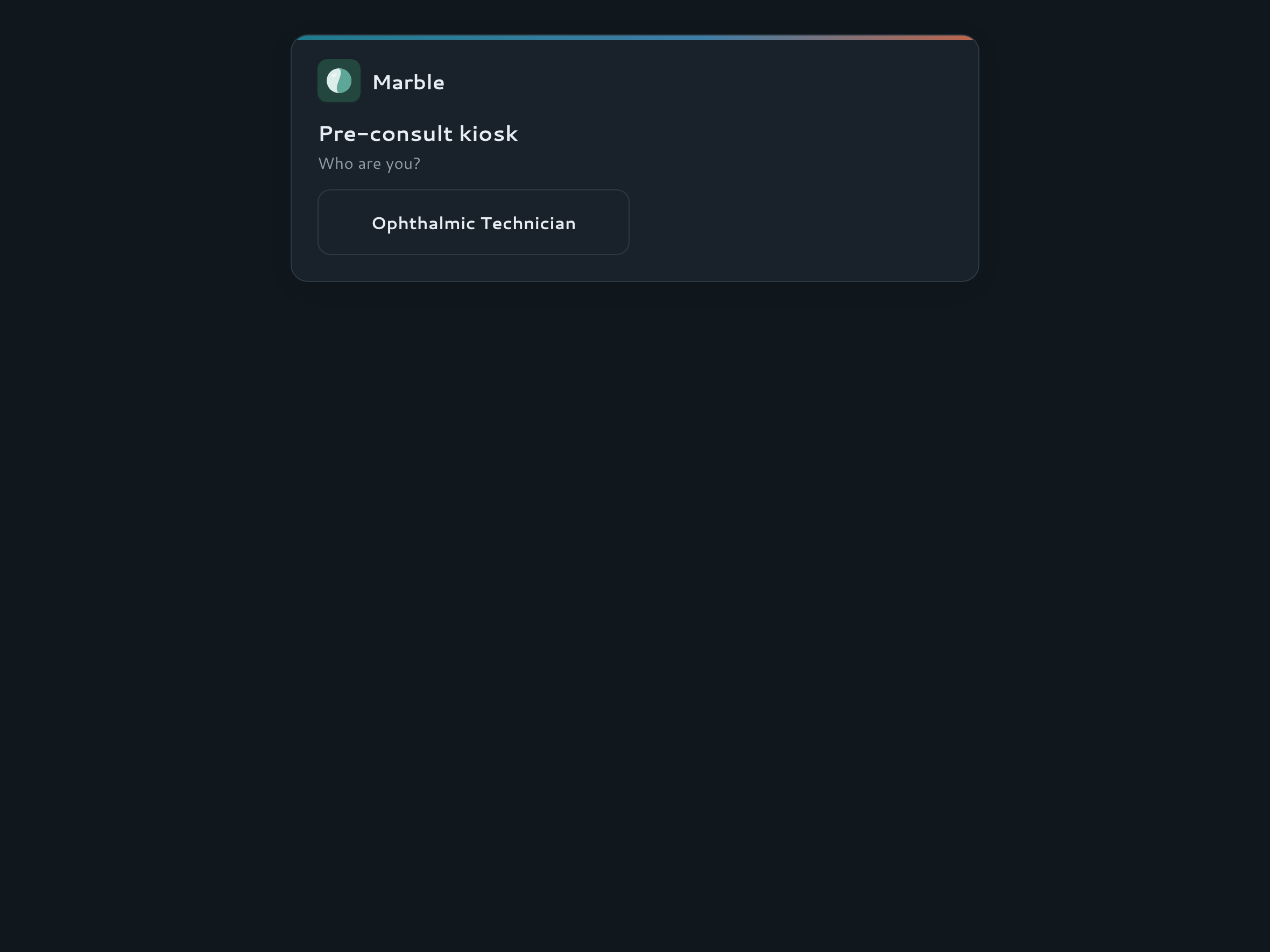
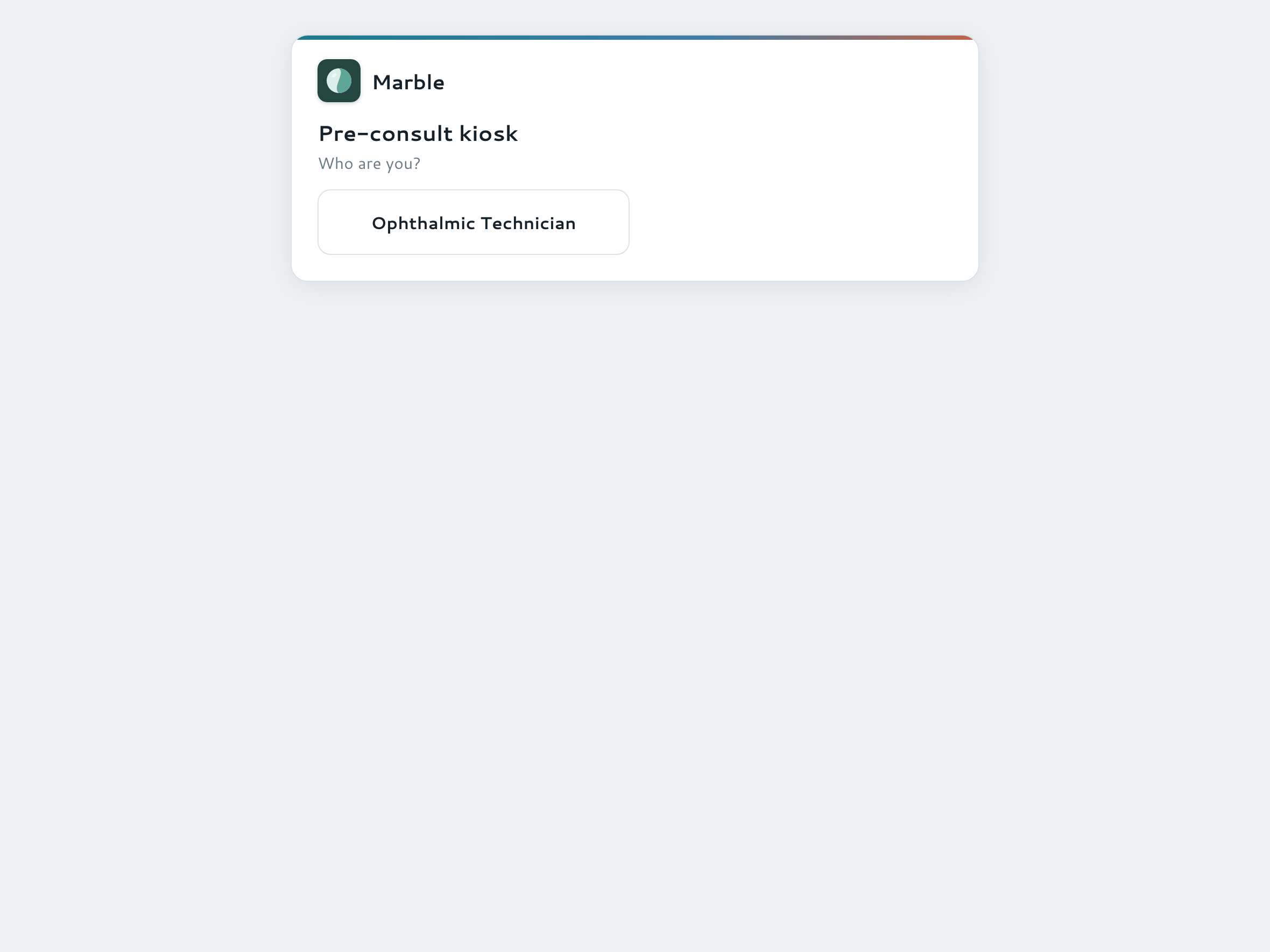
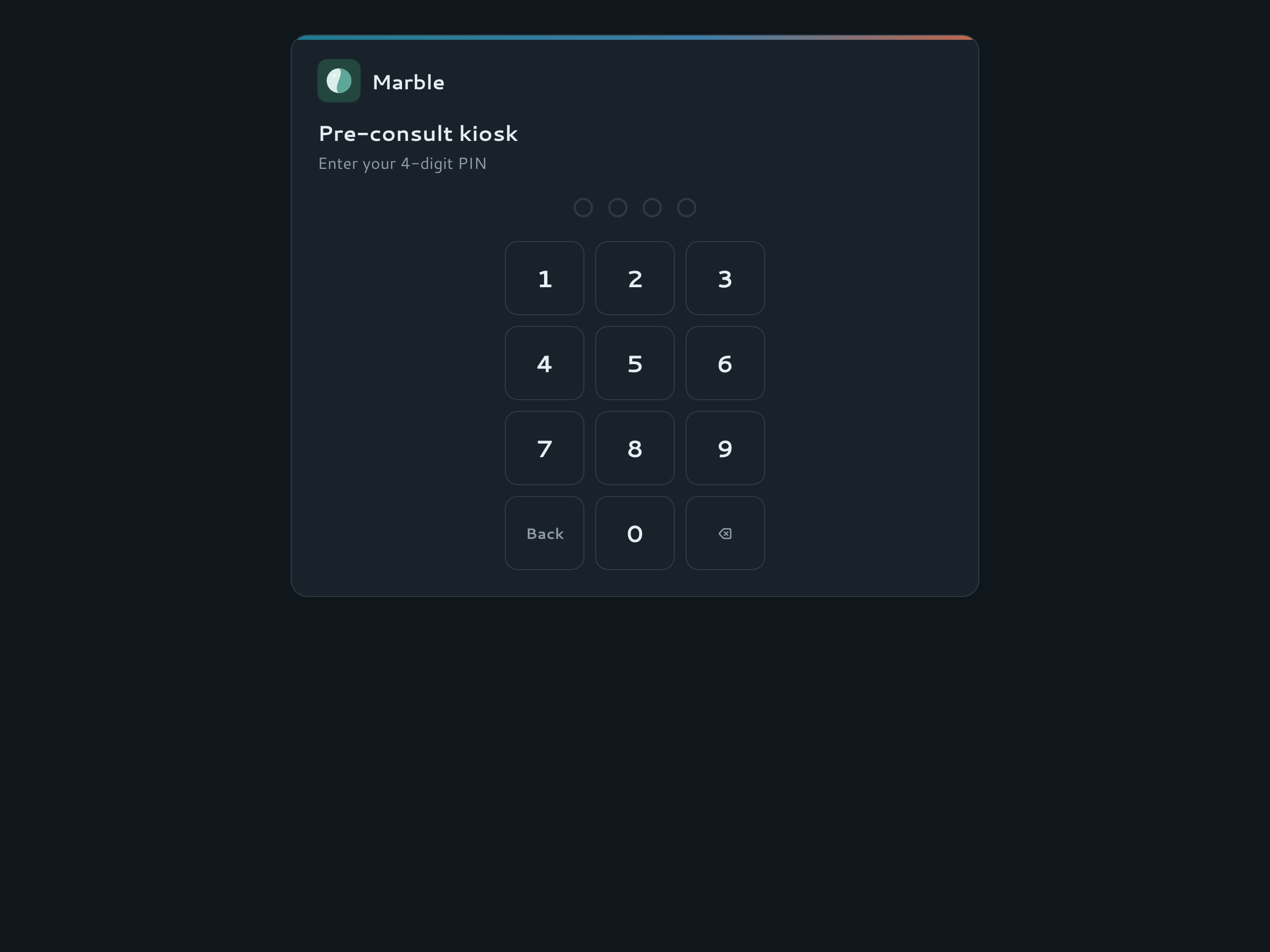
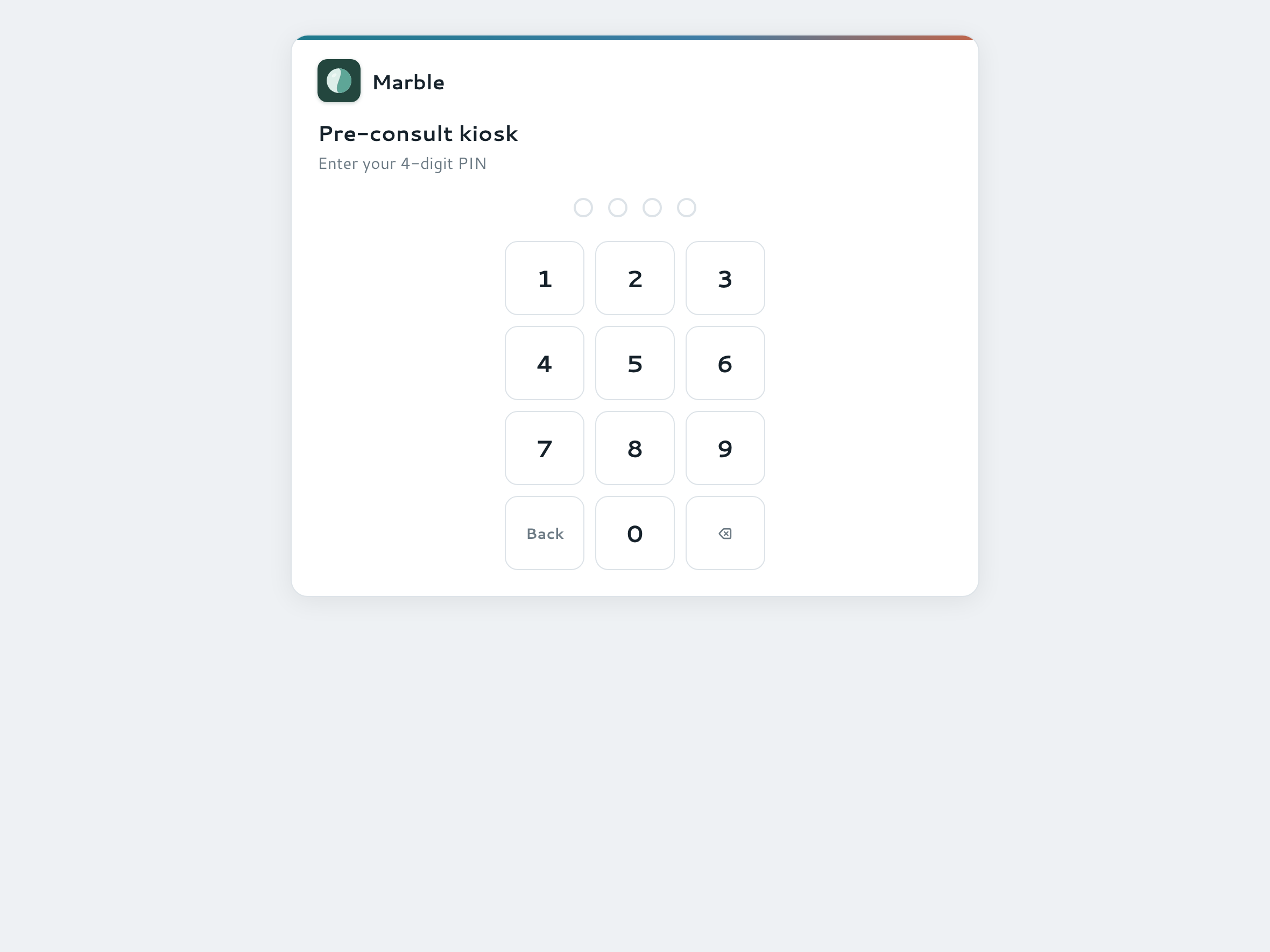
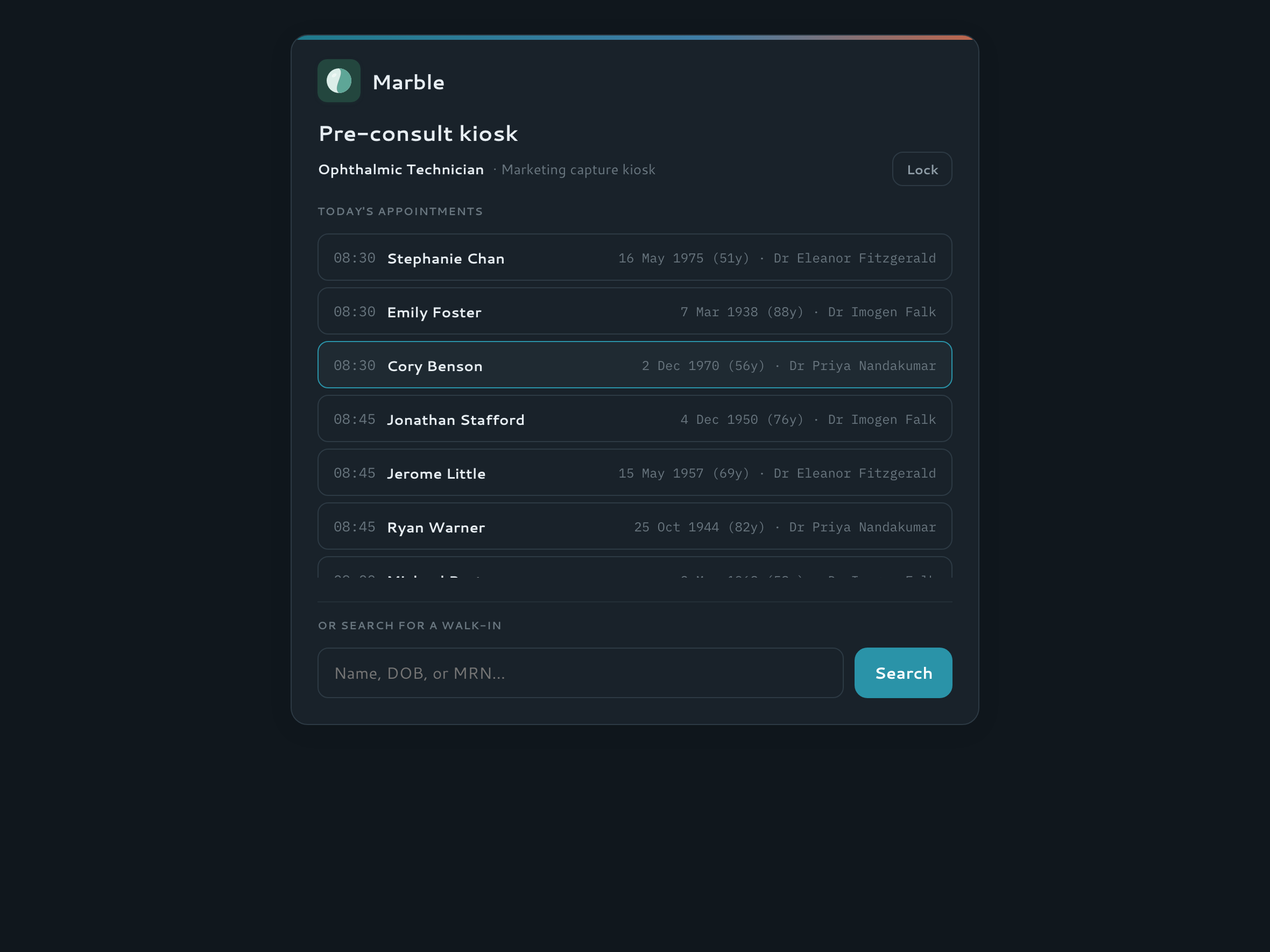
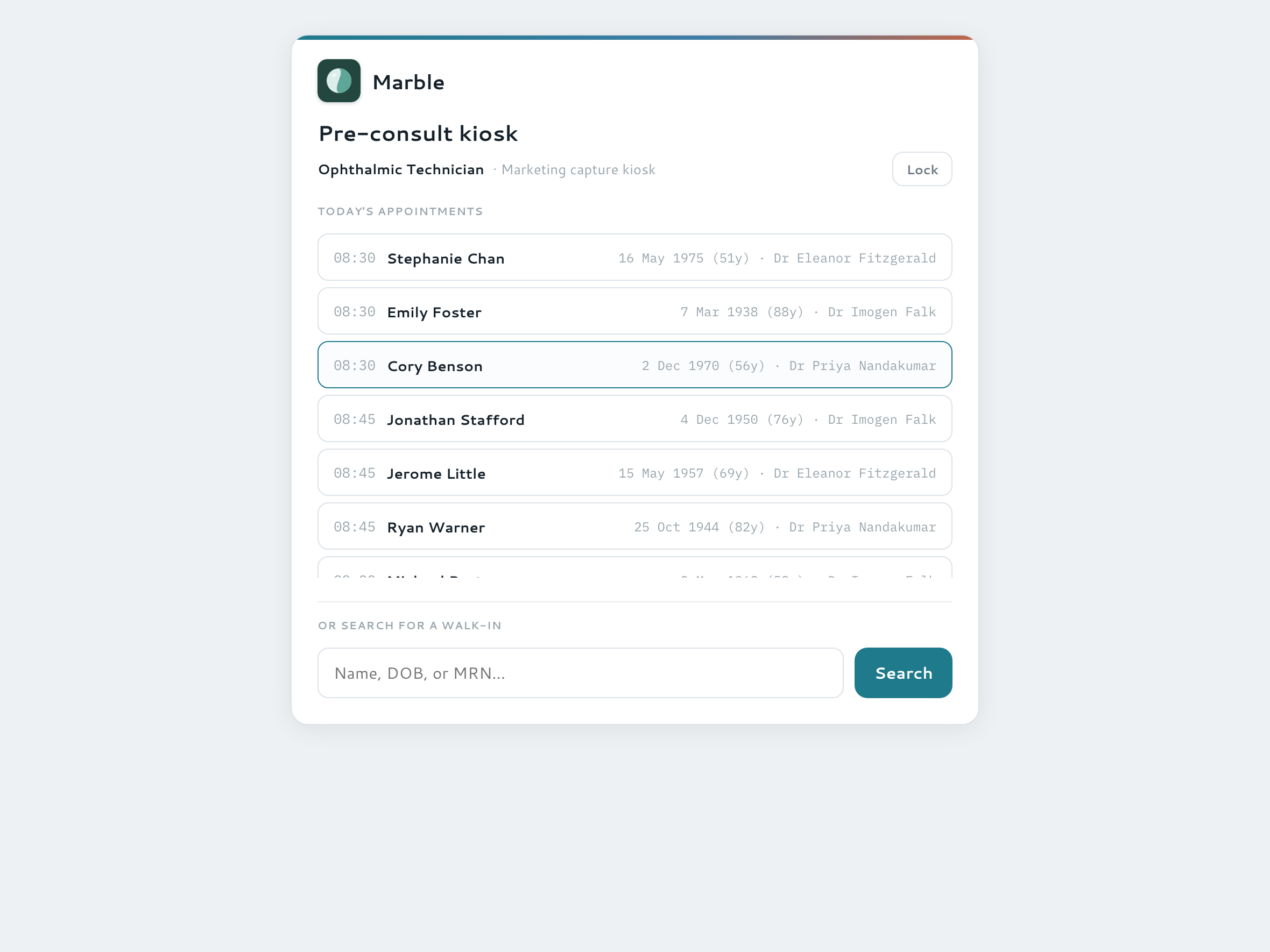
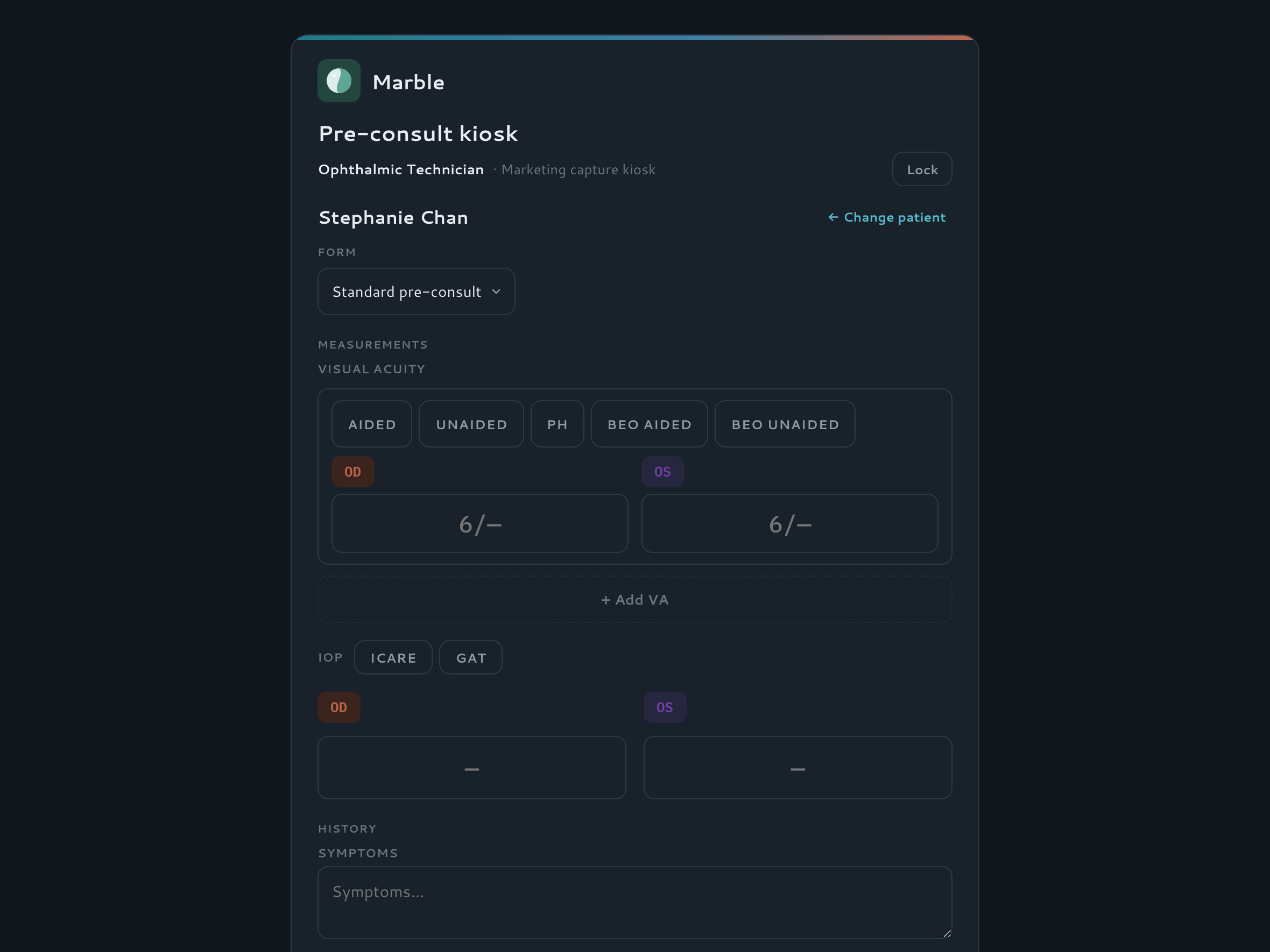
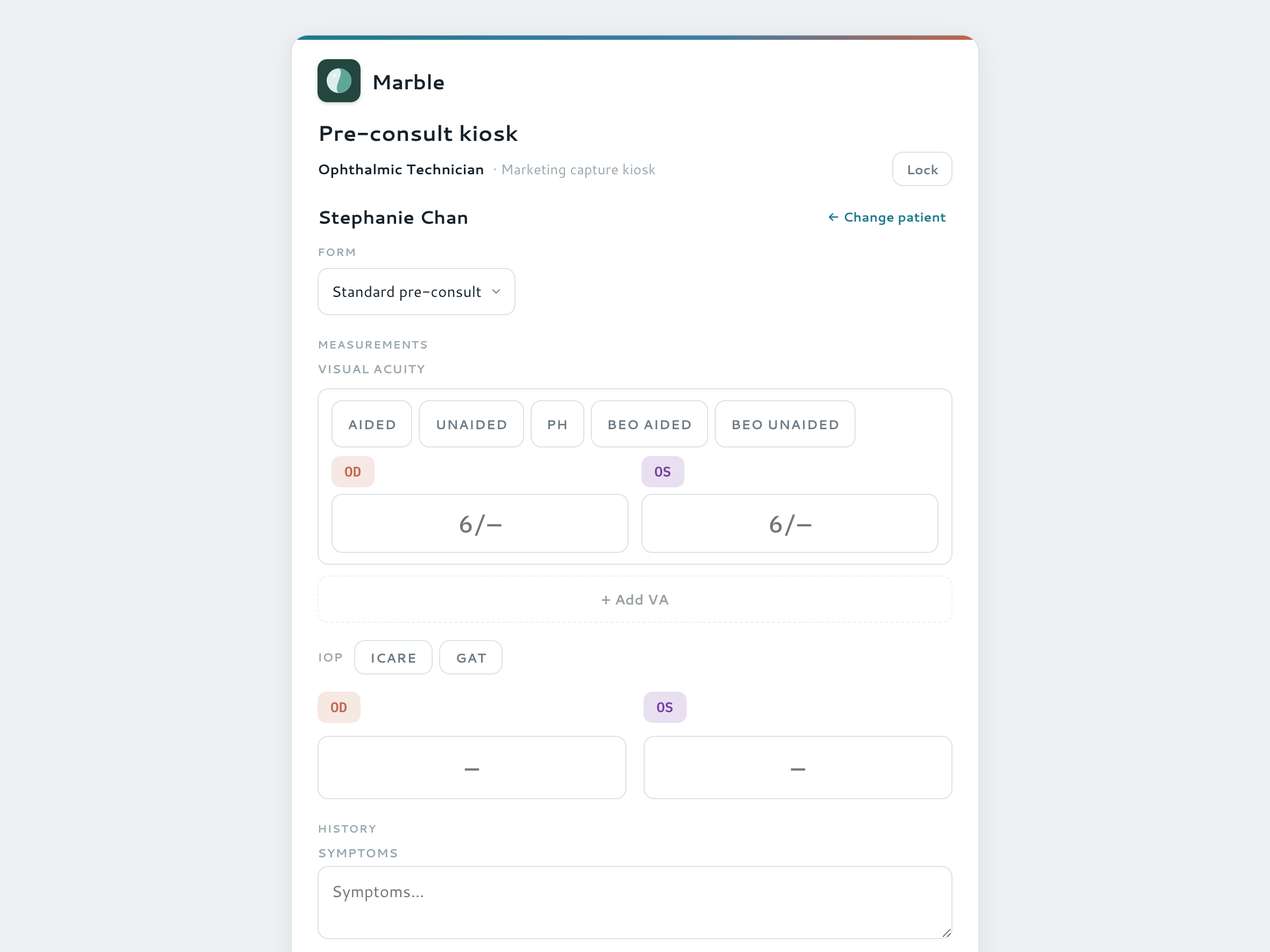
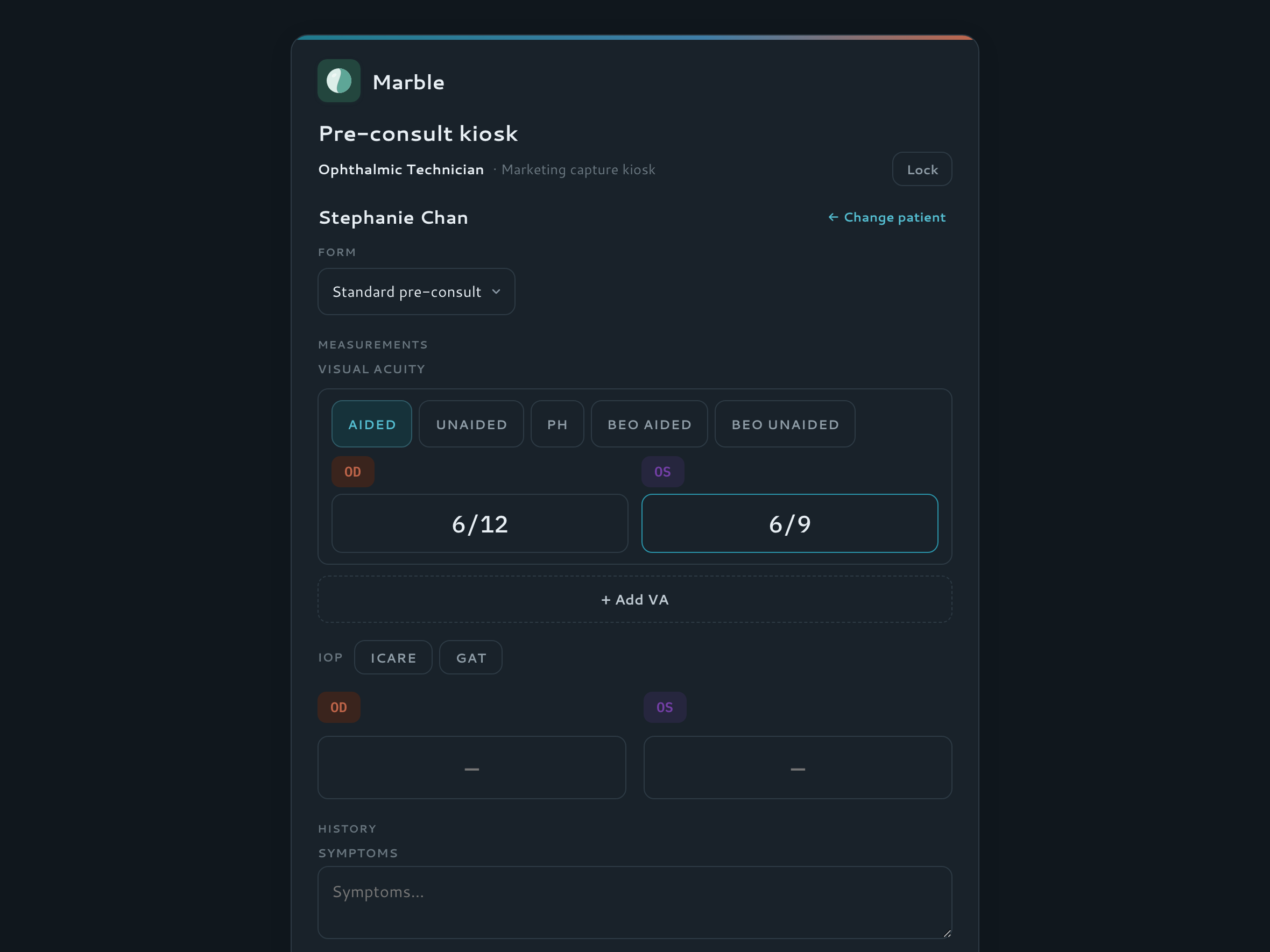
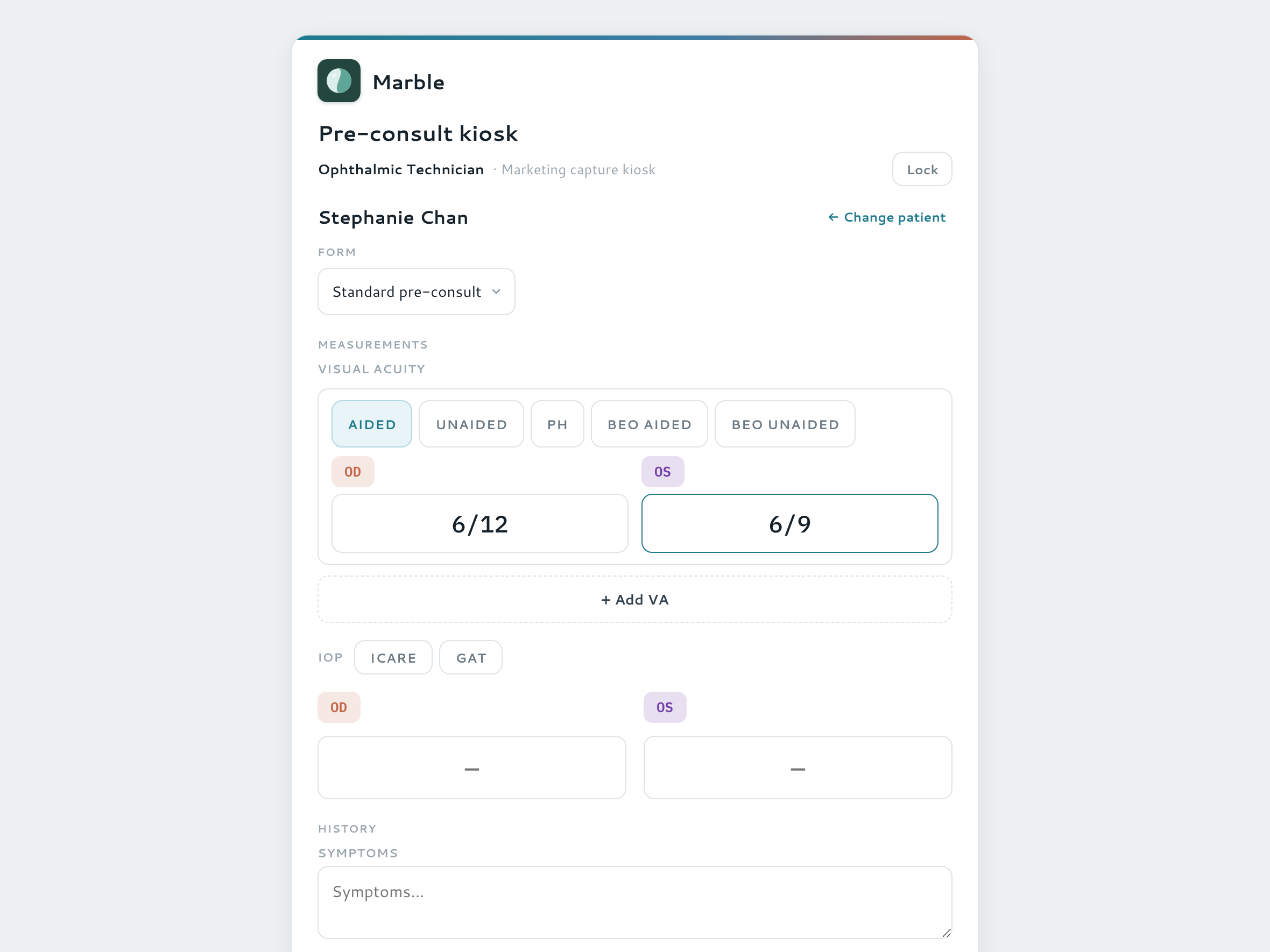
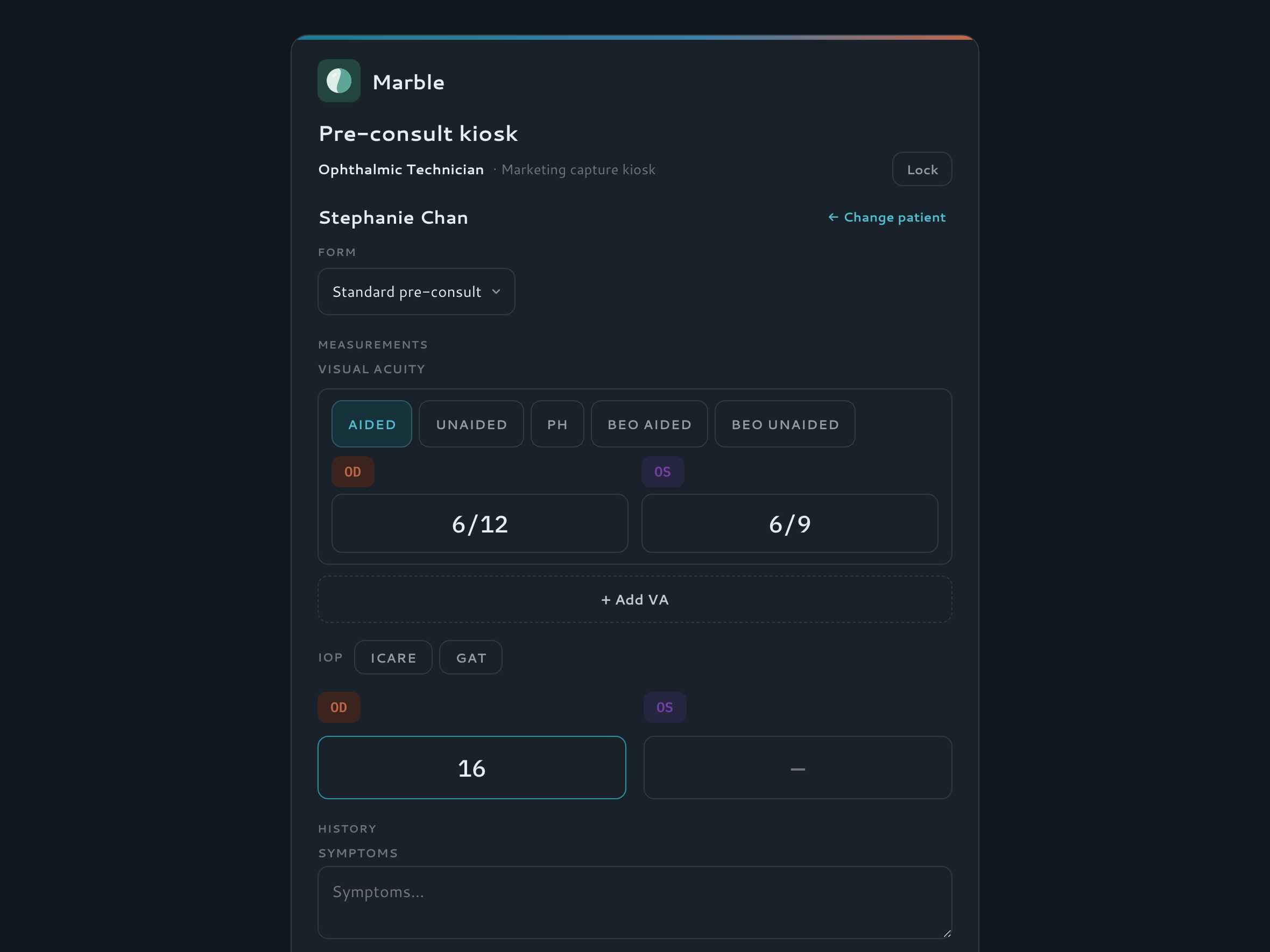
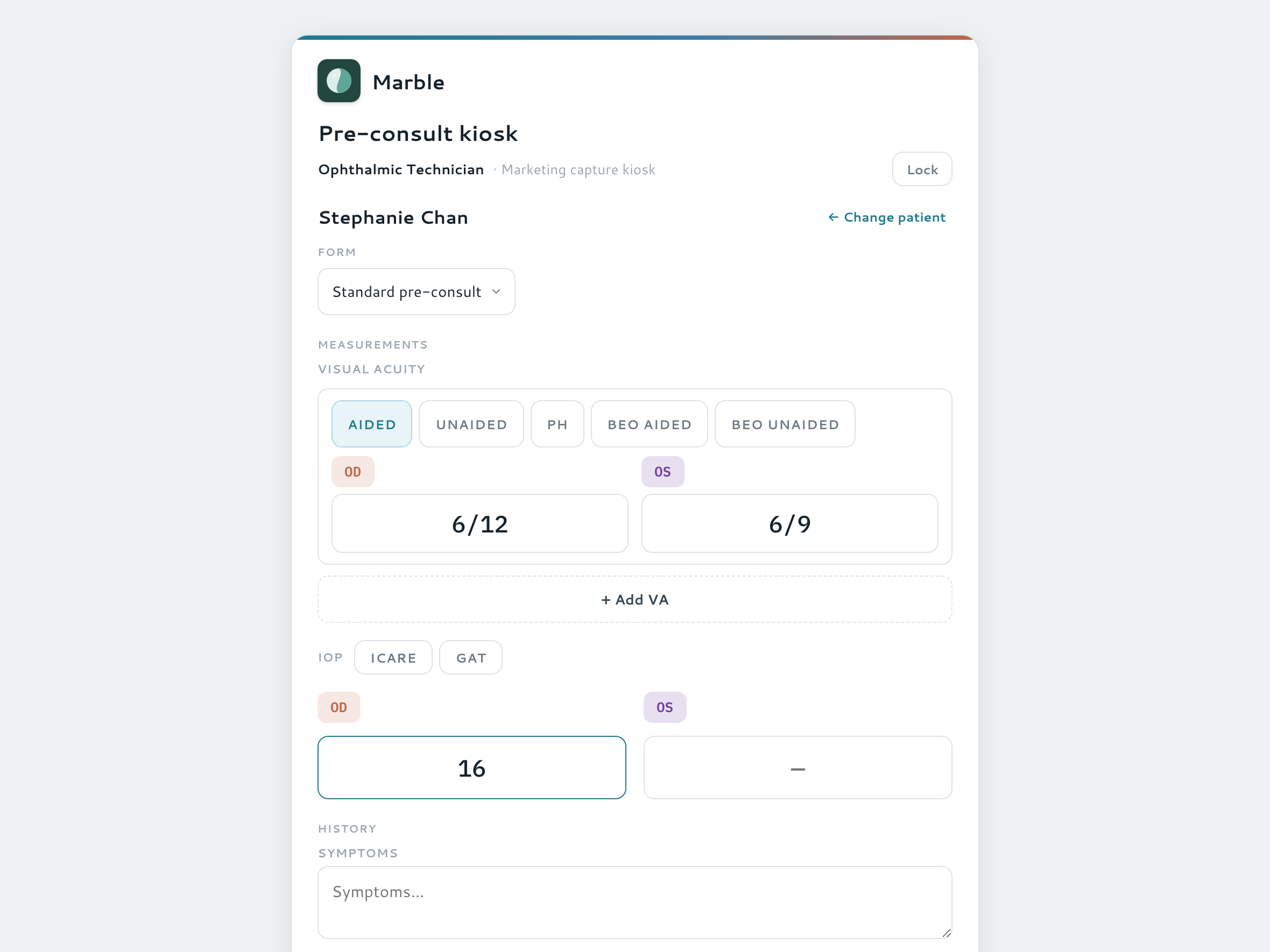
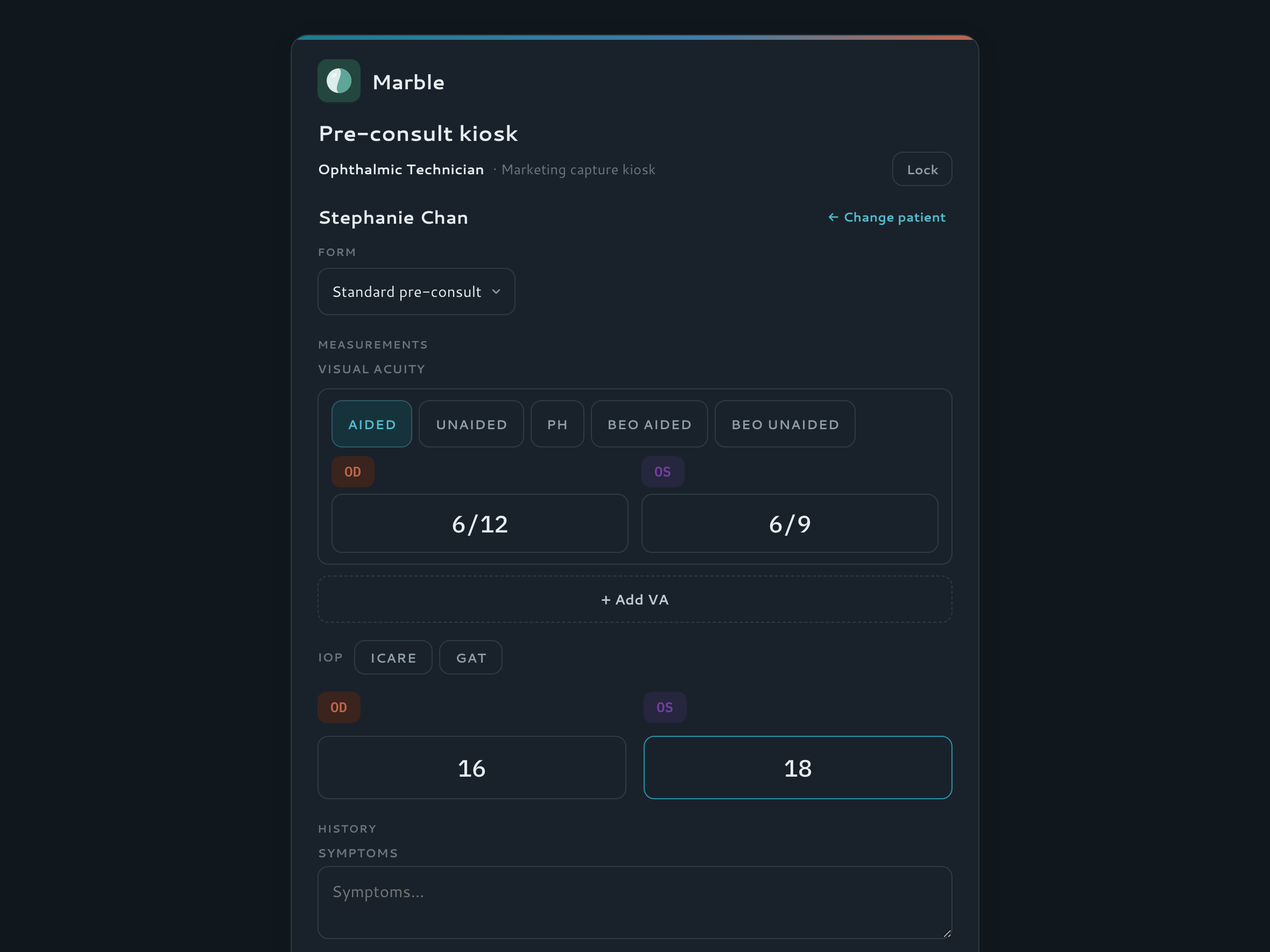
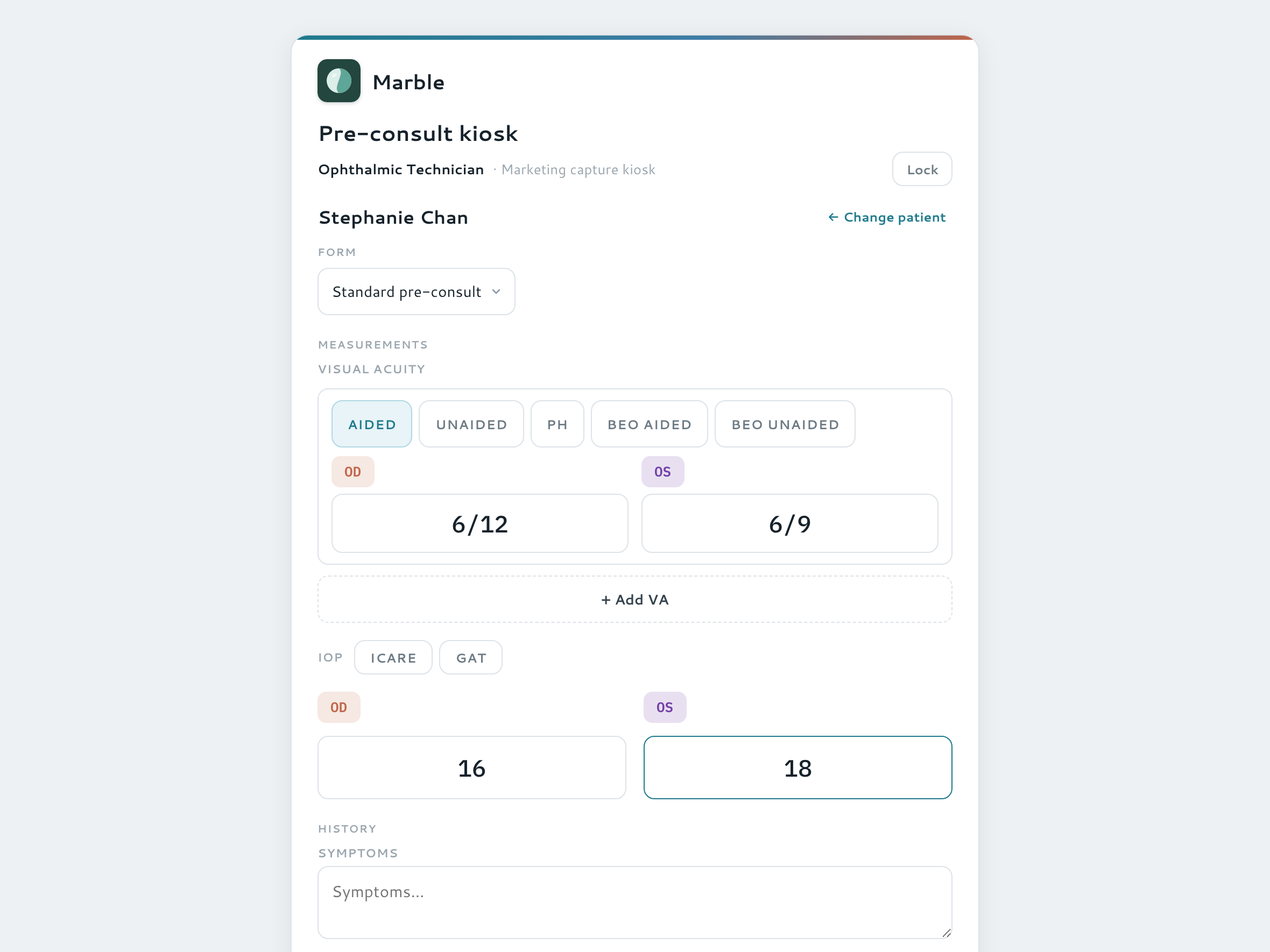
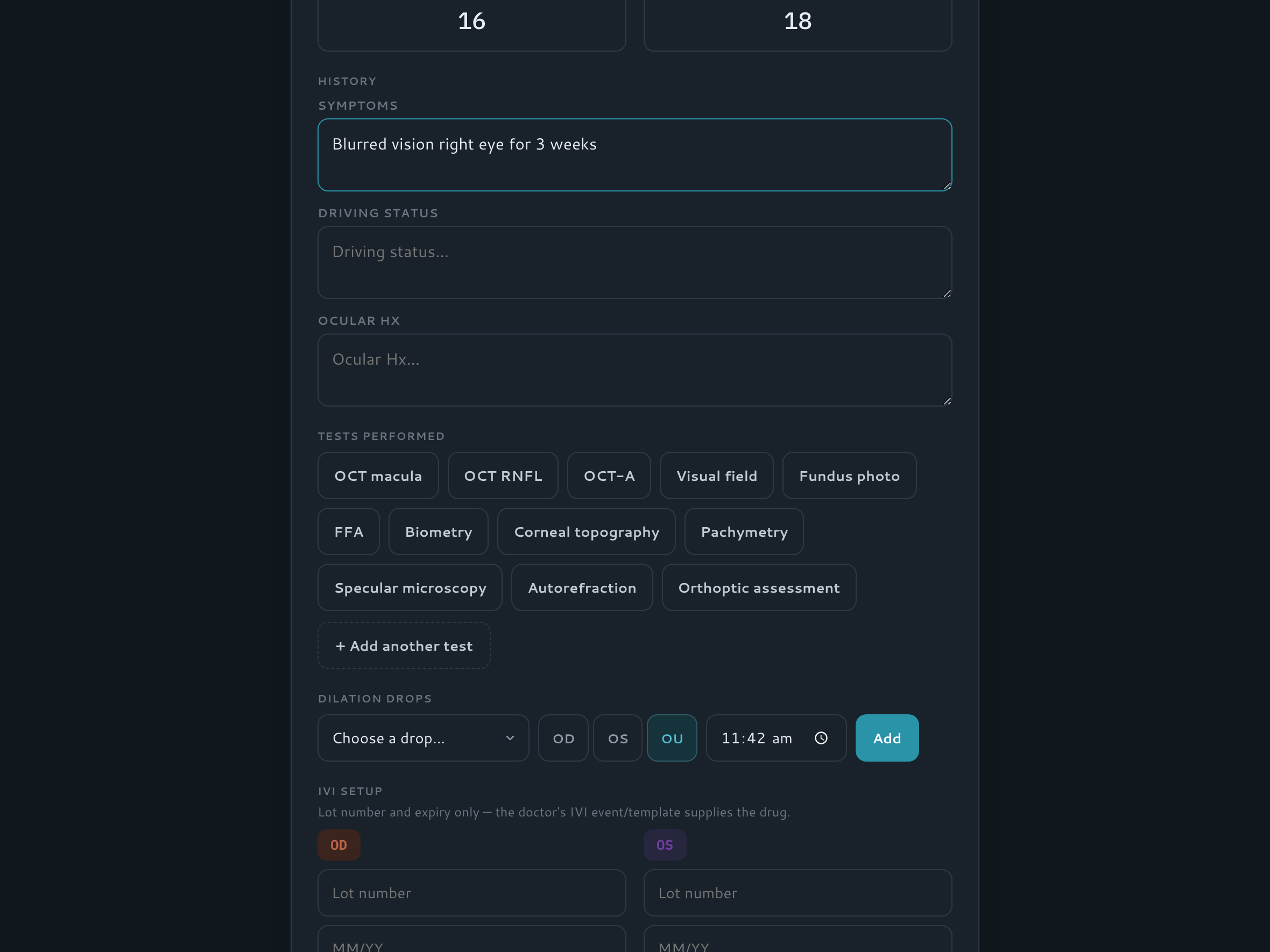
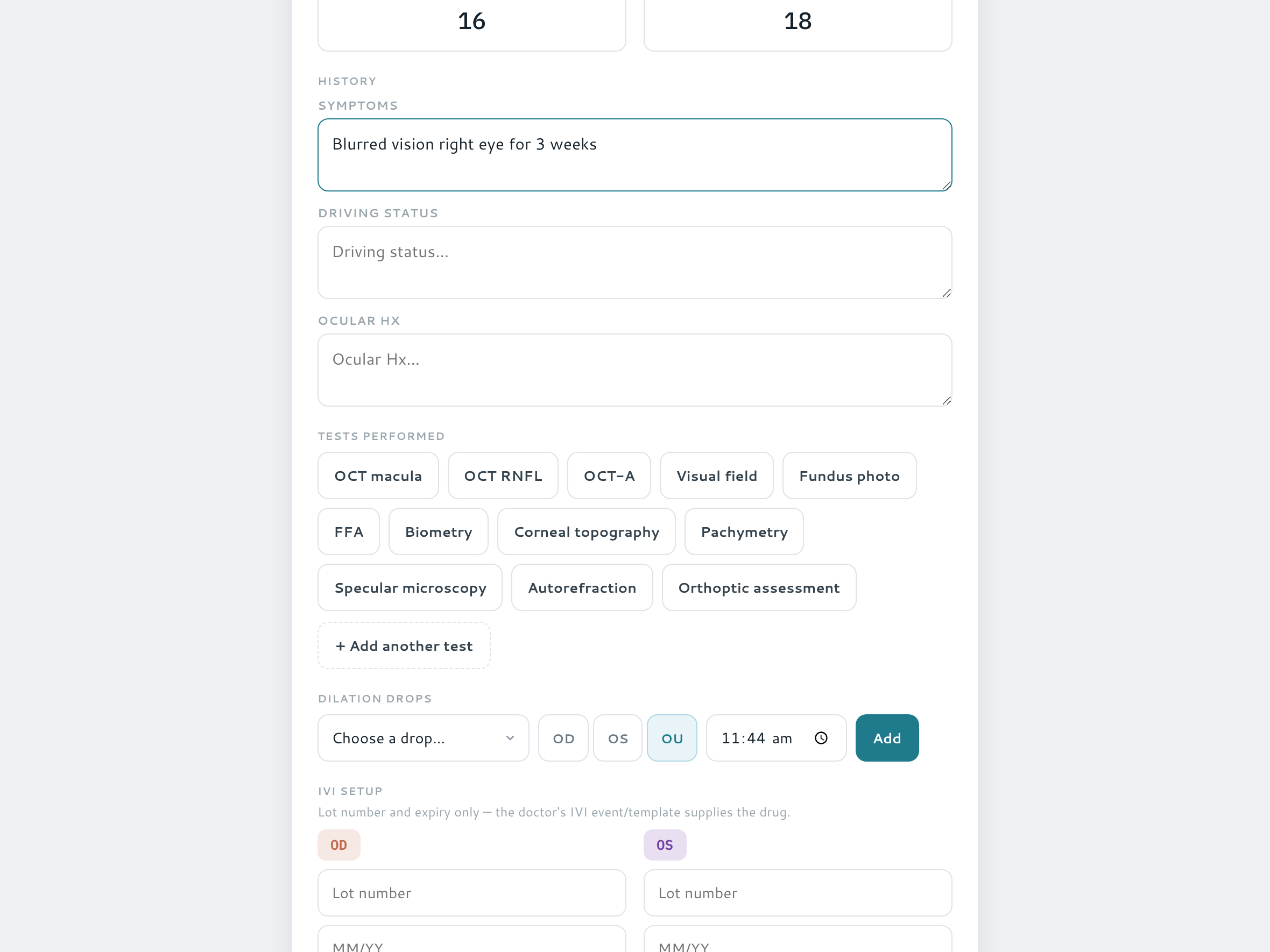
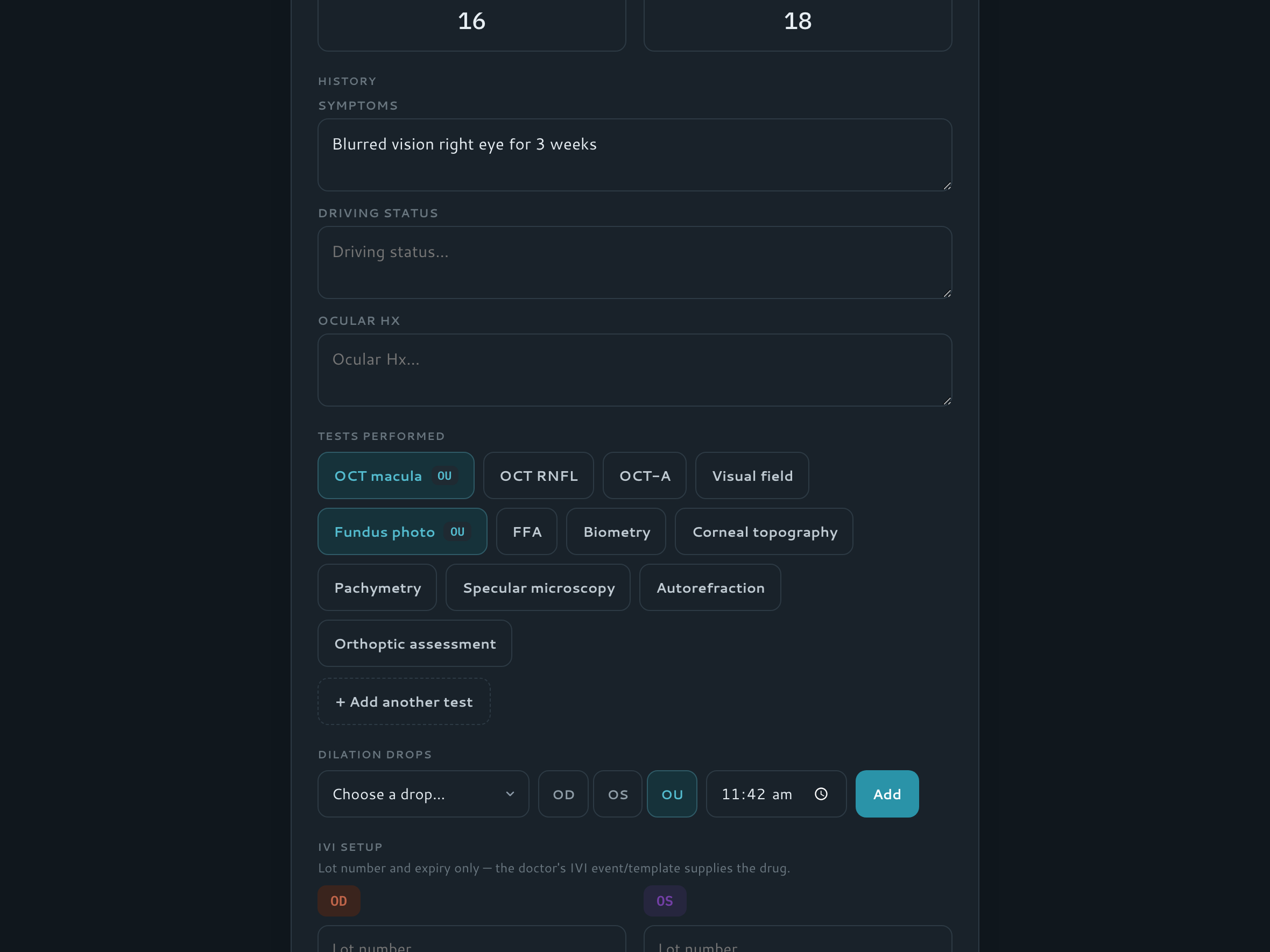
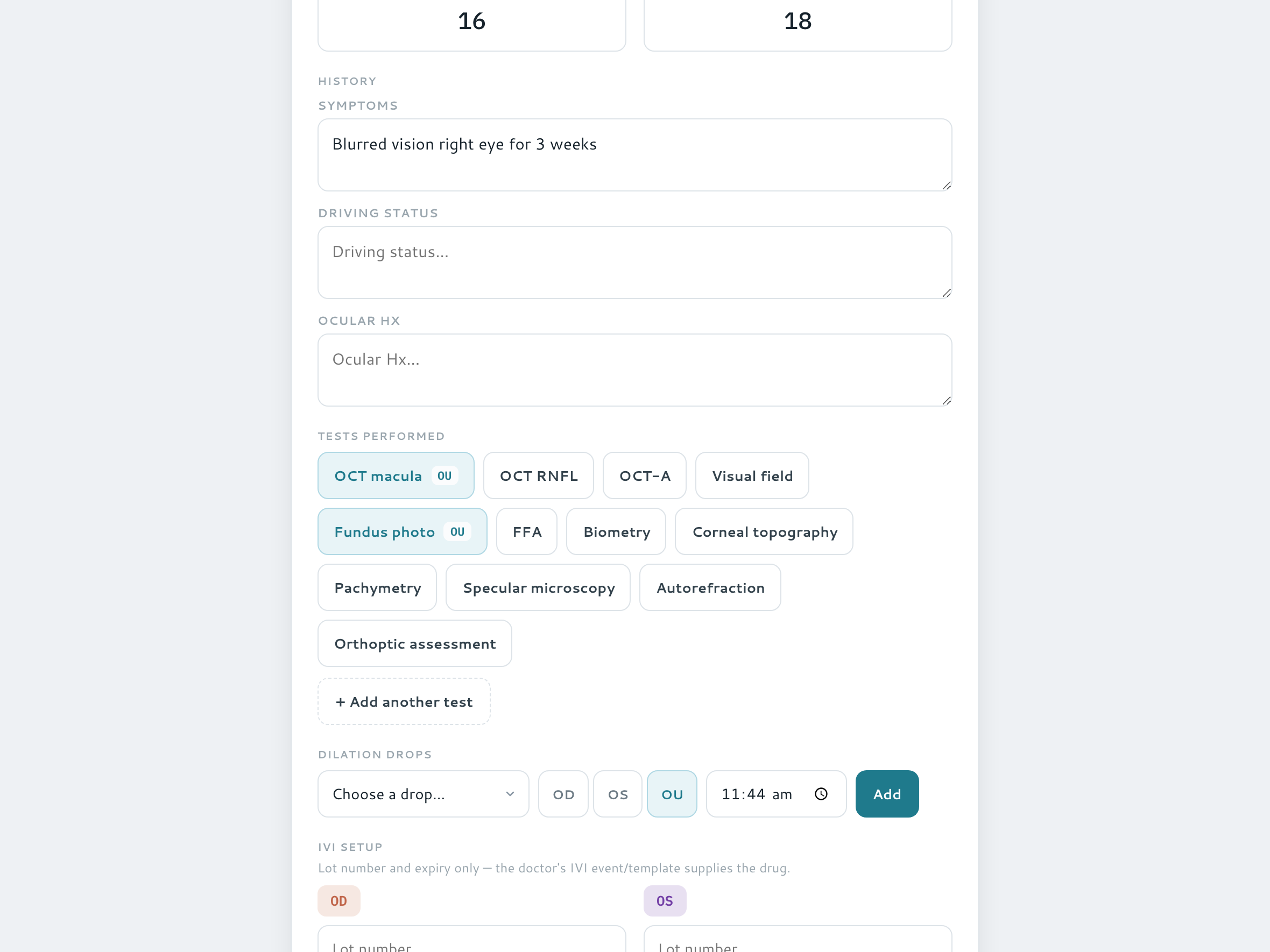
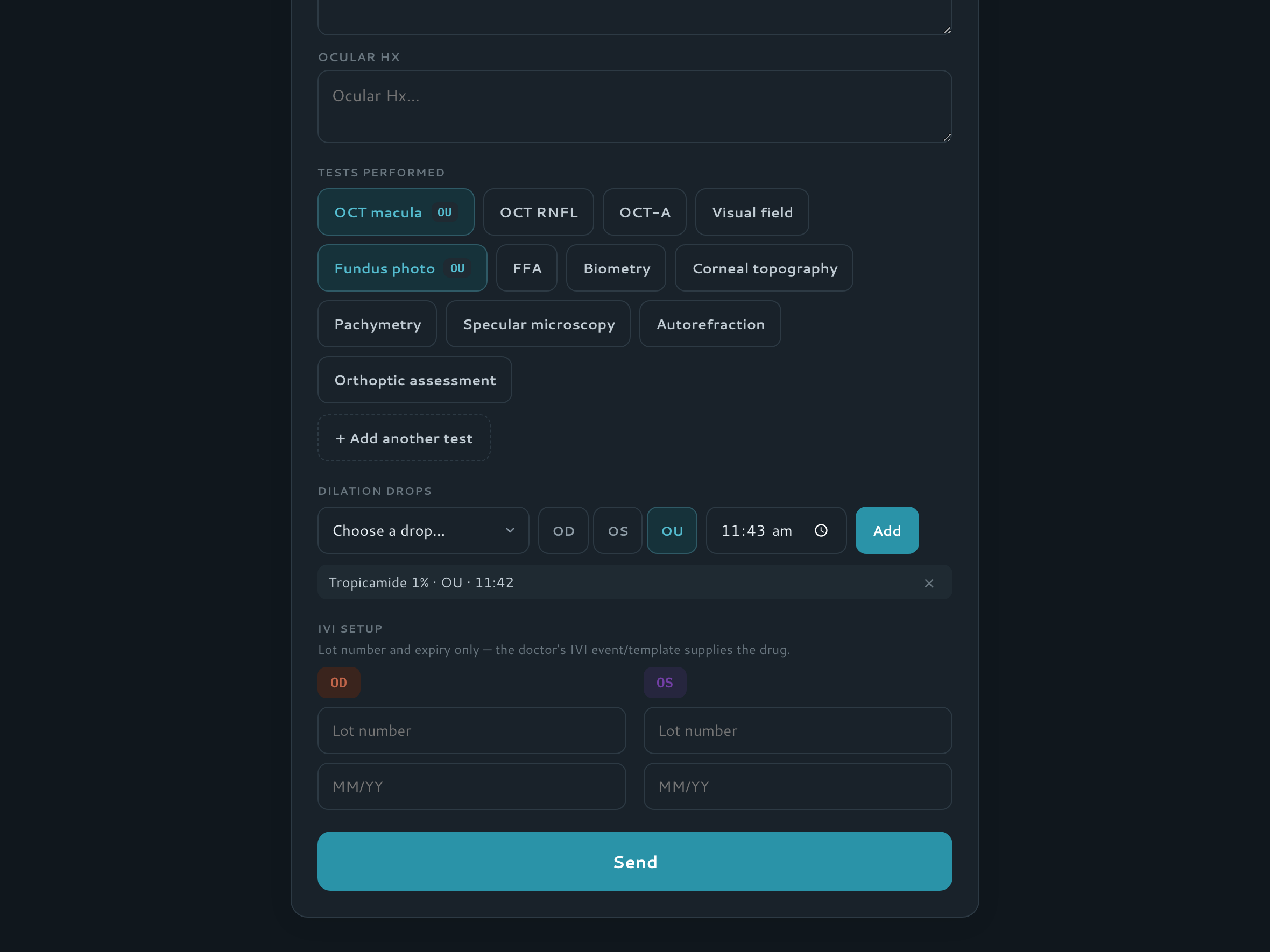
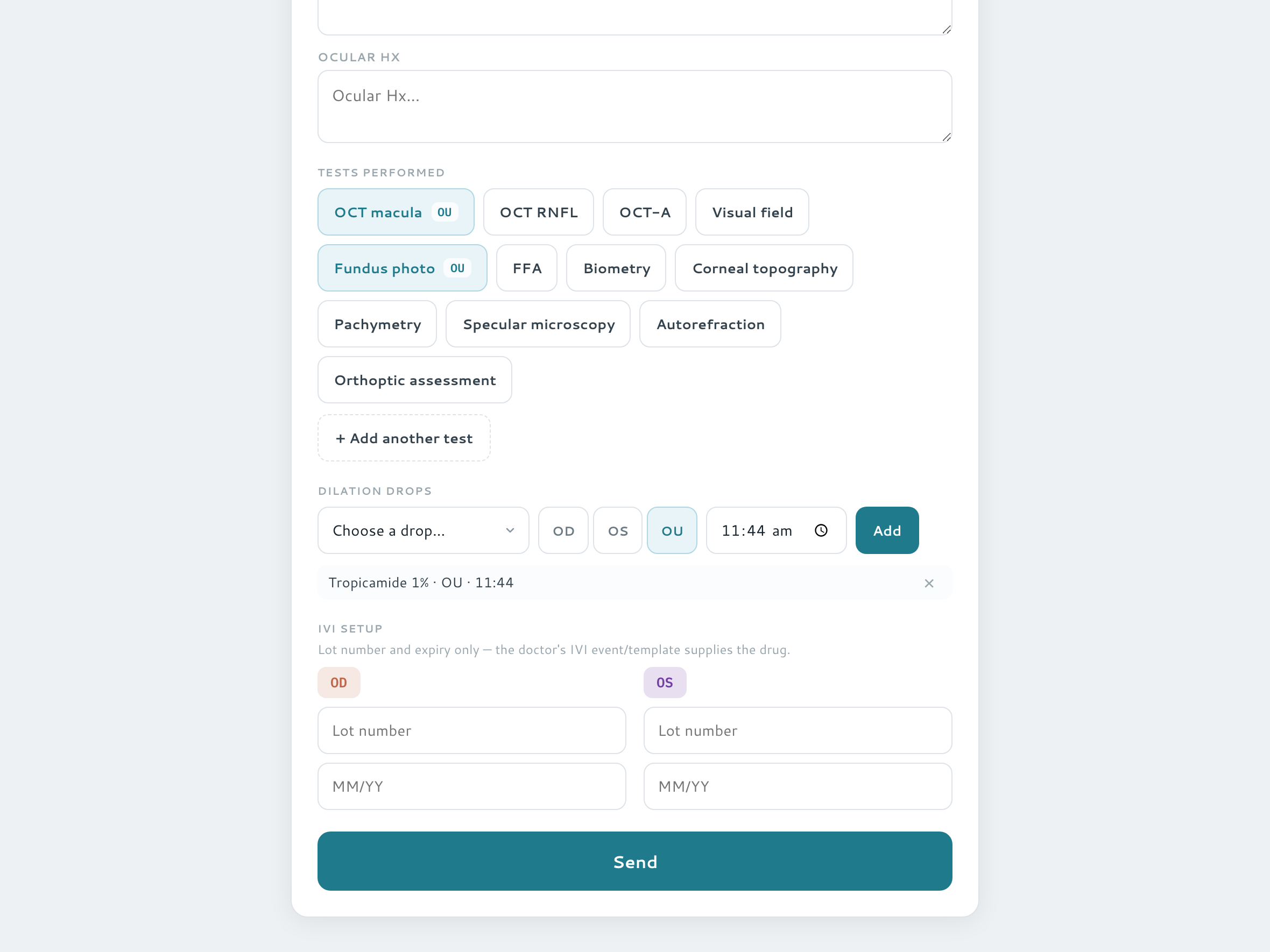
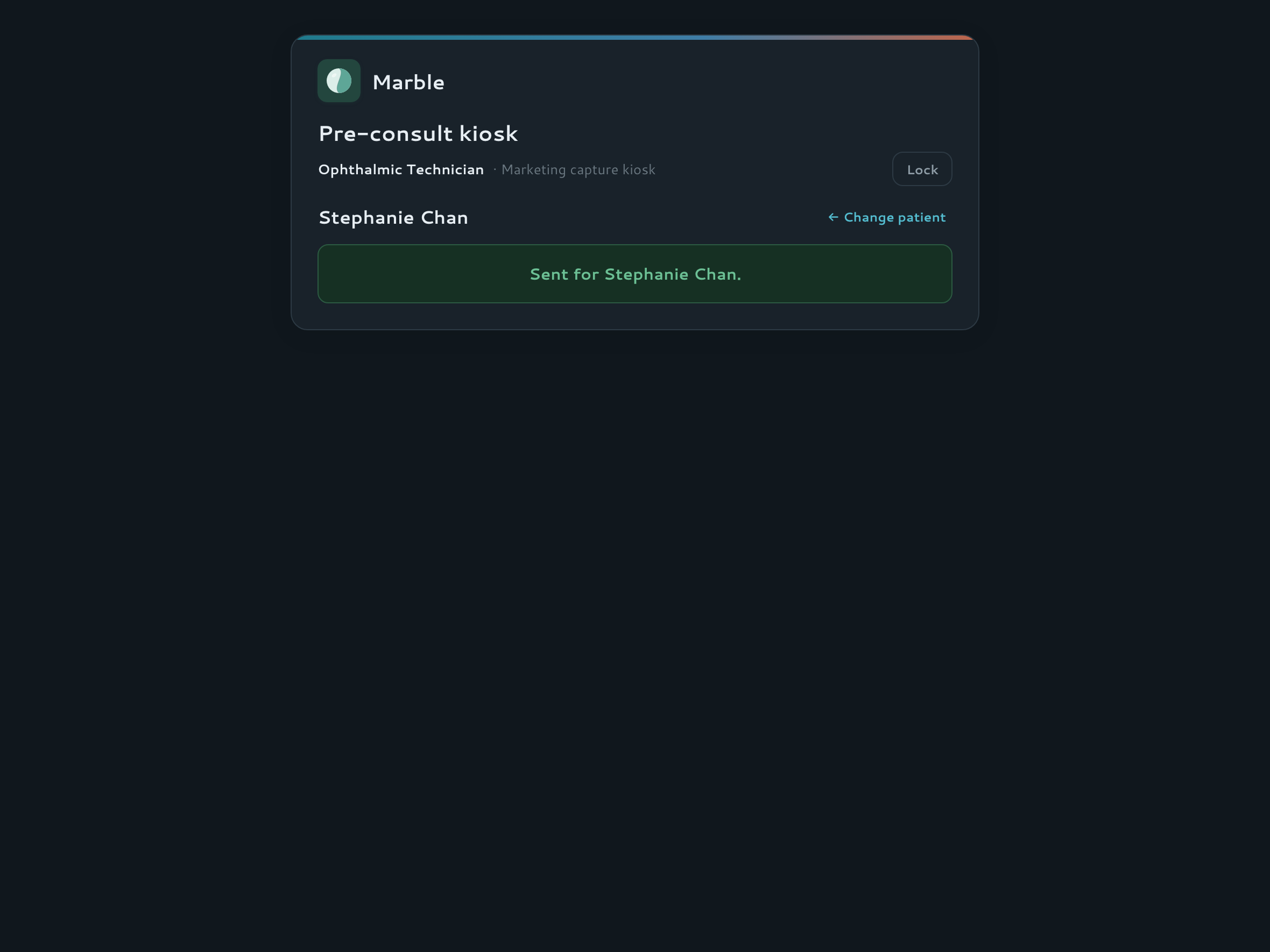
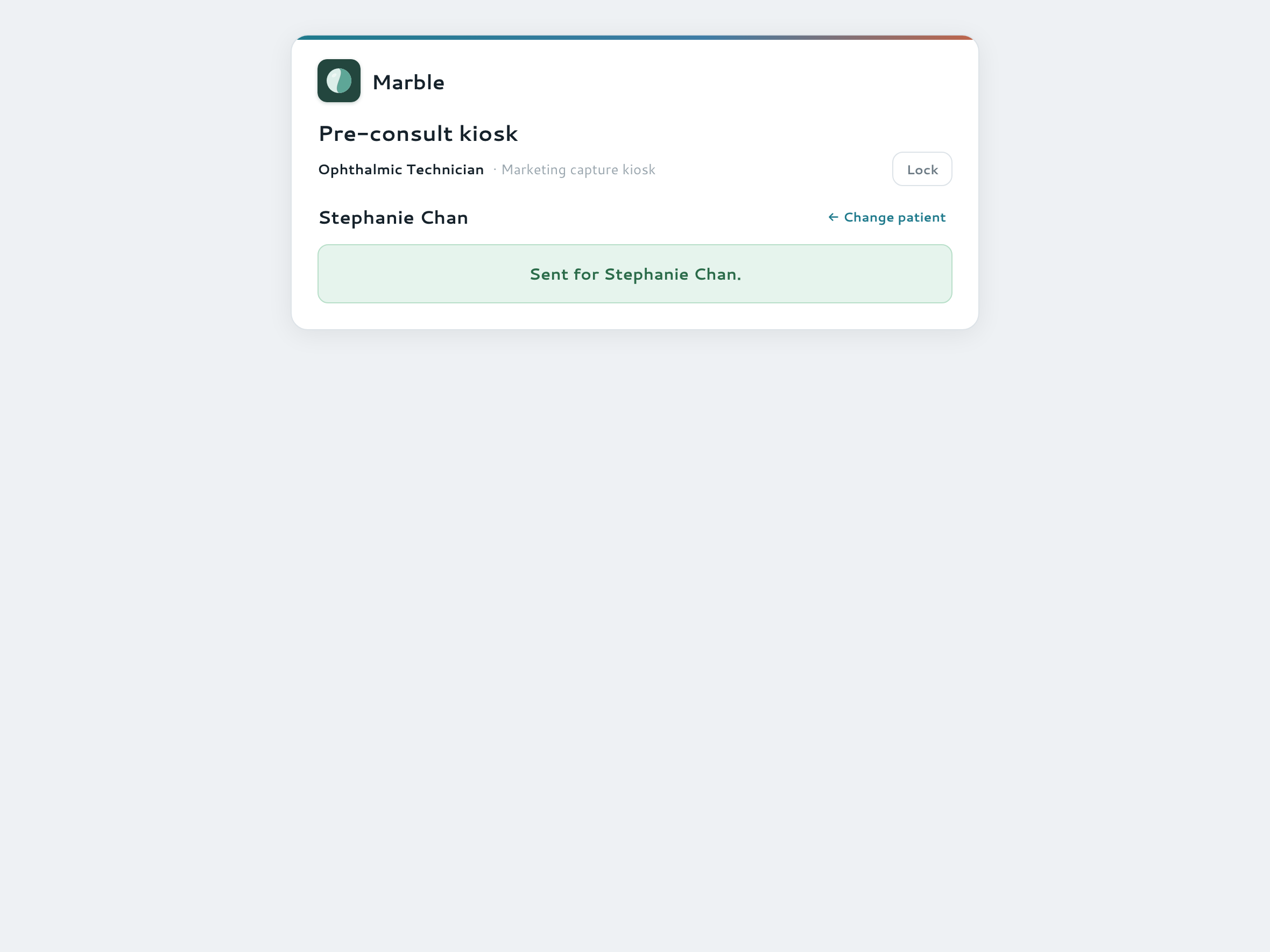
A tablet that lives in the waiting room and belongs to nobody. The technician taps their own tile, enters a 4-digit PIN, and picks the patient straight off today's appointment list — no chart access, no typing a name, no doctor signed in. What they collect is the whole pre-consultation: acuity and pressures, the history questions, which tests were done and which drops went in.
- Tech-tile + PIN unlock — device-trusted, and no access to the record itself
- Patients come off today's list, so the readings attach to the real appointment
- The form itself is designed in Admin — which sections show, and its own tests and drops catalogues
- Folds straight into the record when the doctor signs the note
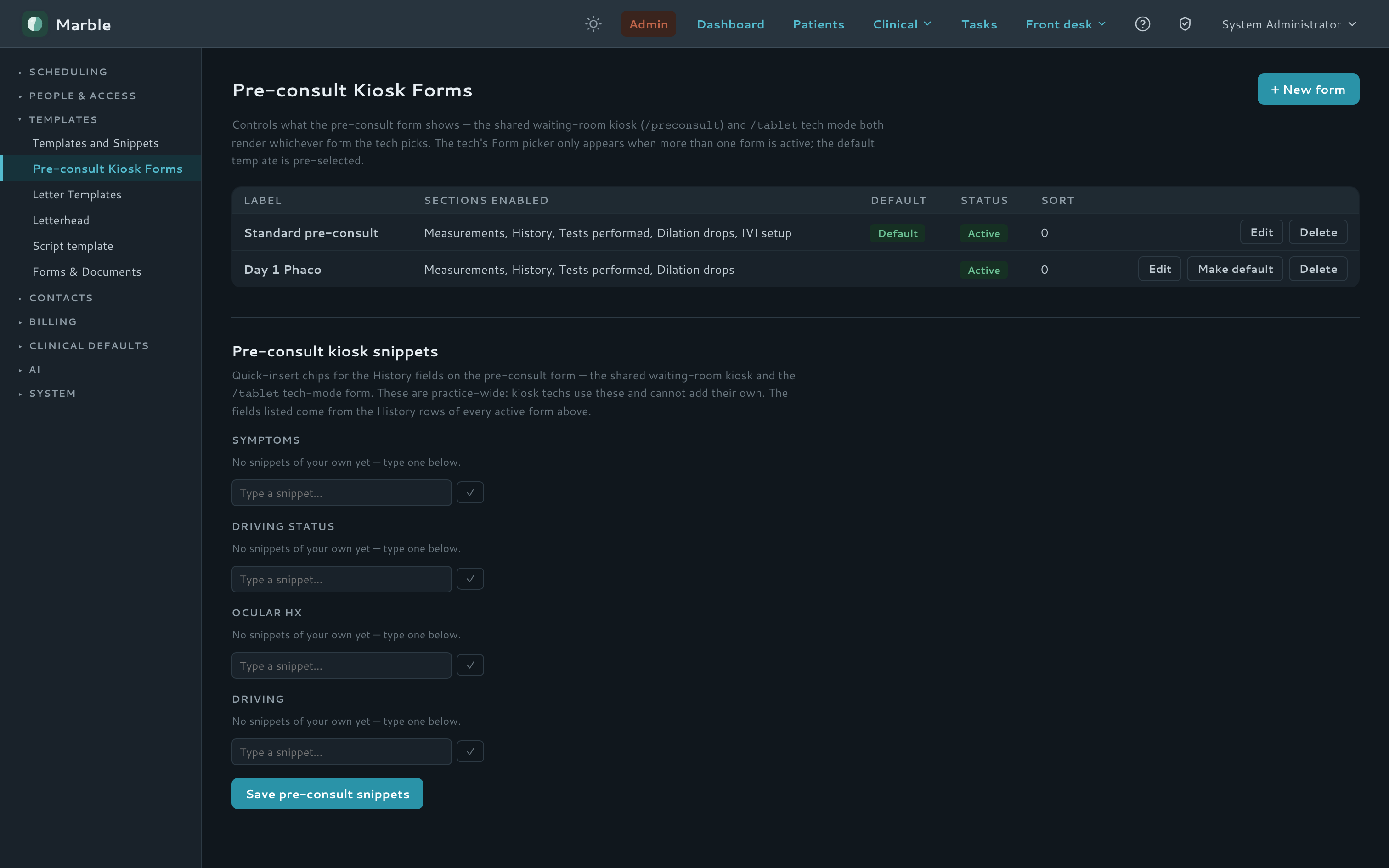
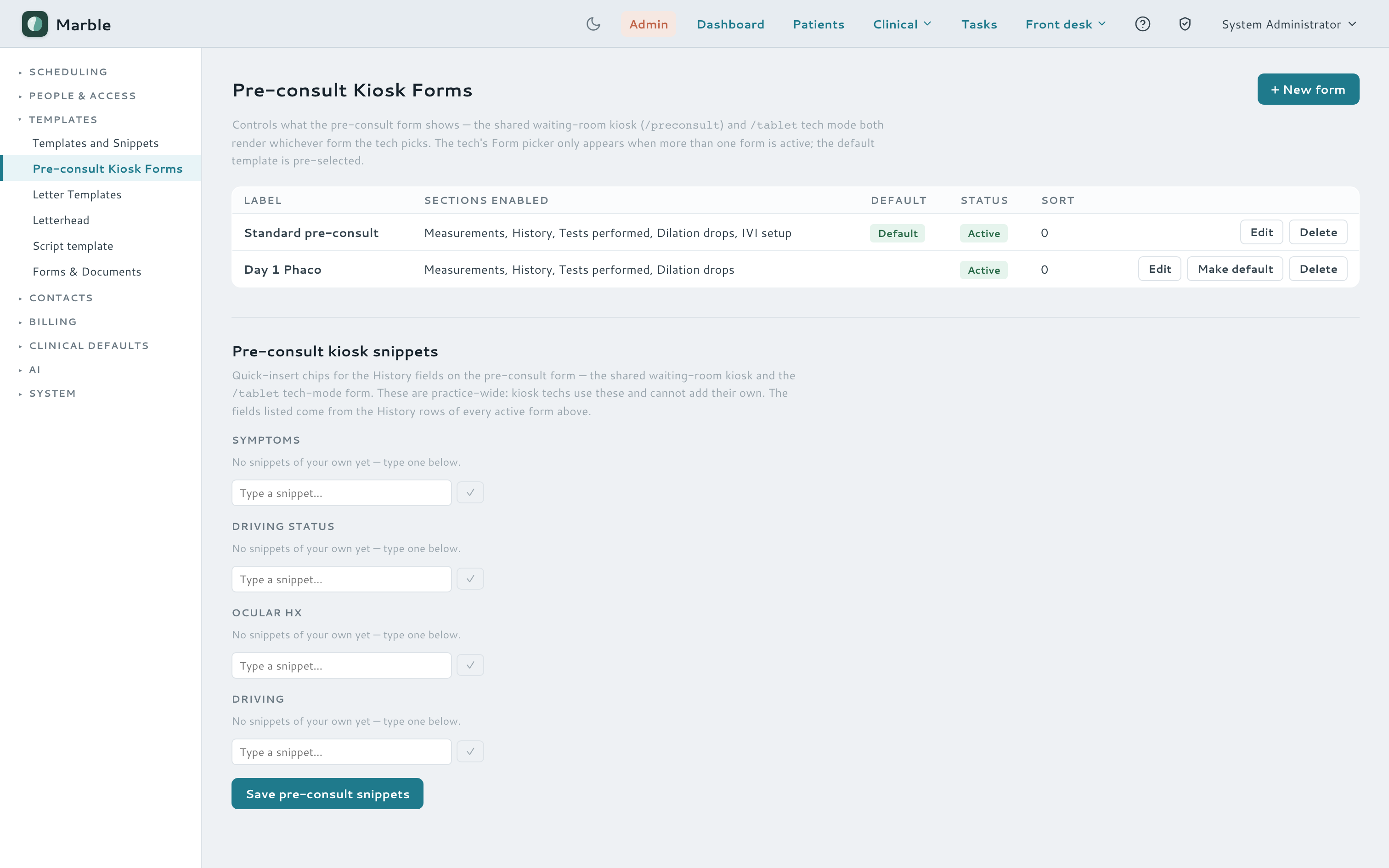
Watch it — a technician works through the pre-consultation
Consent & clinical forms
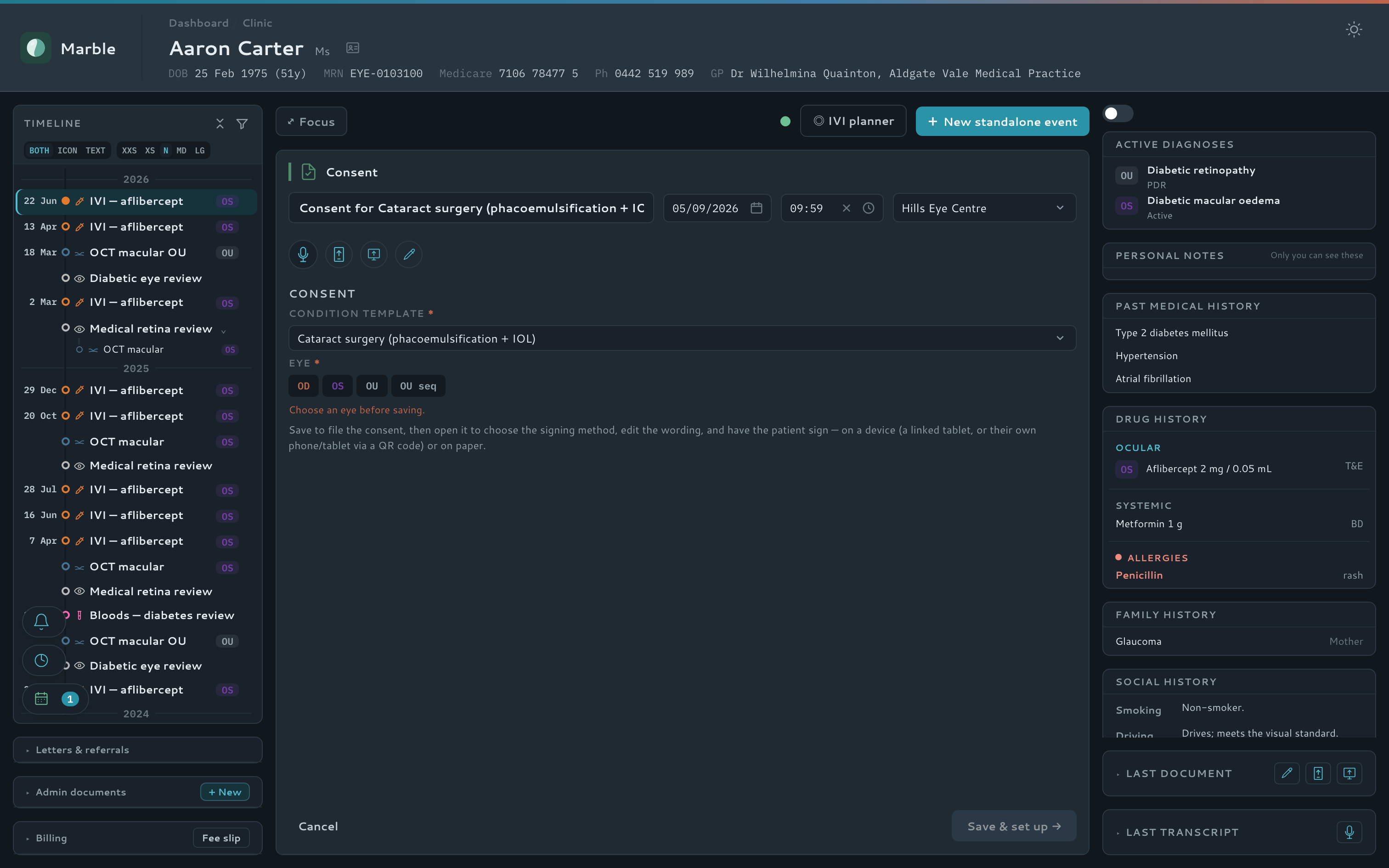
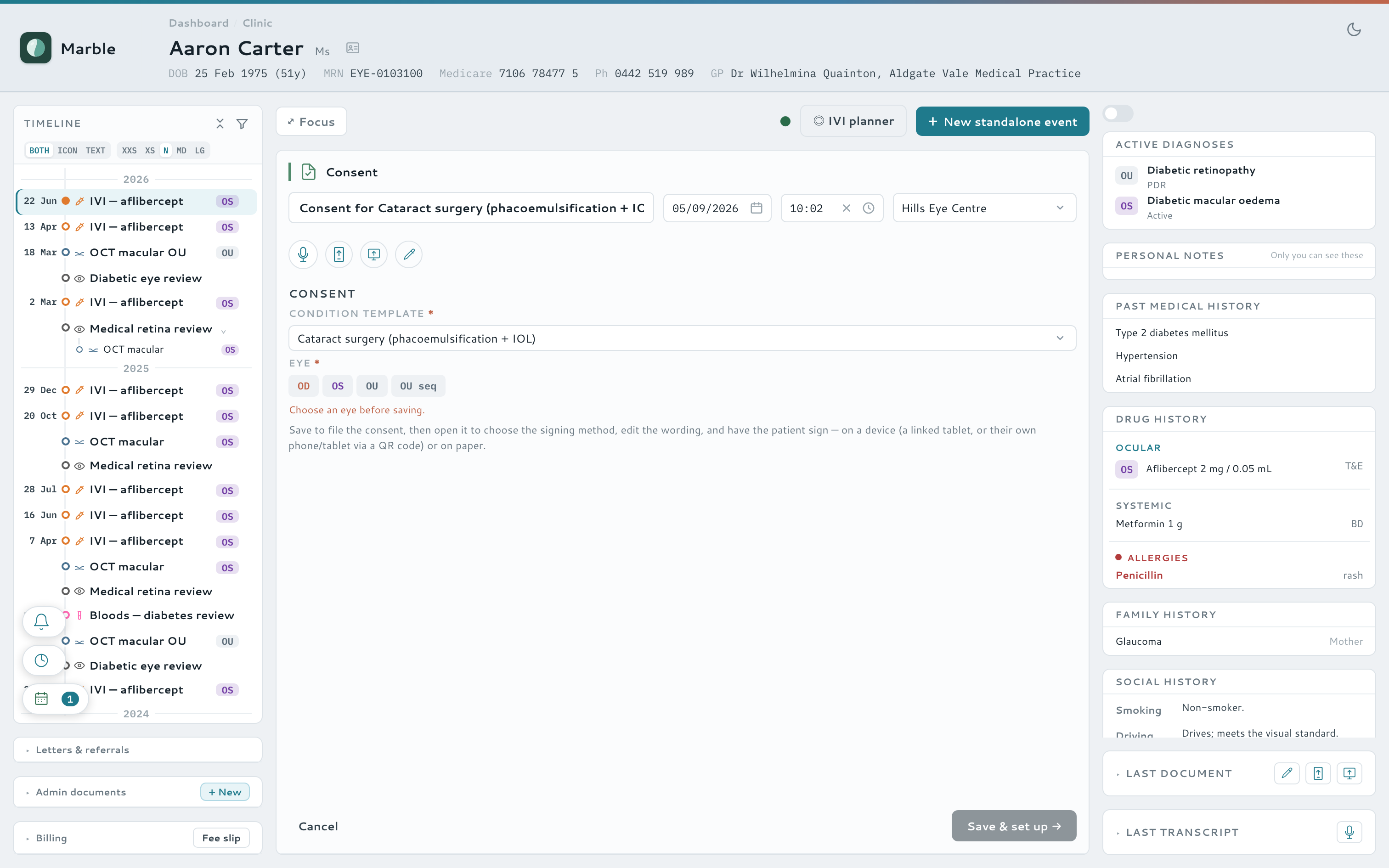
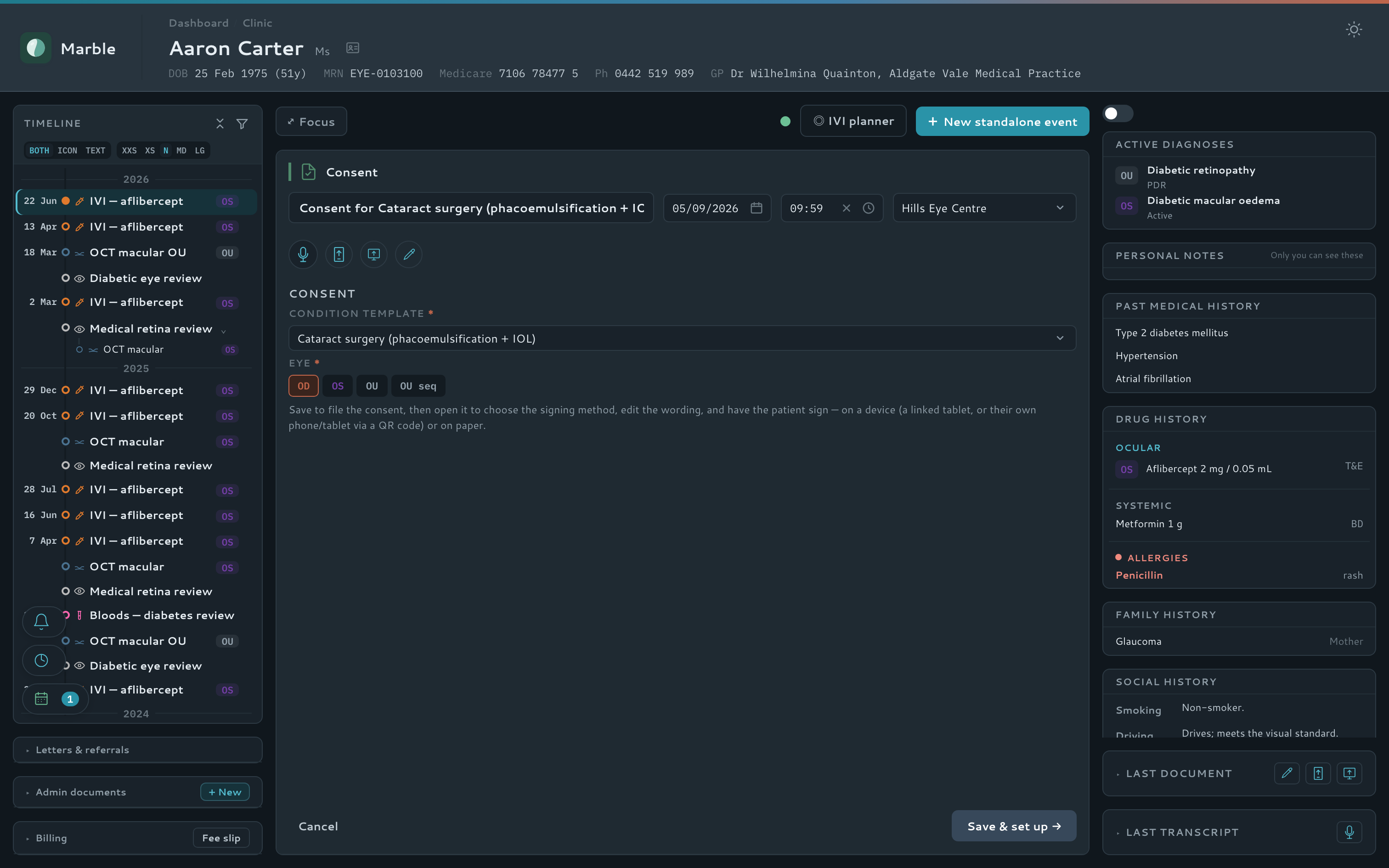
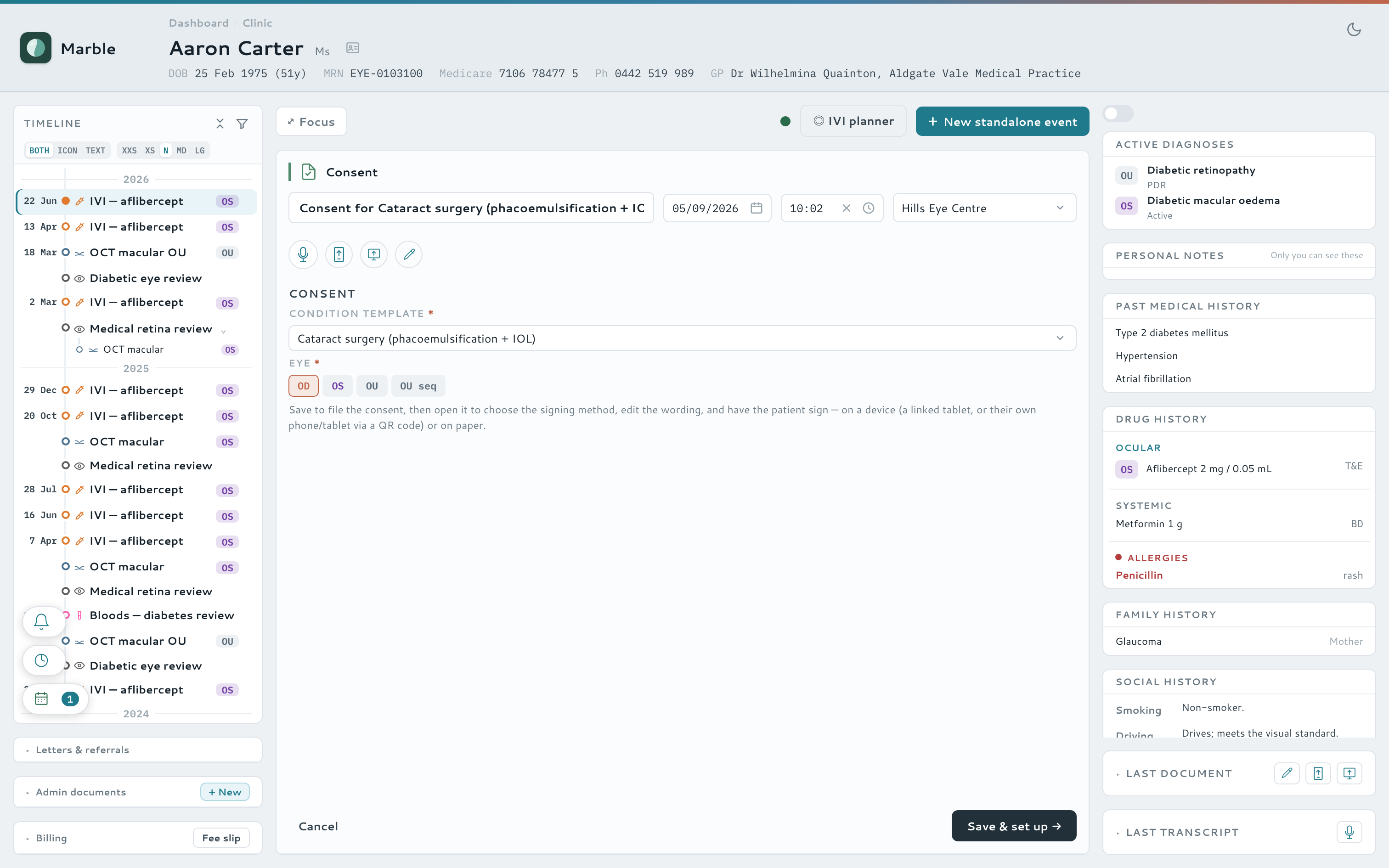
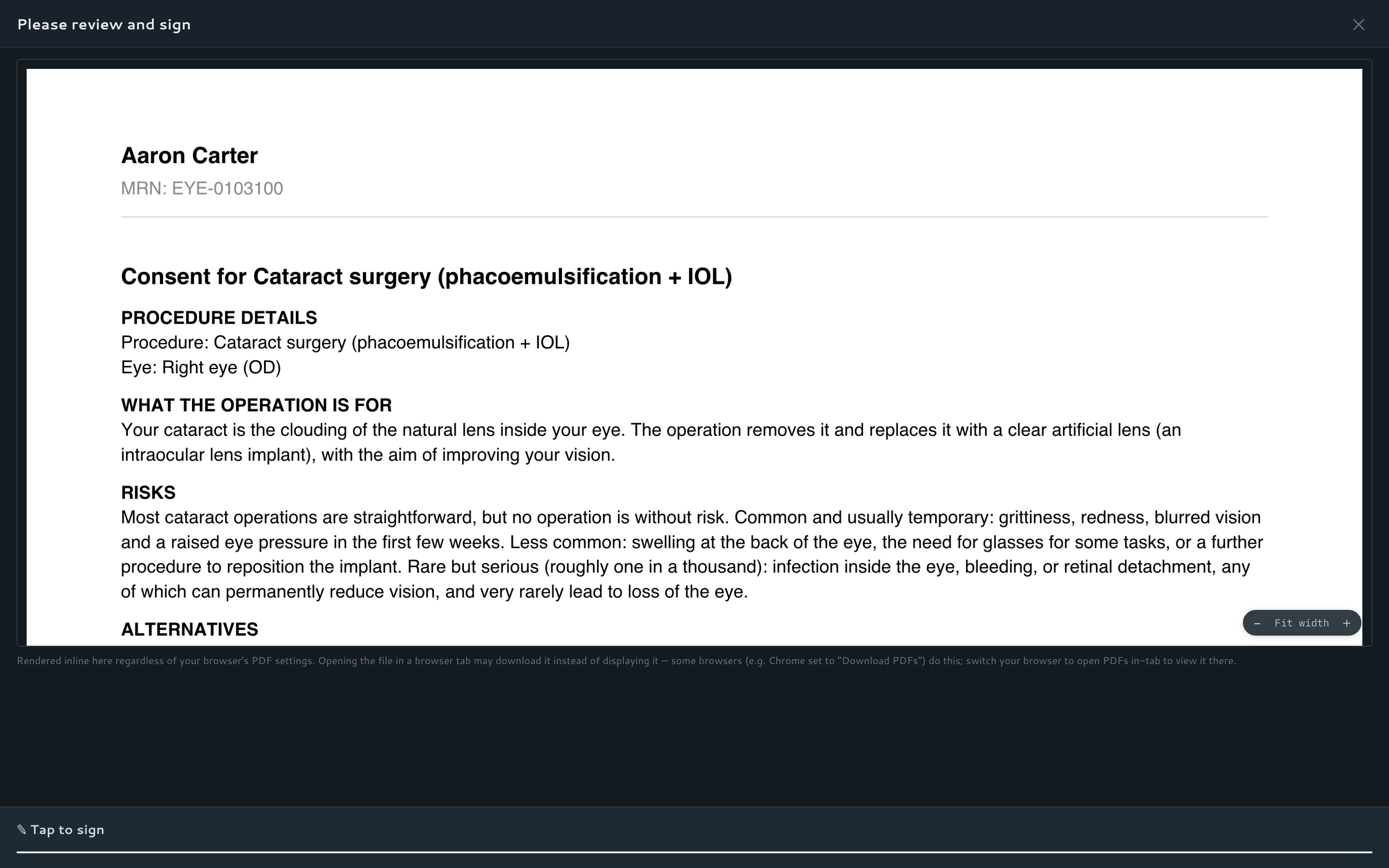
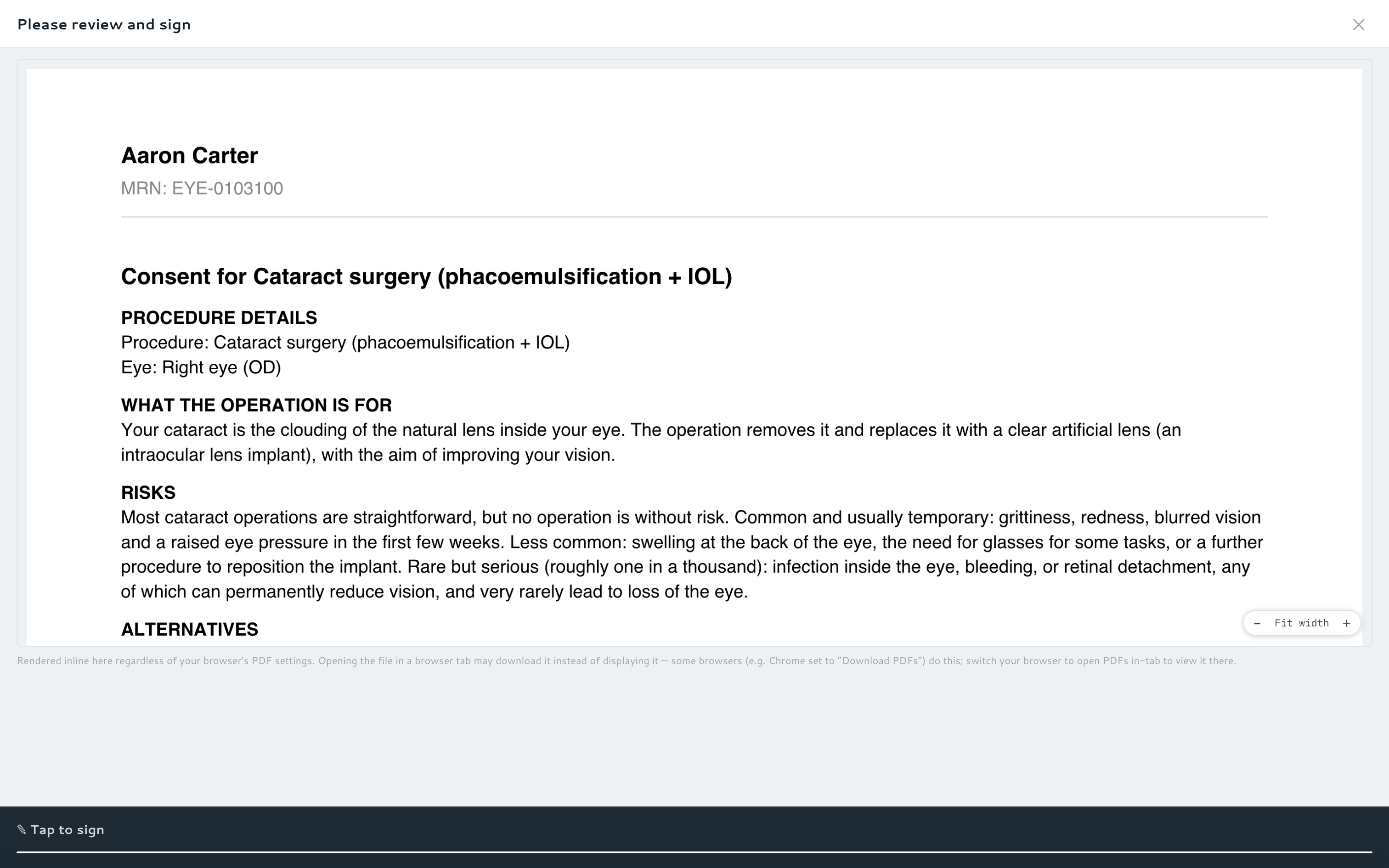
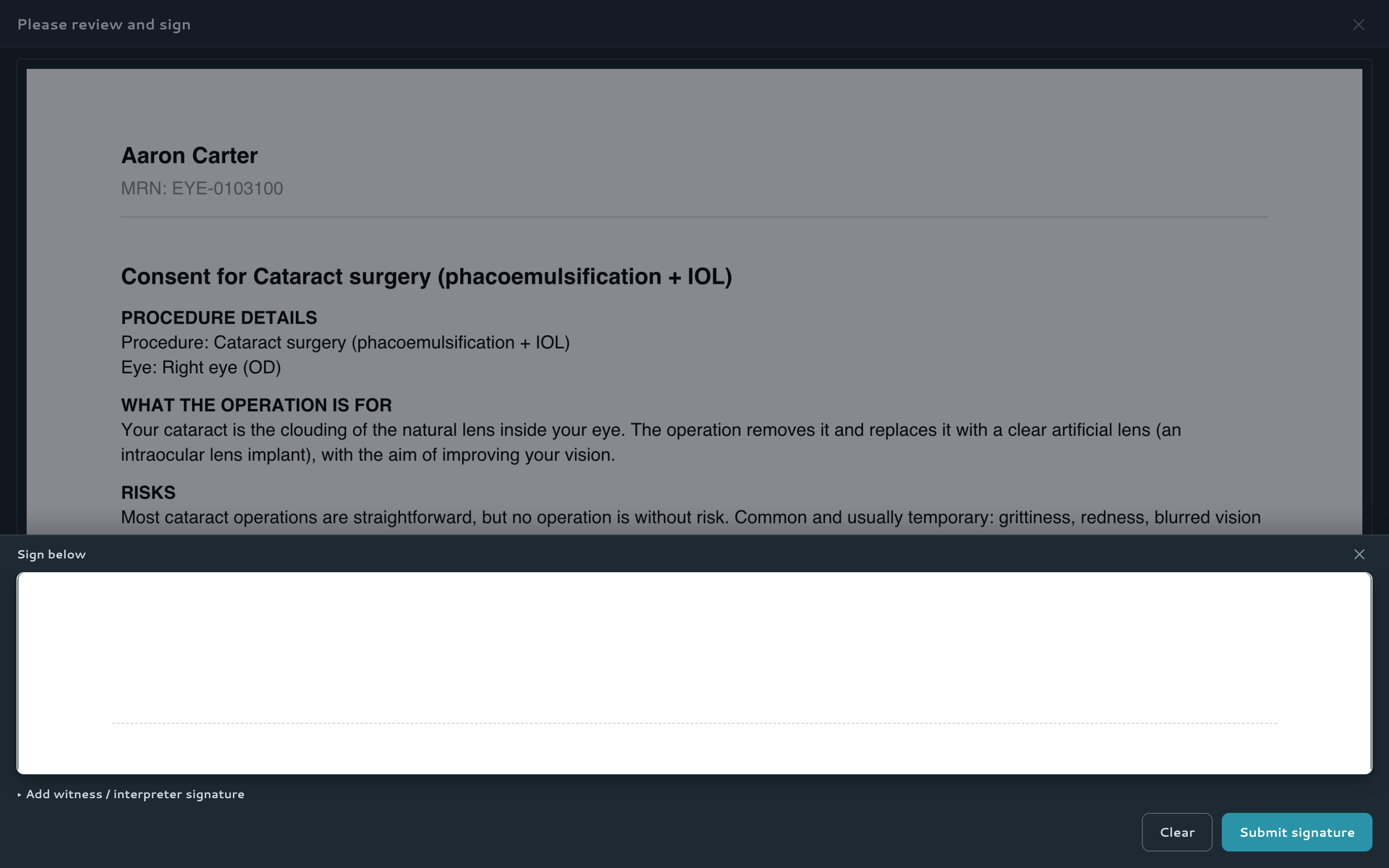
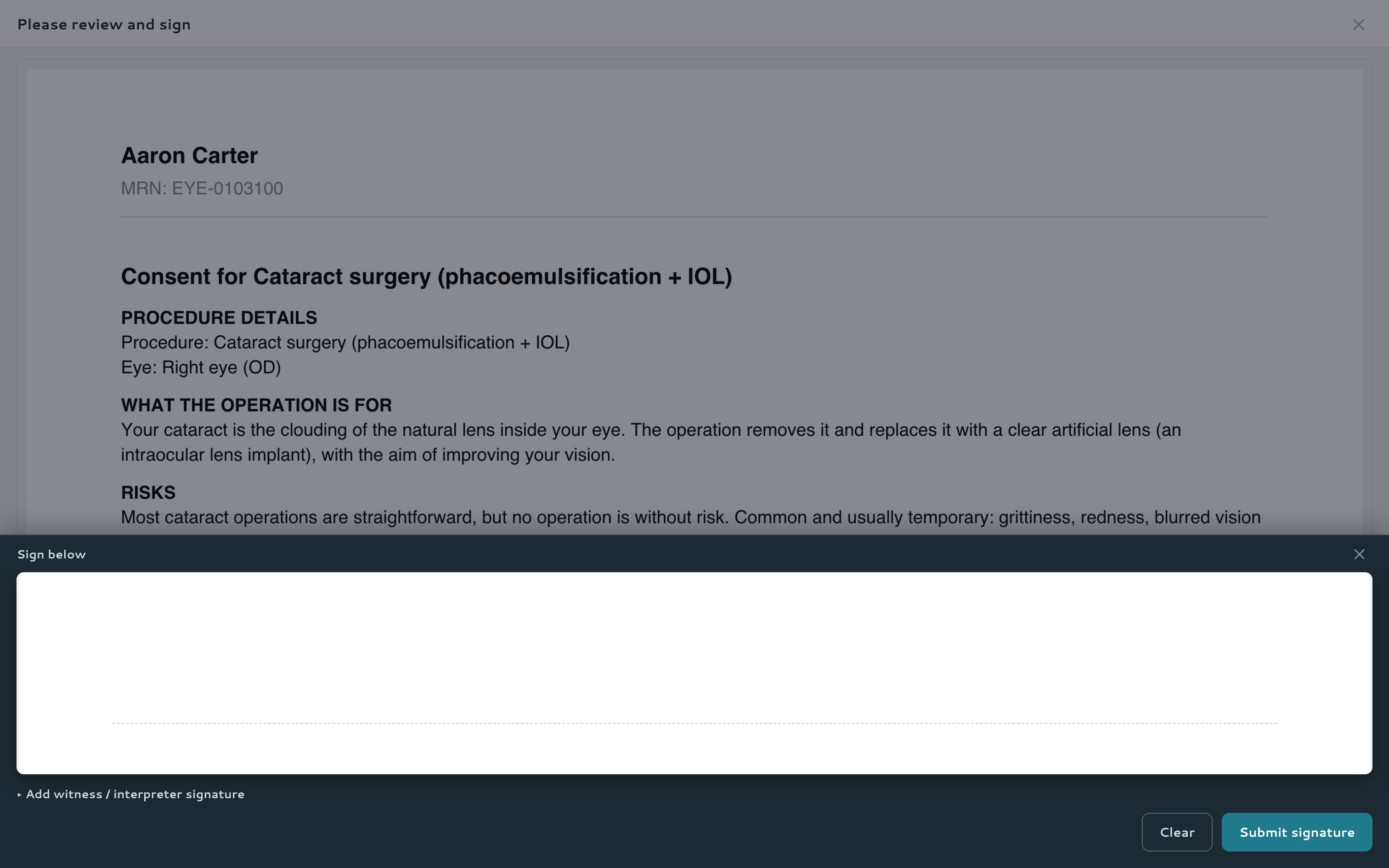
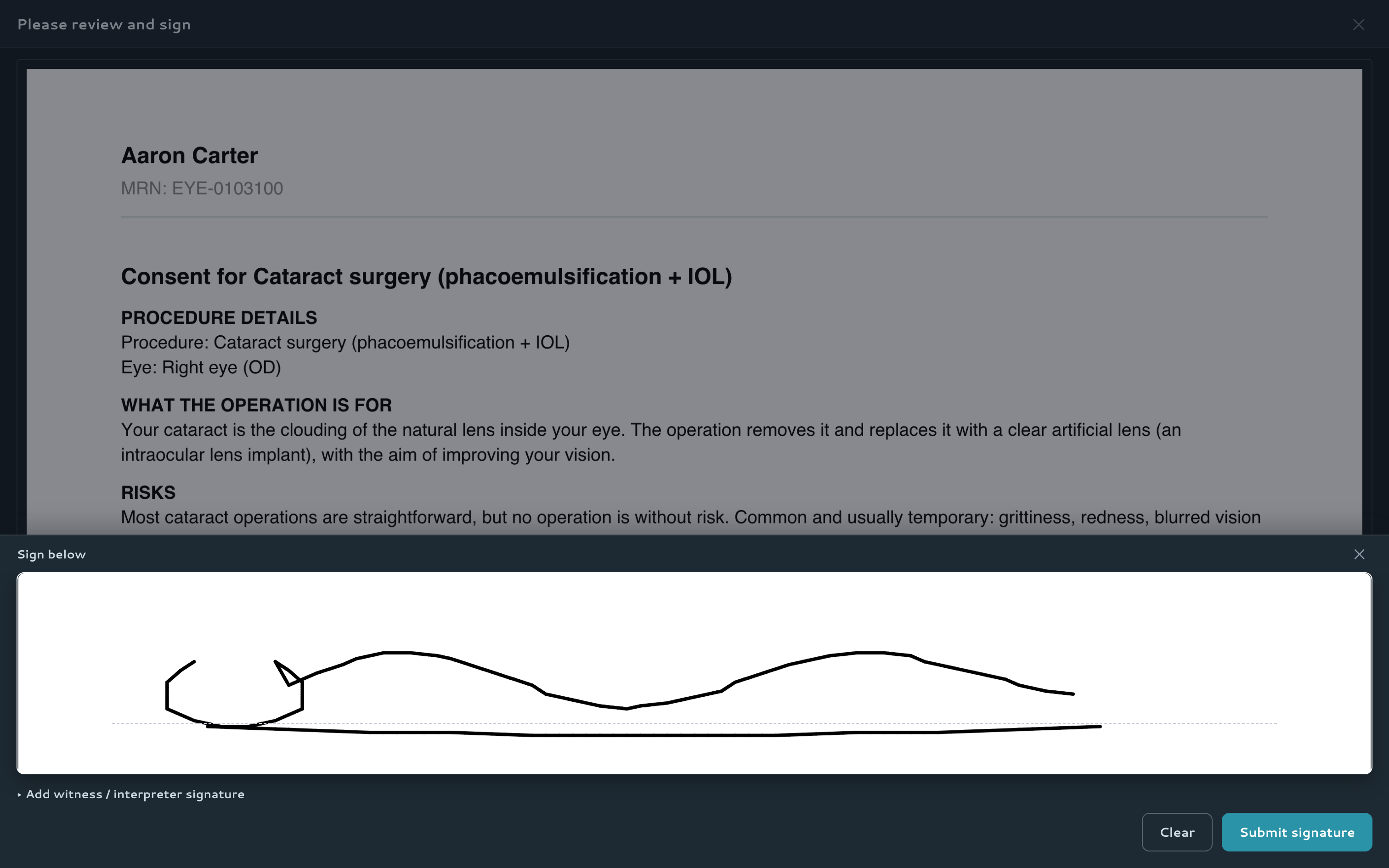
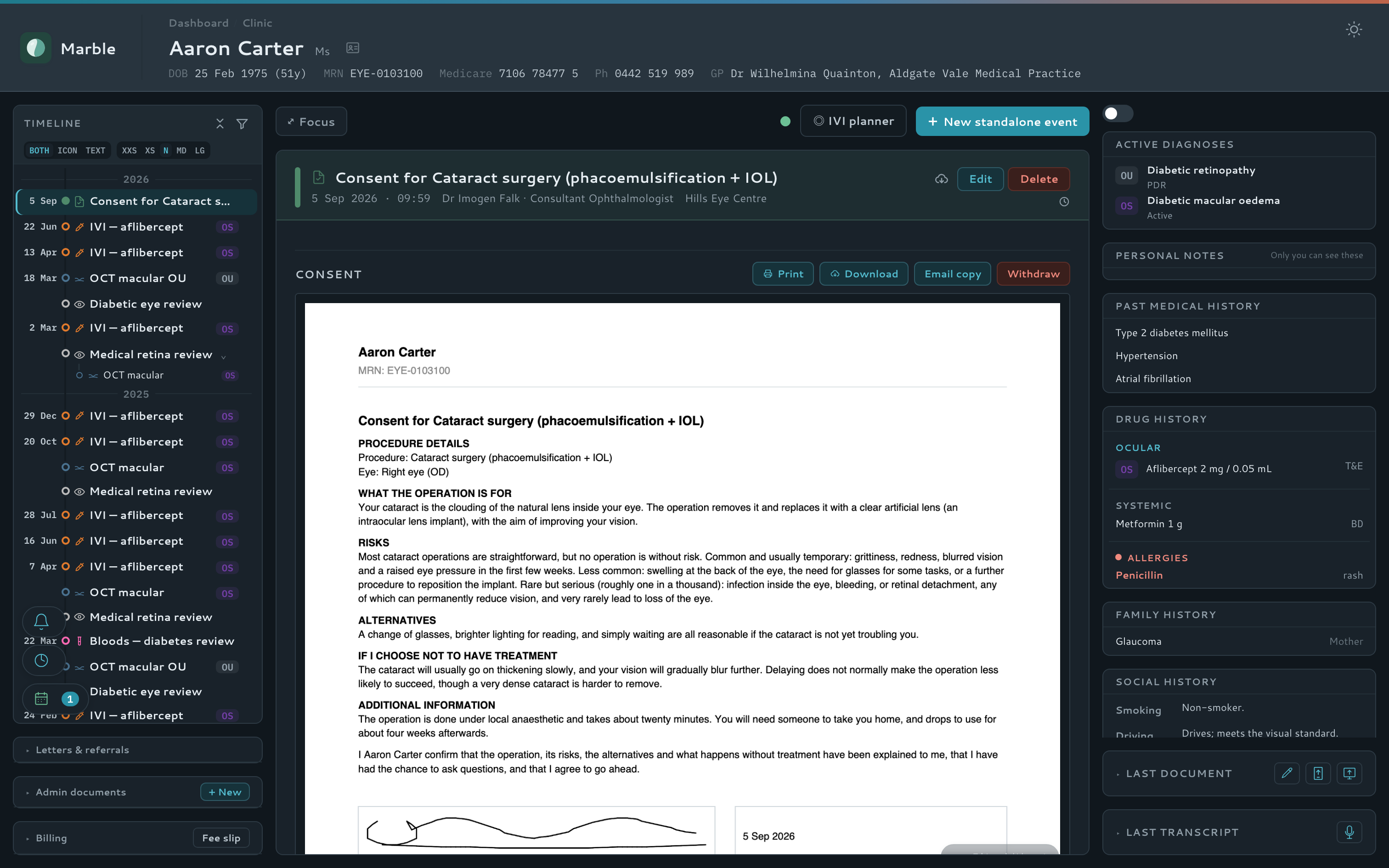
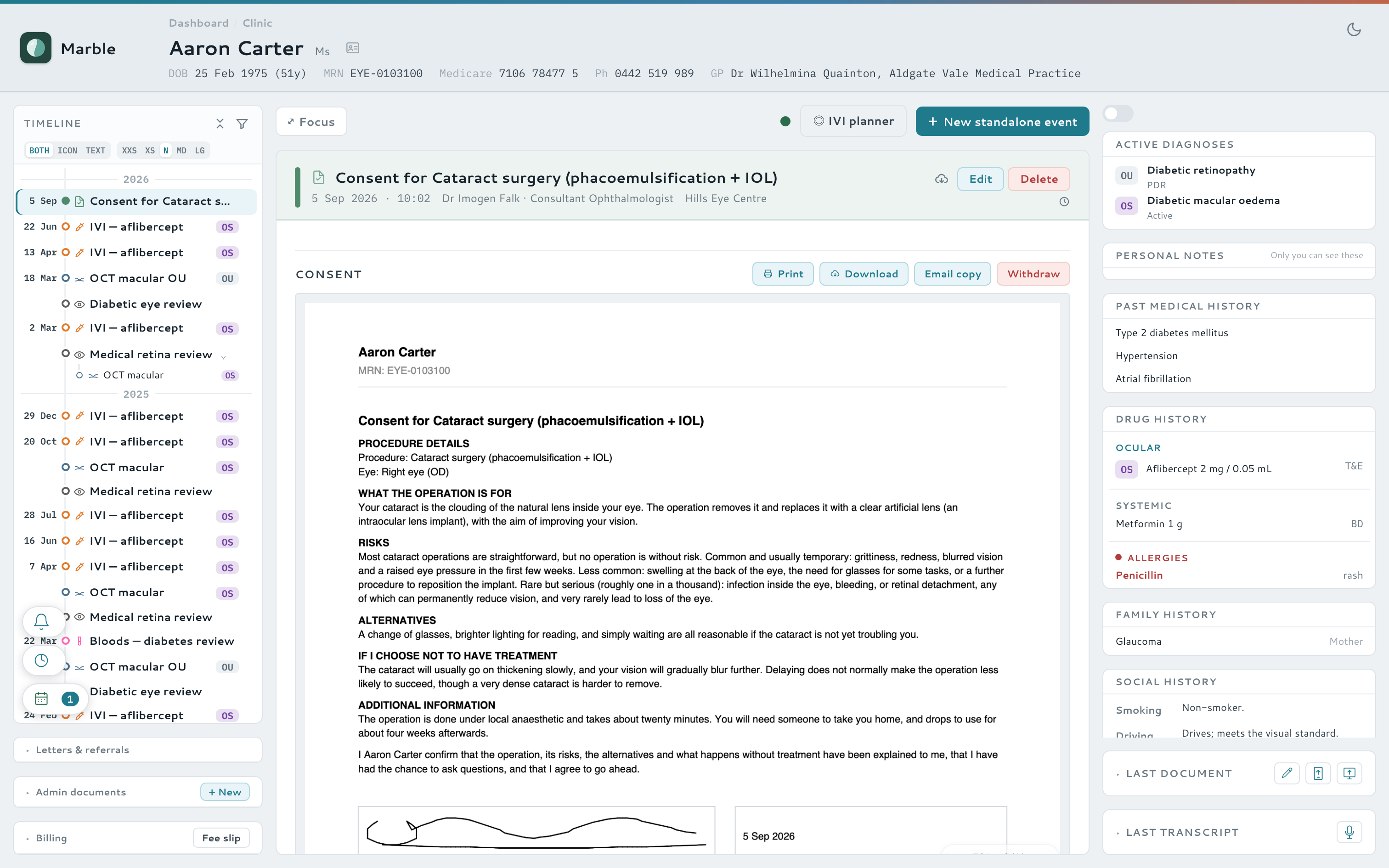
Consent, taken and signed in the app
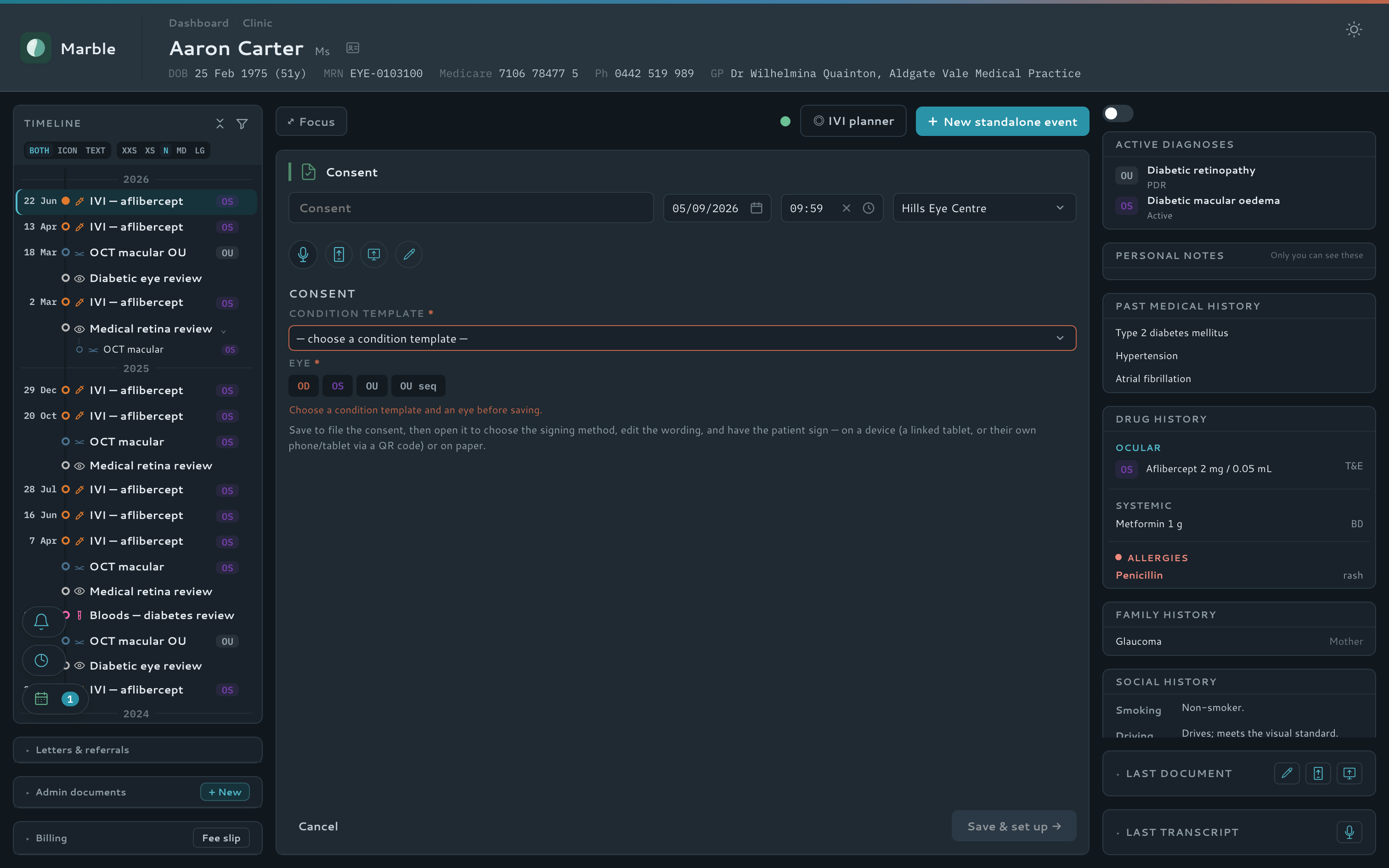
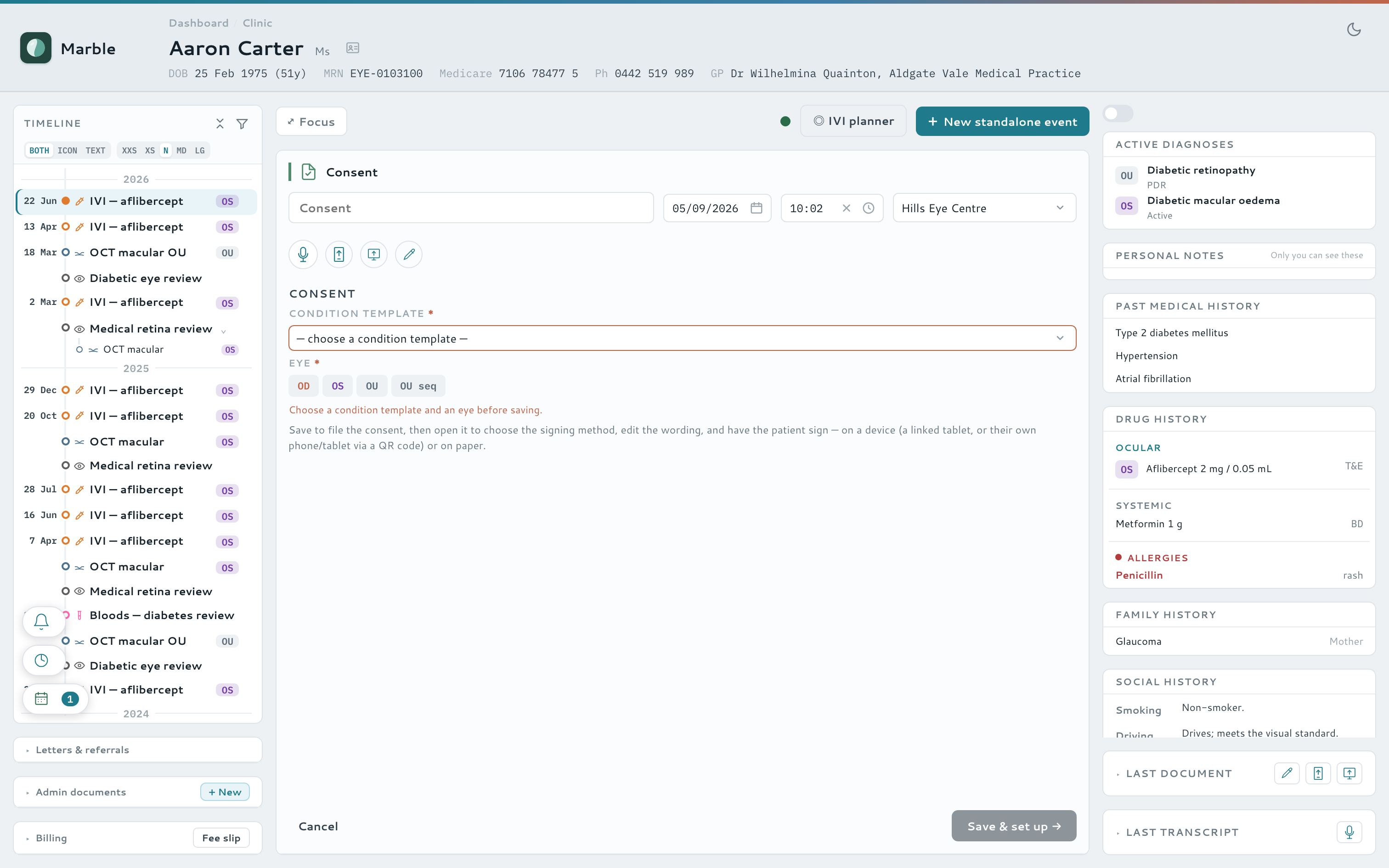
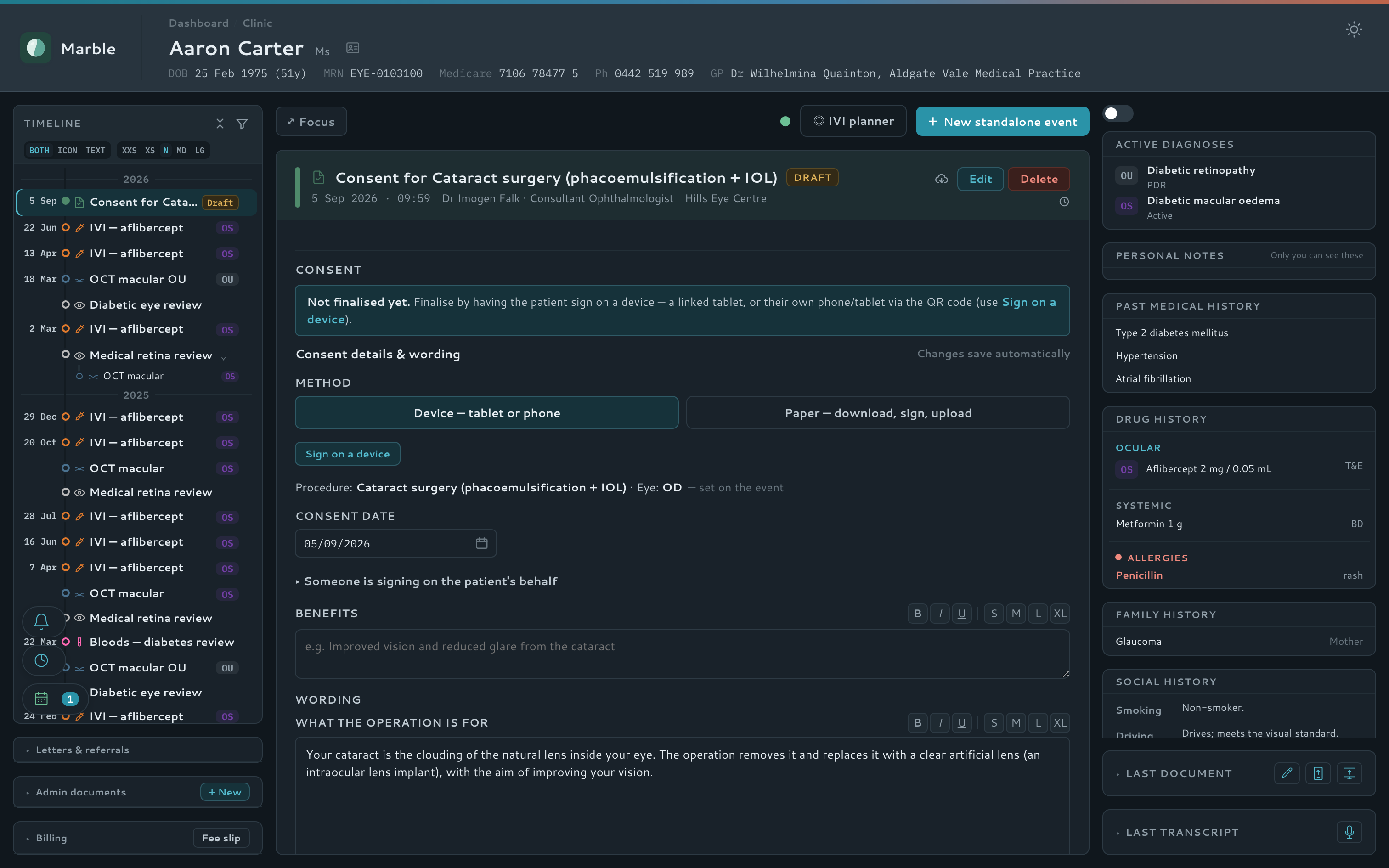
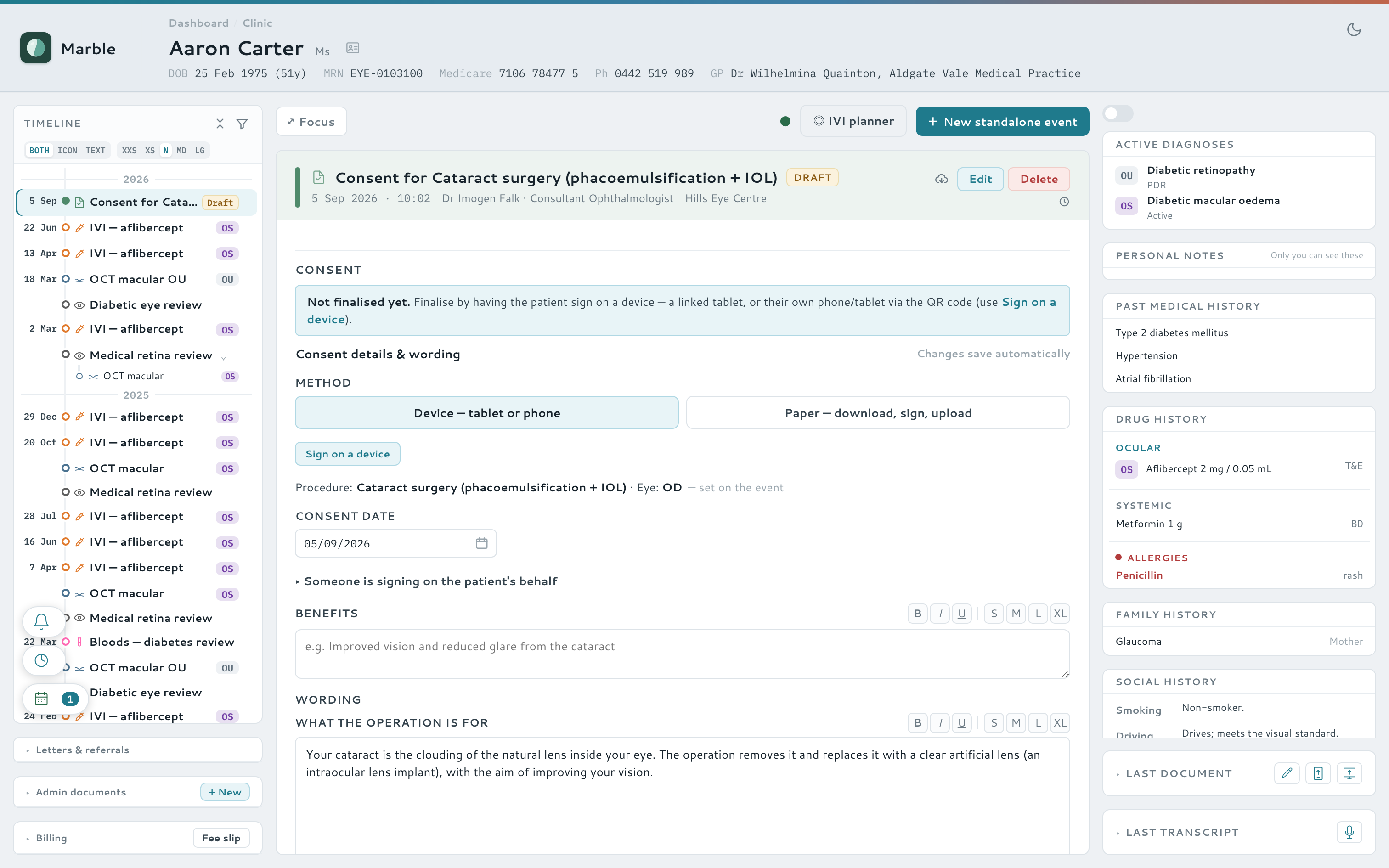
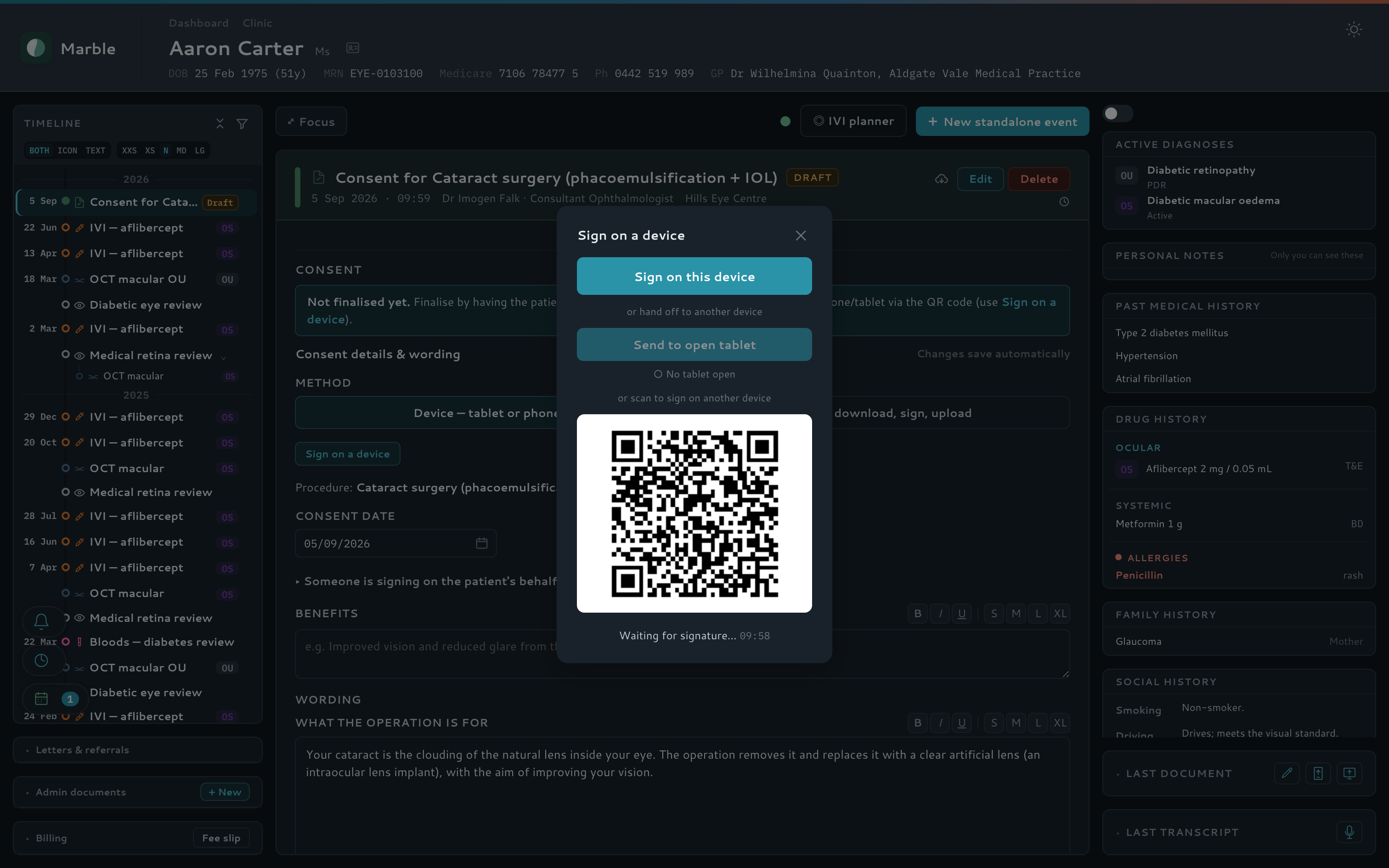
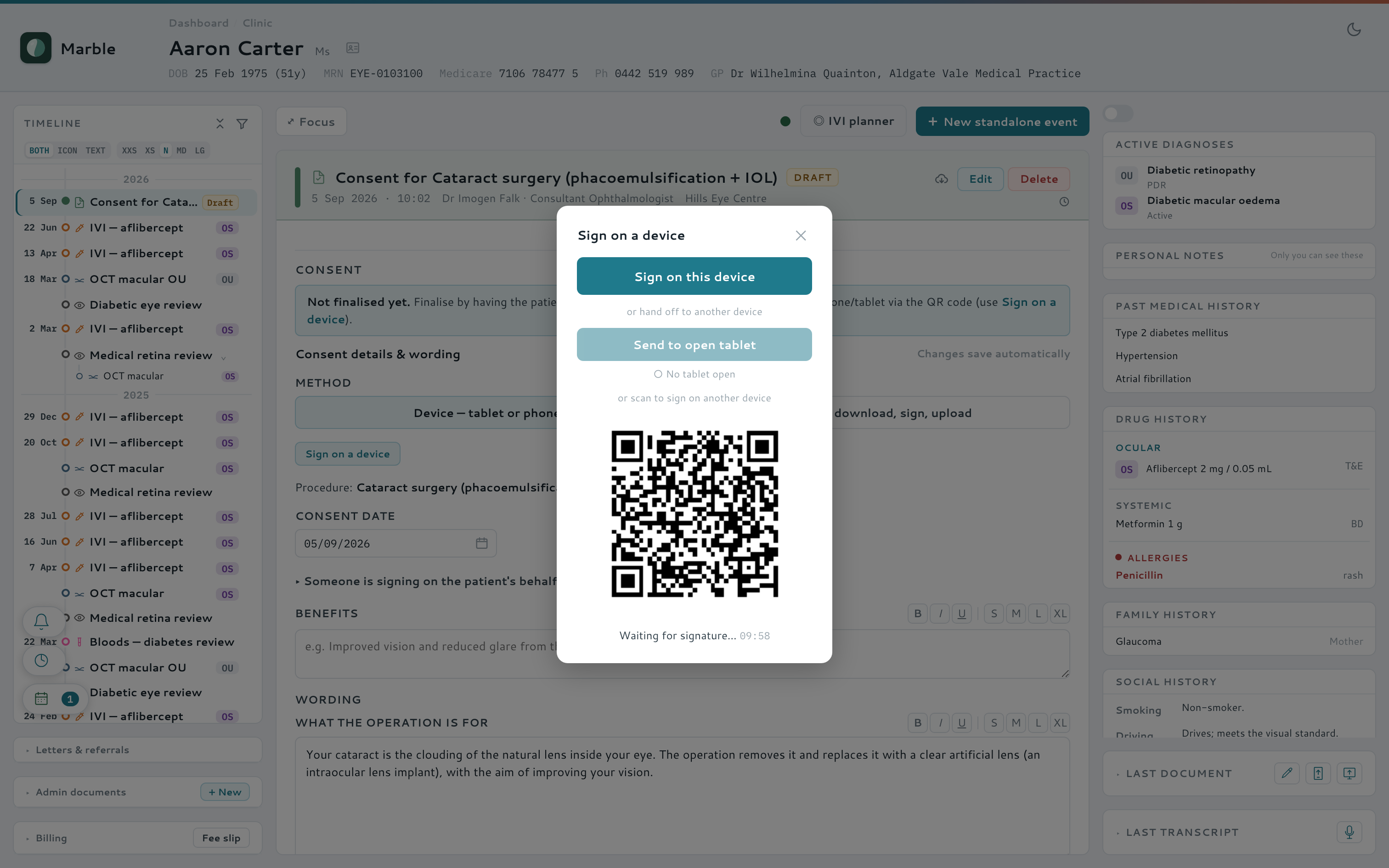
A per-doctor wording template — benefits, risks, alternatives, what happens without treatment — resolves into editable prose, with any diagram annotated by pen before signing. Sign on the clinician's screen, a linked tablet, or the patient's own phone by QR code.
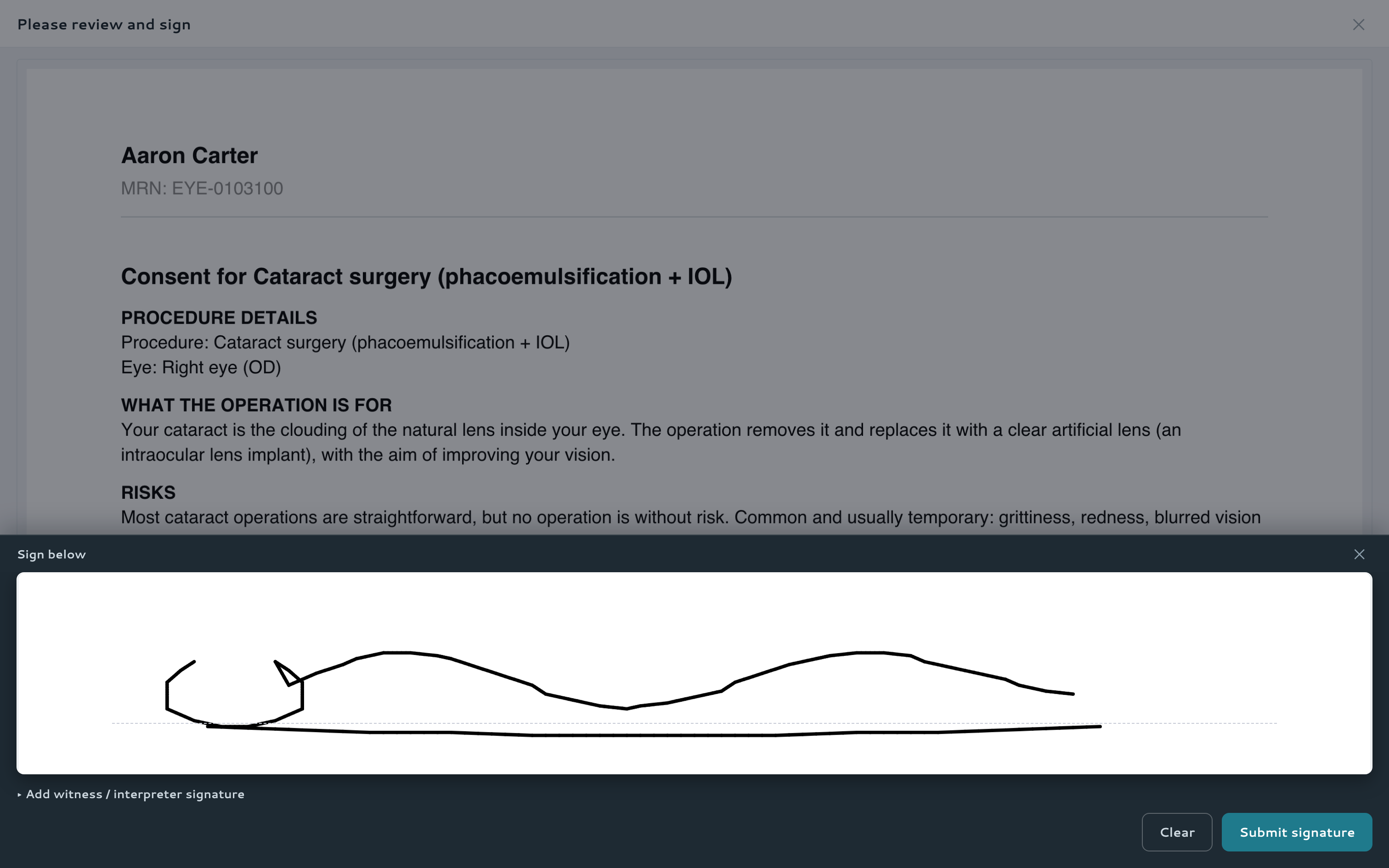
- Sign on any device — the signature pad slides up so the consent text stays visible
- Hospital consent uploads filed the same way as an in-app one
- Admin-designed forms for pathology, imaging and waiting-list paperwork
- A visible delivery record on every emailed consent
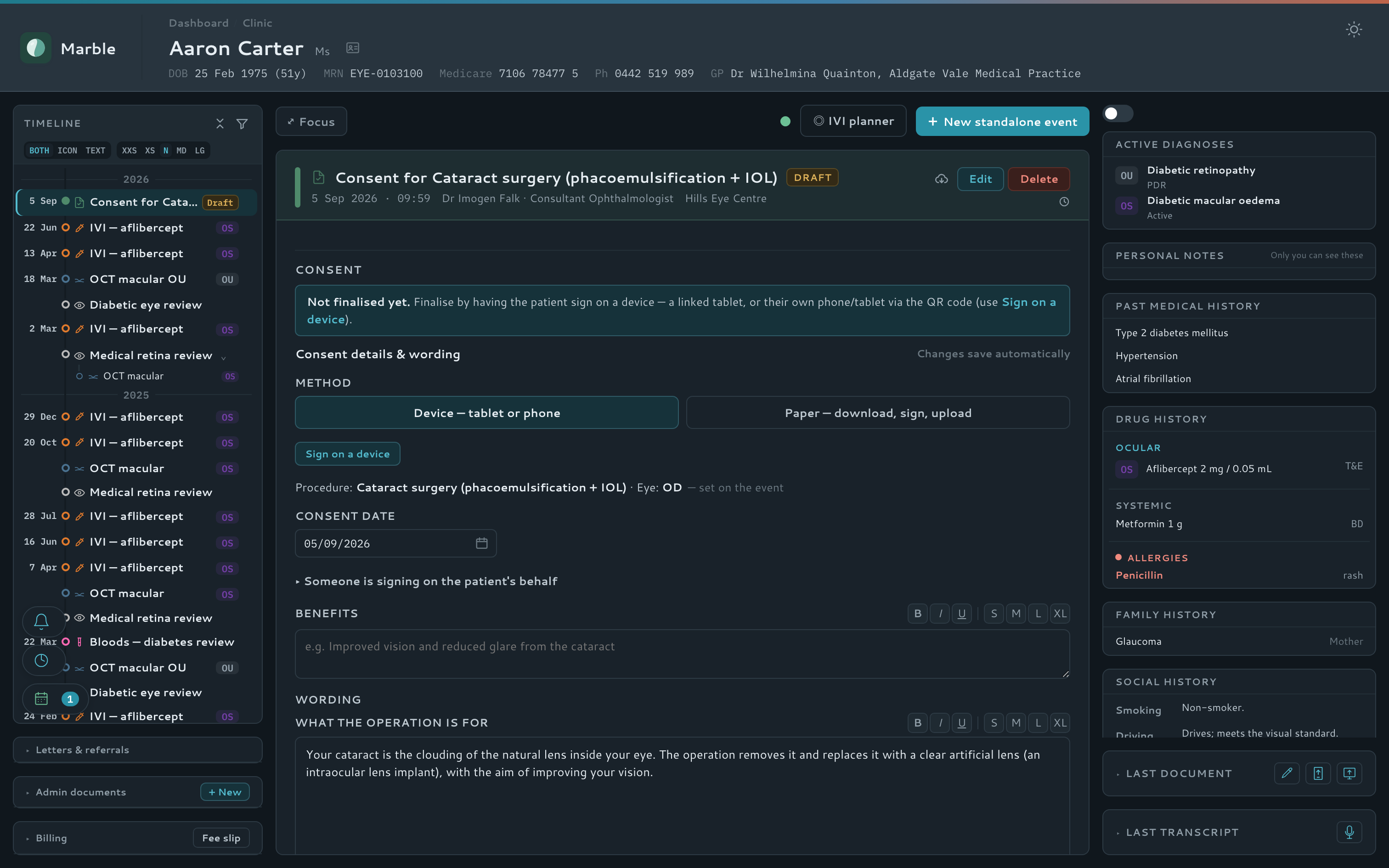
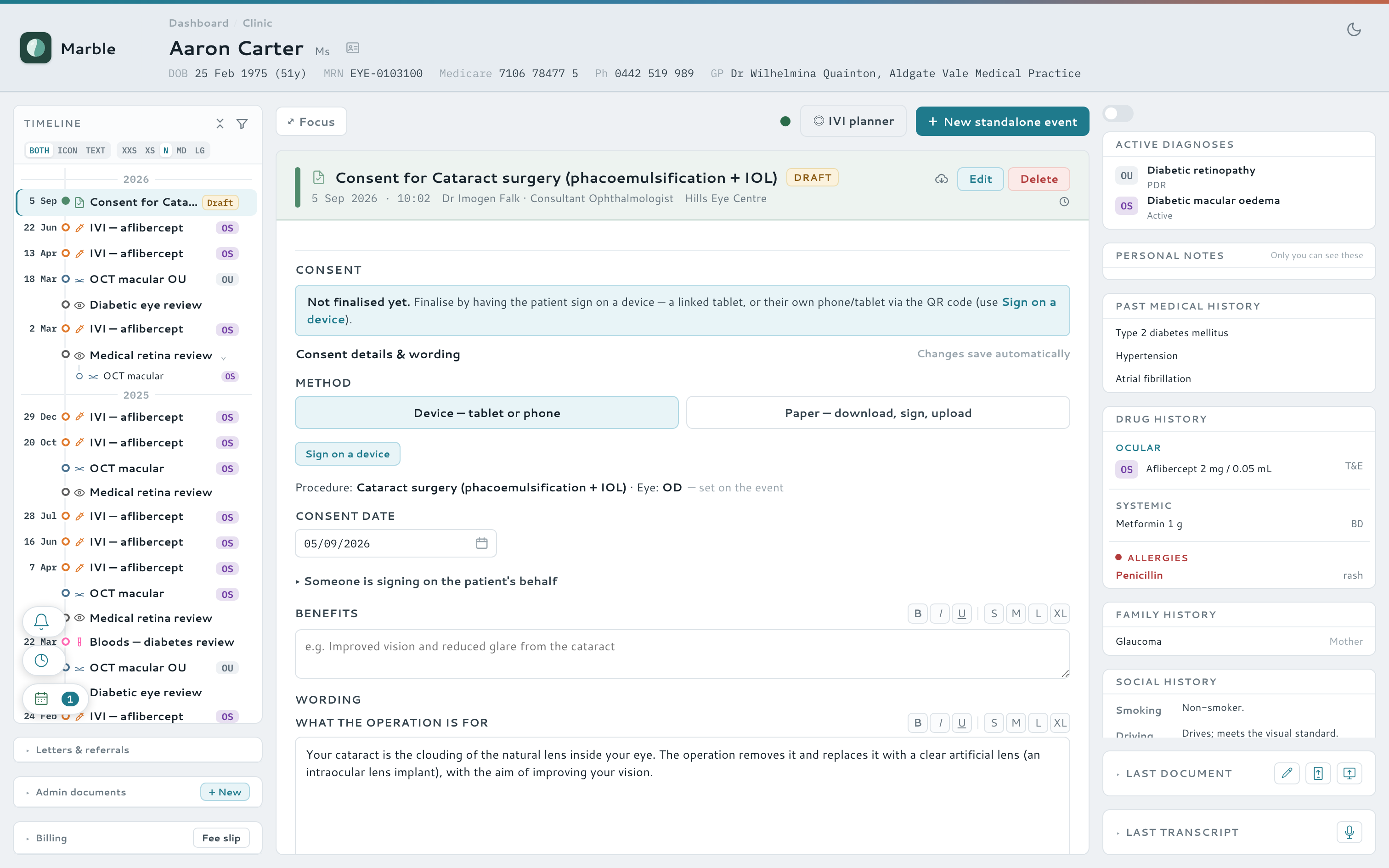
Watch it — consent taken, signed and filed
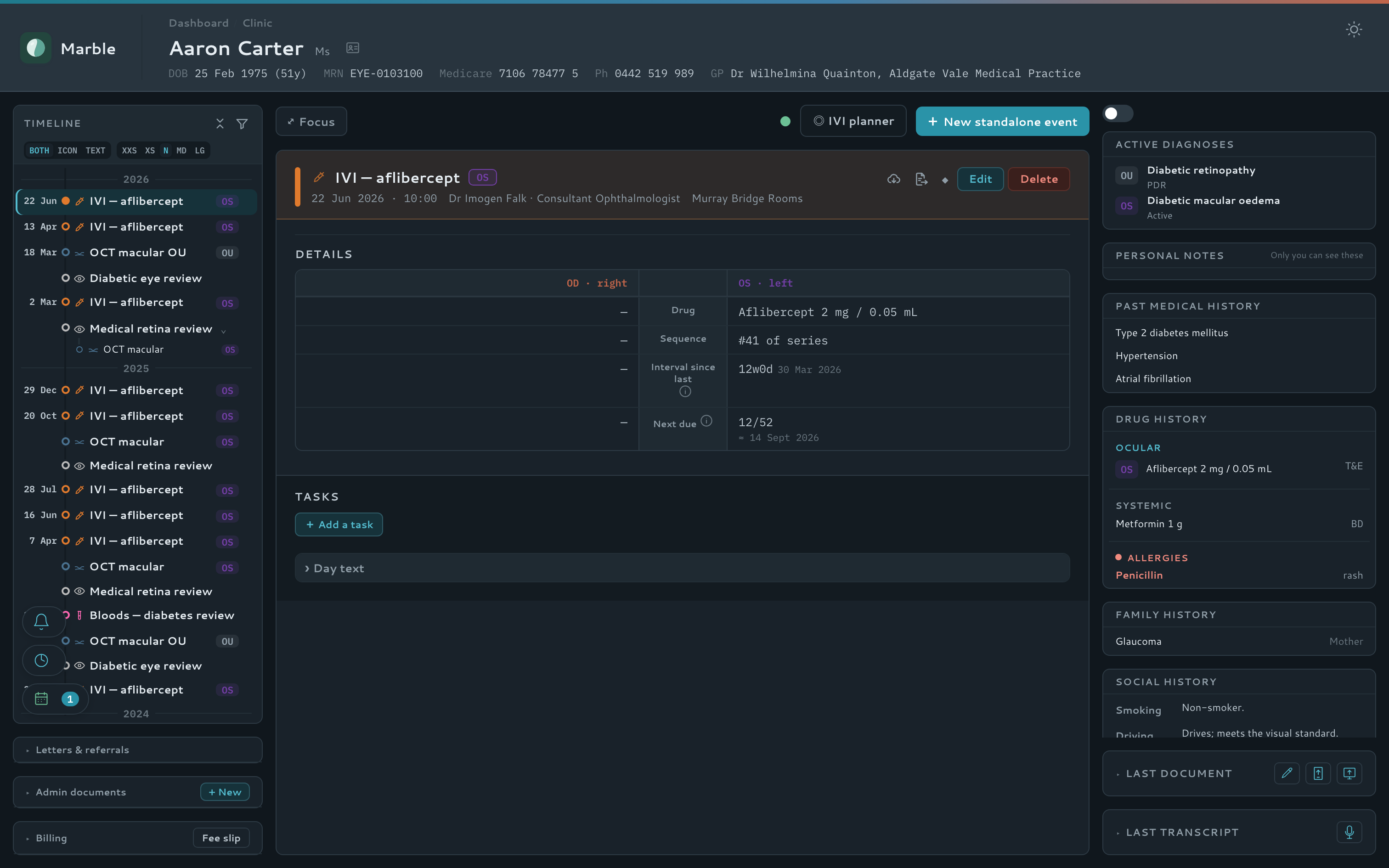
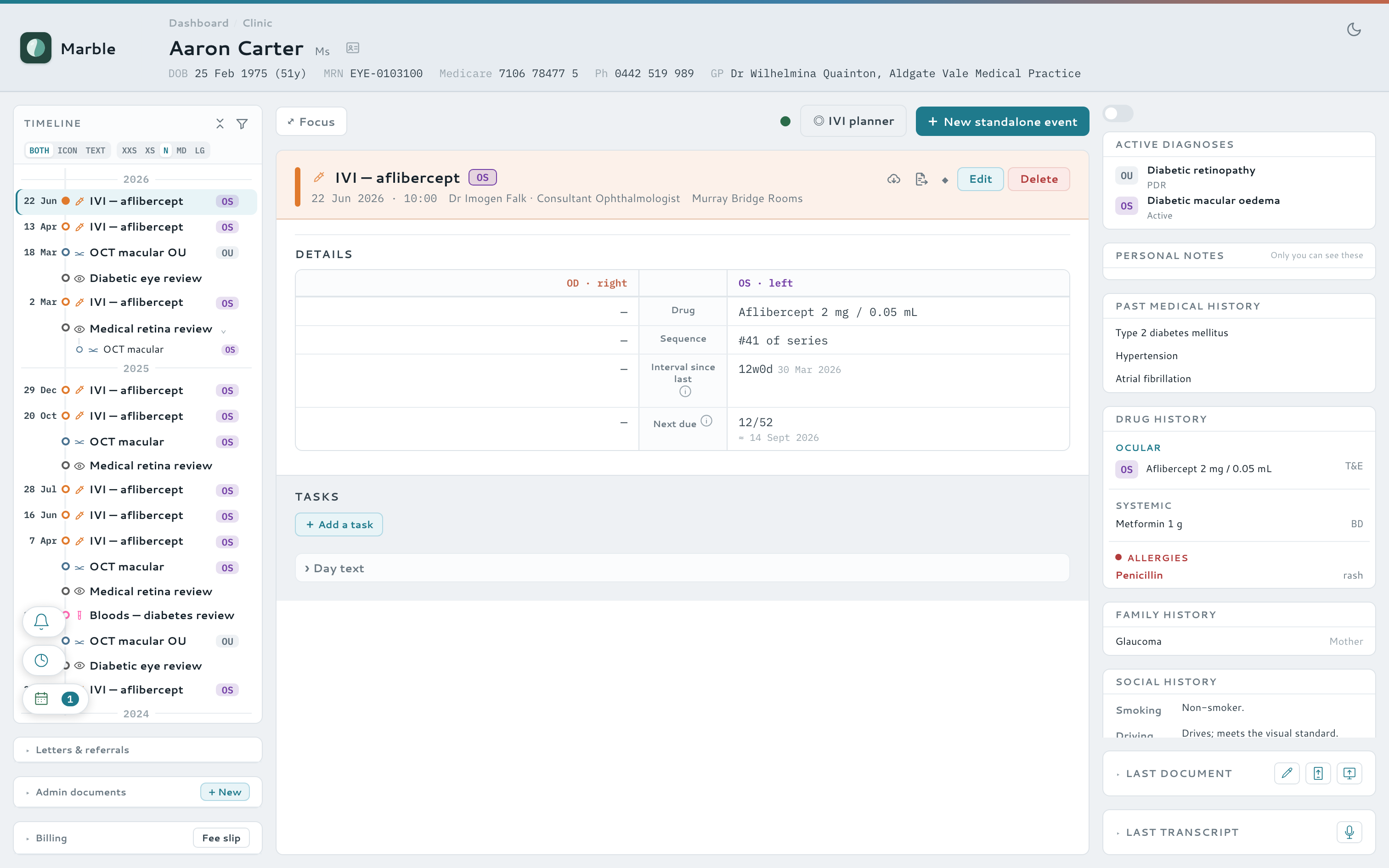
Injection clinic & recalls
Runs the injection clinic with you
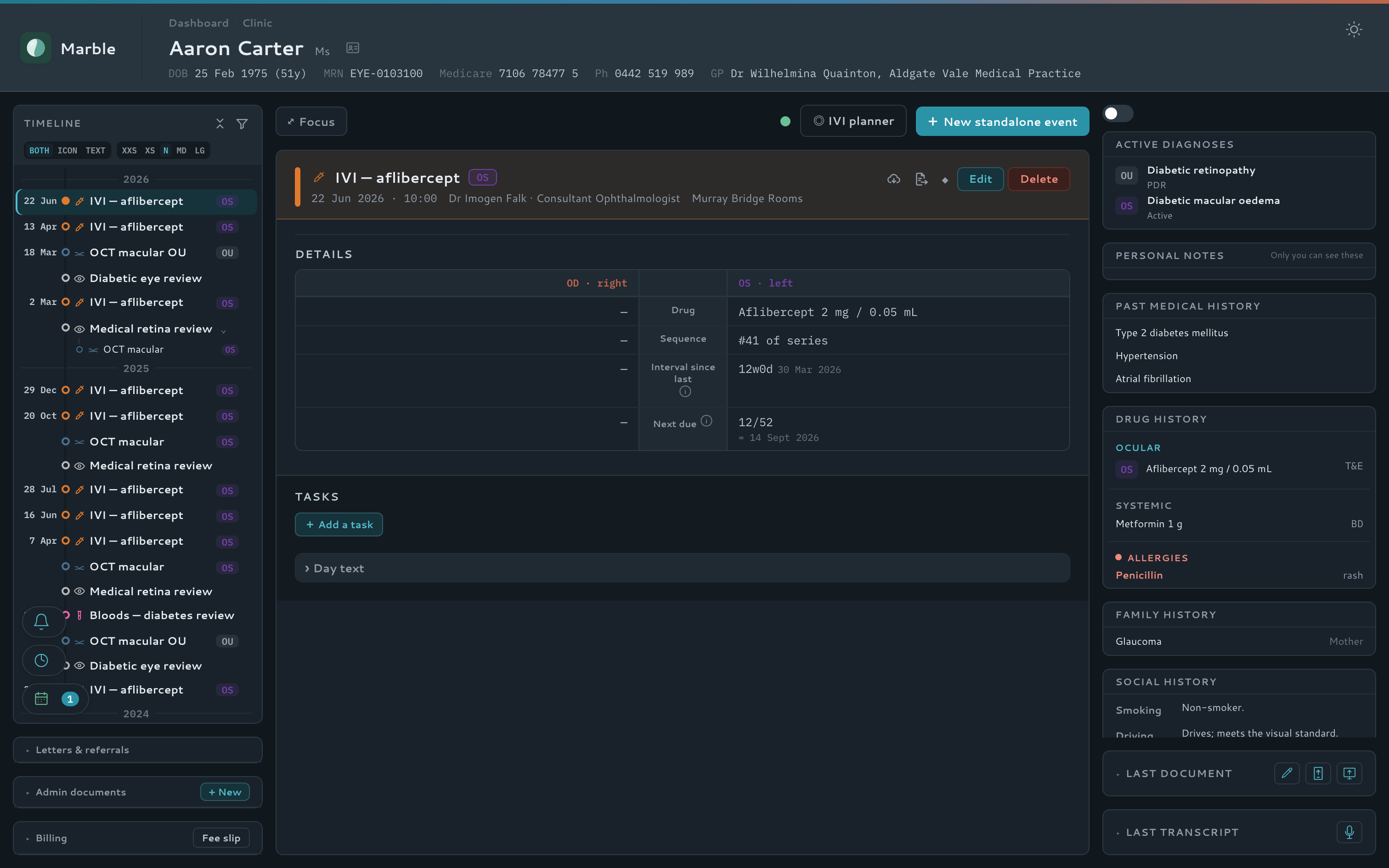
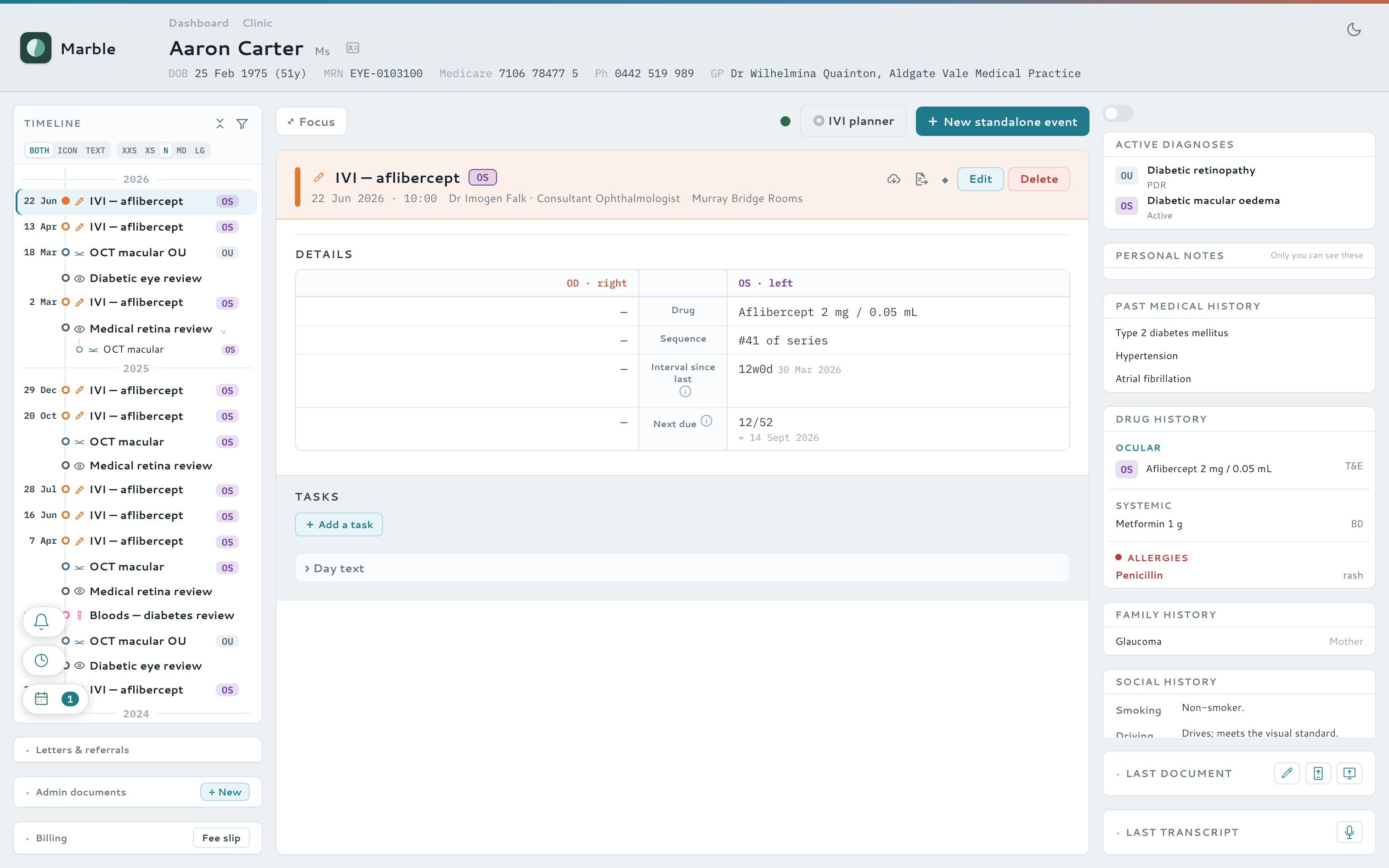
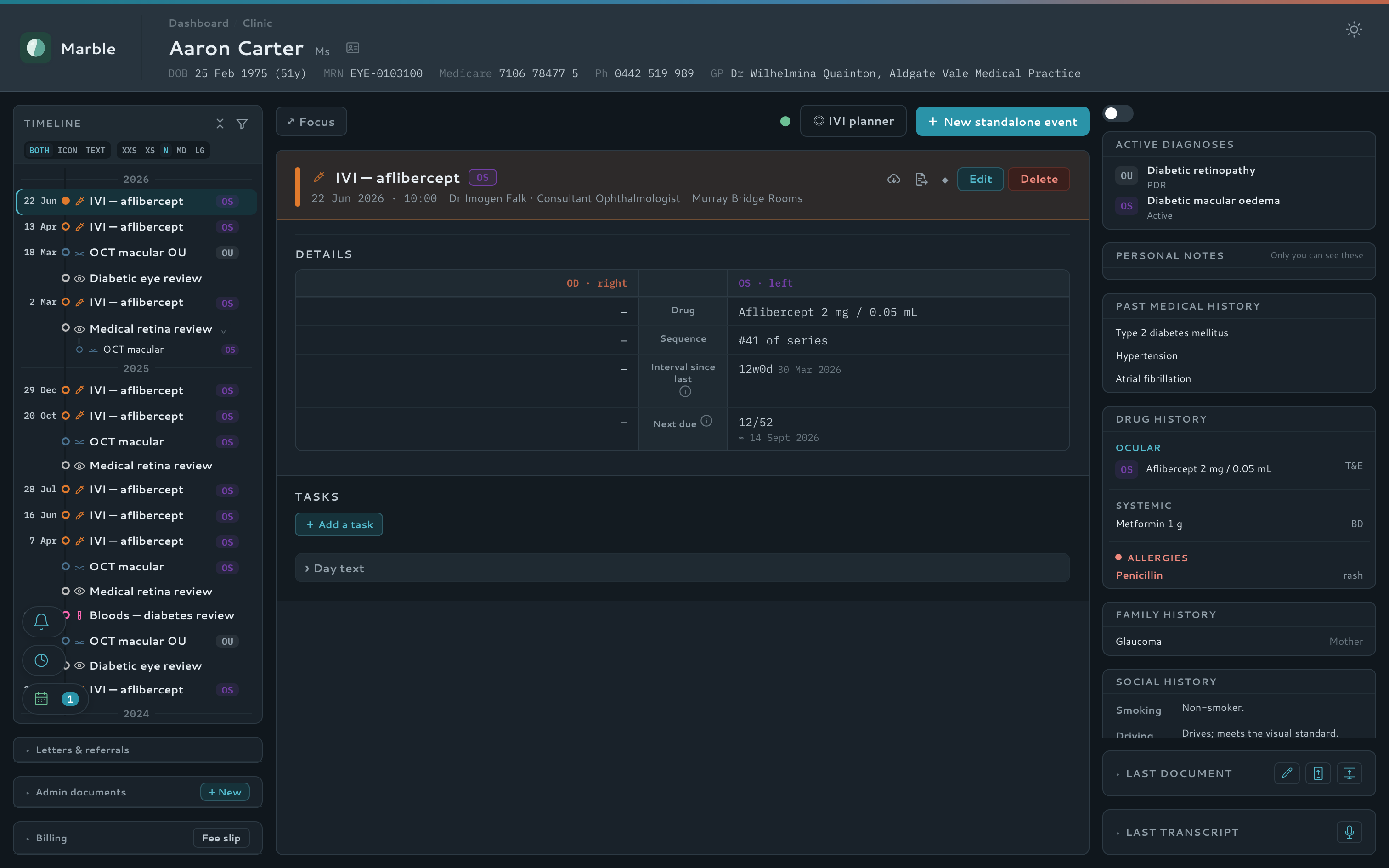
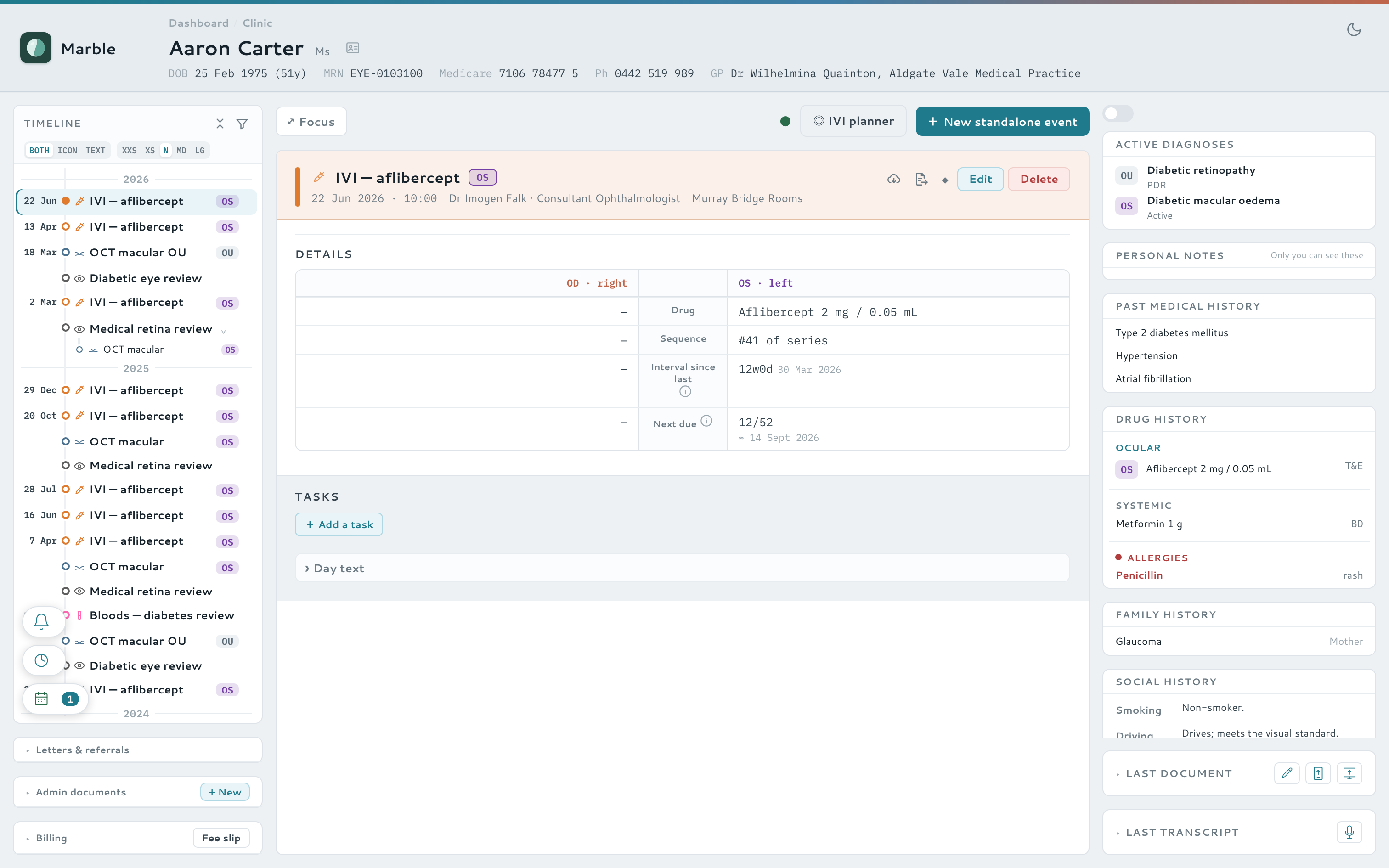
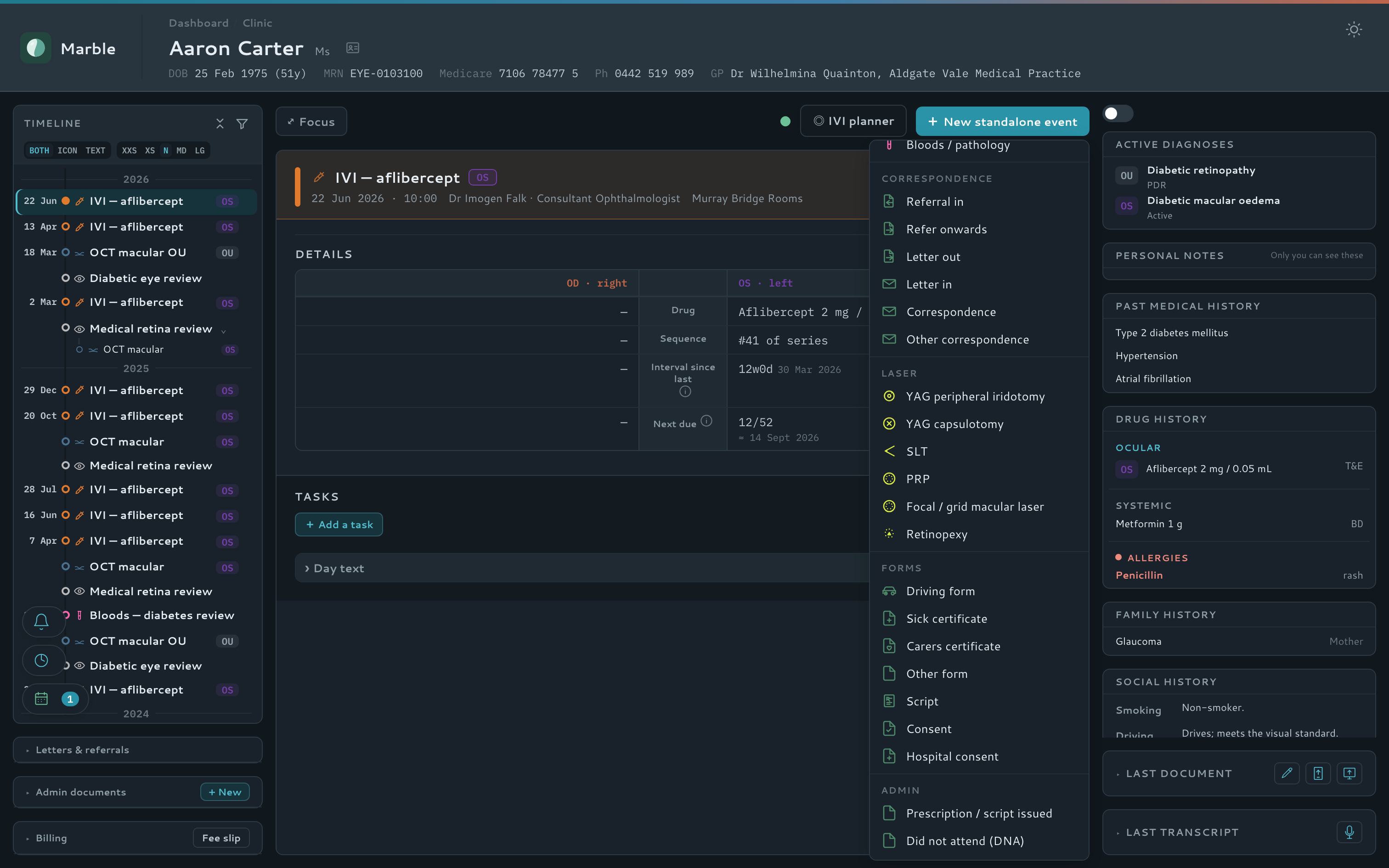
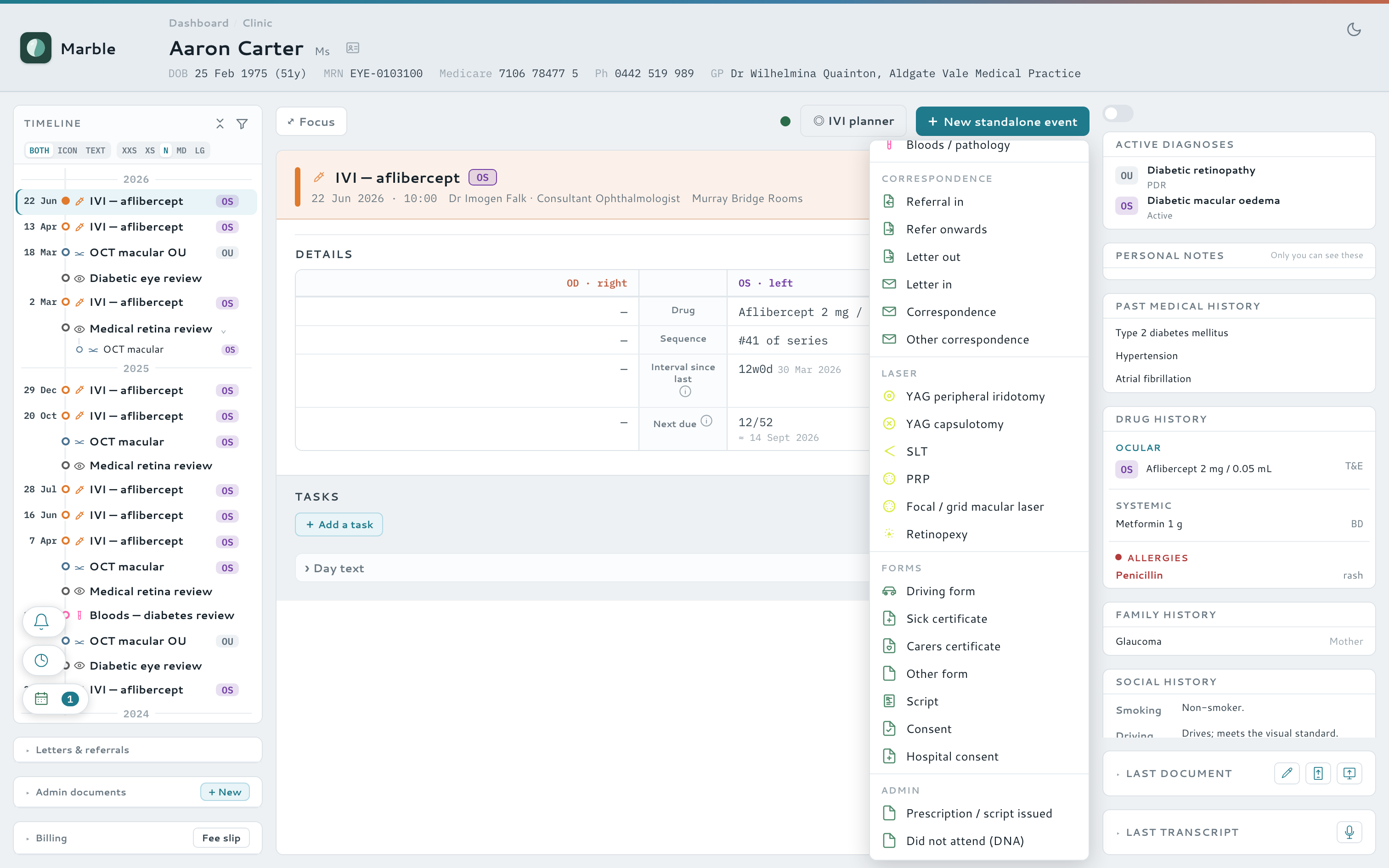
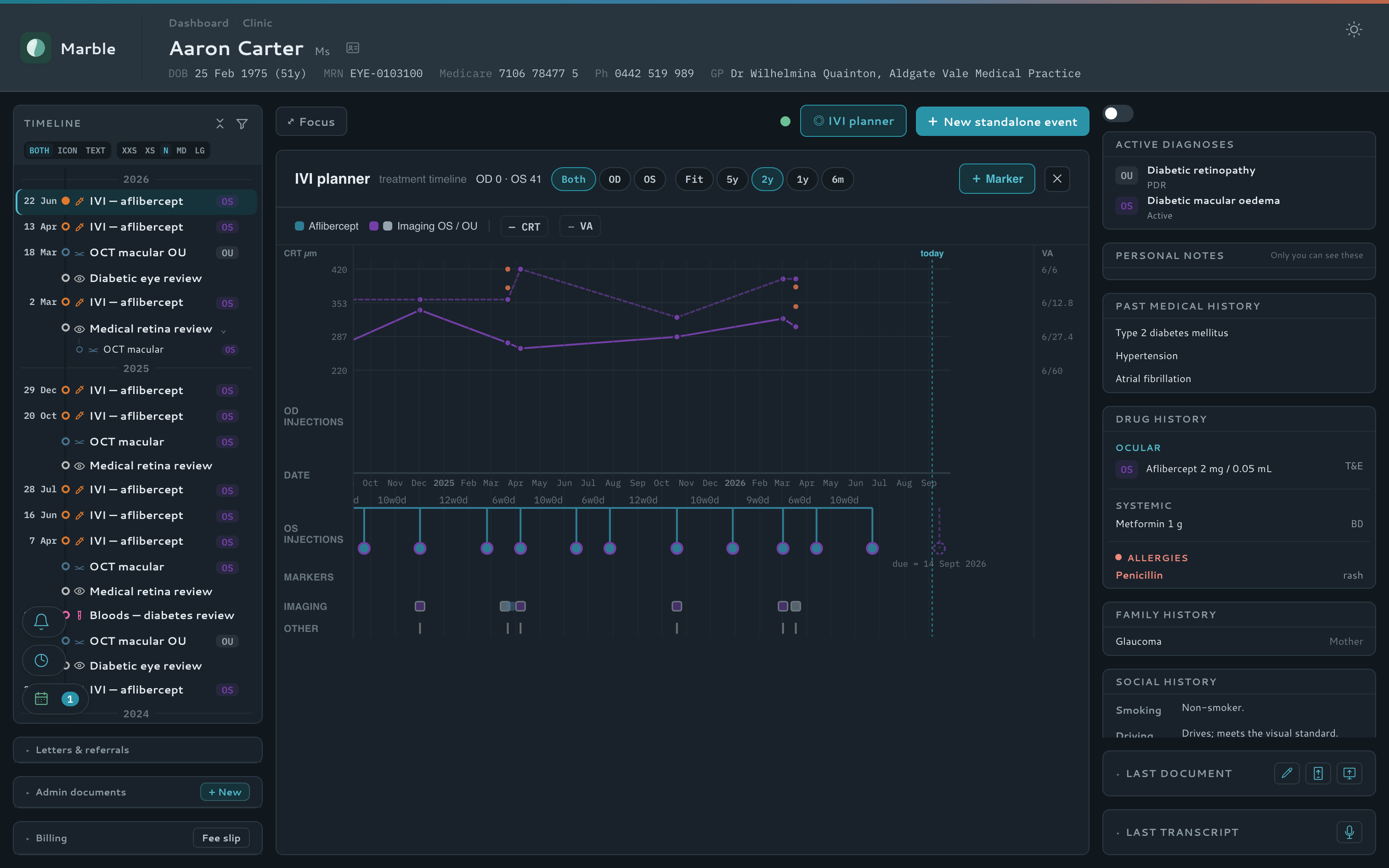
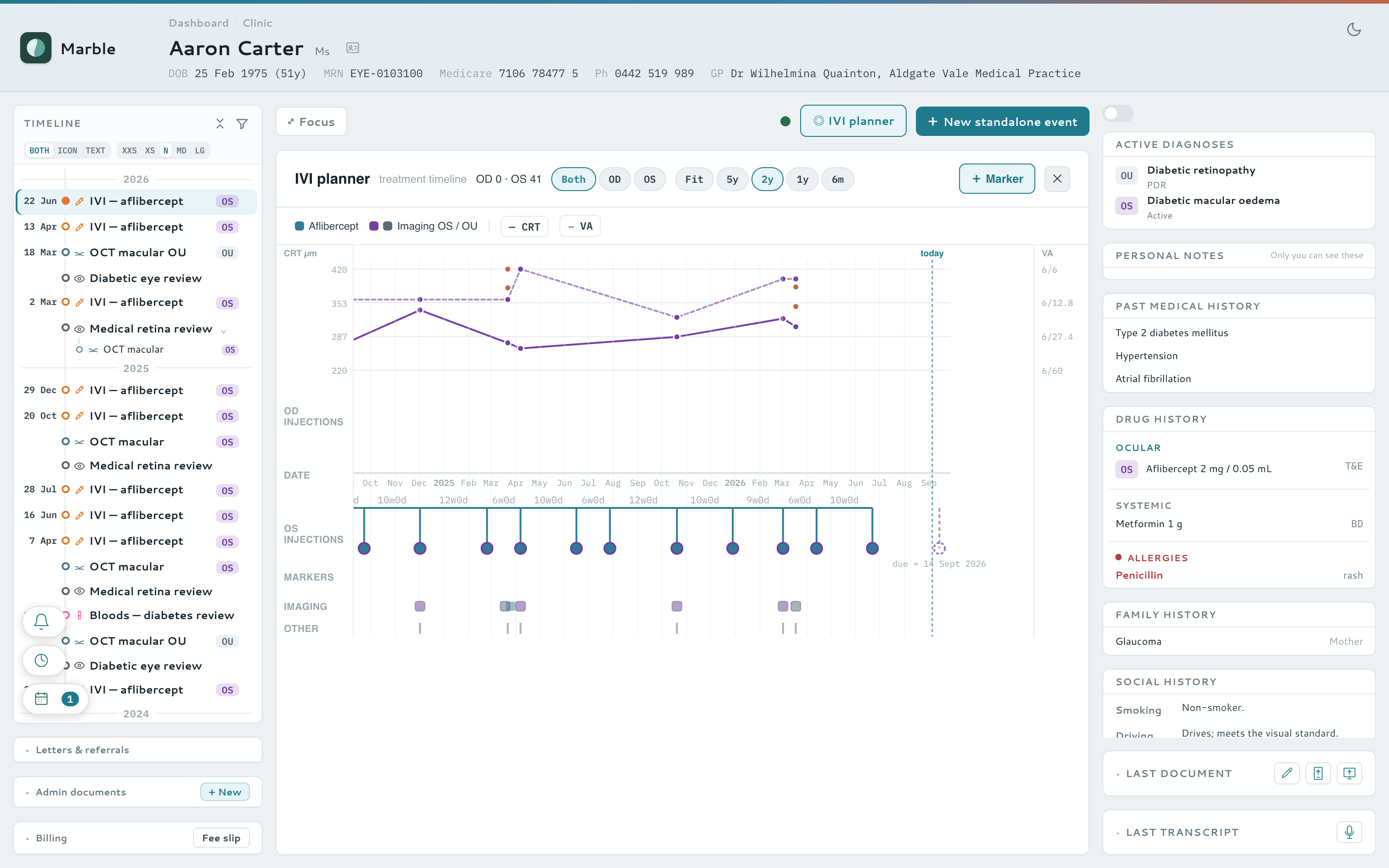
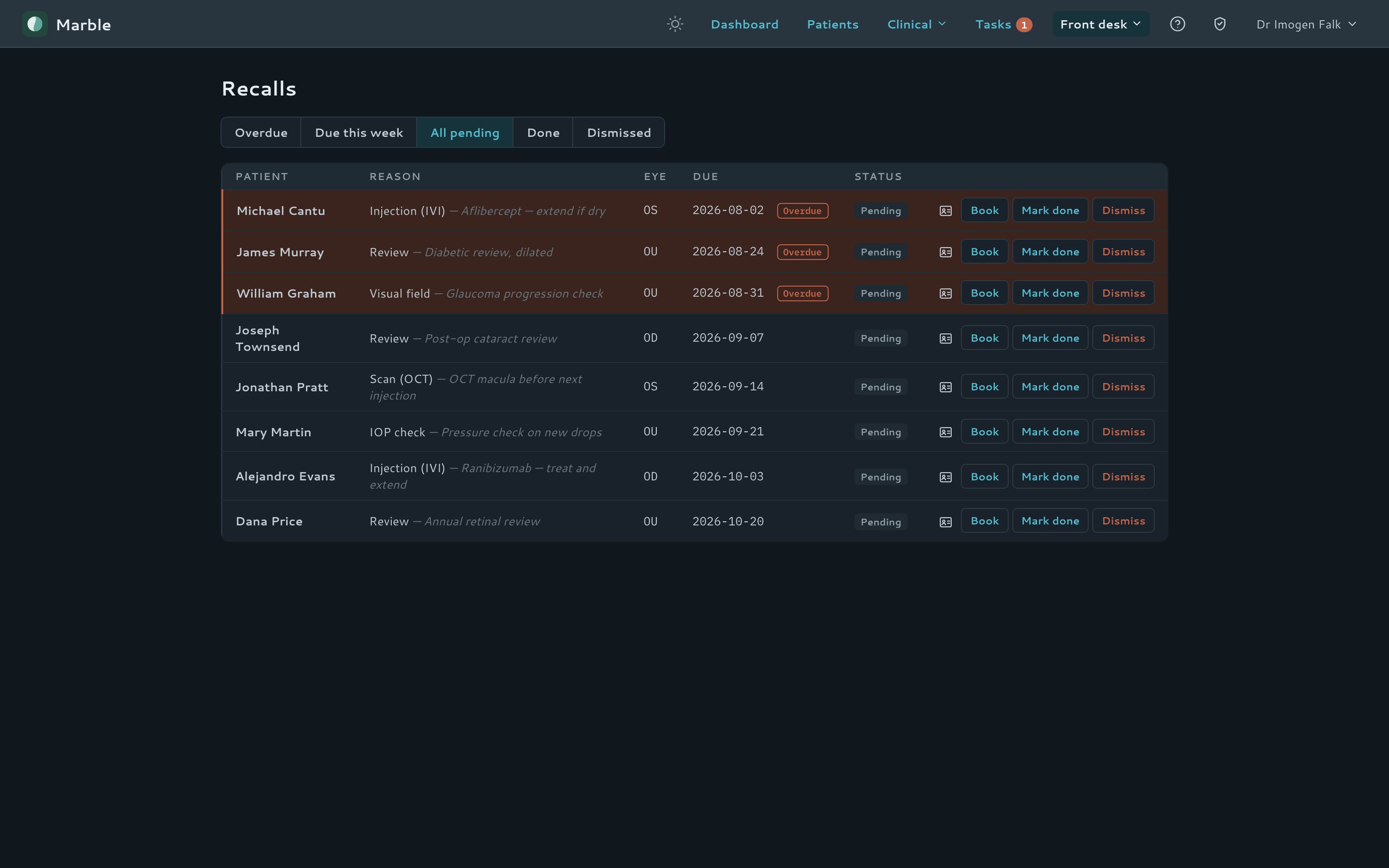
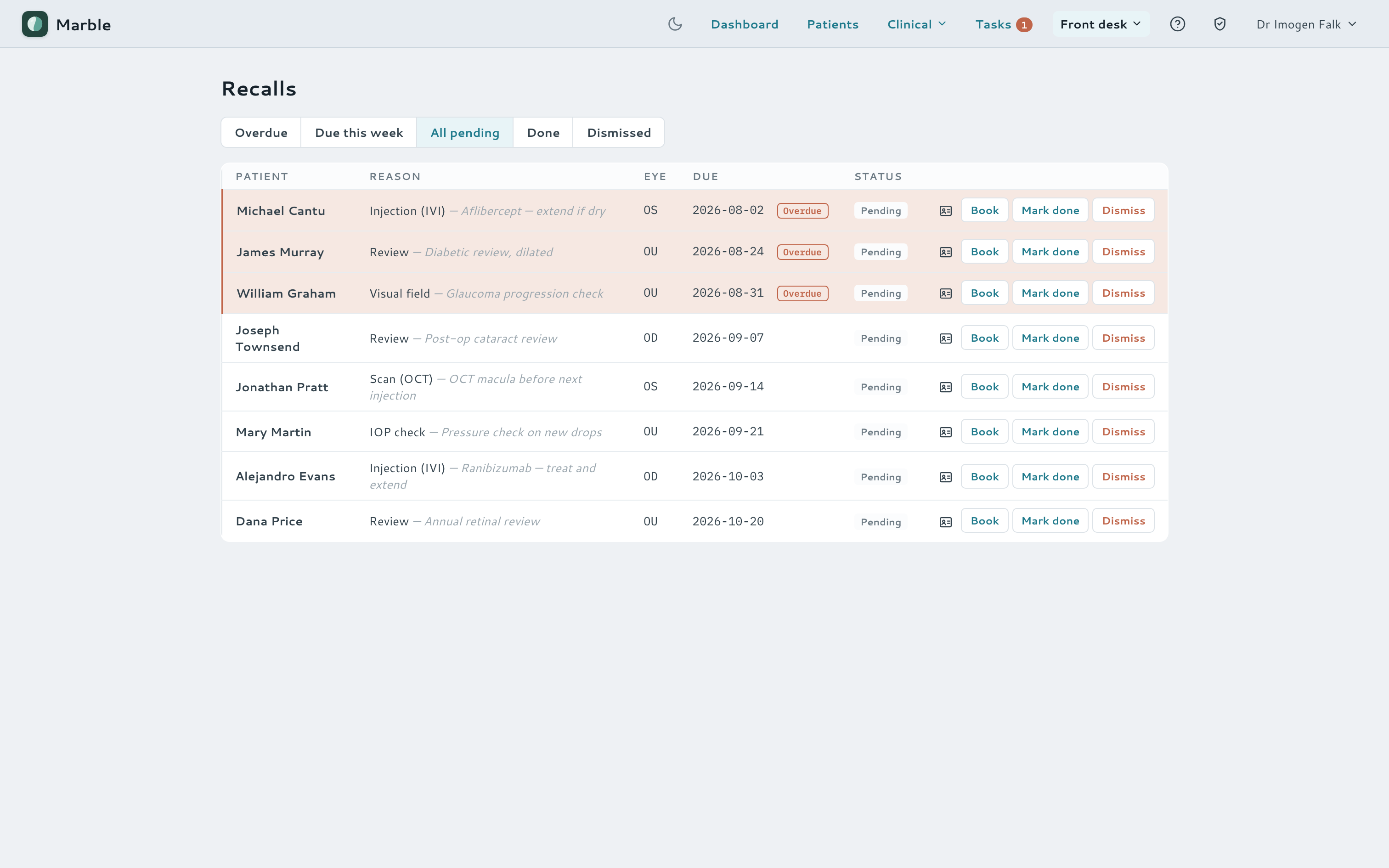
The intravitreal workflow is modelled directly: each injection records the drug, its place in the dose sequence, and when the next one is due. The IVI planner turns a scrolling list of visits into one glanceable treatment timeline — and an auto-derived recall worklist makes sure nobody falls through the cracks.
- Dose-sequence and next-due tracking on every injection
- IVI planner — a true-time-axis view of every injection, colour-coded by drug
- Recalls auto-derived from the note, closing themselves when the patient is next seen
- Home-dashboard tiles counting the day's injections, fields, scans and laser
Recall worklist
Running the clinic day
Run the day from a single board
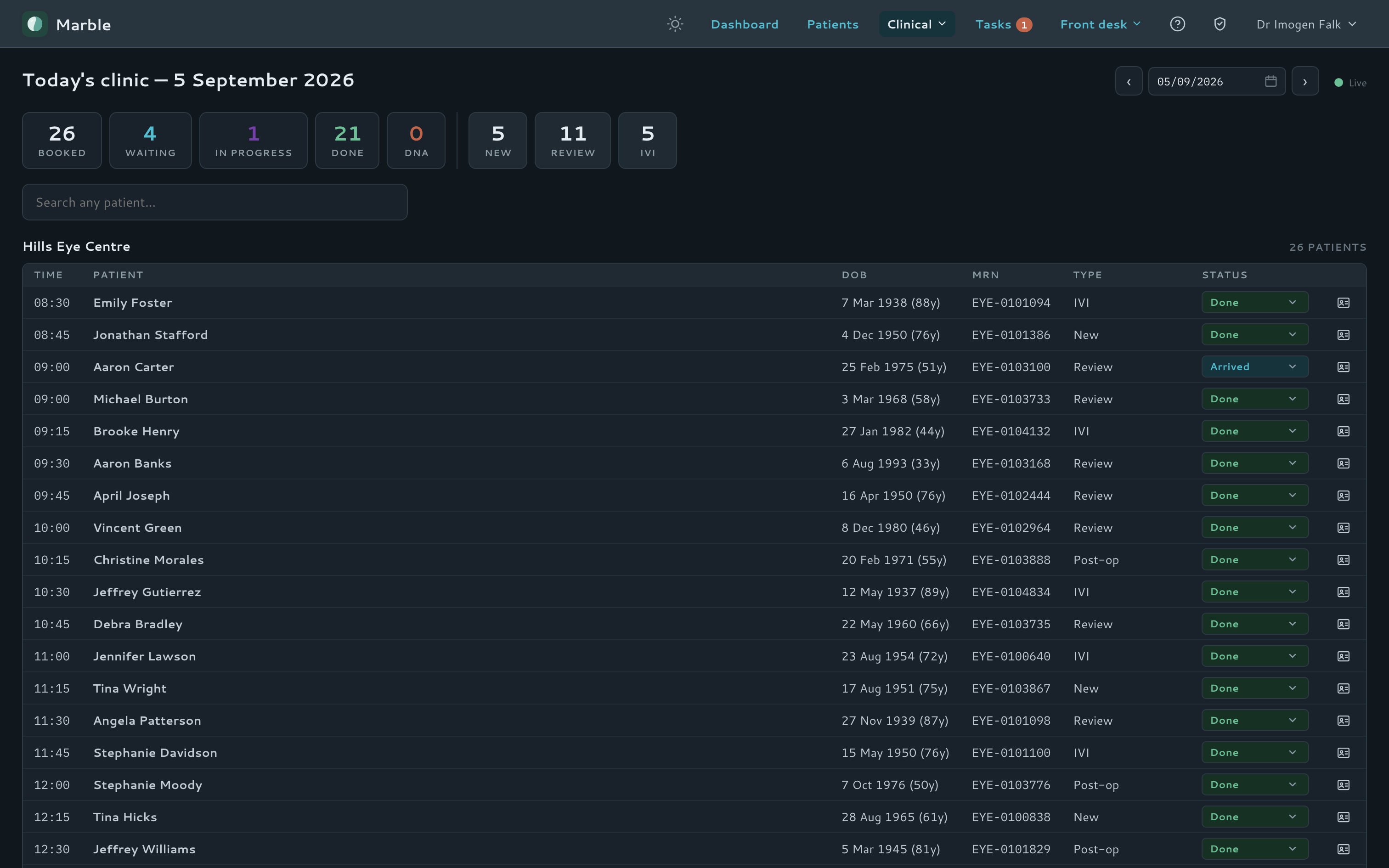
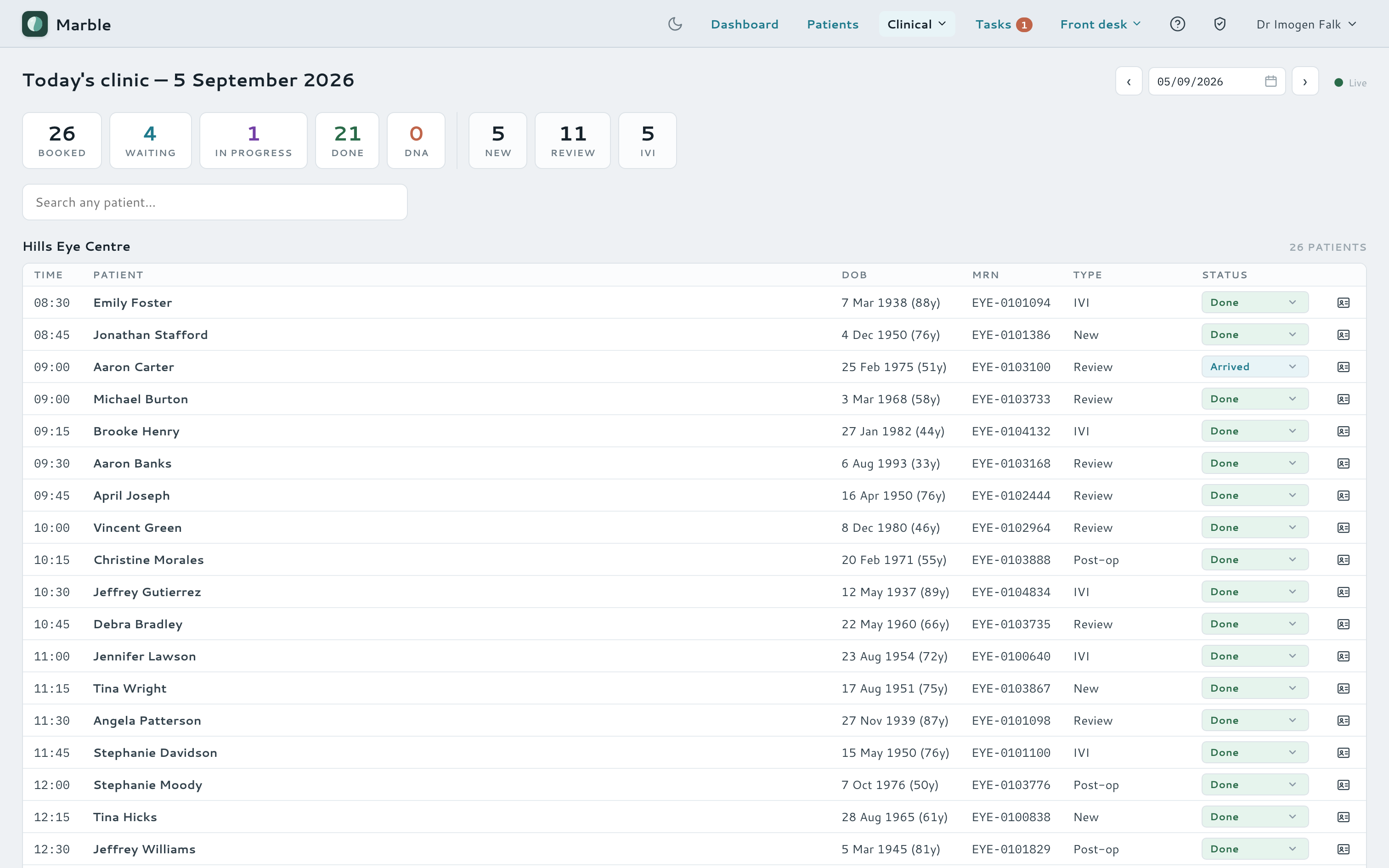
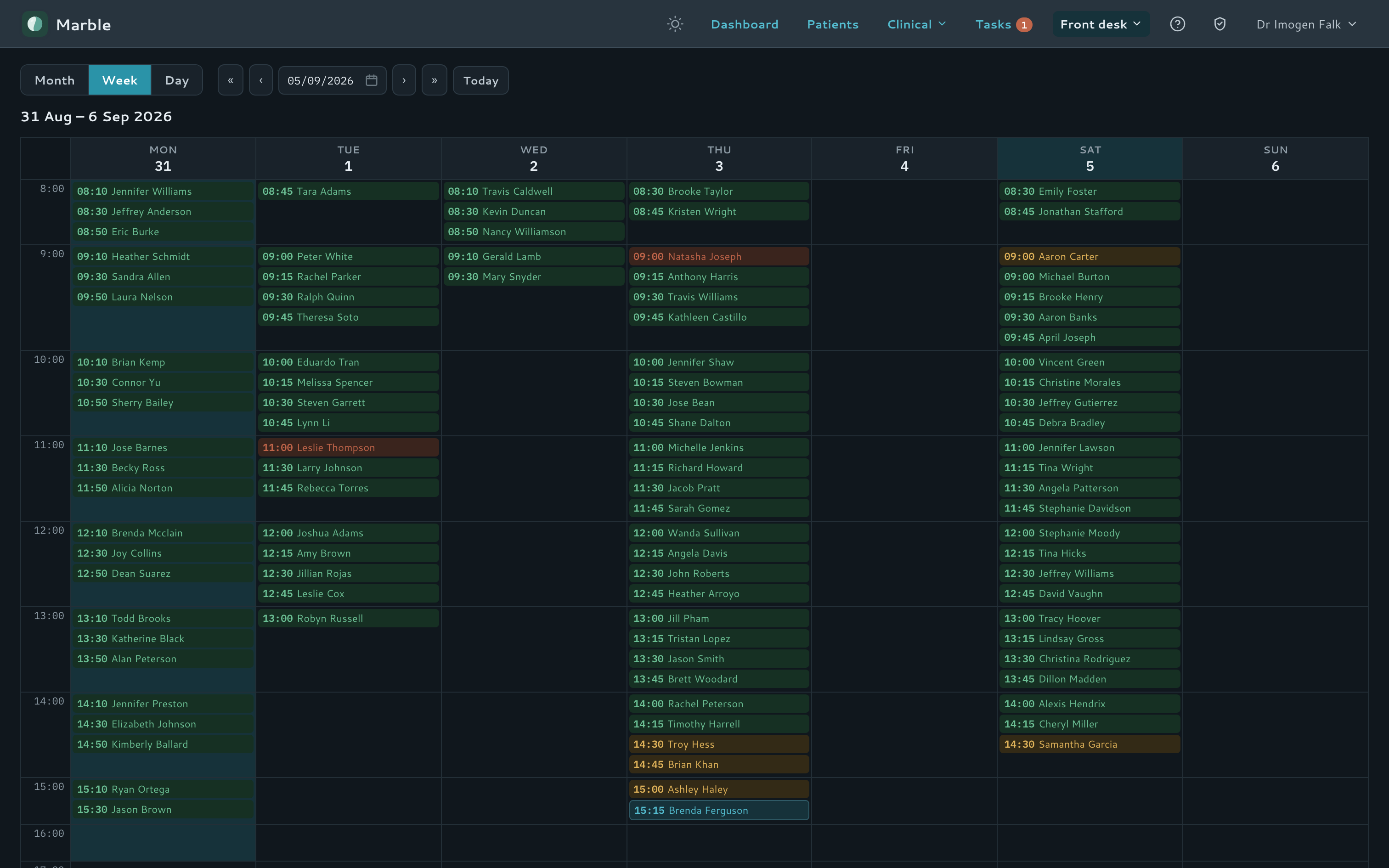
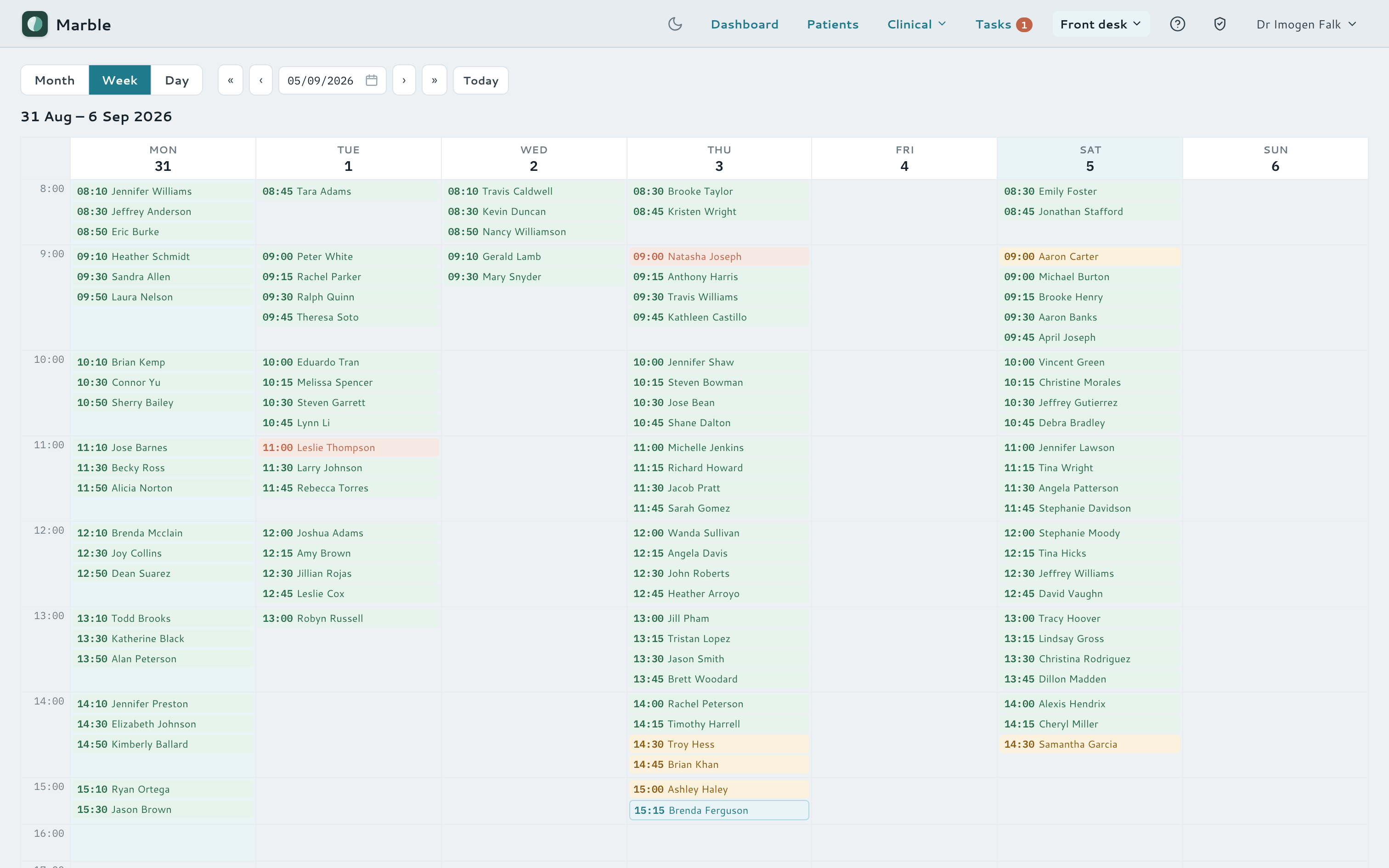
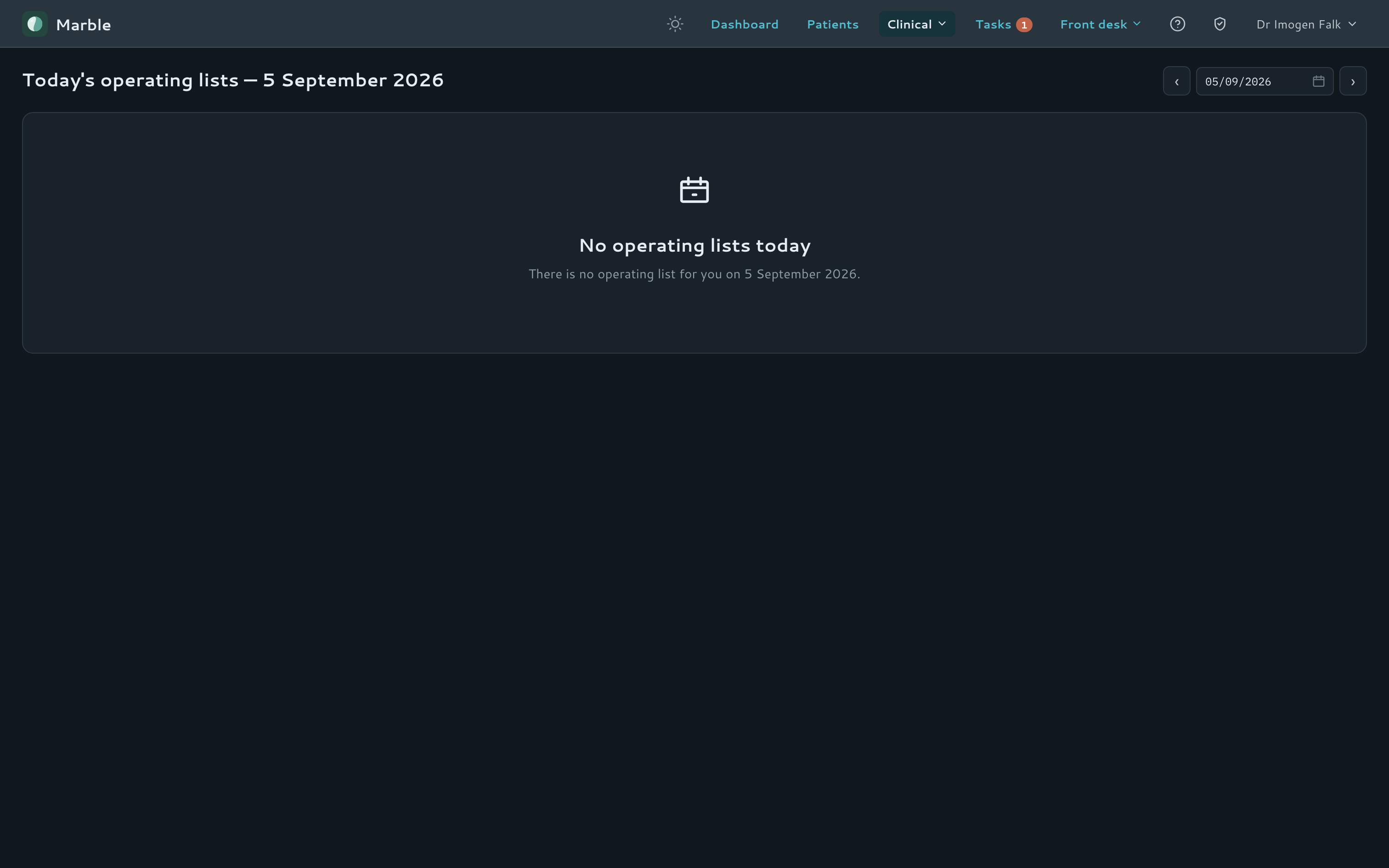
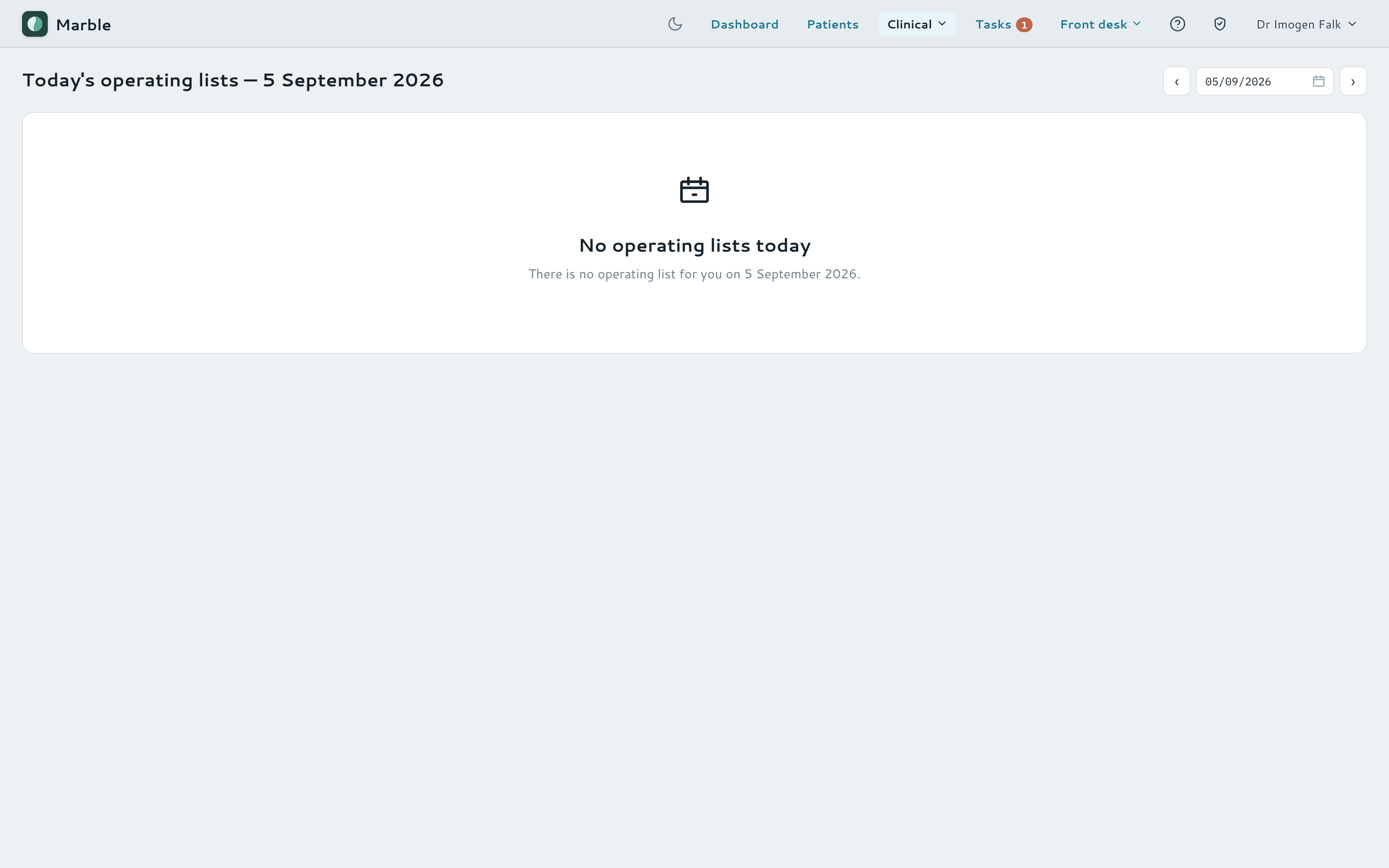
A live clinic-day board and a month / week / day booking calendar keep the whole list moving, backed by real appointments rather than a static schedule — with a parallel operating-list view for surgical cases — surgeons' theatre sessions, booked-vs-capacity per list, and a PDF theatre list emailed straight to the hospital.
- Live clinic-day board — scheduled, arrived, in progress, done, DNA
- Month, week and day booking calendar with availability and booking guards
- Operating / theatre lists — theatre sessions with a soft case cap, admission times, urgent add-ons, and a PDF list emailed to the hospital
- AI-parsed day sheets and theatre lists build the list from a photo or PDF
Booking calendar
Operating list
Billing & fee slips
Code the visit at the chair, bill it at the desk
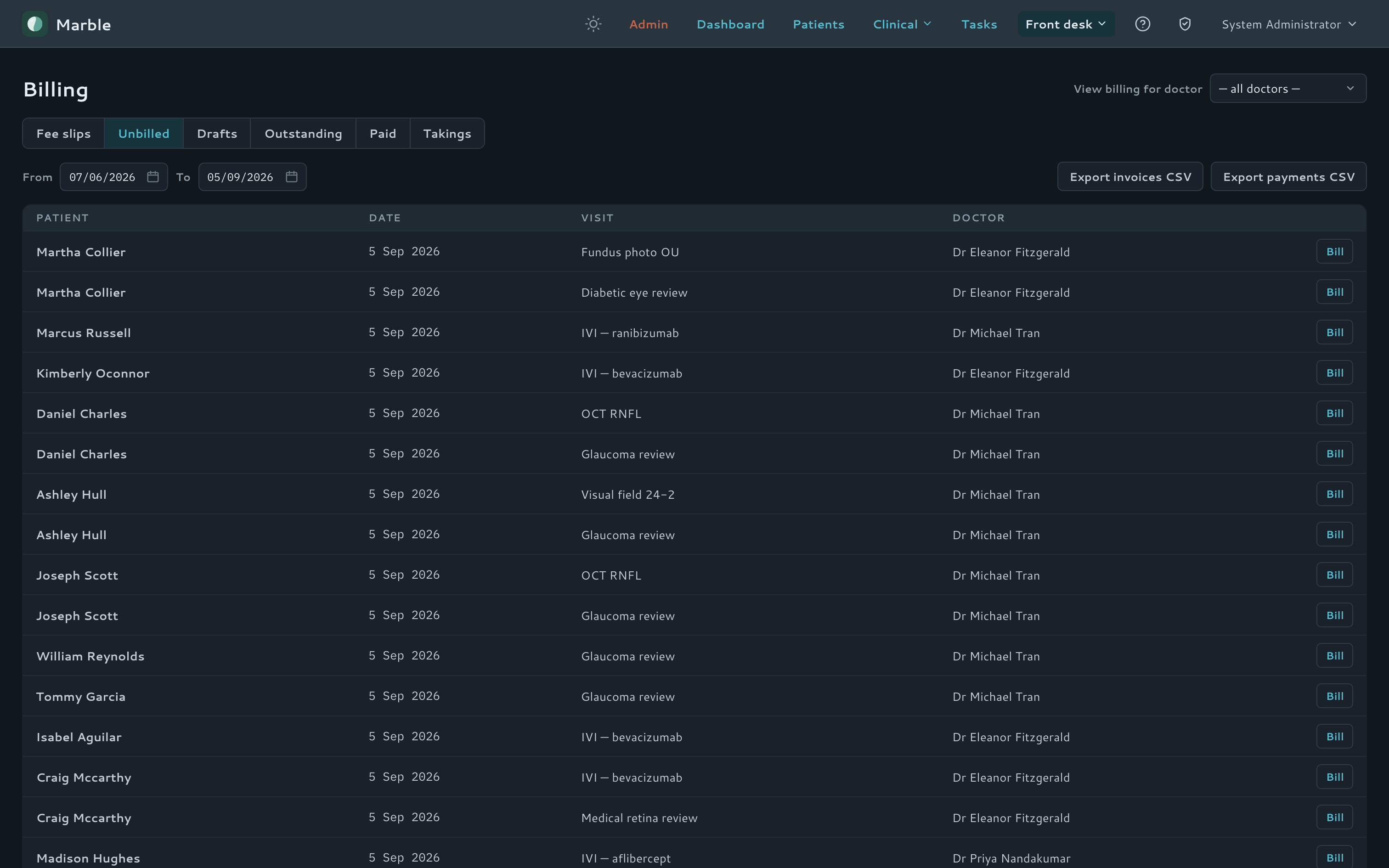
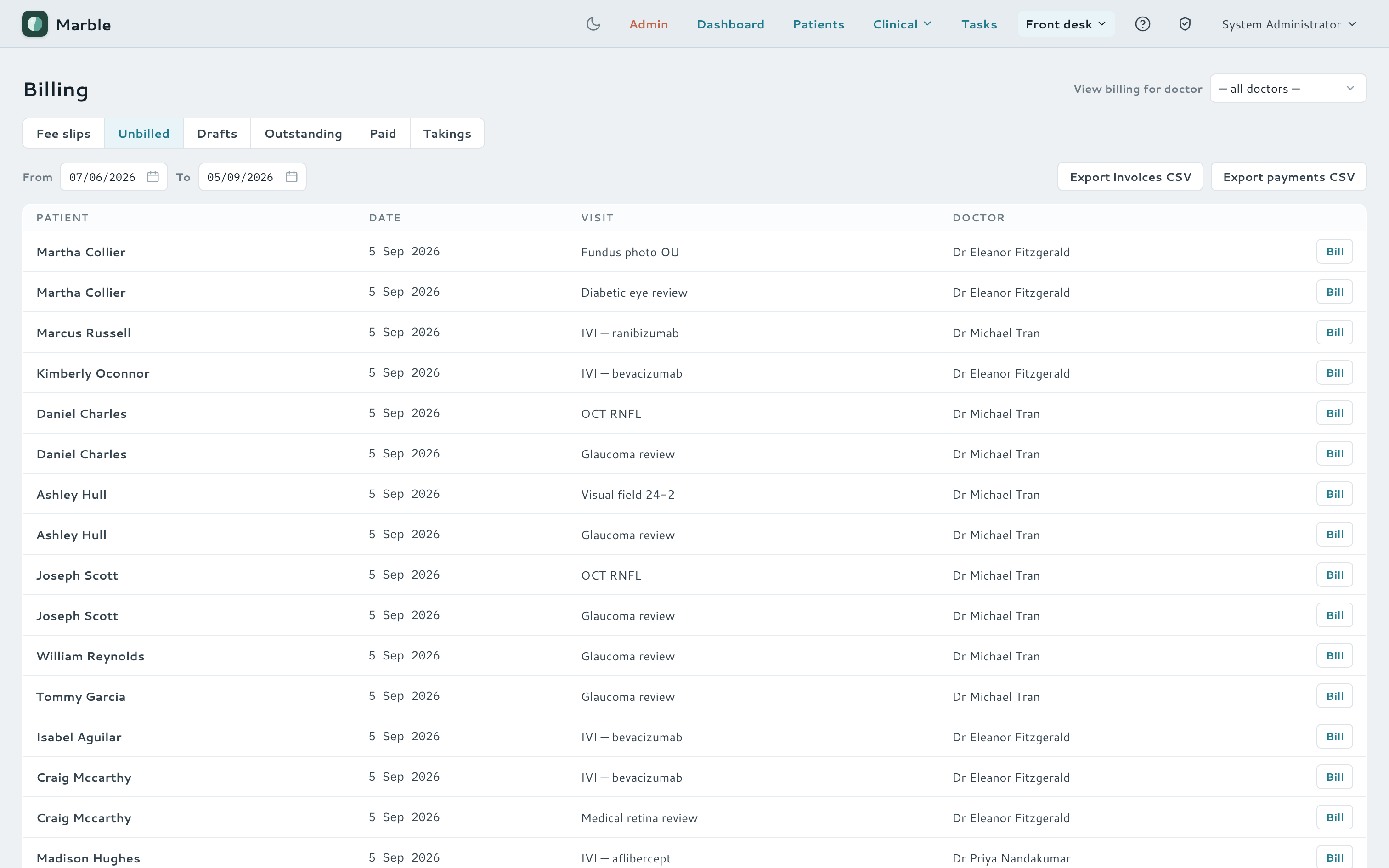
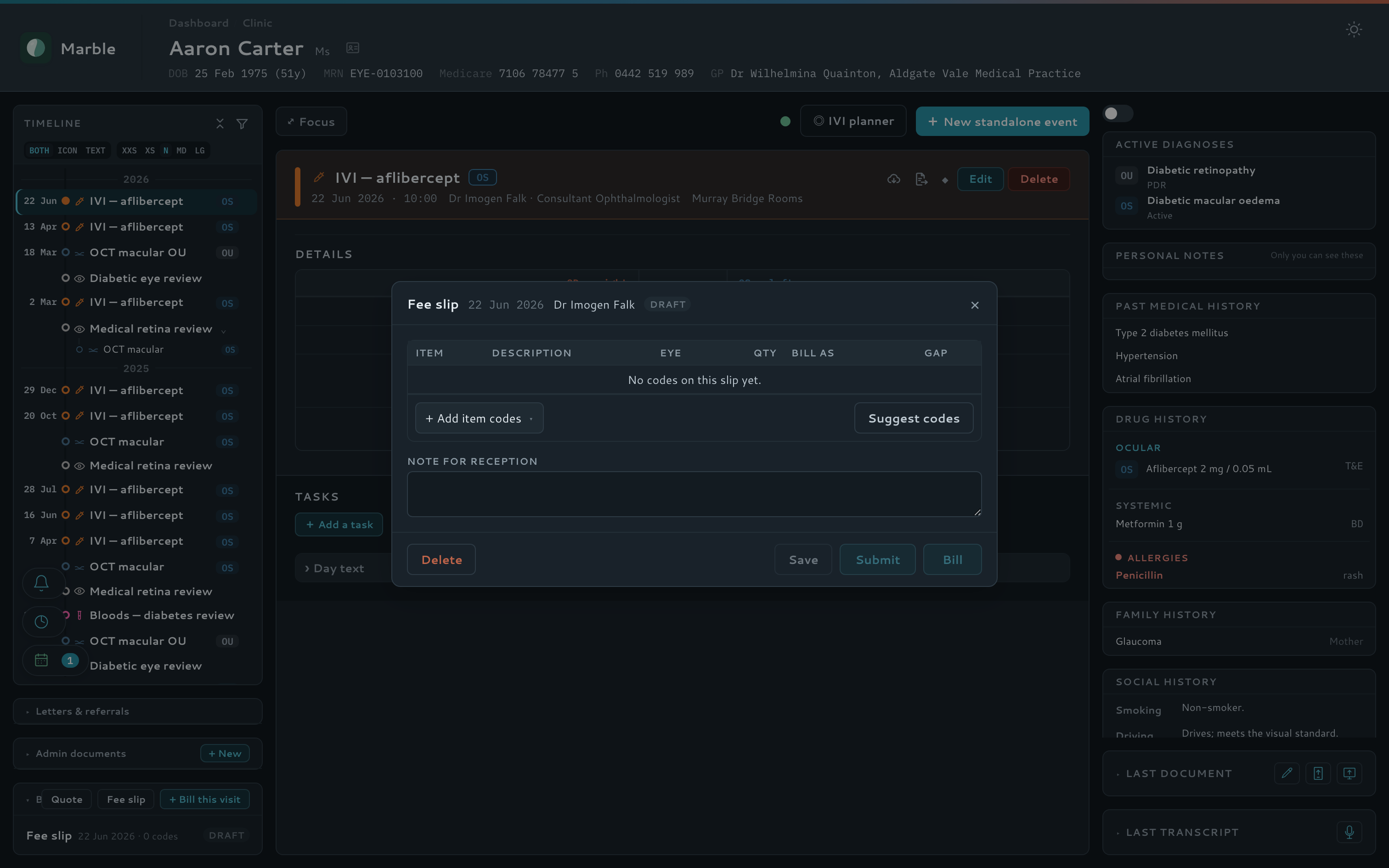
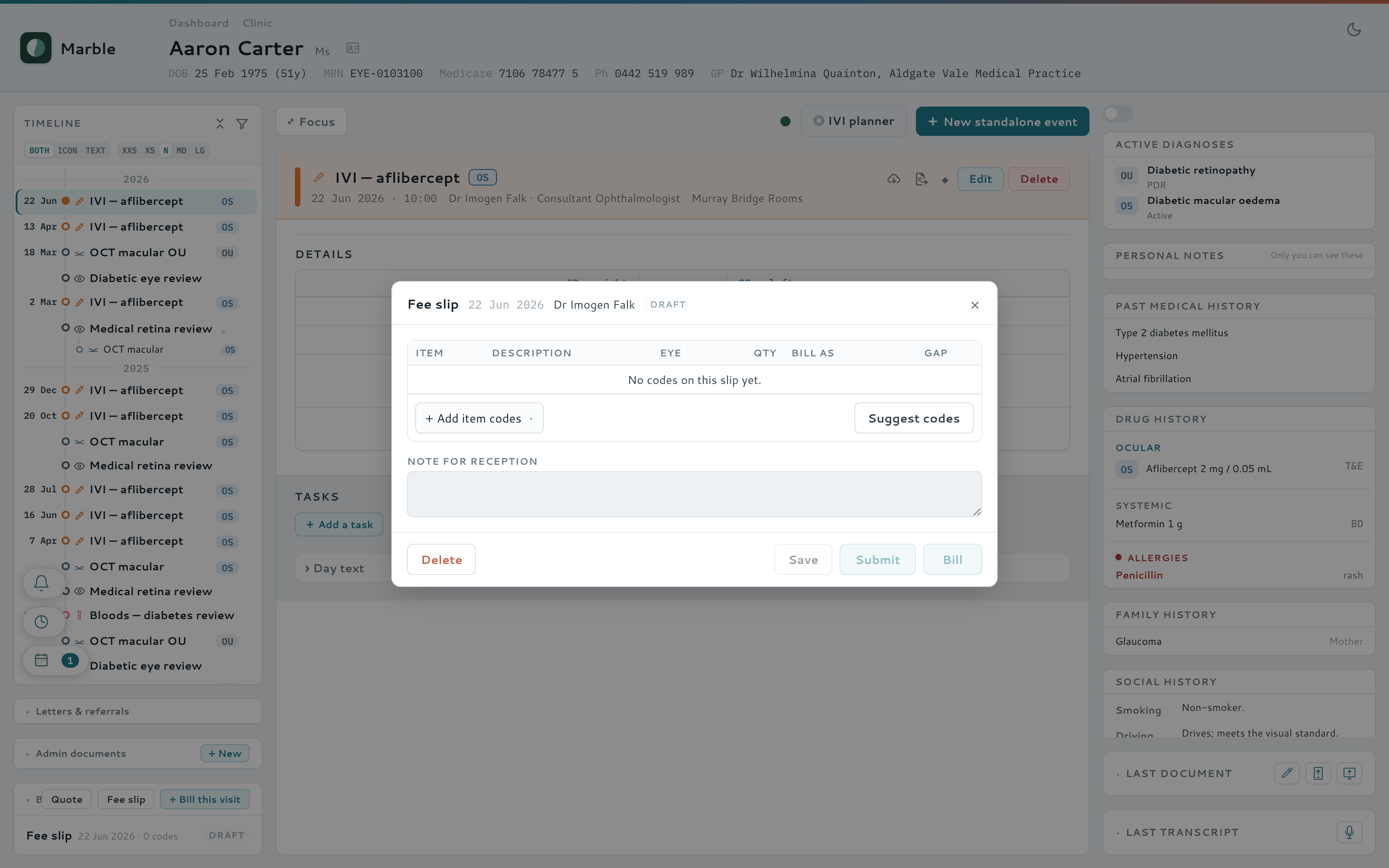
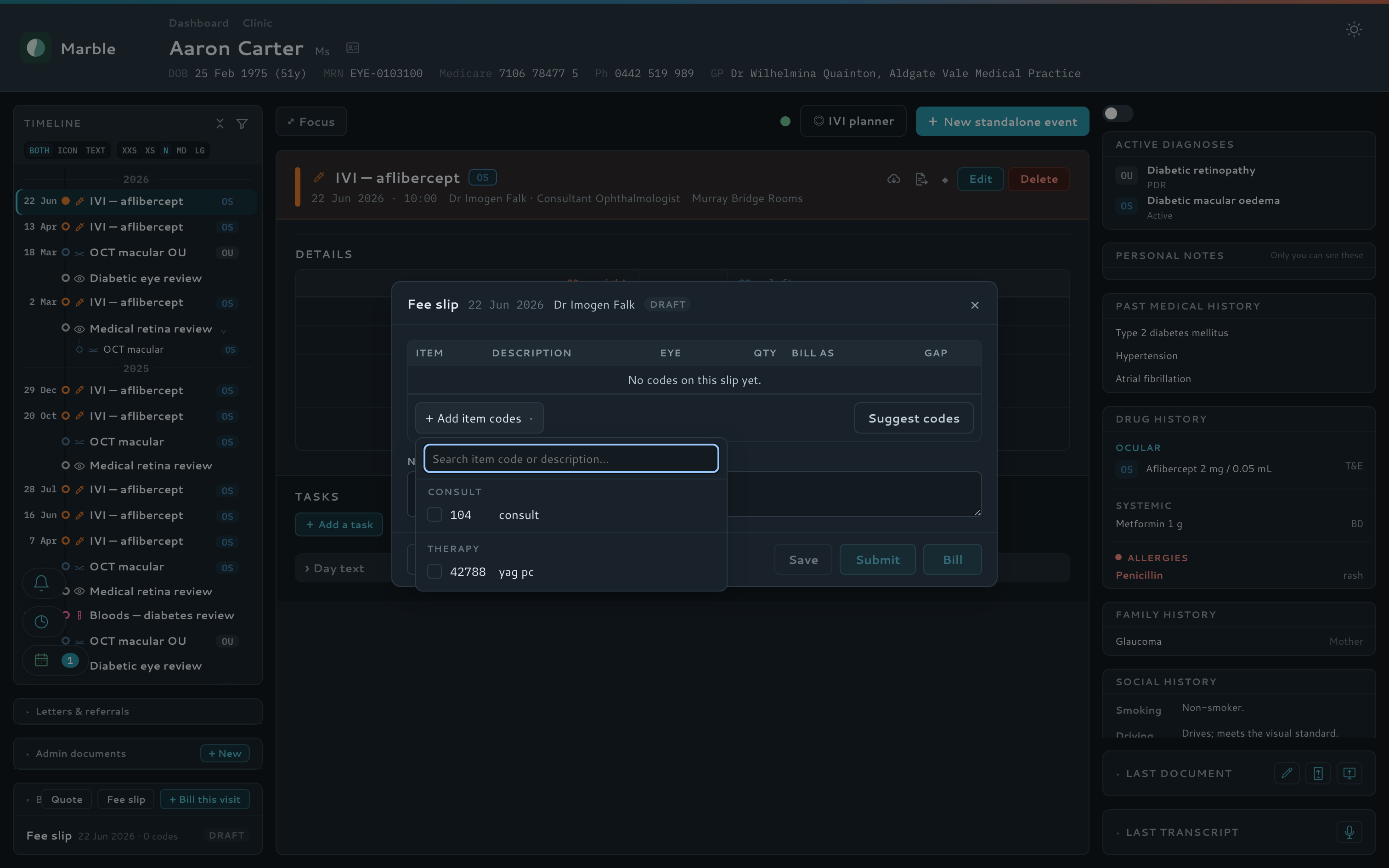
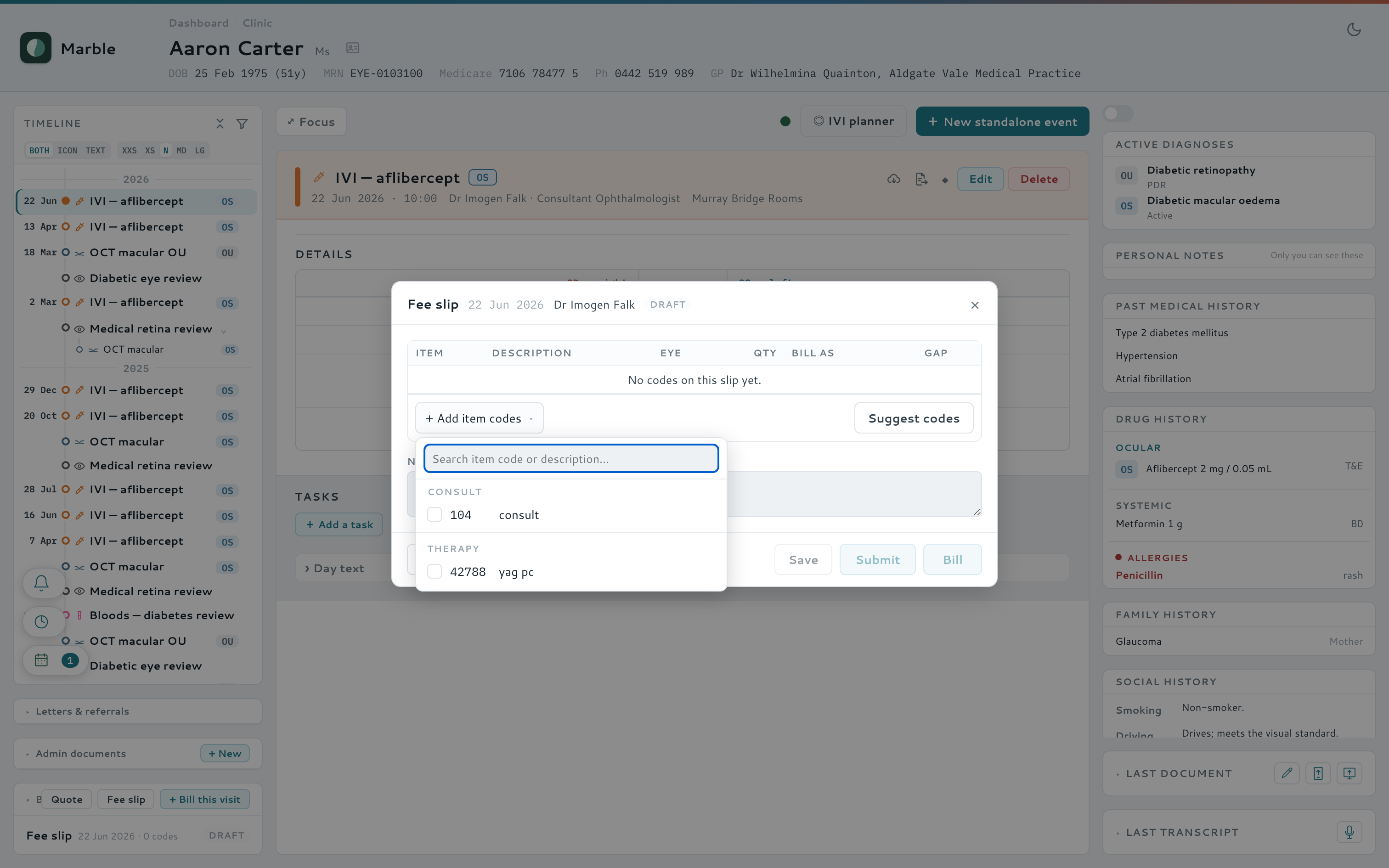
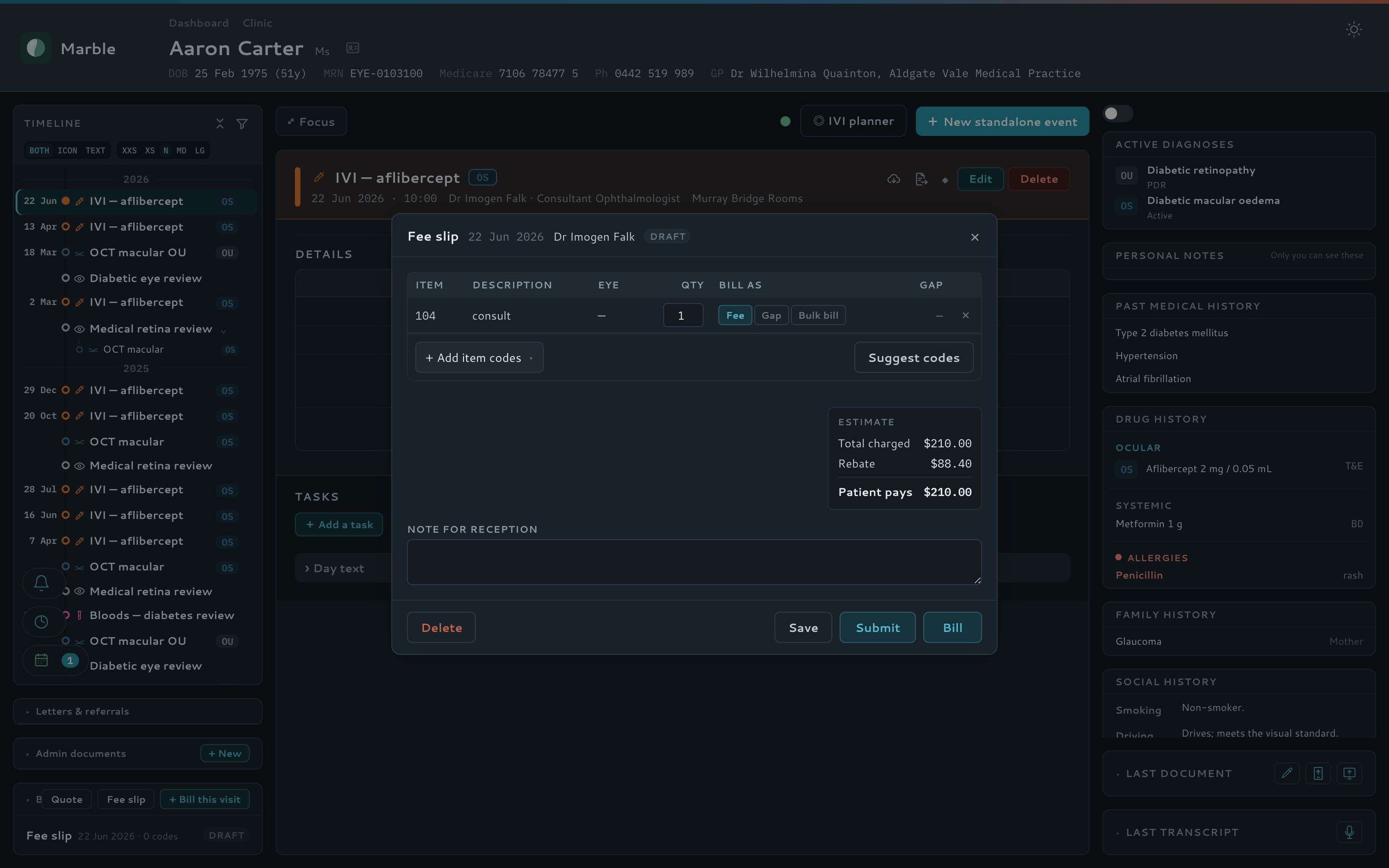
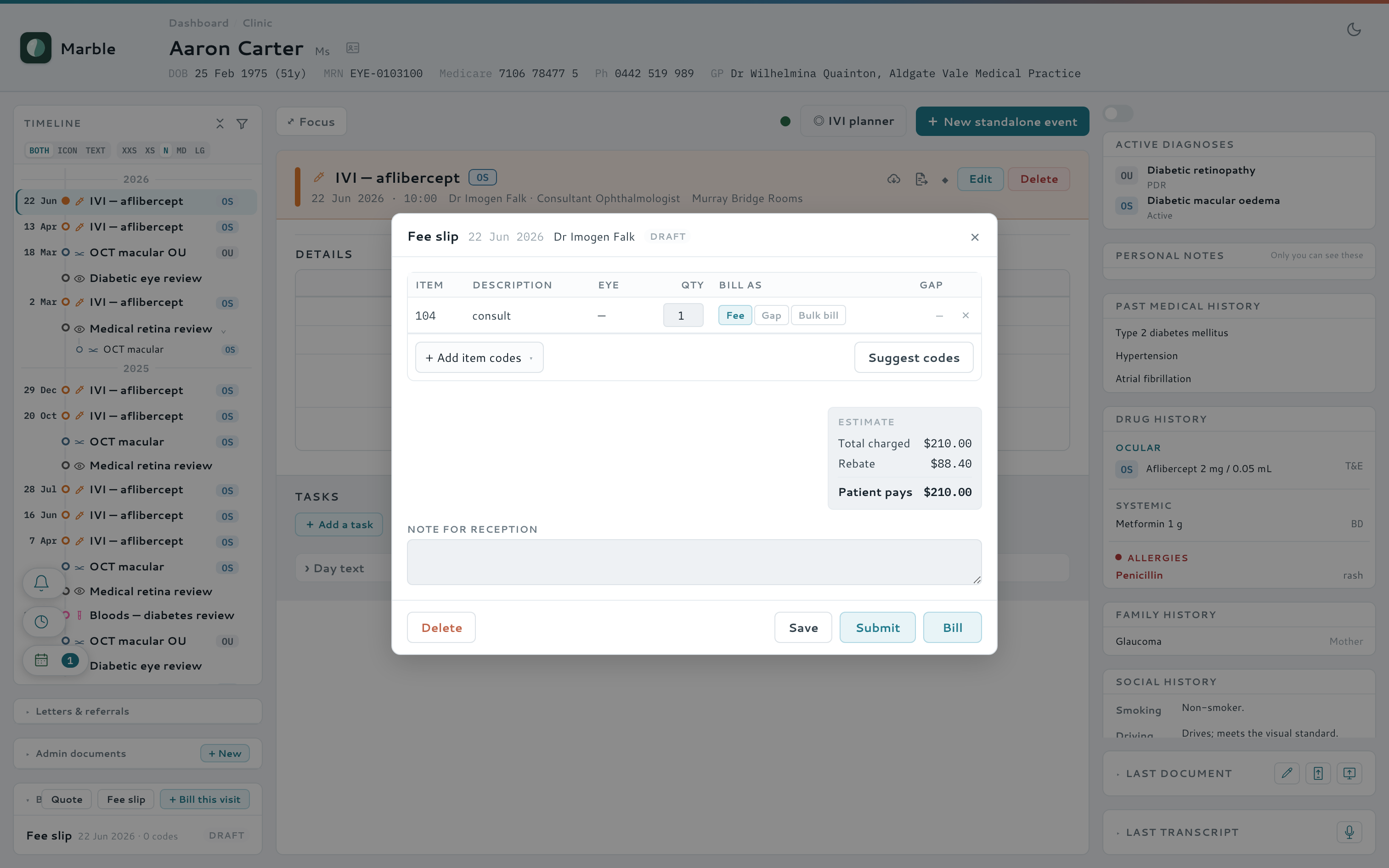
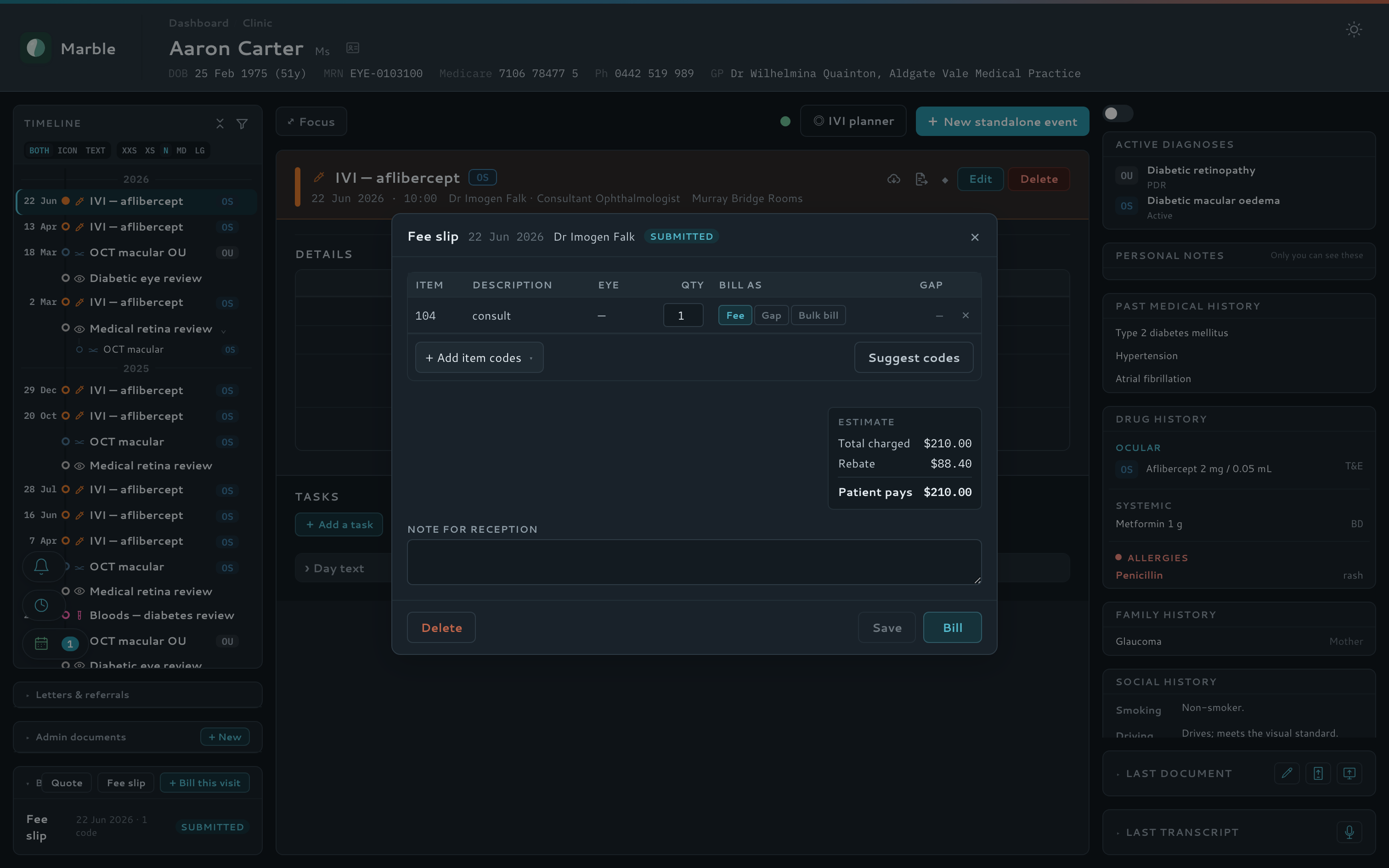
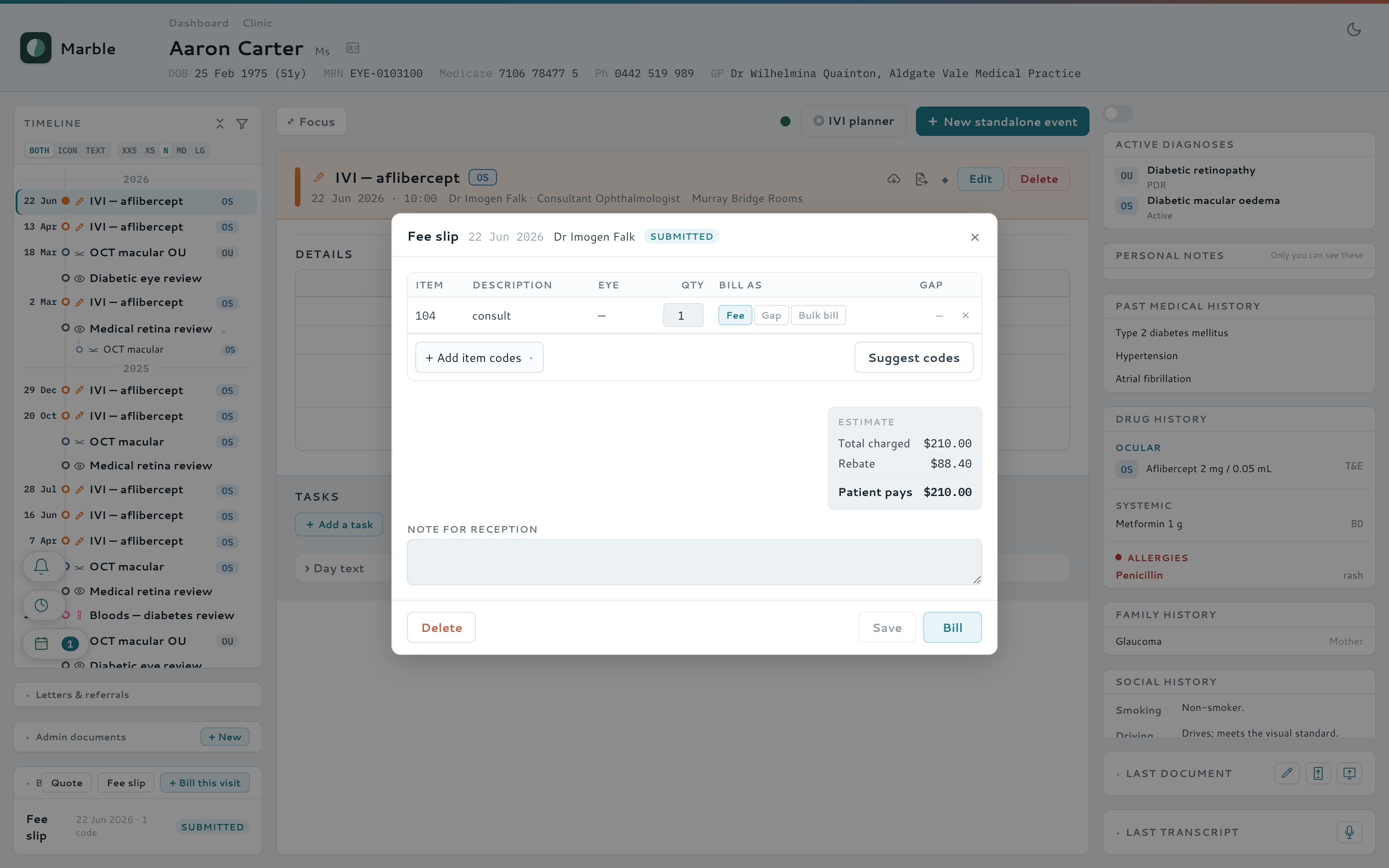
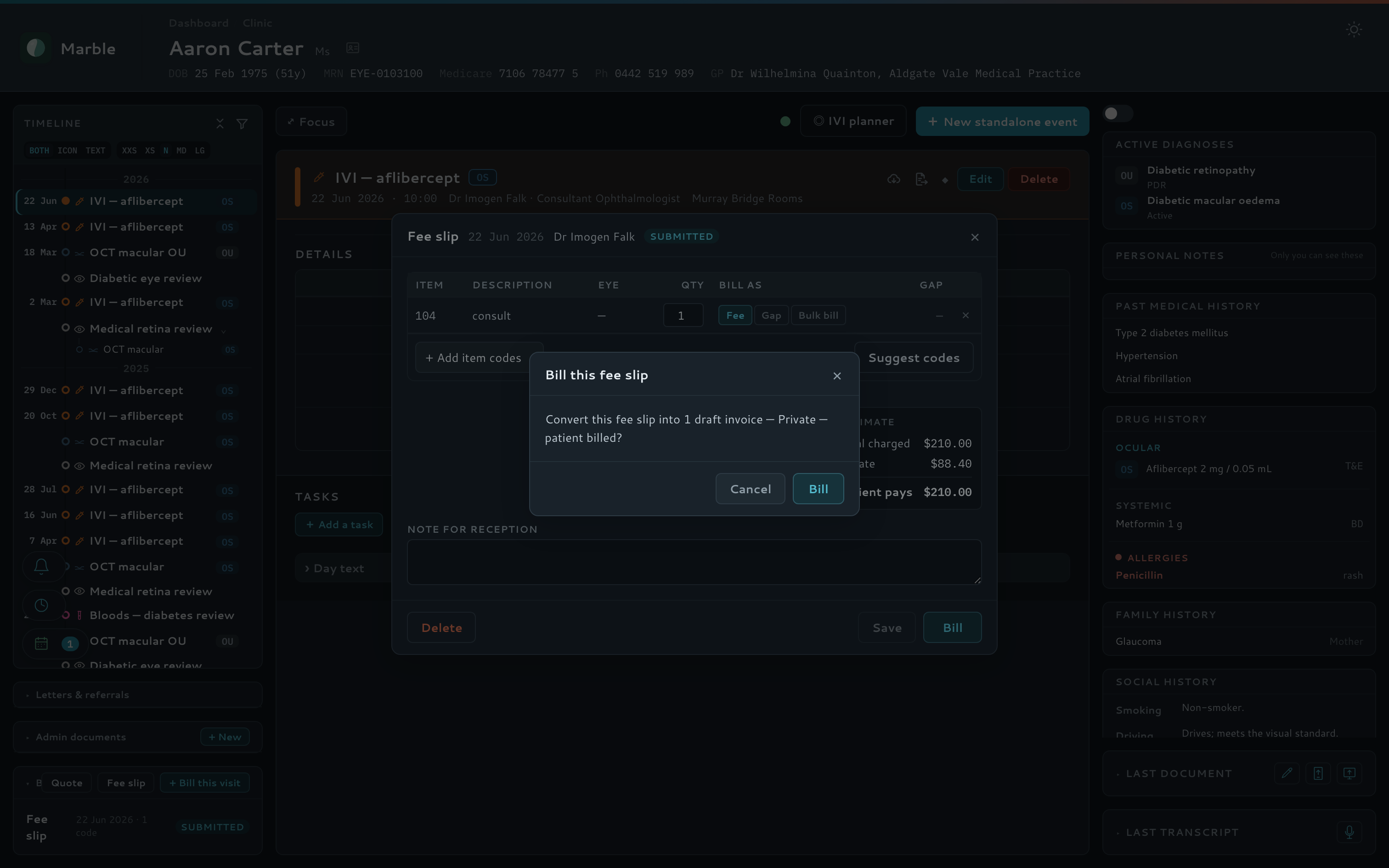
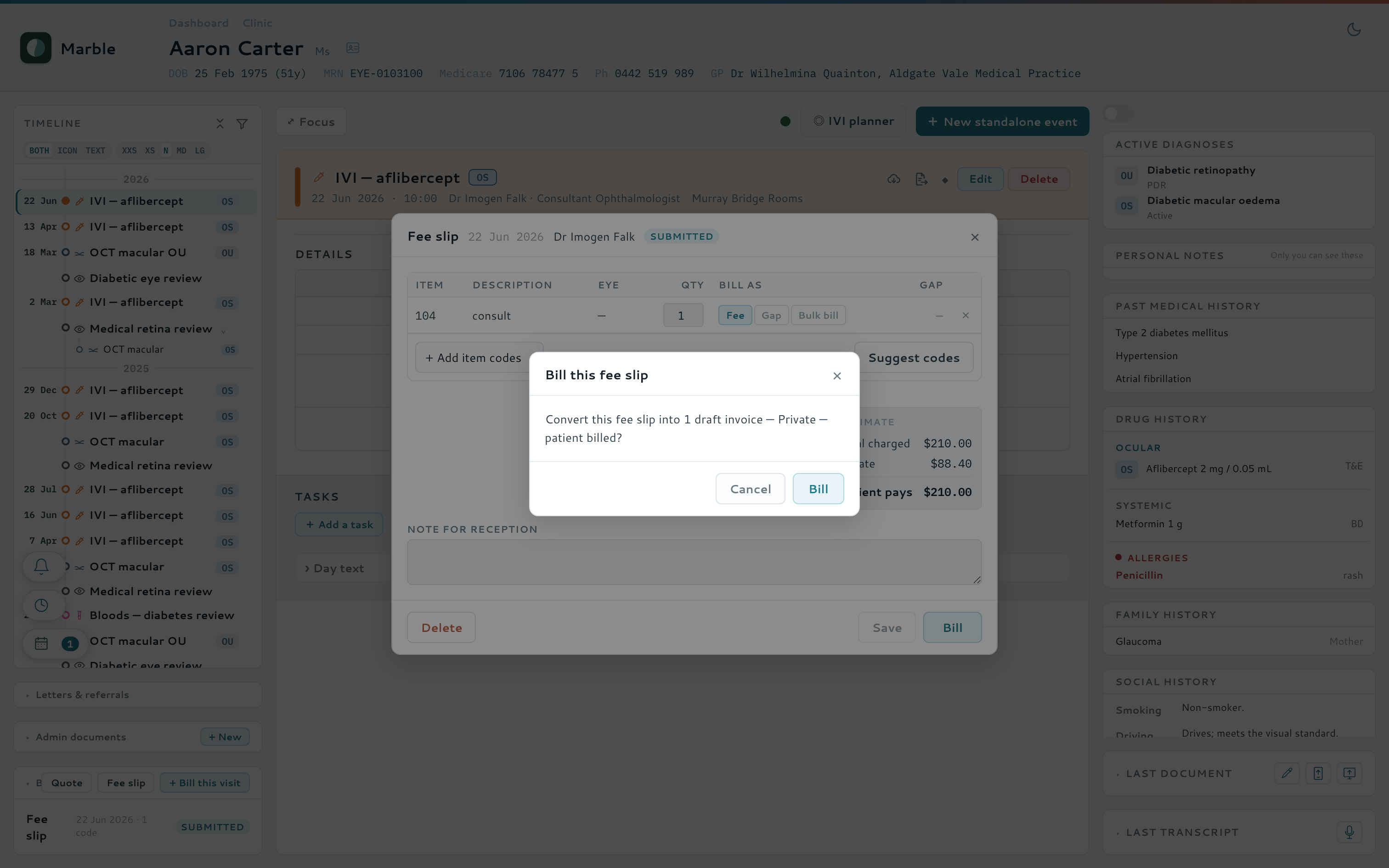
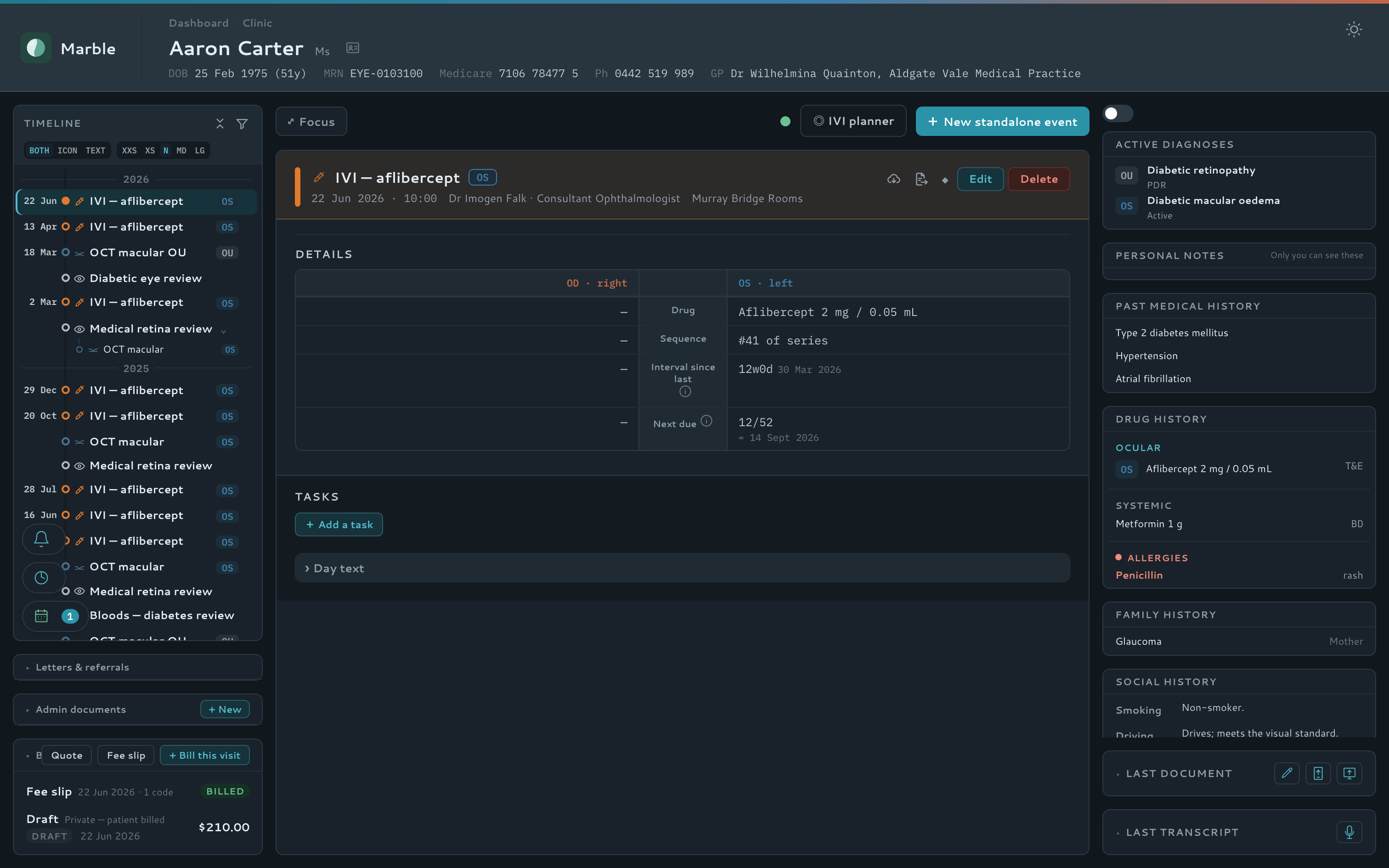
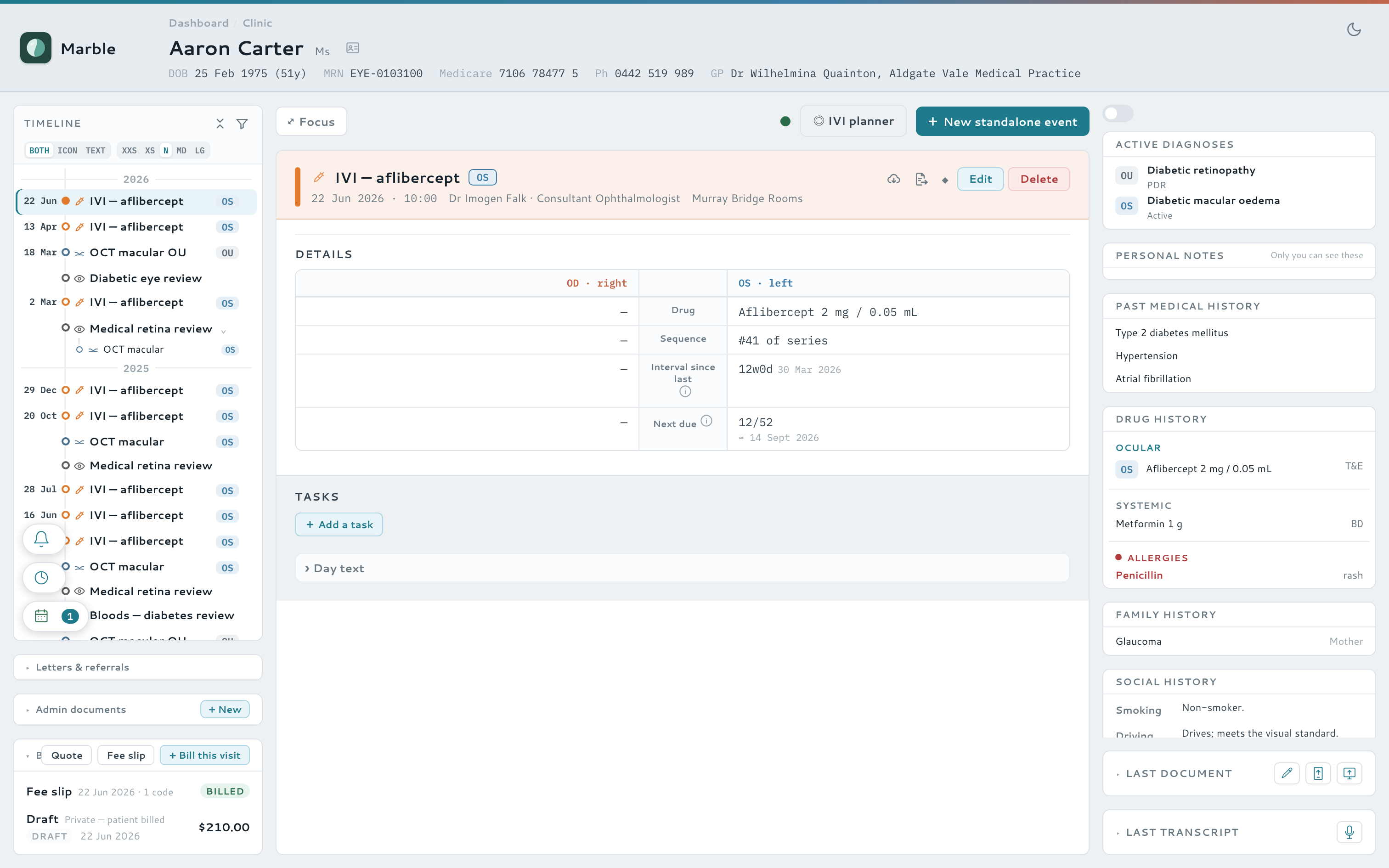
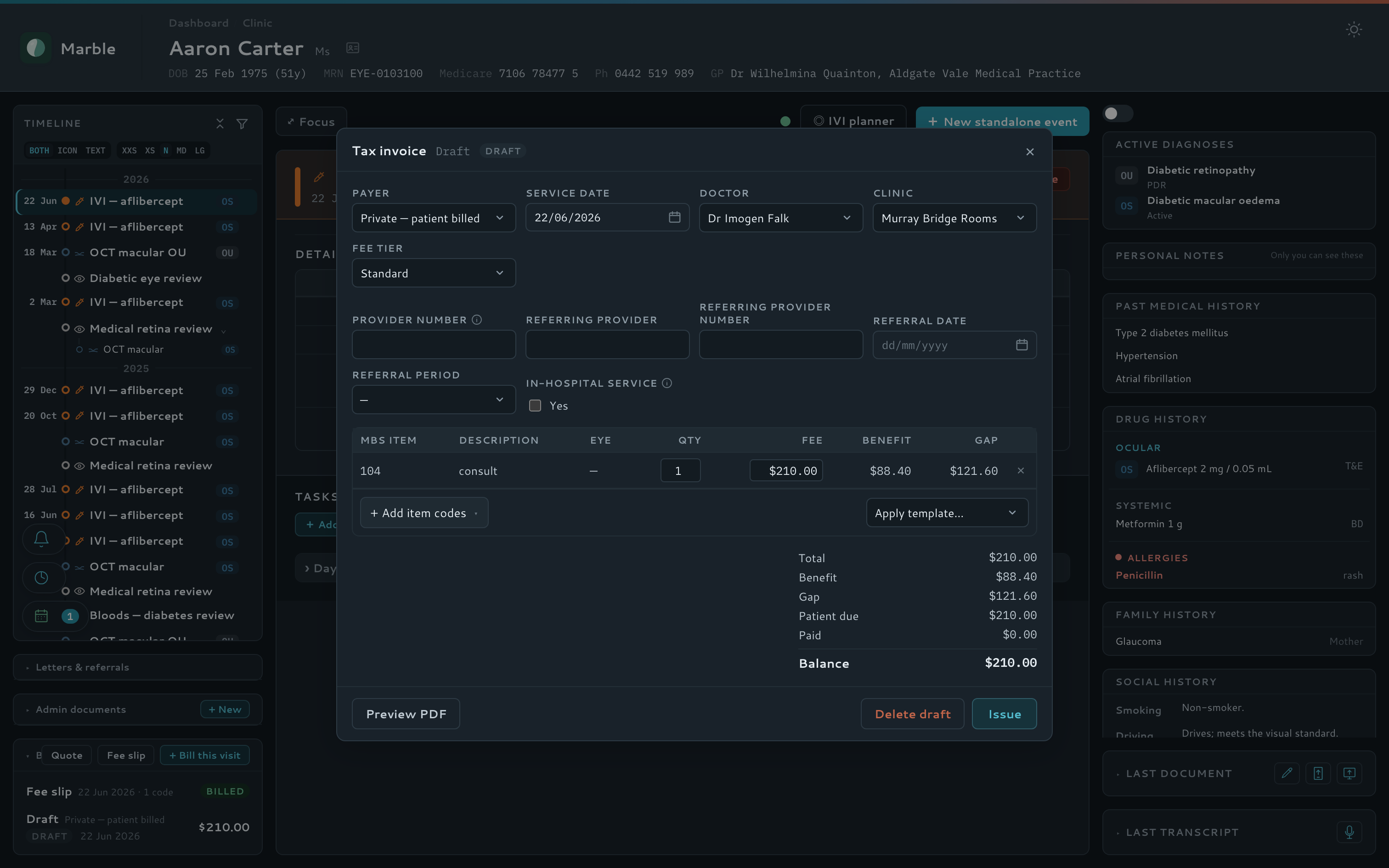
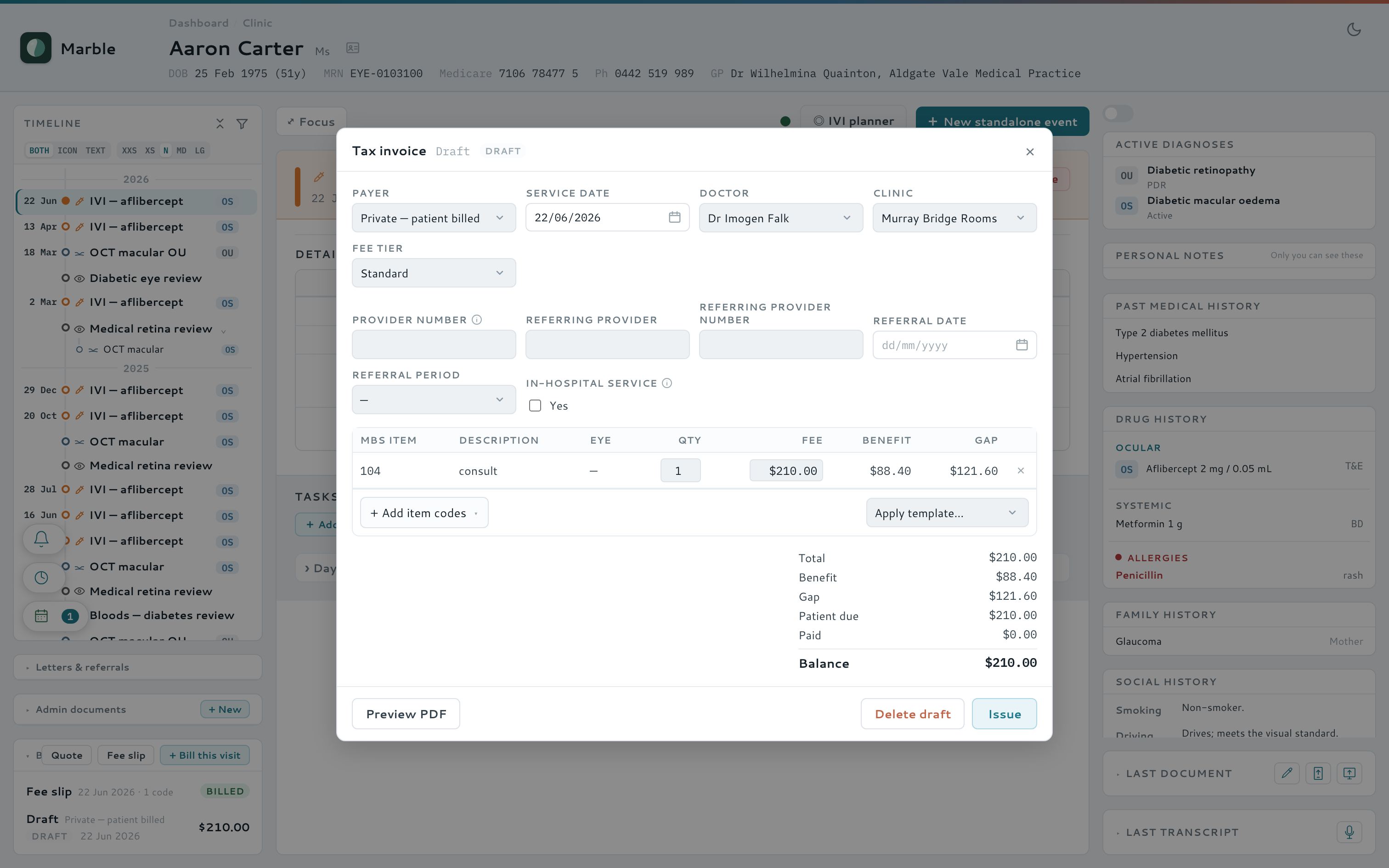
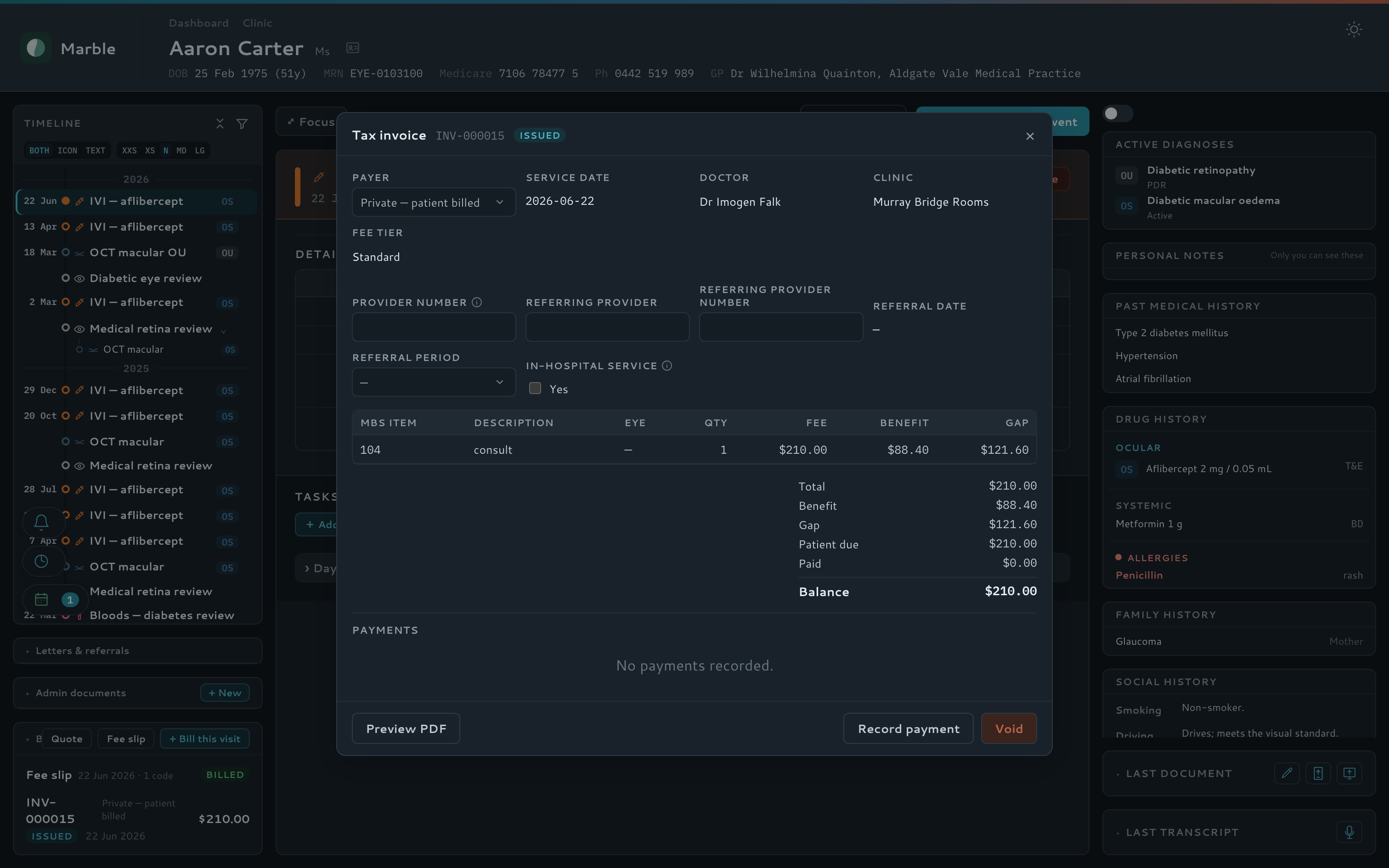
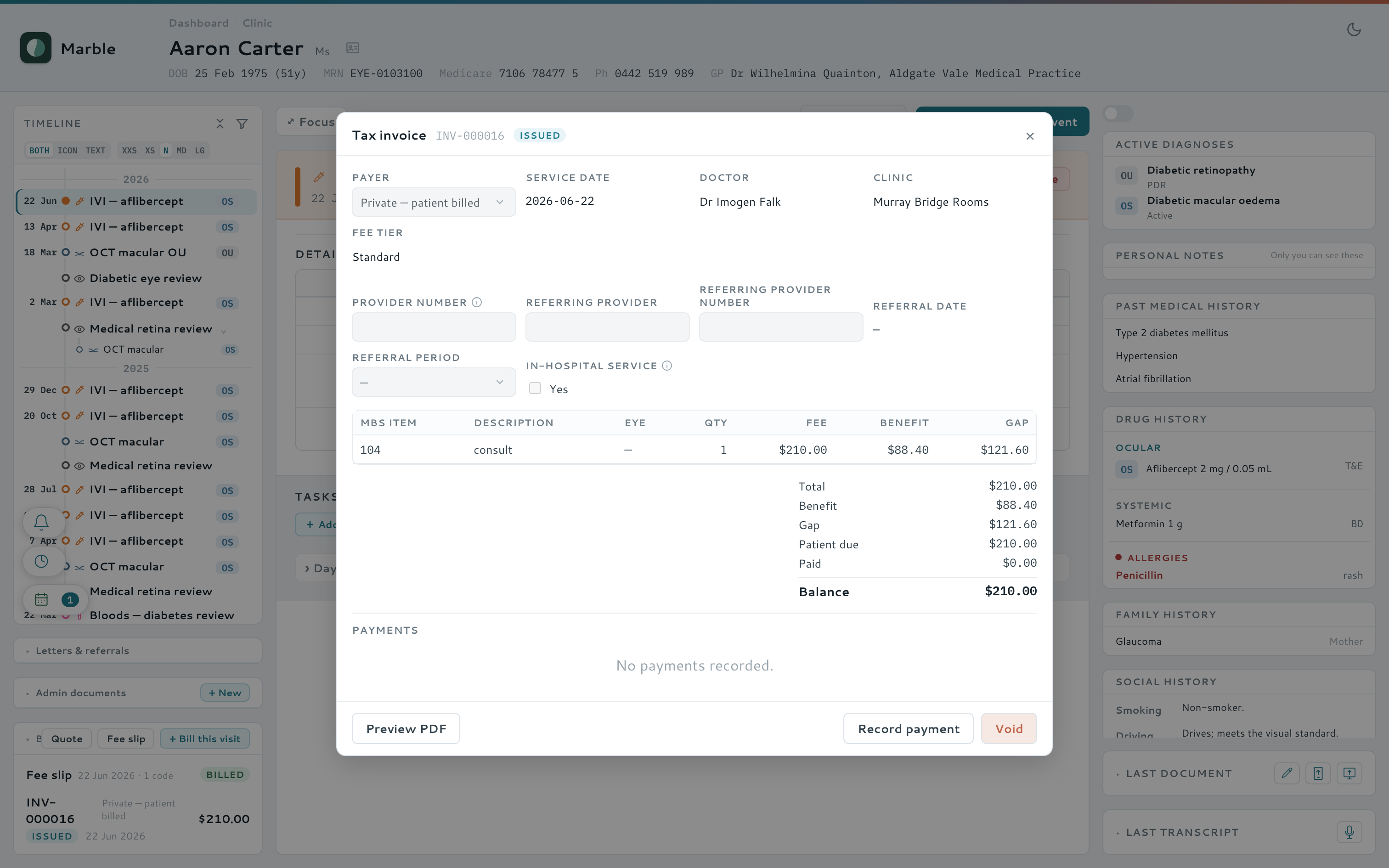
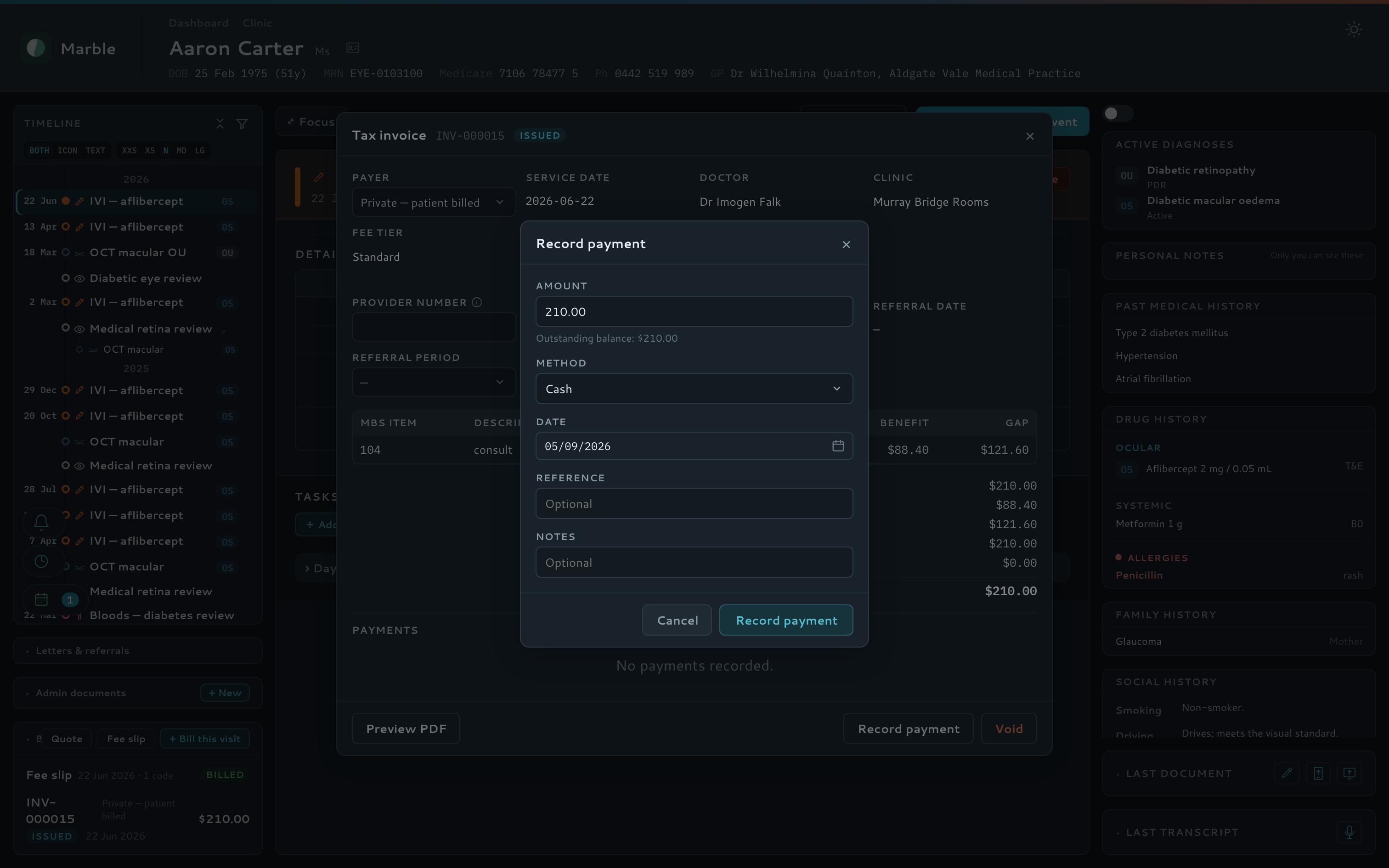
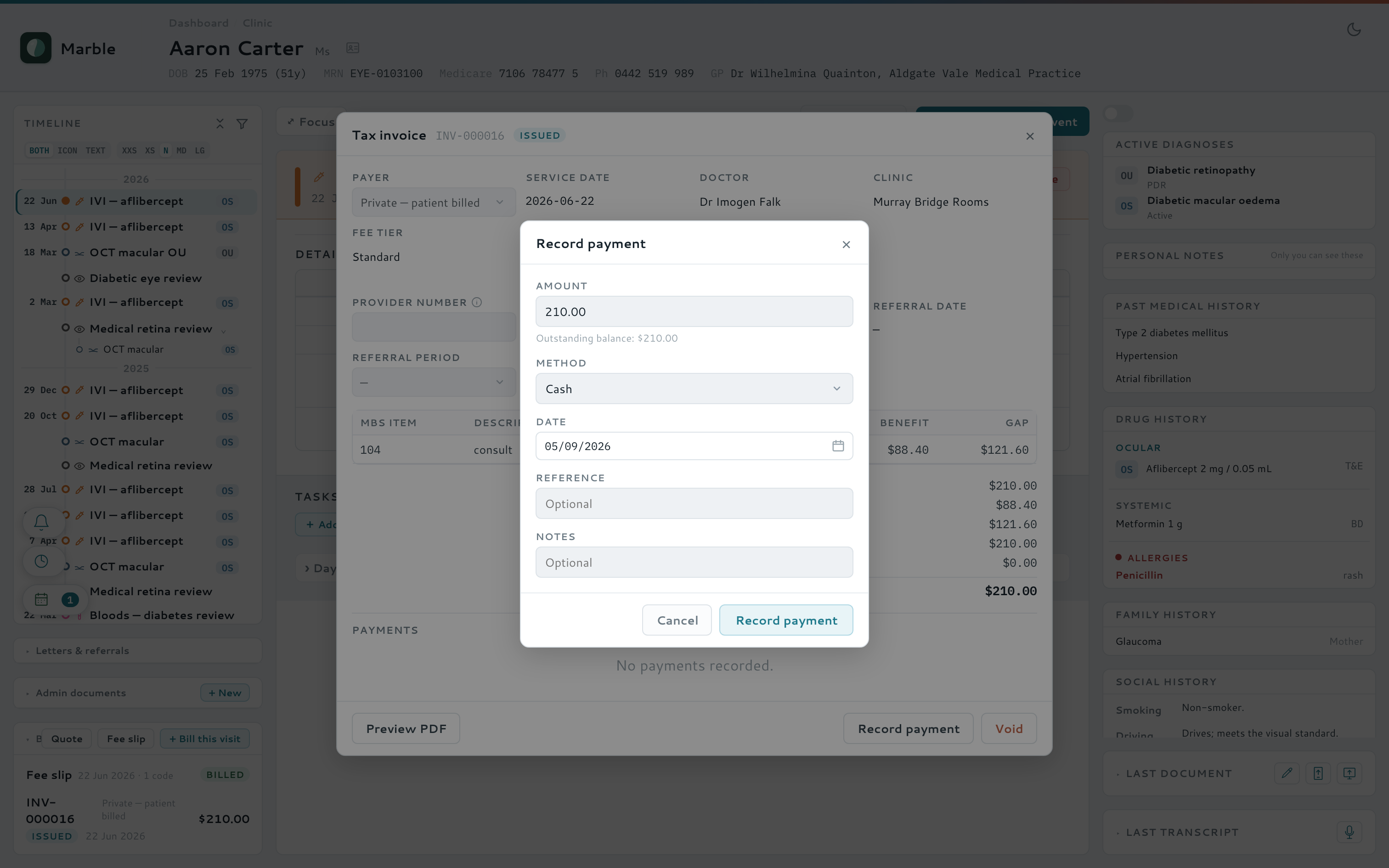
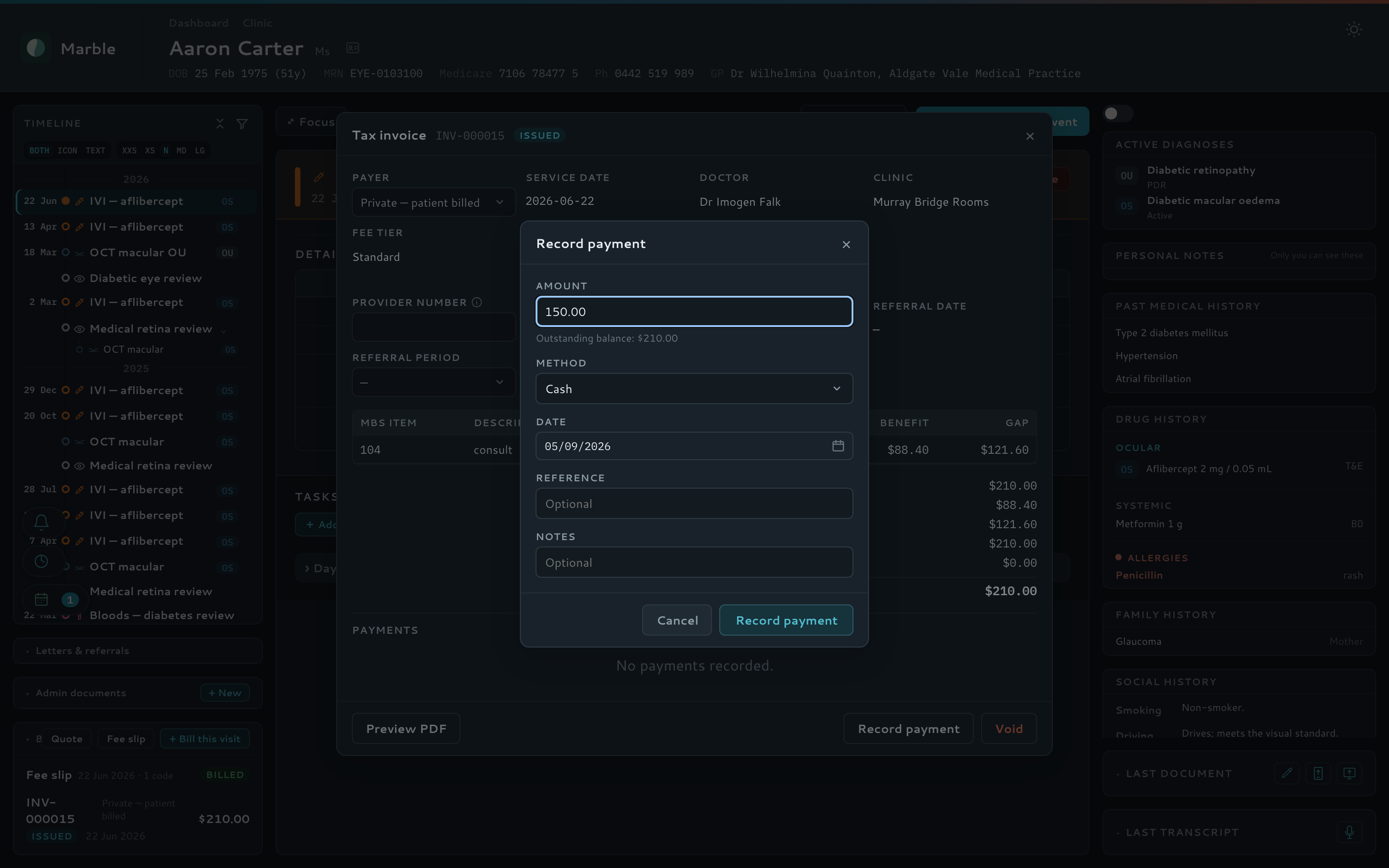
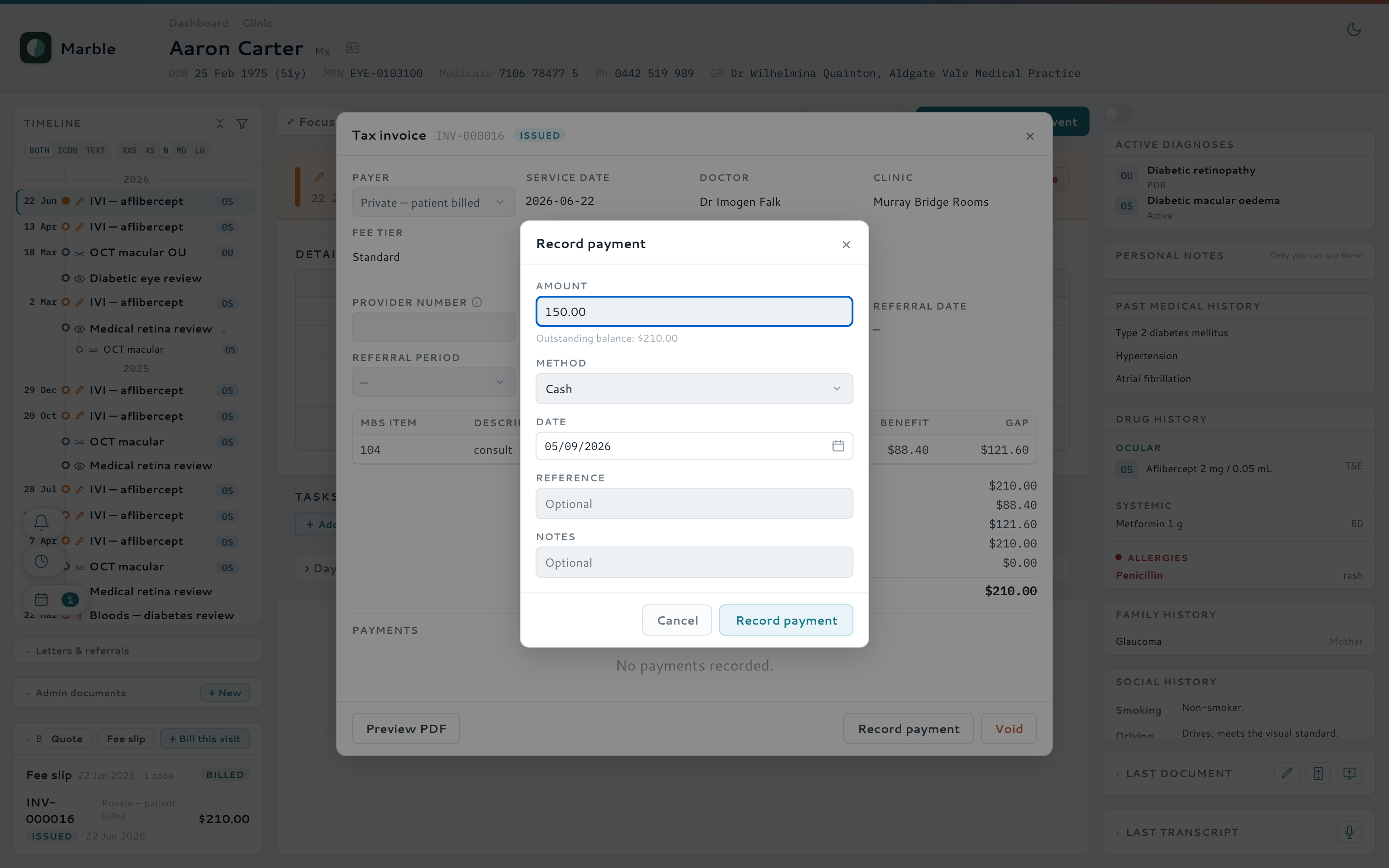
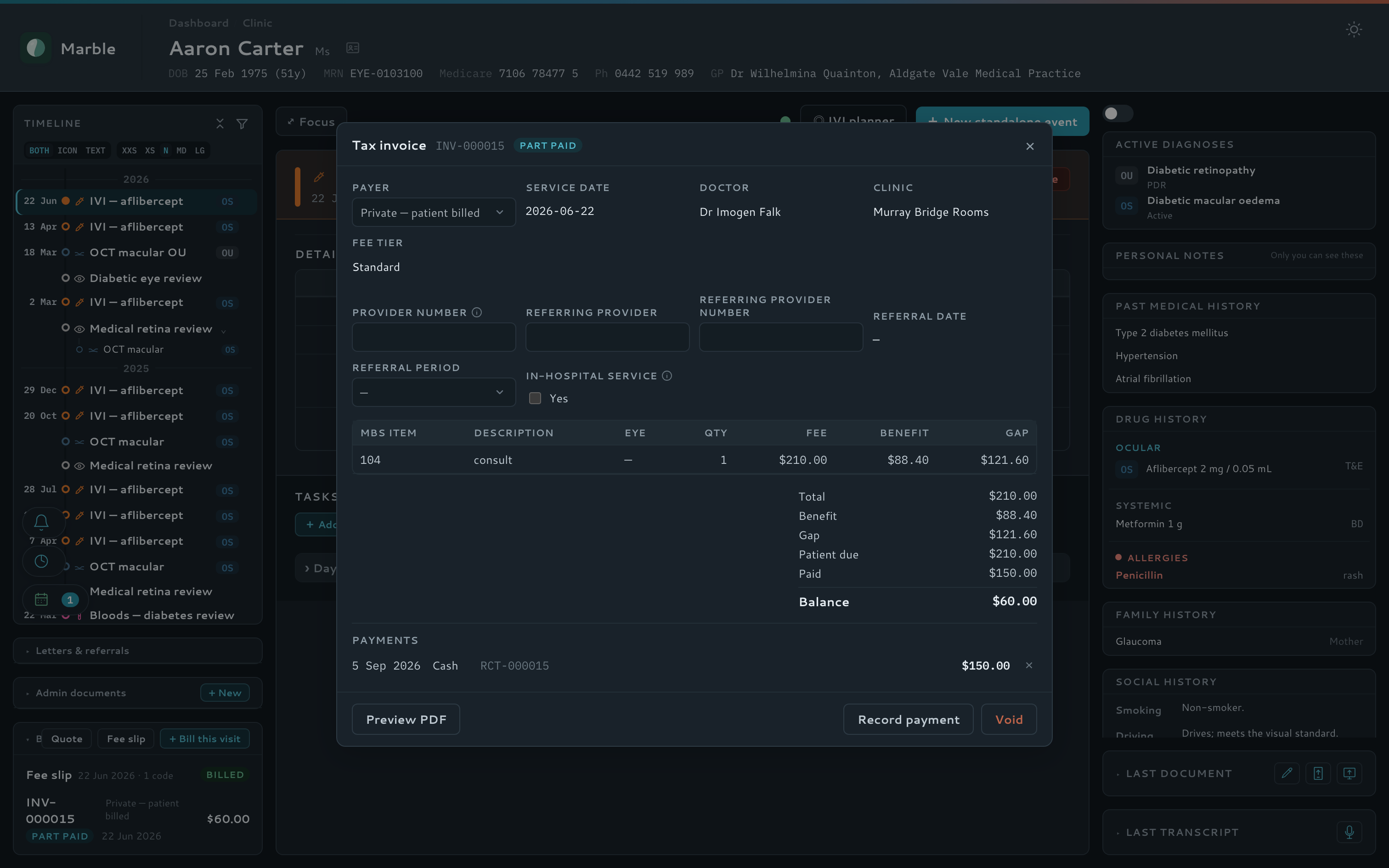
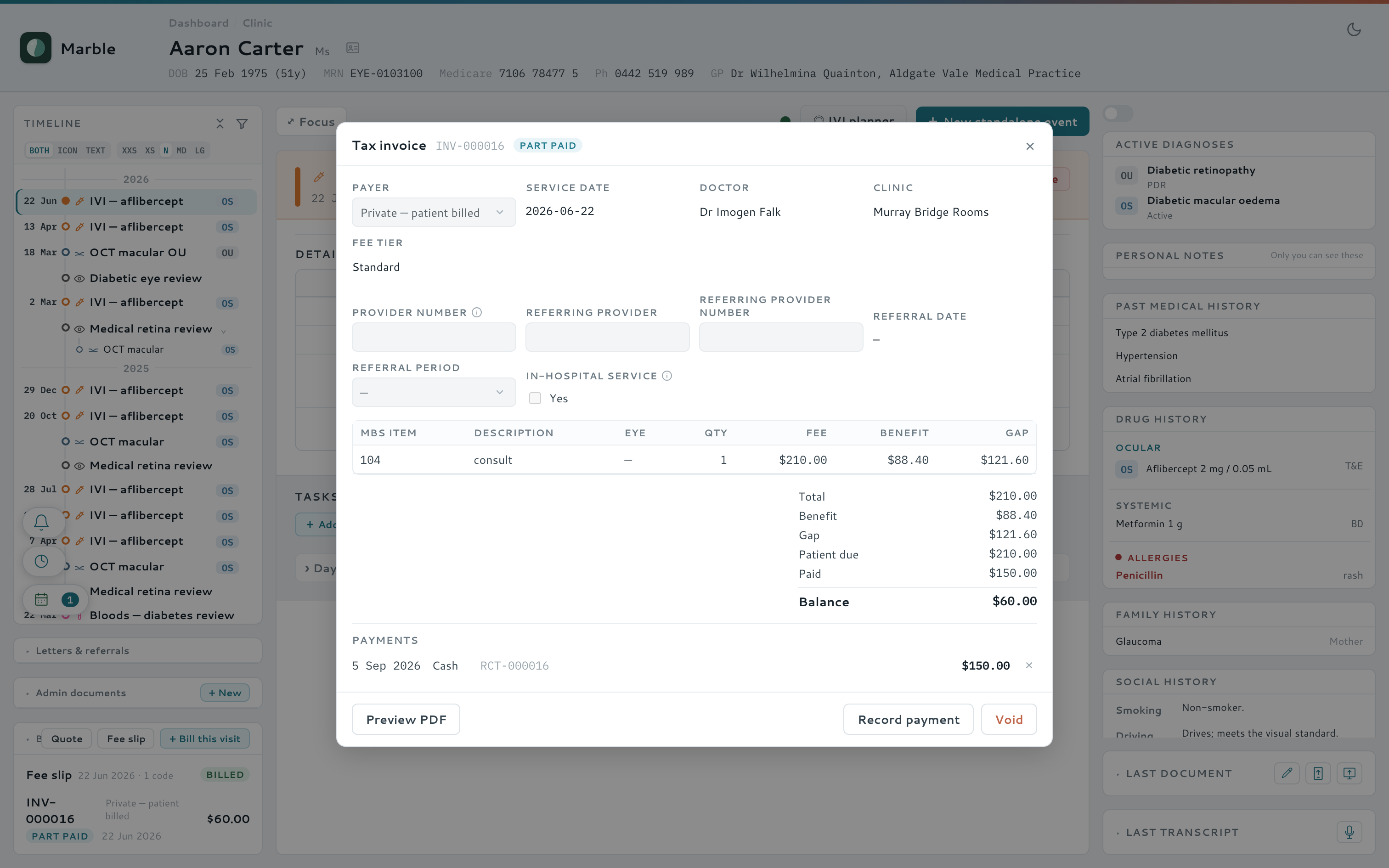
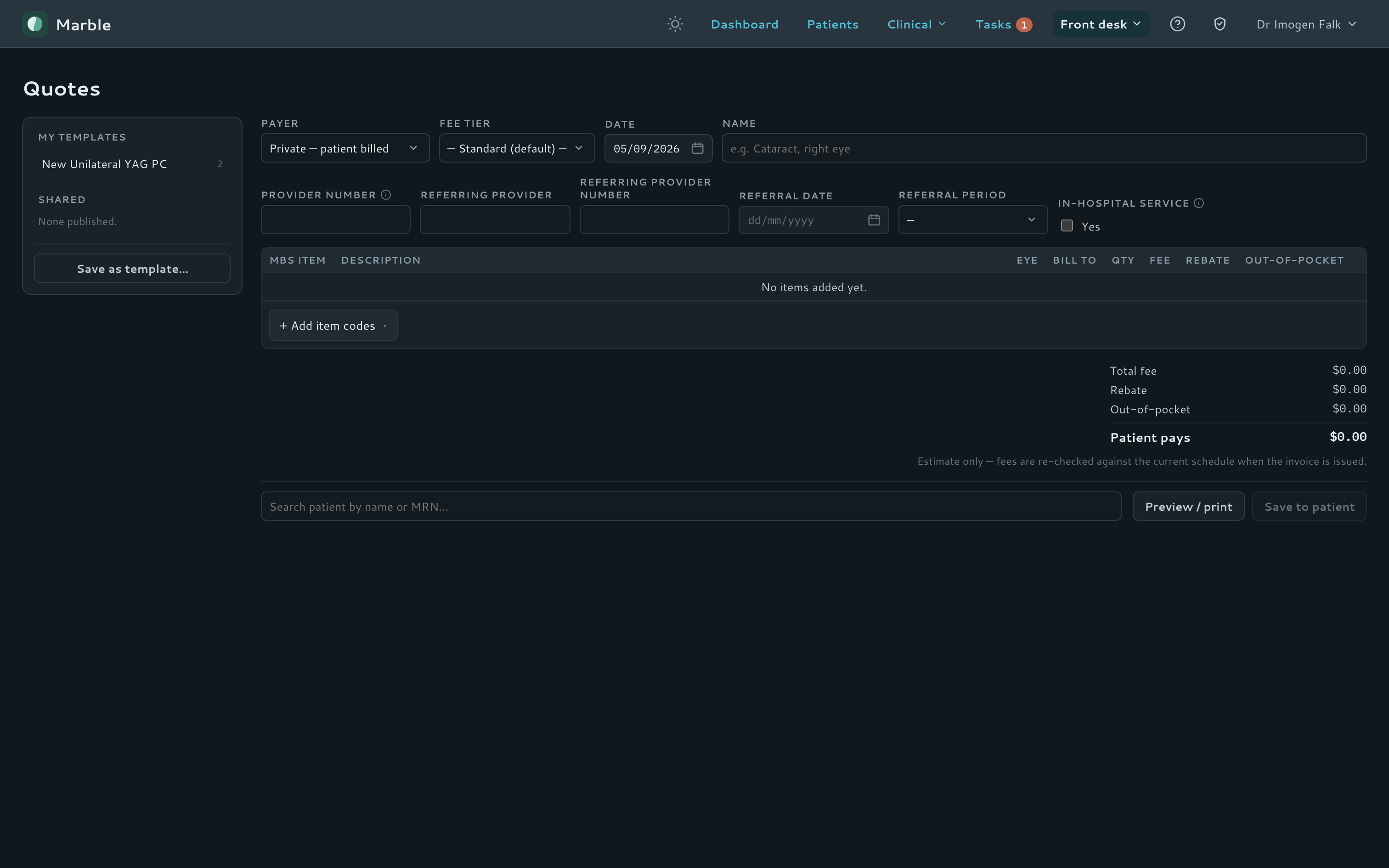
Fee slips are the doctor's own coding sheet — item numbers, which eye, and Fee / Gap / Bulk bill against each line — pre-filled from what the day's visits imply, then handed to reception to become an invoice. The multiple-operation rule tapers automatically, exactly as Medicare does.
- Fee slips reconciled against the day's own visits, with a running patient estimate
- Automatic multiple-operation taper, matching Medicare's own rule
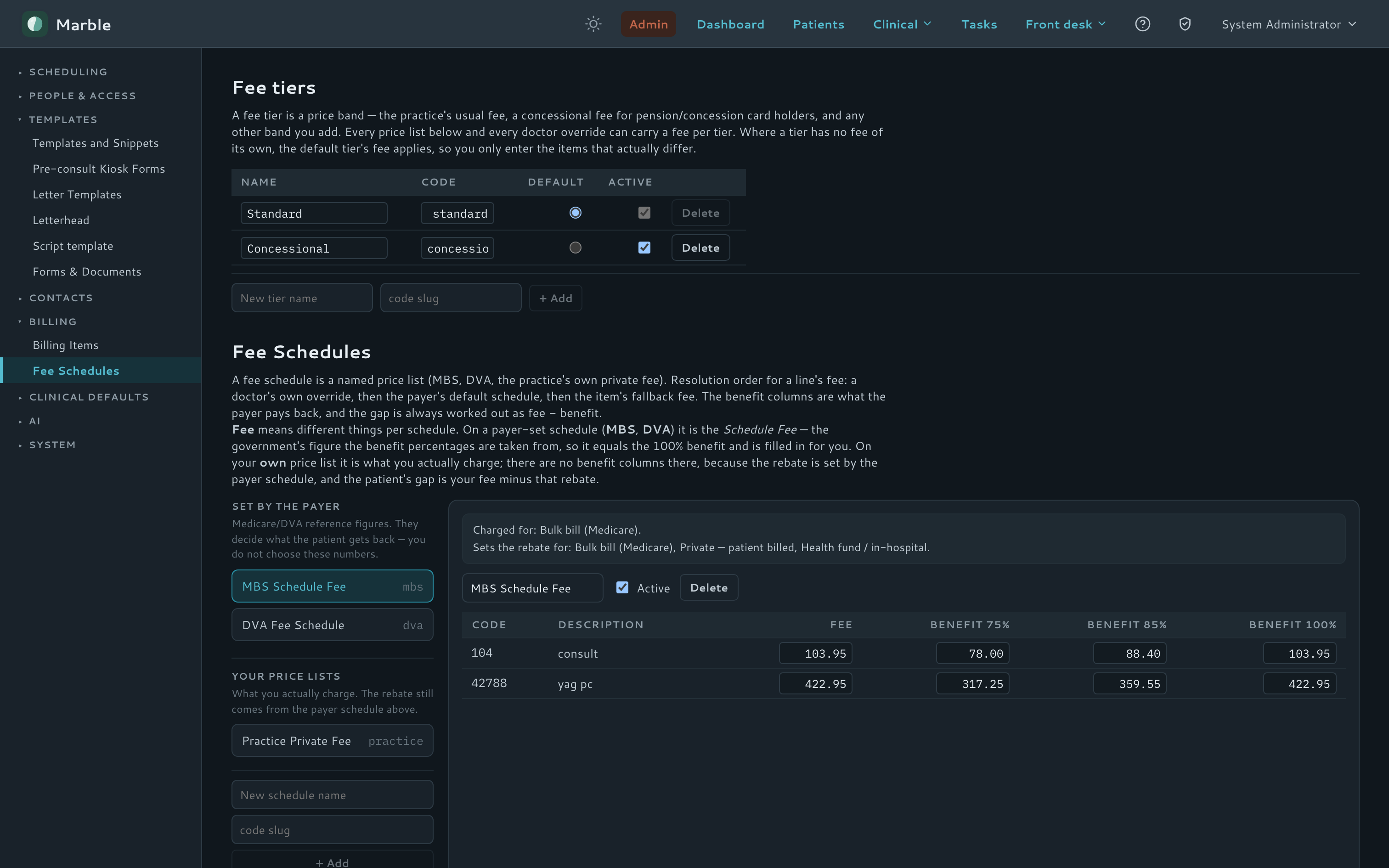
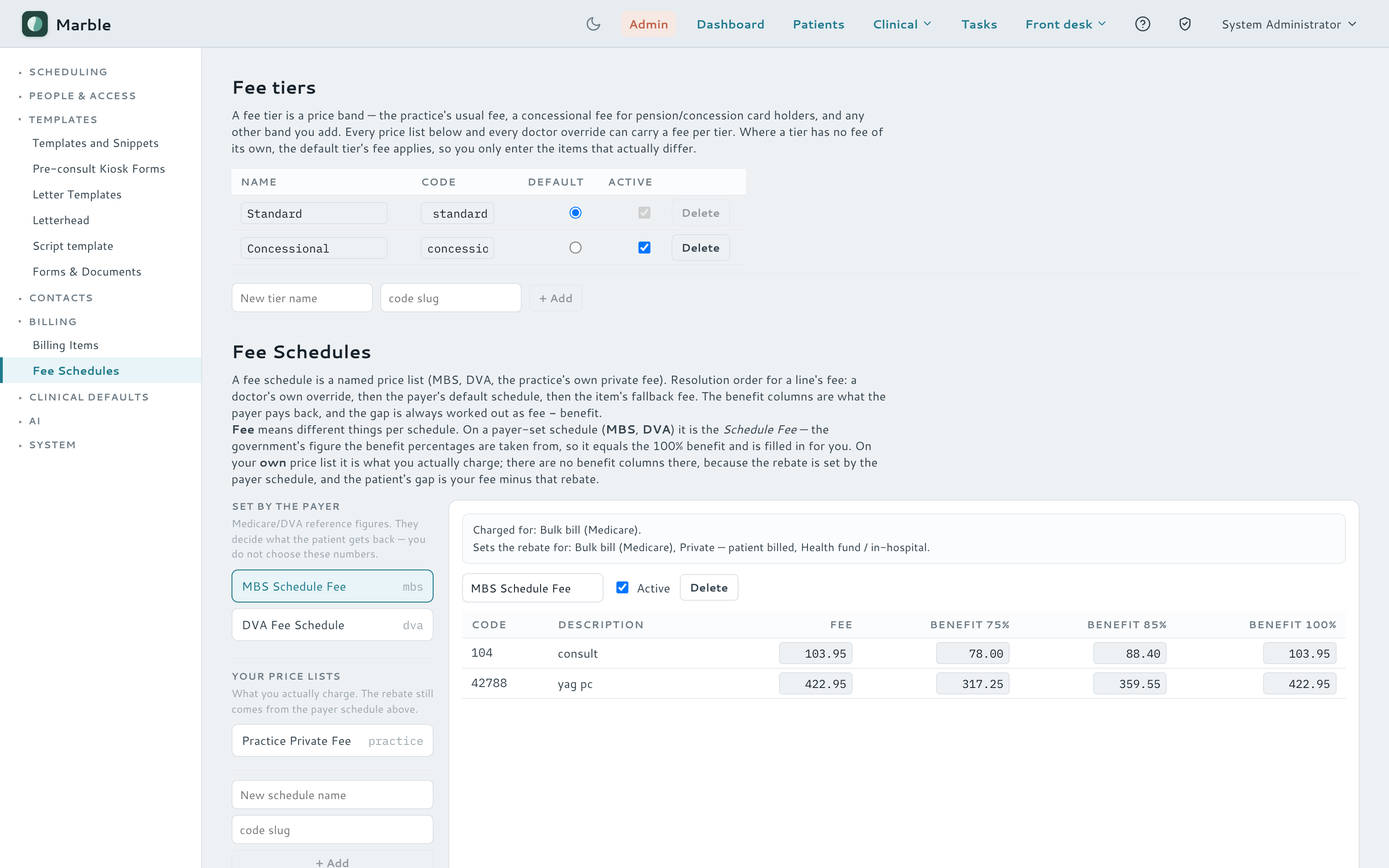
- A quoting sandbox with per-line "bill to", priced with a doctor's own fee overrides
- Draft → issue → paid invoices, an ageing worklist, takings and a plain CSV export
Watch it — fee slip to paid invoice
Fee schedules
Patient fee quote
Documents & intake
Every scan and letter lands in one inbox
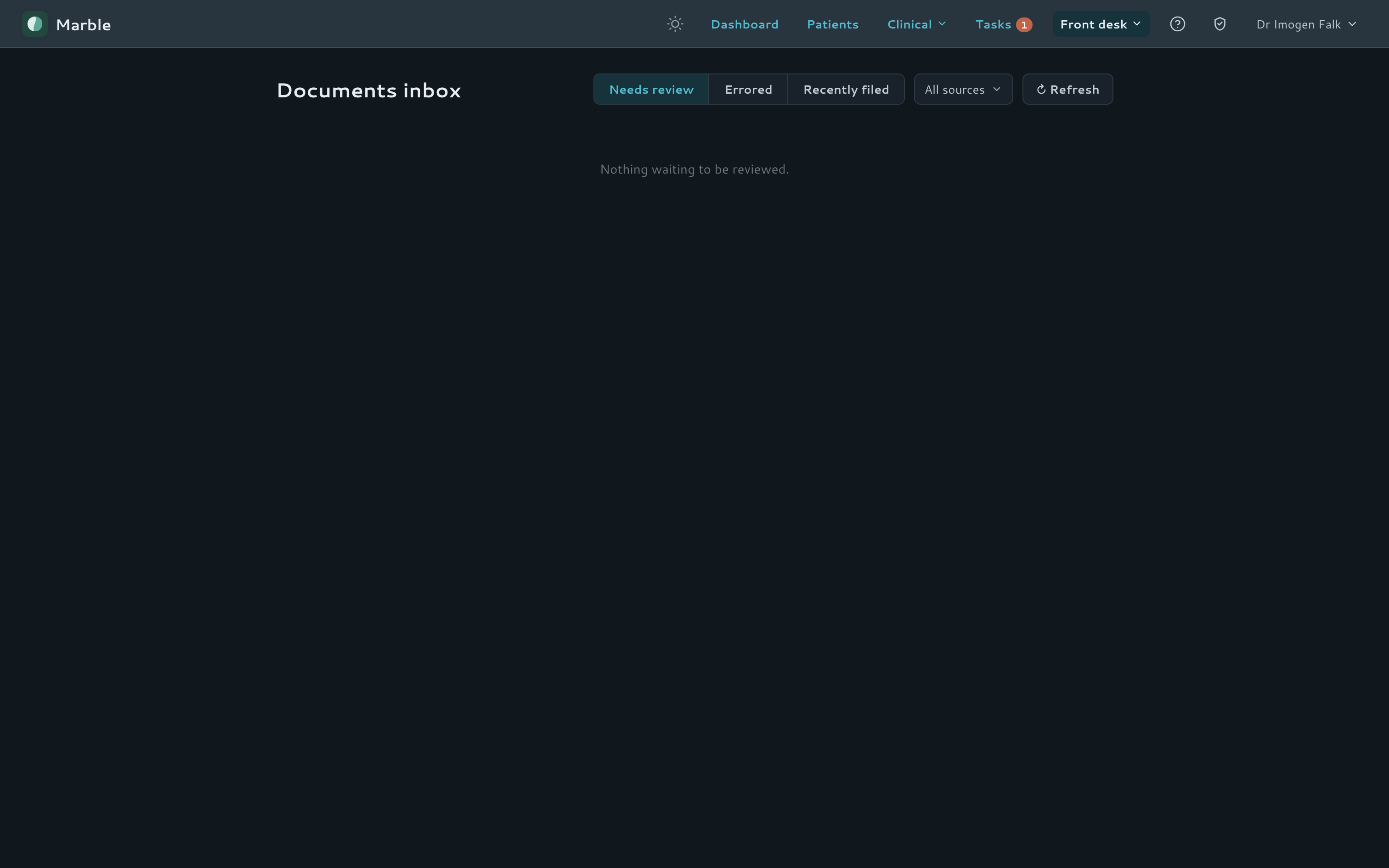
A shared Documents inbox catches anything arriving from outside the practice — a DICOM Storage SCP receives images pushed directly from scanners, and a watched folder or S3 bucket picks up printed and exported PDFs — alongside phone-photo uploads with no app or login.
- Upload by file, phone-photo QR, or direct; typed documents
- DICOM Storage SCP and folder/S3 watcher feed a shared inbox
- One-click suggested-patient matching, with optional AI reading and auto-file
- AI interpretation extracts key values from a scan or field
Adopt at your own pace
Run Marble alongside your current records
You don't have to migrate everything to feel the benefit. Use Marble's fast ophthalmology entry and patient management for the consult, then export the finished note and drop it straight into a paper chart or another EMR — until you're ready to switch fully. No all-or-nothing migration.
Per-event export
Any single visit exports as an A5 or A4 PDF, or as plain text — download or email.
Into paper or another EMR
File the PDF in a paper chart, or paste the plain-text note into your existing system.
Whole-day export
Export a day's notes at once for filing or handover.
Try it yourself
A live Marble you can click through today
A fictional clinic, fictional patients, and one-click sign-in — no password, no setup. It resets fresh every night, so nothing you do can break it. Sending real email is switched off, and AI features share a small daily allowance.
demo.marble-emr.com · fictional patients only · resets every night
Questions? Get in touch
Compliance by design
Built to a compliance baseline you choose
Marble ships a selectable compliance regime — the United States (HIPAA), Australia or the United Kingdom (UK GDPR) — chosen per deployment. Pick a jurisdiction to see how the regime shapes residency, identifiers and breach duties. The controls beneath are shared, jurisdiction-neutral mechanisms.
- Data residency
- Runs in a US AWS region; AI, email and backups stay onshore, with every processor expected to operate under a signed Business Associate Agreement. Provisional — those BAAs must be executed before an installation processes production PHI.
- National identifiers
- SSN, medical record number and insurance member ID — field-encrypted; specified, with some on the roadmap.
- Breach notification
- The audit trail underpins notice to HHS and affected individuals within 60 days — with media notice at 500+ people.
- Record retention
- HIPAA documentation kept six years; medical-record retention follows state law (commonly 6–10 years). Provisional.
- Data residency
- Runs in Sydney (ap-southeast-2); AI, email and backups stay onshore, checked at startup (APP 8).
- National identifiers
- Medicare, IHI and DVA numbers — encrypted field-by-field with AES-256-GCM today.
- Breach notification
- The audit trail underpins reporting under the Notifiable Data Breaches scheme.
- Record retention
- Commonly seven years from the last entry for adults, and until age 25 for minors. Provisional.
- Data residency
- Runs in London (eu-west-2); AI, email and backups stay in-region under UK/EEA transfer rules.
- National identifiers
- NHS number — field-encrypted; specified, on the roadmap for this installation.
- Breach notification
- The audit trail underpins reporting to the ICO within 72 hours, and notifying data subjects where relevant.
- Record retention
- NHS Records Management Code: adults eight years after last treatment, children to age 25–26. Provisional.
residency
In-region data residency
Database, file storage, backups and email stay in the deployment’s jurisdiction — Sydney for Australia, a US region for HIPAA, London for the UK. Patient data never leaves the region.
encryption
Encrypted identifiers
National identifiers — Medicare, IHI and DVA today, with US and UK identifier sets specified and some on the roadmap — are encrypted field-by-field with AES-256-GCM. A raw database dump shows only ciphertext.
access
Least-privilege access
The app connects through a restricted database role behind a fail-closed row-level-security backstop — no authenticated user, no rows.
access · 2FA
Mandatory two-factor
Viewing patient data always requires a second factor — a phishing-resistant WebAuthn passkey or authenticator code. Guessing a clinic’s subdomain is never enough to reach a record.
breach readiness
Immutable audit trail
Every record view and change is written to an append-only, attributed log the application can add to but never rewrite — the evidence base whichever regulator’s notification clock is running.
AI
In-region AI
AI-assisted notes and letters are routed to an in-region model rather than overseas — with cross-region inference profiles called out to the practice as something to weigh, not silently treated as fully within-region.
single-tenant
Isolated per clinic
Each clinic group runs in its own container and database on its own subdomain — no other clinic’s records ever share your instance.
medico-legal
Deliberate retention
Clinical records are soft-deleted, never silently destroyed. Retention and deletion are governed, logged and reversible.
Every clinic group runs in its own isolated instance on its own subdomain. This is a summary of our security posture, not legal advice or certification — identifier-handling and retention obligations are jurisdiction-specific and reviewed with counsel, and some US and UK identifier fields are on the roadmap.
Under the hood
A modern, single-tenant stack
A Vue 3 frontend and a FastAPI backend over PostgreSQL, wired for real-time updates and shipped as a self-contained Docker deployment — one isolated instance per clinic group, with role-based access for admins, doctors, receptionists and technicians.
See Marble in motion
Open the live demo — a fictional clinic, one-click sign-in — and walk through a patient dashboard, timeline and letter workflow.